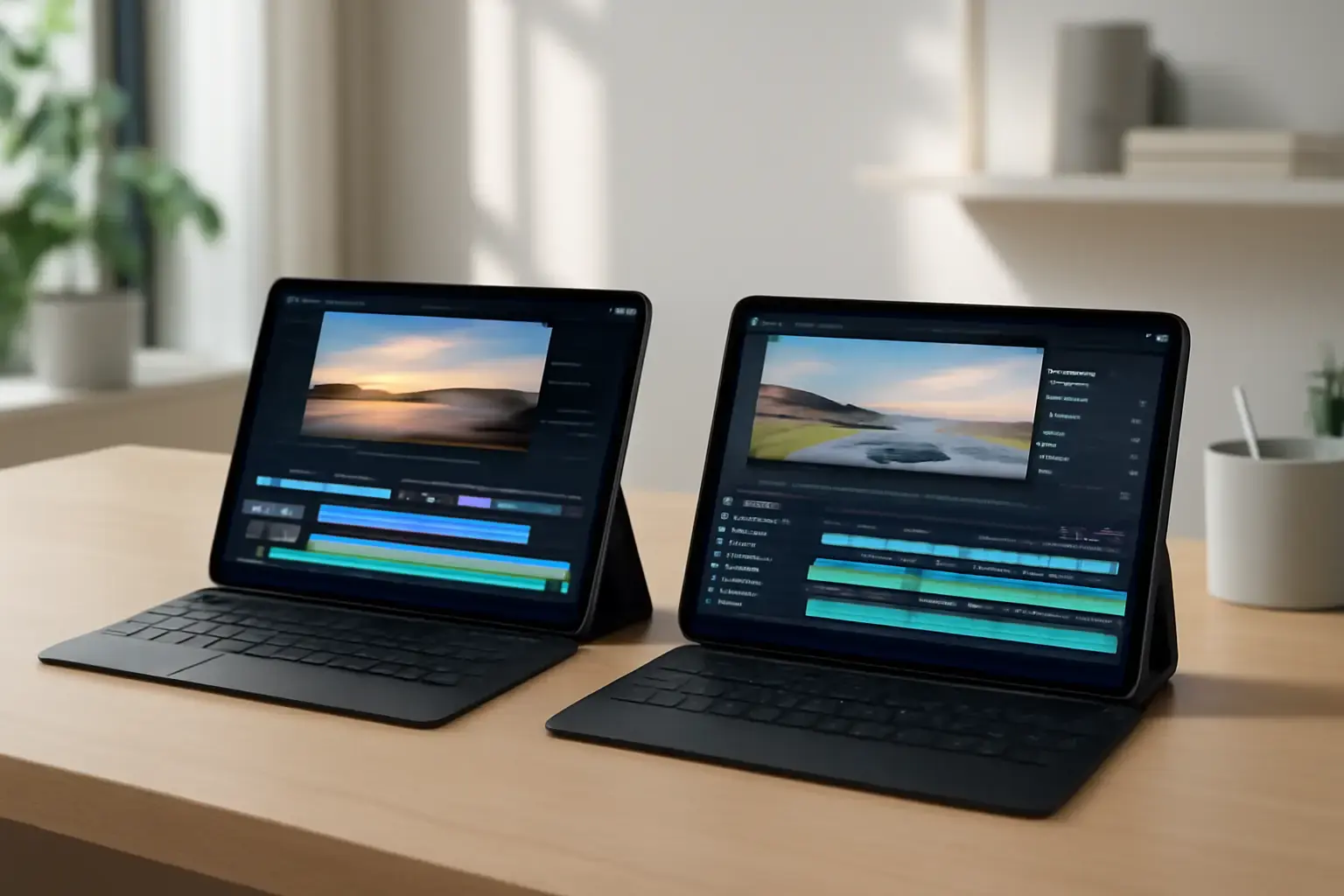
Why Choosing the Right Tablet for Mobile Video Editing in 2026 Matters
With mobile content creation booming, serious video editors increasingly rely on tablets. In 2026, tablets aren’t just consumption devices—they’re powerful mobile editing stations that fit in your backpack. But not every tablet handles video editing workloads equally. The choice between the 2026 Apple iPad Pro and Android alternatives involves far more than specs on paper. To avoid frustration and wasted money, understanding how these devices perform in real-world editing scenarios, the software ecosystems they support, and their genuine portability is critical.
This guide compares the top current-gen tablets aimed at mobile video editors, helping you answer: Which tablet delivers the best combination of performance, app support, and workflow flexibility? Read on to find out why the Apple iPad Pro remains a high bar, and when Android tablets might actually make better sense.
Apple iPad Pro 2026: The Gold Standard for Mobile Video Editing
The 2026 Apple iPad Pro continues to dominate mobile video editing discussions for good reasons. Powered by Apple's latest M3 Pro and M3 Max chips, this tablet offers desktop-grade performance wrapped in a sleek, highly portable chassis. The iPad Pro's ProMotion XDR Liquid Retina display delivers sharp, color-accurate visuals with up to 120Hz refresh rate—a must-have for precise editing and smooth scrubbing through timelines.
Software Ecosystem
The real strength lies in iPadOS. Industry-standard apps like LumaFusion, Adobe Premiere Rush, and DaVinci Resolve provide full-featured, optimized environments for video editing. Apple’s Metal-accelerated workflows ensure that effects and rendering complete far faster than on most Android devices.
Storage and Ports
Configurations up to 2TB combined with ultra-fast NVMe-like SSD storage keep projects loading instantly. Thunderbolt 4/USB4 support allows external SSDs and displays to plug in seamlessly, critical for mobile professionals.
Related reading: Best Tablets for Students in 2026: Real-World Performance and Ecosystem Choices That Matter
Trade-Offs to Consider
Despite its prowess, the iPad Pro is expensive, especially at higher storage tiers. The proprietary Apple Pencil and Magic Keyboard add to costs. Also, iPadOS still has sandboxing restrictions that prevent some file system freedom compared to full laptops or Android tablets.
Android Tablets for Video Editing: Versatile but Fragmented
Android tablets have made great strides, particularly with flagship models from Samsung and Lenovo targeting creators. Devices like the Samsung Galaxy Tab S9 Ultra and the Lenovo Tab P13 Pro 2nd Gen pack AMOLED screens and Snapdragon 8 Gen 3+ or equivalent chipsets promising strong video processing.
Performance and Display
Samsung’s AMOLED panels offer superior contrast and deeper blacks than the iPad's LCD, which can help with grading darker footage. However, their max refresh rates and color accuracy still often lag behind the iPad Pro’s Liquid Retina XDR panel in absolute terms.
App Support
Android's video editing app scene is more fragmented. Popular apps like KineMaster and PowerDirector offer capable editing tools, but they rarely match the professional polish or hardware acceleration efficiency found on iPadOS apps. Adobe Premiere Rush exists on both platforms, but the iPad version benefits from better performance optimization.
USB-C and Expandability
Most high-end Android tablets feature USB-C with DisplayPort Alt Mode and Power Delivery, enabling external monitor output and fast charging. Some even include microSD slots for easy expandable storage—something iPad Pros lack.
Common Limitations
Battery life often trails behind iPad Pro’s endurance, and Android’s OS updates vary by manufacturer, causing inconsistent long-term support for critical editing features and app compatibility.
See also: Best Android Tablets for Work and Entertainment in 2026: Which Ones Deliver Real Value?
Key Considerations When Choosing Your Mobile Video Editing Tablet
Choosing between Apple iPad Pro and Android tablets for video editing depends on your priorities and workflow preferences. Here are the most vital factors to weigh:
- Performance Needs: Do you edit 4K/6K raw footage with effects, or primarily do quick edits and social clips? Heavy editing favors iPad Pro’s M3 chips.
- Software Ecosystem: Are you invested in apps like LumaFusion or Adobe Premiere Pro workflows? iPadOS currently provides more mature, professional-grade video editing apps.
- Budget: Android alternatives can be substantially cheaper, especially if you’re OK with some compromise on app ecosystem or peak performance.
- Portability and Expandability: Need microSD slots or USB-C ports for direct storage expansion? This is where Android shines.
- Longevity and Software Updates: Apple provides years of OS and app stability, a major plus when investing in an expensive tablet.
Practical Buyer’s Checklist for Mobile Video Editing Tablets in 2026
- Assess your editing resolution and codec requirements. For high-end ProRes or RAW workflows, prioritize raw power and hardware acceleration.
- Evaluate your preferred video editing apps for each platform. Check feature parity, update frequency, and community support.
- Confirm screen quality: color gamut coverage (DCI-P3), brightness levels (XDR capability), and refresh rate.
- Check connectivity options—Thunderbolt 4 for iPad Pro or USB-C with video out for Android devices.
- Consider accessory ecosystem: Apple Pencil vs Android stylus support, keyboard options for workflow productivity.
- Review battery life under typical editing workloads. Look for real user reports rather than manufacturer claims.
- Factor in long-term software update policies and manufacturer support.
- Decide on storage capacity keeping in mind video files consume gigabytes rapidly.
Internal Resources to Help Your Tablet Decision
For readers still deciding between iPad and Android tablets beyond video editing, these related guides will be useful:
- iPad vs Android Tablets for Mobile Video Editing: Which Delivers Better Performance and App Support?
- Best Android Tablets for Casual Gaming and Media in 2026: Performance and Battery Life Compared
- iPad vs Android Tablet for Work and Study: Which Is Better in 2026?
Final Recommendation: Which Tablet Should Mobile Video Editors Choose in 2026?
For professional mobile video editors prioritizing seamless app support, unmatched performance, and years of OS stability, the Apple iPad Pro 2026 remains the unequivocal top pick. Its M3-series chips and refined editing ecosystem justify the premium, especially for 4K+ workflows and color-critical projects.
However, budget-conscious creators or those who value expandable storage, USB-C versatility, and AMOLED displays should seriously consider flagship Android tablets like the Samsung Galaxy Tab S9 Ultra. They deliver solid editing performance for most casual to semi-pro needs, with the added bonus of greater connectivity and customization.
Ultimately, the choice boils down to whether you want the best-in-class editing experience with premium cost (choose iPad Pro) or a flexible, capable alternative that balances price and power (choose select Android tablets). Avoid mid-tier generic tablets marketed as video editing machines—they often lack the GPU acceleration or app support needed for smooth real-world editing.
With this nuanced understanding, you can confidently pick the 2026 tablet that fits your video editing ambitions, budget, and daily workflow.