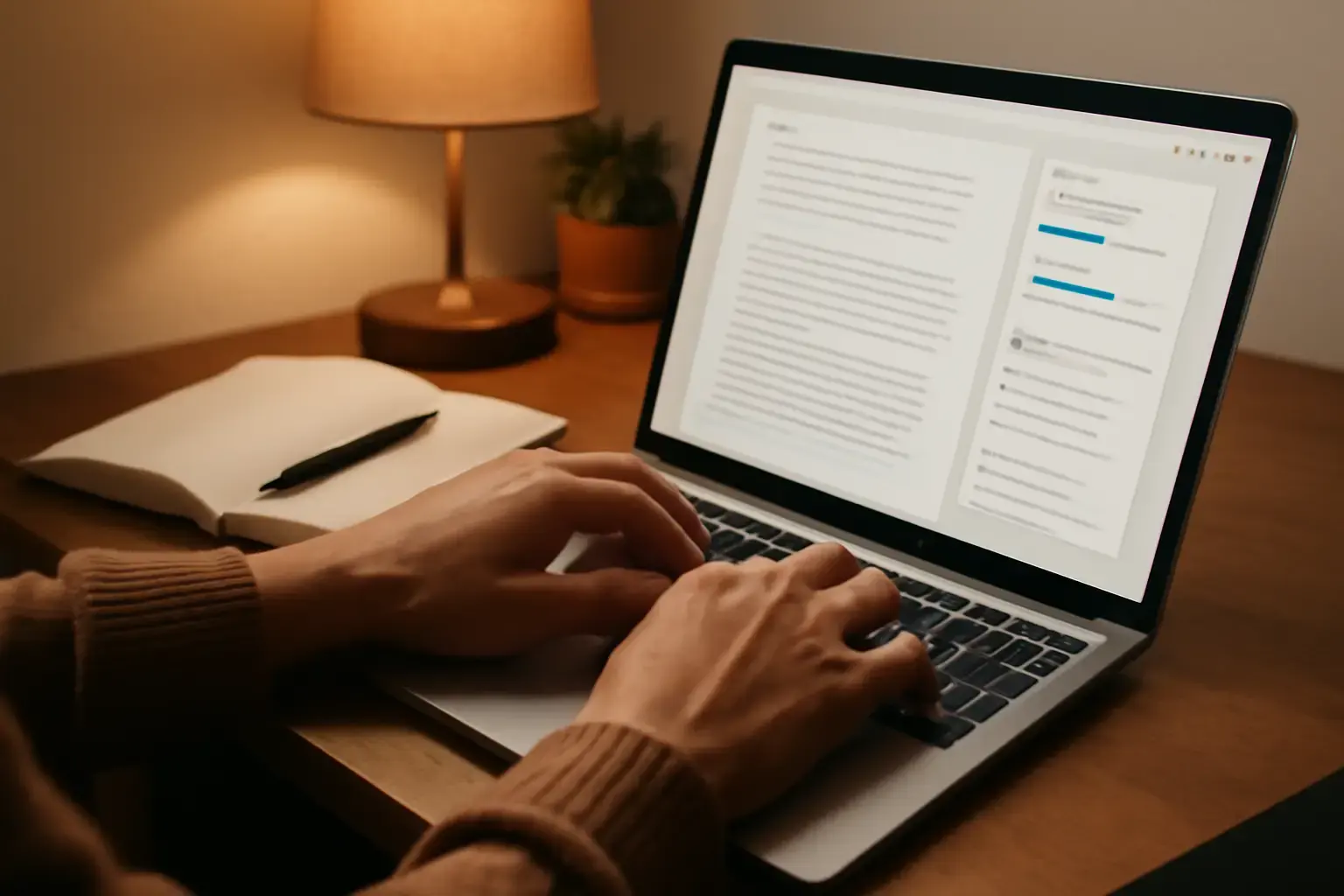
Why AI Typing Assistants Are Becoming Essential for Writers
Writers aiming to increase their words per minute (WPM) often face a dilemma: speed up and risk sacrificing clarity or quality, or keep accuracy and sacrifice momentum. AI-powered typing assistants are changing that calculus by offering real-time suggestions, error detection, and phrasing improvements that help maintain or even enhance text quality while accelerating the typing process.
Unlike traditional autocorrect or grammar checkers, modern AI typing assistants leverage large language models to understand context and intent, thereby providing smarter completions, inline phrase corrections, and stylistic suggestions tailored to your writing voice. For writers juggling deadlines, AI tools can streamline the drafting stage, allowing you to focus more on creative flow and less on mechanical typing errors or awkward phrasing.
Related reading: Best Online Typing Trainer Programs That Help Developers Master Programming Symbols Without Slowing Down
Top AI Typing Assistants for Writers in 2026: Who Should Use What
Choosing the right AI typing assistant depends heavily on your specific writing needs, device ecosystem, and how much control you want over the editing process. Here are three standout options each with a different editorial angle:
- Grammarly Go: Best for writers seeking seamless integration with browsers and word processors. It offers contextual suggestions that improve grammar, tone, and clarity as you type. Grammarly Go supports multiple language variants and adapts to personal style but can sometimes over-suggest formal phrasing, which might not suit casual writers.
- Microsoft Editor with AI: Ideal for writers embedded in the Office 365 environment, it combines AI-powered predictions with robust grammar checking and readability scoring. It supports real-time collaboration and works well on Windows and Mac laptops but is less flexible for standalone use outside Microsoft apps.
- WriteSonic’s Chat Writer: A versatile AI that helps generate ideas, restructure sentences, and complete paragraphs from partial input. This tool is perfect for creative writers and marketers who want to speed up content ideation while preserving their unique voice. However, it demands careful review, as AI-generated text can occasionally introduce inaccuracies or clichés.
Crucial Trade-Offs: Speed Gains vs Maintaining Personal Style and Quality
While AI typing assistants can boost your wpm noticeably, relying too heavily on their suggestions risks diluting your writing style or inadvertently introducing errors. Here’s what matters most:
- Personal style preservation: Many AI tools offer style tuning or tone settings. Experiment with these to ensure suggestions complement rather than overwrite your voice.
- Context awareness limitations: No AI is perfect. When writing specialized content, technical text, or creative work, double-check AI completions for relevance and correctness.
- Over-correction risk: Some tools tend to enforce formal or generic phrasing. Writers targeting informal or niche audiences should be cautious not to lose authenticity.
- Privacy and data use: AI typing assistants often process your text on remote servers, raising concerns about sensitive content exposure. Confirm each tool’s privacy policy fits your security needs.
How to Integrate AI-Assisted Typing into Your Workflow Without Slowing Down
Maximize writing speed improvements from AI typing assistants by adopting the following practical workflow strategies:
See also: How Remote Workers Can Use Text Expansion Tools to Speed Up Email and Report Writing Without Errors
- Use AI suggestions as guides, not commands: Train yourself to quickly skim suggestions and accept only those that improve clarity or flow without overriding your style.
- Customize your AI assistant’s settings: Adjust tone, vocabulary complexity, and formality filters to suit your target audience and writing context.
- Leverage shorthand and snippet expansion: Pair AI typing tools with text expansion apps to automate repetitive phrases, speeding up typing without quality loss.
- Practice with dedicated typing trainer apps: To keep up your baseline typing speed and accuracy, use specialized training programs that help you master keyboard layout and reduce errors — especially useful alongside AI assistance. See our guide on best touch typing apps for writers.
- Review drafts mindfully: Don’t skip manual proofreading. AI can speed up typing, but final quality depends on your review and editing.
Common Mistakes When Using AI Typing Assistants
Many writers fall into traps that undermine the benefits of AI typing tools:
- Overdependence: Accepting every AI suggestion without critical evaluation leads to generic or inaccurate text.
- Ignoring privacy settings: Using AI assistants for sensitive documents without verifying data handling can cause security risks.
- Neglecting foundational typing skills: Relying solely on AI assistance can make your typing slower when offline or without AI support.
- Choosing tools incompatible with your platform: Some AI typing assistants work best within specific apps or browsers; ignoring this can cause workflow disruption.
Familiarize yourself with these pitfalls to make smarter choices in AI typing tools and workflows.
Summary: Which AI Typing Assistant Fits Your Writing Style and Goals?
AI-powered typing assistants are a for writers who want to increase typing speed without compromising text quality. However, the right tool depends on your device ecosystem, writing style, and how much intervention you want from AI suggestions. Grammarly Go offers polished grammar and clarity improvements for general writing, Microsoft Editor suits Office-first users, and WriteSonic’s Chat Writer is great for creative ideation.
You may also like: Best AI Tools for Productivity Without Adding More Busywork 🤖⌨️
To get the most from these tools, maintain strong typing fundamentals, customize AI settings to fit your style, and critically review AI-generated text. Avoid overreliance and privacy risks by choosing AI assistants aligned with your real-world writing scenarios and security needs.
For deeper tips on leveraging AI typing assistants effectively, check our in-depth guide Best Ways to Use AI-Powered Typing Assistants to Improve Writing Speed Without Losing Personal Style.
One useful way to judge Best AI-Powered Typing Assistants That Help Writers Speed Up Without Sacrificing Text Quality is to compare how it behaves during repeated daily use rather than during a single quick test.