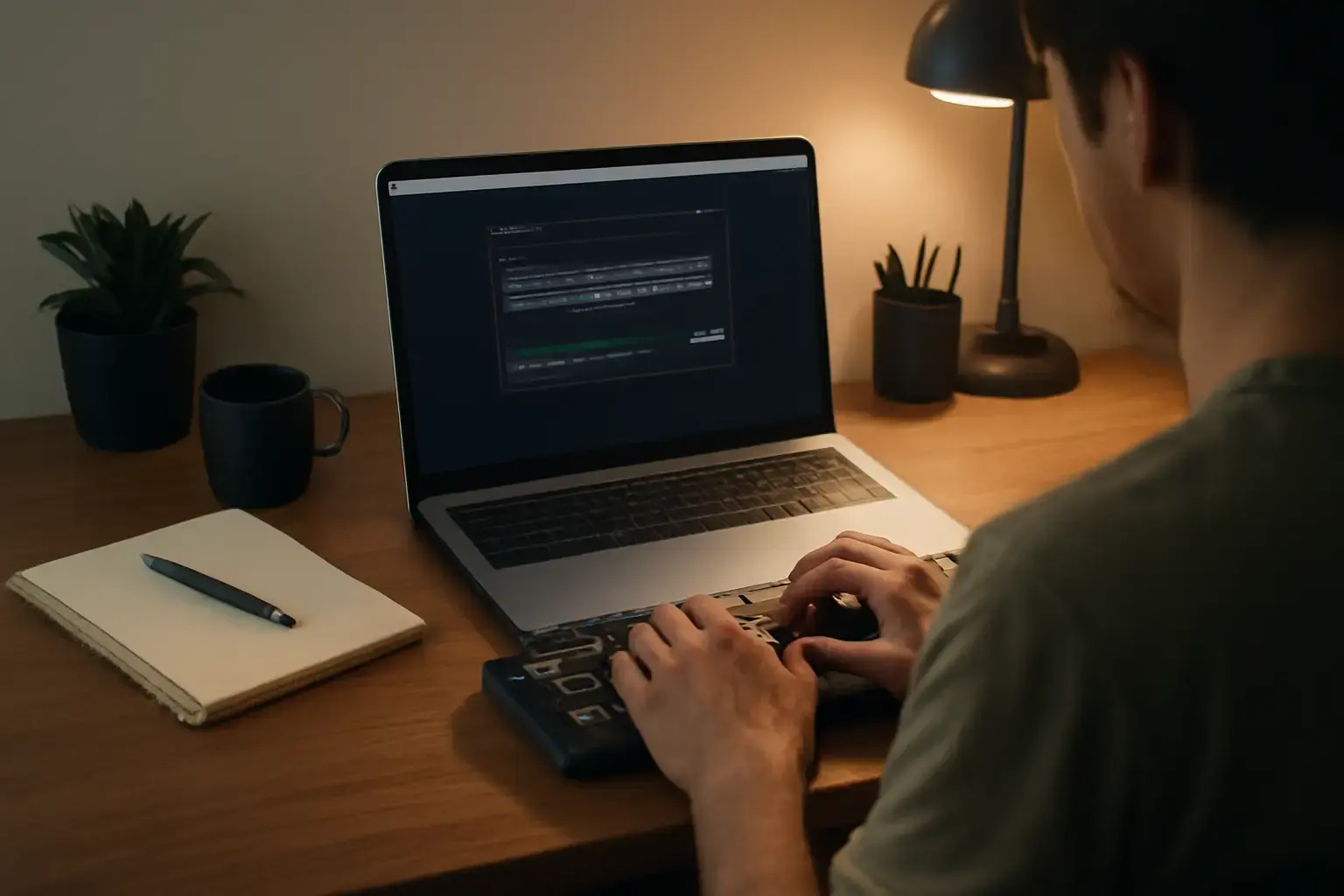
Why Remote Workers Need Specialized Typing Trainer Apps
Remote workers often face a frustrating paradox: they need to improve typing speed and accuracy to handle emails, chat, reports, and code faster but have very limited daily time to dedicate to practice. Unlike students or office workers who might block half an hour or more daily, remote workers juggling meetings, family, or other tasks usually can spare only 10 to 20 minutes. This makes typical typing courses, which often assume longer daily sessions, impractical.
Choosing a typing trainer app optimized for short, focused practice sessions is critical. The right app can boost your words per minute (WPM) efficiently, maintain motivation, and fit seamlessly into busy schedules.
Related reading: Best Online Typing Trainer Games for Students Who Need Fun and Effective Practice to Boost WPM
Before we dive into the best apps for 2026, note that your choice depends on your current skill level, device, and preferred practice focus — whether general speed, accuracy, or developer-friendly symbol mastery.
Top Typing Trainer Apps Tailored for Remote Workers with Limited Practice Time
Here are the leading typing apps that stand out in 2026 for remote workers pressed for time but serious about improving typing speed:
- TypingClub: Offers modular lessons with customized pacing. TypingClub’s adaptive system quickly identifies weak spots to focus practice efficiently. The web-based platform requires no installation and syncs across devices, perfect for short sessions spread throughout the day.
- Keybr: Prioritizes randomized, statistically generated exercises that simulate natural typing patterns. Keybr’s minimal design reduces distractions and has an effective 10-minute session ideal for remote workers who want quick, impactful practice.
- 10FastFingers Typing Test & Trainer: Blends timed speed tests with targeted drills. Its gamified approach appeals to competitive remote workers who want to measure progress in real time. It’s lightweight and mobile-friendly, so you can practice even on your phone during breaks.
- Ratatype: Provides multilingual typing courses with a clean interface. Its strength is that it segments practice into manageable chunks, allowing remote workers to slot short 15-minute sessions into their schedules without feeling overwhelmed.
- TypeLit.io: Unique for practicing with real texts and literature passages instead of random words. TypeLit is ideal for writers and remote knowledge workers wanting to improve speed while also enhancing reading and typing flow in meaningful content, making 10-15 minutes of practice feel less tedious.
How to Choose the Best Typing Trainer App for Your Busy Remote Work Life
The “best” app hinges on a few key criteria particularly relevant to remote workers with little practice time:
See also: Best Typing Apps for Writers Struggling to Maintain Speed and Accuracy in Long Sessions
- Practice Session Lengths: Look for apps that offer micro-lessons, ideally under 20 minutes, that can fit into your workflow without fatigue.
- Progress Tracking and Motivation: Since practice time is limited, you need clear, motivating feedback showing real improvement in WPM and accuracy, to stay committed.
- Device Compatibility and Accessibility: Many remote workers switch between laptop, tablet, and phone. Web-based or cross-platform apps that sync progress are preferable.
- Customization and Focus: Pick an app that allows you to focus on your weak points, whether that’s specific letters, punctuation, or special characters. Random drills waste precious time.
- Simplicity vs Features: Avoid apps overloaded with features or complex interfaces. The goal is effective practice, not distractions.
Common Mistakes Remote Workers Make Using Typing Trainer Apps
Even with the right app, your WPM improvement can stall if you fall into these traps:
- Inconsistent Practice: Practicing sporadically or skipping days dilutes gains. Even 10 minutes daily beats 60 minutes once a week.
- Ignoring Accuracy in Favor of Speed: Prioritizing speed too early leads to ingrained errors that slow you down later. Balanced practice with accuracy focus is essential.
- Choosing Non-Adaptive Apps: One-size-fits-all exercises waste your limited time on mastered skills, delaying progress.
- Failing to Set Realistic Goals: Unrealistic targets demotivate and cause burnout. Start small and gradually increase difficulty.
- Neglecting Ergonomics: Poor typing posture or unsuitable keyboards can cause fatigue, cutting practice short. Ensure your setup supports comfortable typing, even in short sessions.
Practical Setup Tips to Maximize Your Typing Practice Efficiency
To get the most out of the best typing trainer apps with limited time, optimize your environment and workflow:
- Schedule Fixed Practice Times: Reserve consistent 10-20 minute slots, such as morning or lunch breaks, to build a habit.
- Use External Keyboards When Possible: On tablets or laptops, external keyboards with good tactile feedback speed training and reduce strain.
- Disable Distractions: Turn off notifications and close unrelated tabs during practice to maintain focus.
- Track Metrics Regularly: Export or screenshot your typing test results weekly to review progress beyond the app’s interface.
- Combine Typing Practice with Real Work: Use apps like TypeLit.io to practice with text formats akin to your remote work documents.
For remote workers who want a detailed app comparison with more guidance, see our in-depth report Choosing the Best Typing Trainer Apps for Remote Workers Who Need to Boost WPM Without Spending More Than 20 Minutes Daily.
You may also like: Best Typing Trainer Apps for Developers Who Need to Master Programming Symbols and Increase Coding Speed in 2026
Conclusion: Which Typing Trainer App Is Right for You in 2026?
If your remote work schedule limits your typing practice to 10-20 minutes daily, invest in a typing trainer app that matches that reality rather than forcing long sessions. TypingClub and Keybr are top picks for adaptive, bite-sized lessons that accelerate speed without frustration. For workers who prefer gamified speed challenges or real-text practice, 10FastFingers and TypeLit.io deliver engaging alternatives that keep motivation high.
Avoid apps promising quick fixes or those lacking progress tracking—they waste your precious practice time. Remember, consistent, focused practice with balanced speed and accuracy is the real key to improving WPM as a busy remote worker.
Start small. Pick a trainer app today that suits your device and practice window. With patience and the right tools, you’ll see noticeable typing speed gains — even if you only train in short daily bursts.