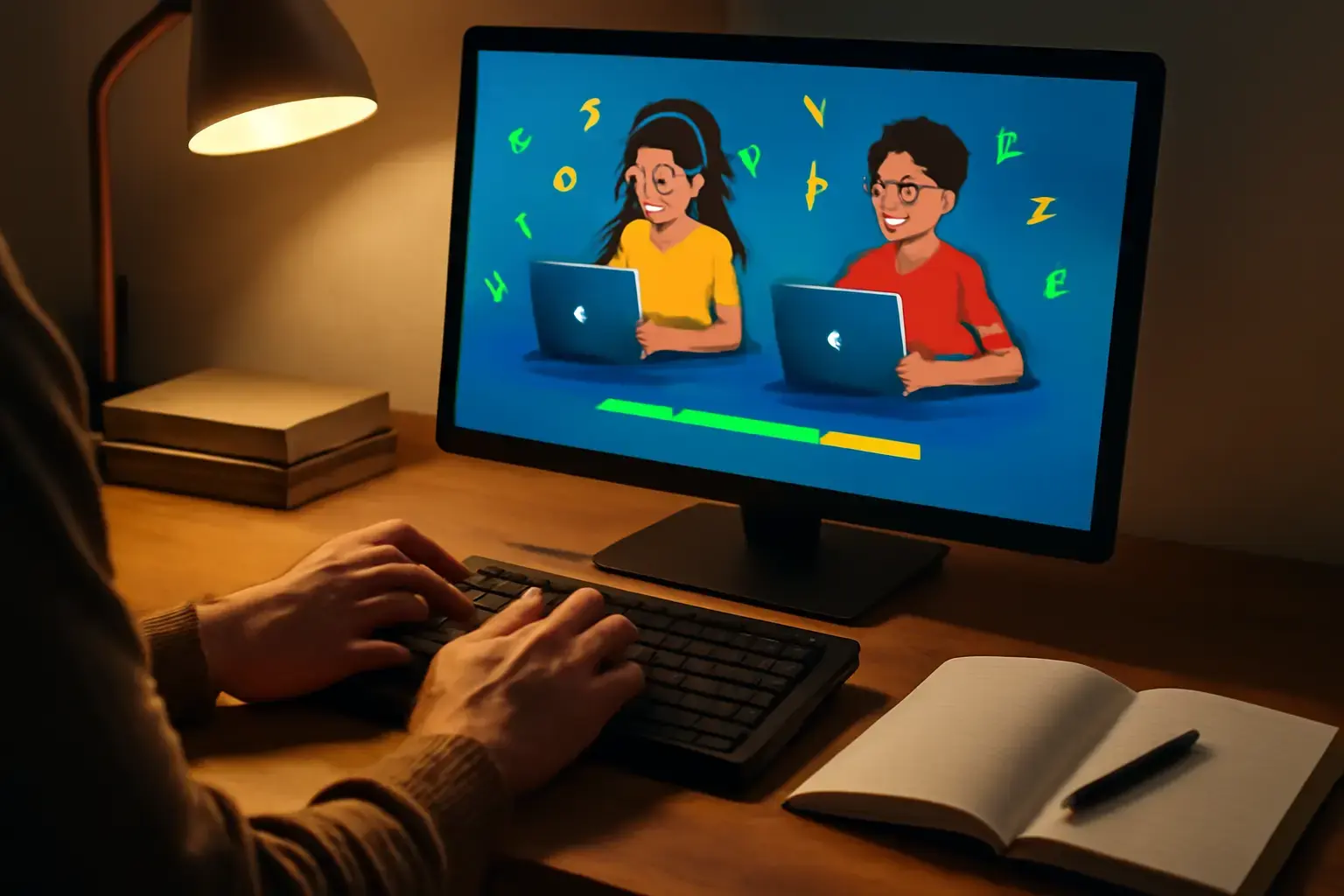
Why Fun Matters in Typing Trainers for Students
Students often struggle with traditional typing practices that feel repetitive and dull, causing motivation to plummet. Online typing trainer games combine learning with play, which helps maintain engagement over time — a critical factor for consistent WPM improvement. The key is balancing effective typing drills with interactive, game-like elements that reward progress and adapt to skill levels.
Before diving into product comparisons, understand that the best typing games for students do more than entertain. They focus on accuracy, speed, and gradual difficulty increase, offering meaningful feedback that students can act on. They also fit into school schedules by allowing short, controlled practice sessions.
Top Online Typing Trainer Games That Actually Boost WPM
We’ve filtered options around three criteria: engaging gameplay, real-time accuracy/speed feedback, and adaptability for various skill levels. Here are the standouts currently available:
Related reading: Best Typing Trainer Apps for Developers Who Need to Master Programming Symbols and Increase Coding Speed in 2026
- TypeRacer: This competitive racing game challenges students to type passages quickly and accurately against human opponents online. Its real-time leaderboard sparks motivation through competition but may overwhelm absolute beginners who require gentler pacing.
- Nitro Type: Similar to TypeRacer but with more colorful graphics and a broader range of race modes, Nitro Type excels at keeping younger students interested. It features detailed stats tracking and rewards for improvement but requires a stable internet connection and an account setup.
- Keybr: While less game-like, Keybr uses algorithmically generated random words that mimic natural letter combinations, helping students build muscle memory effectively. Its clean interface and progress charts make it a solid choice for learners who want distraction-free practice with some gamification elements like levels and streaks.
- TypingClub: This platform blends structured lessons with gamified elements such as badges and stars. It’s excellent for classrooms because it supports teacher dashboards and progress monitoring. The game elements are mild but well-integrated into a solid curriculum format.
- Typing Attack: A shooter-style game where students fend off invading ships by typing words correctly and fast. It’s immersive and helps improve reaction time under pressure, though it might be too intense for students who need to focus on accuracy first.
Choosing the Right Typing Game Based on Student Needs
Different students have different learning styles and goals, so no single typing game fits all. Here’s how to select an option wisely:
- For beginners or younger students: Look for games with simple, colorful interfaces and gentle difficulty curves. Nitro Type and TypingClub excel here by combining encouragement with manageable challenges.
- For students who thrive on competition: TypeRacer is unbeatable for real-time head-to-head races, driving fast improvement through motivation.
- For accuracy-focused learners: Keybr’s methodical approach helps build solid foundational skills without pressure, ideal when accuracy lags behind speed.
- For classrooms or group practice: TypingClub’s teacher tools and structured lesson plans allow easy monitoring and assignment customization.
- For students who want immersive gameplay: Typing Attack and other action-based trainers turn speed drills into engaging challenges, but be cautious if students get frustrated by mistakes.
Common Mistakes When Choosing Typing Trainer Games
Many parents and educators pick typing games based on flashy visuals or popularity rather than educational value. Beware of these pitfalls:
- Ignoring Adaptation: Games that don’t adjust difficulty frustrate struggling learners and bore fast typists.
- Focusing Only on Speed: Prioritizing raw WPM without attention to accuracy leads to bad habits and slower long-term progress.
- Overlooking Feedback Quality: Games that don’t highlight errors or provide improvement tips miss a chance to guide students effectively.
- Choosing Complex Setup: Platforms requiring excessive registration, payment, or unstable internet limit access for many students.
How to Integrate Typing Games into a Student’s Practice Routine
Consistency trumps intensity when improving typing speed and accuracy. Encourage students to use typing games in brief, daily sessions of 10–20 minutes, mixing different styles to keep skills balanced. For example:
- Warm up with Keybr for 5 minutes focusing on accuracy.
- Play 10-minute Nitro Type races to boost speed and engagement.
- Review progress stats and error patterns in TypingClub lessons.
This varied approach prevents burnout and promotes comprehensive skill development.
See also: Best Touch Typing Apps for Writers Who Want to Increase Speed Without Sacrificing Accuracy
For more advice on typing trainers tailored to different needs, see our guide on selecting typing trainer apps for remote workers and the best online typing trainers for accuracy improvement under time pressure.
Final Recommendation: Fun and Effective Typing Practice Tailored for Students
If you’re a parent or teacher deciding on a typing trainer game, pick Nitro Type or TypingClub if you want strong engagement combined with solid learning frameworks. For serious skill-building with less distraction, Keybr is your go-to. Competitive students benefit most from TypeRacer’s real-time challenges, but beginners should start slow to build accuracy first. Avoid games that focus only on speed without guidance, as they risk ingraining errors.
Above all, make typing practice fun but purposeful — that’s the only way students will sustain their effort and see meaningful WPM gains.
One useful way to judge Best Online Typing Trainer Games for Students Who Need Fun and Effective Practice to Boost WPM is to compare how it behaves during repeated daily use rather than during a single quick test.
You may also like: Best Typing Apps for Students with Dyslexia: Improving Accuracy Without Frustration
Long-term value usually becomes clearer when you look at comfort, setup friction, reliability, and how naturally the choice fits existing habits.
Small annoyances matter more than people expect, especially when the same task repeats many times across a normal week.
A practical recommendation should reflect real usage patterns instead of relying only on headline features or marketing language.
The better option is often the one that stays simple, predictable, and easy to live with after the first impression fades.