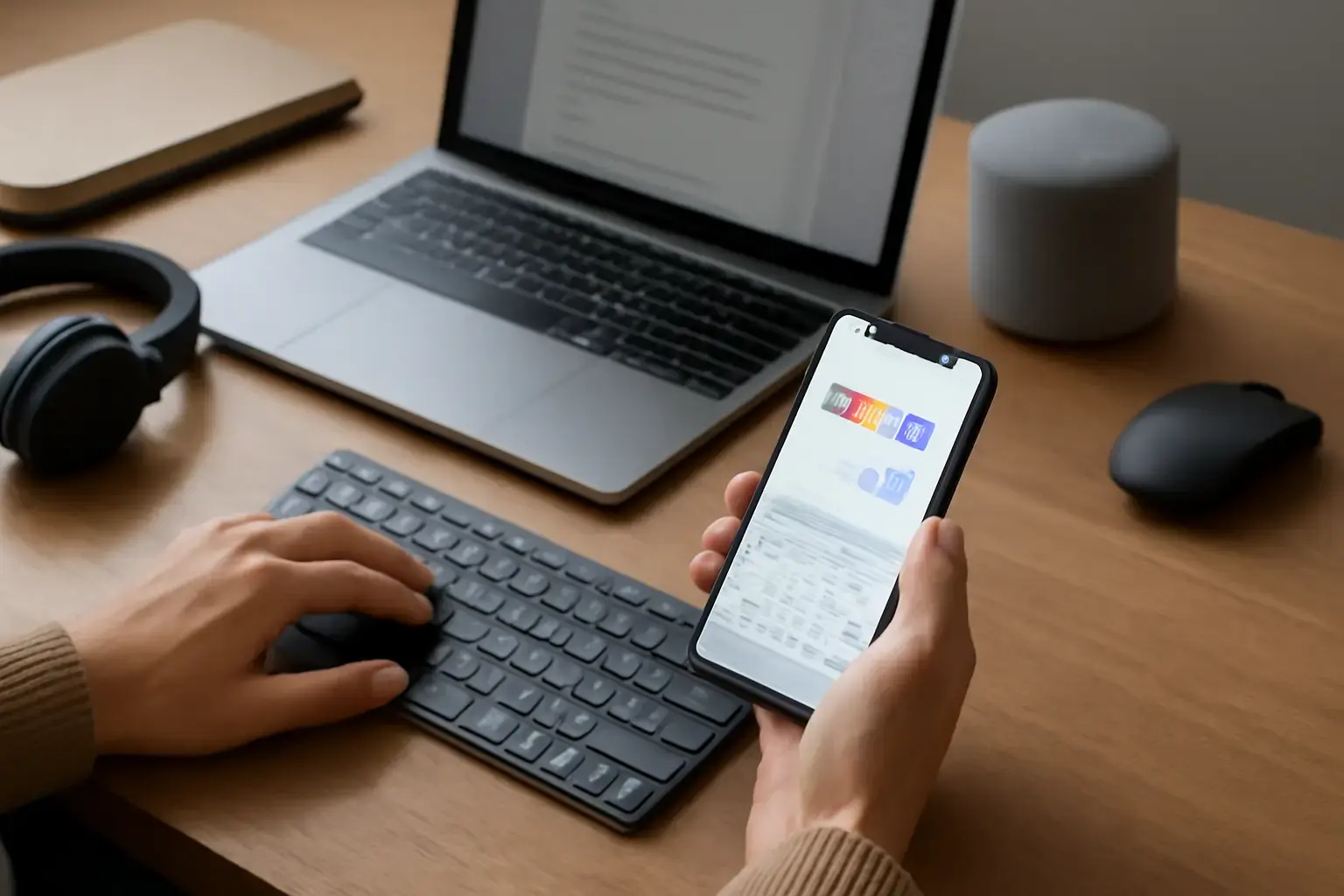
Why Instant Language Switching Matters for Multilingual Typing
If you type in multiple languages regularly, switching keyboards or layouts is a frequent necessity, not a rare option. Every moment you spend toggling between languages, waiting for layouts to load, or hunting for the right input mode is a break in your typing flow that impacts speed and accuracy more than you might realize.
Instant language switching means the app lets you toggle between supported languages in one tap or shortcut, with no lag, no keyboard reload delays, and no confusing interface interruptions. This keeps your hands on the keys and your brain focused on the text, not on fiddling with settings.
Related reading: Top Keyboard Layout Switcher Apps for Android Users Needing Instant Multilingual Typing
Apps that delay switching or require multiple taps may seem fine for casual use, but for professionals, students, or anyone who writes long multilingual texts, these tiny slowdowns add up. Your typing speed (WPM) drops, errors increase, and fatigue sets in earlier.
What to Look for in Multilingual Keyboard Apps to Avoid Typing Flow Disruptions
Choosing the right app means prioritizing features that enhance fast language switching without complexity or distraction. Here are the main criteria:
- True Instant Switching: The app should switch instantly between languages with a single tap or swipe shortcut, ideally customizable. This eliminates pauses or input glitches.
- Custom Language Shortcuts: Look for apps that allow you to assign quick toggles or gestures for each language. Not all apps let you do this, and the difference is huge for fluid typing.
- Unified Keyboard Layout or Adaptive Keys: Some apps use a single keyboard that dynamically changes letter hints and accents based on the selected language. This avoids layout reloads and keeps typing continuous.
- Accurate Multilingual Autocorrect and Prediction: Switching languages instantly is pointless if autocorrect lags or suggests wrong words. Good apps adapt autocorrect on the fly depending on the active language, supporting complex scripts and diacritics.
- Minimal Popups and UI Interruptions: The switch should be silent and invisible except for a small indicator. Avoid apps that show intrusive menus or confirmation dialogs when changing languages.
- External Keyboard and Platform Support: If you use a physical keyboard with your mobile device, the app should also support instantaneous layout switching on hardware keyboards. Platform integration matters for consistent typing flow.
Trade-offs and Common Pitfalls When Choosing Multilingual Keyboard Apps
While instant language switching is key, it’s not all upside—understanding trade-offs helps avoid buyer’s remorse:
- Complexity vs Simplicity: Apps that offer too many configuration options can ironically slow you down if the UI is cluttered. Beginners should prioritize apps with smart defaults and straightforward shortcuts.
- Language Support Depth: Some keyboards support dozens of languages but only basic layouts or limited autocorrect in minority languages. Don’t assume all languages are treated equally; check how well your target languages are supported.
- App Stability and Updates: Frequent switching can expose bugs. Pick apps with good track records and active development to avoid sudden crashes or typing freezes.
- Privacy and Data Handling: Multilingual keyboards often send typed data to servers for prediction. If privacy is a concern, look for apps that process data locally or have transparent policies.
- Platform Fragmentation: The best app on Android might not exist on iOS or vice versa, and switching platforms often means relearning shortcuts or losing instant switching.
Best Practices to Set Up and Use Multilingual Keyboard Apps for Maximum Typing Flow
Even the best app can fail you if not configured properly. Here are practical tips to achieve seamless switching:
- Limit the Number of Active Languages: Activating too many languages bloats the keyboard’s dictionary and switching options, which can slow down the system and clutter shortcuts.
- Customize Your Shortcuts: Assign physical or on-screen shortcuts that are easy to remember and reach, such as double tapping spacebar or swipe gestures.
- Test Language Switching in Real Scenarios: Try typing paragraphs that mix languages to ensure autocorrect and predictions switch dynamically and accurately.
- Use Unified Layouts When Possible: Apps like Gboard or Microsoft SwiftKey offer dynamic layouts that adapt without needing to reload keyboards completely, improving flow.
- Update Your Apps Regularly: Developers often improve language models and fix bugs related to switching. Keep your keyboard up to date for best performance.
Practical List: Top Multilingual Keyboard Apps Supporting Instant Language Switching in 2026
Here’s a practical shortlist focusing on instant language switching, typing flow, and multilingual input quality on mobile devices:
You may also like: Best Virtual Keyboard Apps for iOS and Android That Support Fast Custom Multilingual Input Without Layout Switching Delays
- Gboard (Google Keyboard): Offers instant toggling with spacebar swipe or dedicated keys, supports over 500 languages, excellent multilingual autocorrect, and dynamic layout switching. Works on both Android and iOS with comparable features.
- Microsoft SwiftKey: Known for adaptive language recognition and seamless switching without manual toggles. Great predictive typing across multiple languages simultaneously. Available cross-platform.
- Fleksy: Offers custom language shortcuts and supports many languages with good autocorrect. Lightweight and stable with minimal UI interruptions.
- Multiling O Keyboard: Android-only, highly customizable for professional multilingual typists, supports instant switching with custom shortcuts, and includes many lesser-used scripts with reliable autocorrect.
- Grammarly Keyboard: While focused on English, supports basic multilingual input and offers quick switching with minimal lag, plus grammar suggestions that adapt by language.
For more details on multilingual keyboard apps and custom shortcuts, check our related guides: Best Multilingual Mobile Keyboard Apps with Custom Shortcuts for Frequent Language Switchers in 2026 and How to Choose the Best Keyboard Layout Switcher Apps for Multilingual Users Facing Frequent Language Changes in 2026.
Conclusion: Pick an App That Keeps You Typing Fast and Smooth Across Languages
Multilingual typing isn’t just about having multiple languages installed — it’s about maintaining flow and speed while switching. The best keyboard apps today deliver instant language toggles, adaptive layouts, and smart autocorrect that together eliminate disruptive pauses and errors.
Choose apps that suit your language combination, platform, and typing habits, then tailor shortcuts for your fastest workflow. Avoid popular but clunky keyboards that interrupt flow with slow toggles or confusing menus. This investment in your typing setup pays off every day with higher WPM, lower fatigue, and better accuracy.