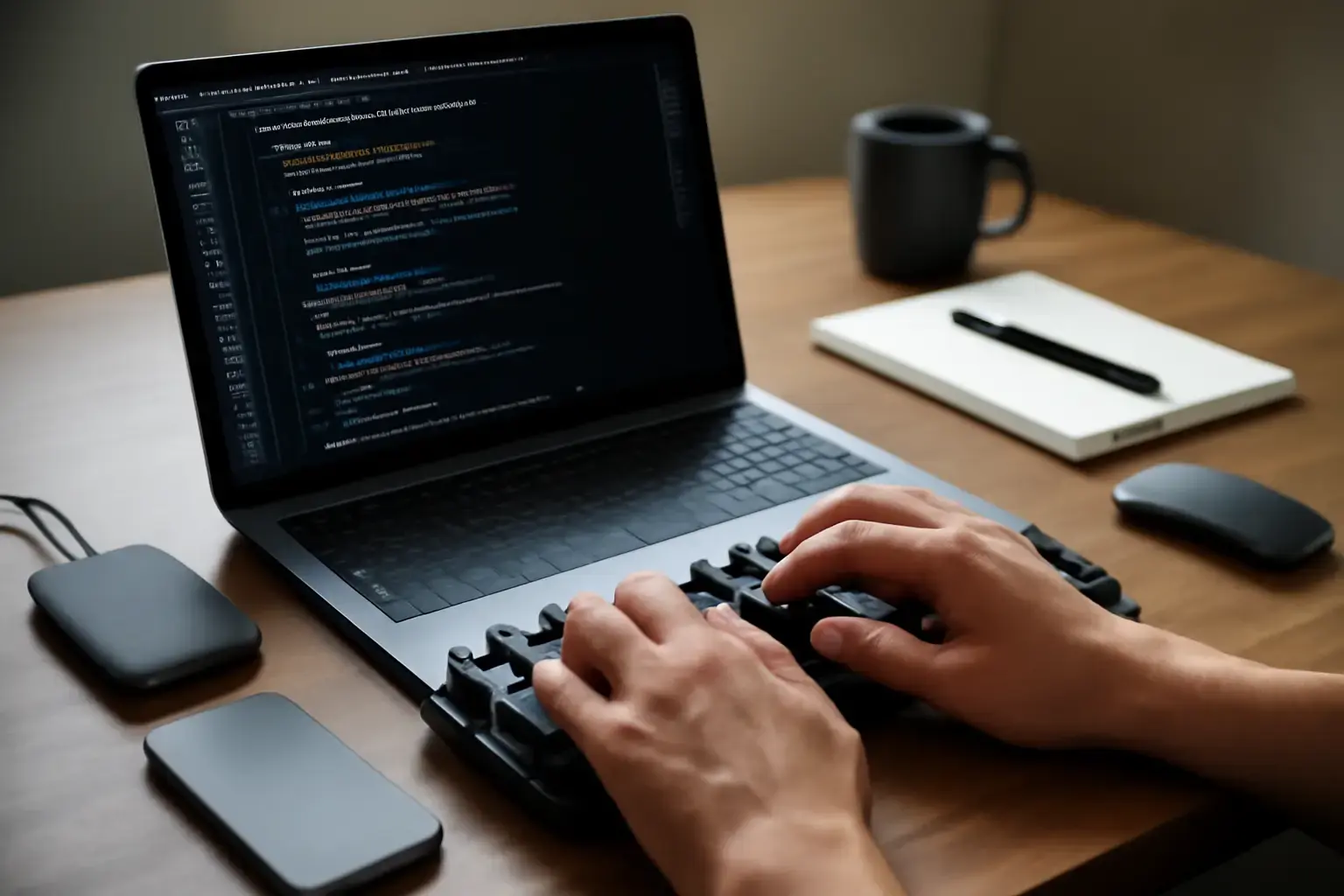
Why Typing Speed Matters for Programmers
Programmers aren’t just coders; they’re typists who spend hours every day inputting complex symbols, indentation, and commands. Every extra millisecond per keystroke adds up when writing hundreds or thousands of lines of code. Improving typing speed directly impacts productivity by reducing editing time and cognitive load. But many programmers hit ceilings or get slowed by avoidable typing mistakes that frustrate and reduce flow.
This article focuses specifically on typing speed mistakes that programmers frequently make and how to fix them. Unlike generic typing guides, we target the unique challenges developers face: symbol overload, inconsistent keyboard layouts, poor ergonomics, bad workflow habits, and mistimed practice.
1. Failing to Master Symbol Keys and Modifier Combinations
One of the biggest speed killers for coding is hesitation or errors when typing programming symbols—brackets, curly braces, semicolons, pipes, backticks, and others. Many programmers treat symbol keys as an afterthought or rely on hunt-and-peck strategies, which dramatically lowers speed.
Why it matters: Programming syntax is symbol-heavy and unforgiving. Mistakes here force constant corrections, breaking flow and wasting time.
Fixes:
Related reading: Best Typing Tests and Drills for Office Workers in 2026 ⌨️💡
- Use typing trainers focused on programming symbols. Regular drills with keyboard trainers that include symbols improve muscle memory and reduce errors. For example, consider browser-based typing tools tailored for developers (see our guide).
- Customize your keyboard layout. Standard QWERTY can be suboptimal for coding. Layouts like Colemak Mod-DH or Programmer Dvorak optimize symbol access. Even remapping certain keys to reduce finger travel pays off for typing speed.
- Practice modifier combos extensively. Common shortcuts involving Shift, Ctrl, Alt, and Cmd should feel automatic. Slow or imprecise modifier presses cause typos and slow code navigation.
2. Ignoring Ergonomics and Keyboard Comfort
Spending hours typing on an uncomfortable keyboard leads to finger fatigue and inconsistent typing speed. Many programmers overlook the importance of physical comfort in maintaining steady WPM (words per minute) during long coding sessions.
Why it matters: Discomfort causes subtle speed throttling as your hands tire. Typing errors increase, and breaks become more frequent, disrupting flow and reducing daily output.
Fixes:
- Choose a keyboard with tactile feedback suited for coding. Mechanical keyboards with tactile or silent linear switches are popular for their reliability and reduced finger strain. Our guide on mechanical vs low-profile keyboards covers trade-offs.
- Adjust your desk and chair height. A proper typing posture reduces wrist bending and shoulder tension. Use wrist rests and keyboard trays if needed.
- Consider split or ergonomic keyboard designs. They can prevent repetitive strain injuries and sustain typing speed longer. However, note the learning curve when switching.
3. Overreliance on Autocorrect and IDE Code Completion
Many programmers depend heavily on autocomplete and autocorrect features in IDEs and code editors. While these tools speed up typing for boilerplate code, they can encourage sloppy typing habits by reducing focus on accuracy and muscle memory.
Why it matters: Poor foundational typing skills reduce fluidity and increase errors when autocomplete isn’t available or misfires. It also slows manual code entry and editing.
Fixes:
- Practice manual typing drills regularly. Incorporate timed drills that require accurate, error-free typing of real code snippets without relying on autocomplete.
- Use code snippet managers and text expansion tools. These reduce repetitive typing without sacrificing typing skill development. They speed up typing while preserving your control over input. See our typing workflows guide for developers for setup tips.
- Gradually reduce autocomplete dependency. Learn to predict code structure mentally and type confidently rather than relying on tool suggestions.
4. Neglecting Consistent Practice and WPM Tracking
Many programmers try to improve typing speed but lack a reliable way to measure progress, leading to frustration and plateauing. Without consistent, targeted practice and tracking, it’s hard to identify weak points or avoid bad habits.
Why it matters: Inconsistent training leads to slow WPM gains and persistent errors. It’s easy to get stuck typing the same wrong way or ignoring symbols that slow you down.
Fixes:
- Use trusted typing trainers with WPM tracking. Choose apps or websites that focus on programming text and track your accuracy and speed over time.
- Set regular practice schedules. Even 10-15 minutes a day focused on your weakest symbol sets or tricky key combos can yield steady improvement.
- Analyze error patterns. Most typing trainers provide error heatmaps or reports. Use these to prioritize targeted practice.
Common Mistakes Programmers Make That Hurt Typing Speed
- Jumping into coding without warm-up. Skipping typing warm-ups leads to sluggish fingers and higher error rates initially.
- Using generic typing drills instead of code-based practice. Standard prose drills don’t prepare you for programming symbols or layouts.
- Ignoring keyboard maintenance. Sticky keys or uneven key resistance slow typing subtly but significantly over time.
- Not customizing keyboard shortcuts. Failing to optimize editor shortcuts increases reliance on mouse and disrupts typing flow.
- Switching keyboards or layouts too often. Frequent changes prevent muscle memory consolidation, causing confusion and slowdowns.
Practical Steps to Overcome Typing Speed Issues for Programmers
- Choose an ergonomic mechanical keyboard with key switches matched to your typing style. Avoid cheap membrane keyboards that dampen feedback and increase fatigue.
- Adopt and stick to a keyboard layout that optimizes symbol access for coding. Research and test layouts like Colemak Mod-DH or Programmer Dvorak before committing.
- Use typing trainers with programming-specific drills. Schedule regular, timed practice focusing on brackets, operators, and indentation.
- Build muscle memory for modifier key combos. Practice shortcuts so they become reflexive.
- Maintain good posture and take regular breaks to prevent fatigue-related slowdowns.
- Avoid overreliance on autocomplete by manually typing critical code sections during practice.
- Track WPM and error rates consistently to monitor progress and adjust training focus.
For more tailored workflows and tools that maximize coding speed and accuracy, check out our best typing workflows for developers and typing trainer setup guide.
Conclusion: Fixing Typing Speed Mistakes Pays Off Big for Programmers
Typing speed mistakes are a hidden productivity drain for programmers, but they are fixable with deliberate practice, better keyboard choices, and focused symbol training. Prioritize mastering programming symbols, ergonomic comfort, reduced autocomplete dependence, and consistent progress tracking. Avoid common pitfalls like switching layouts too soon or ignoring posture.
A realistic investment of time and equipment upgrades in 2026 will yield faster, more accurate typing and smoother coding flow—saving hours every week and reducing frustration. Start with small, targeted changes and use reliable tools to measure progress. Your future self will thank you.