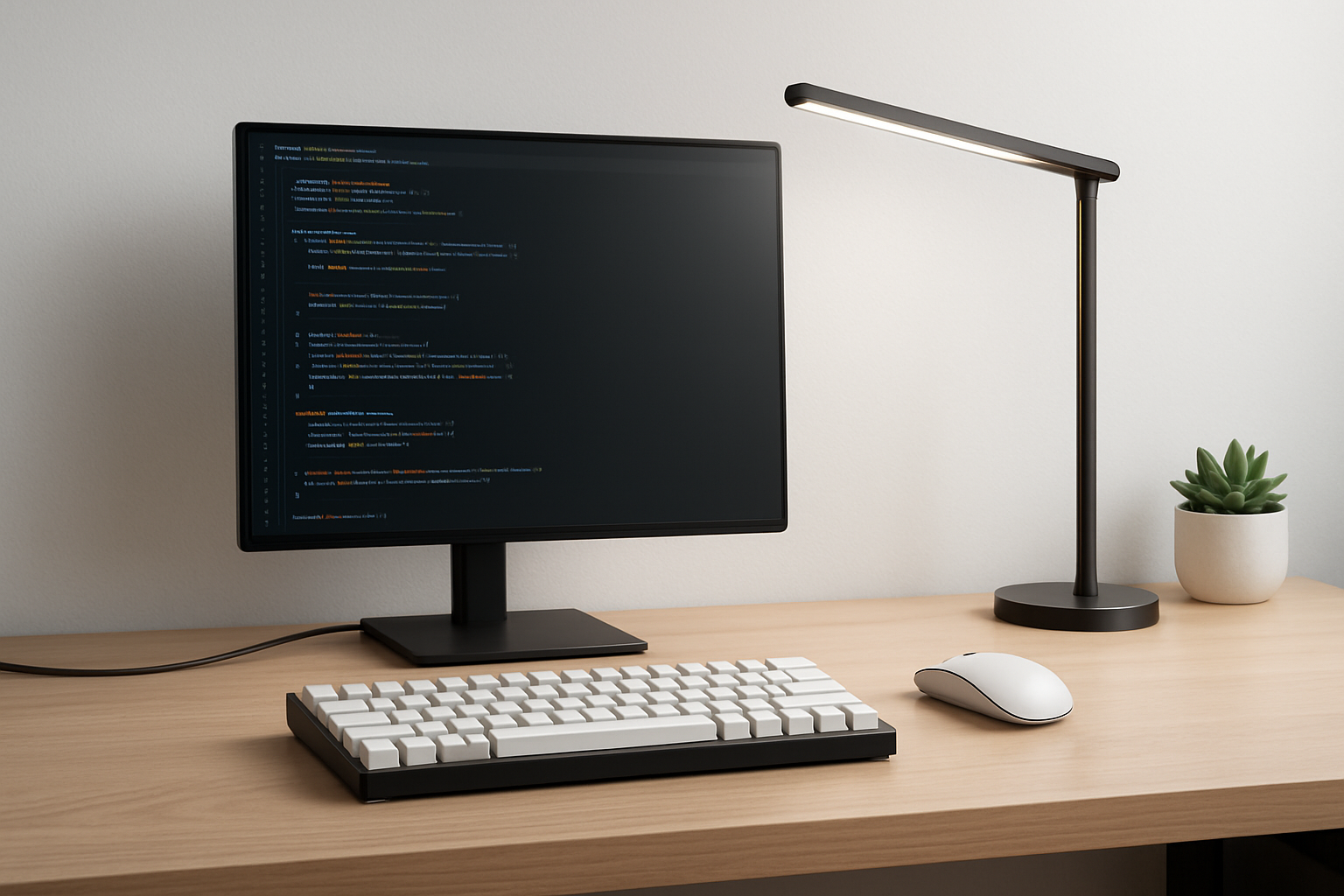
Build a Minimalist Coding Desk That Actually Improves Focus and Productivity
A minimalist coding desk is not about aesthetics—it’s about removing friction from your daily workflow. For developers, where long periods of deep focus are essential, your physical environment plays a bigger role than most people realize. Every unnecessary item, tangled cable, or poorly placed device creates small interruptions. Individually they seem minor, but together they can significantly reduce your ability to stay in flow.
If you’ve ever felt distracted without knowing why, or found yourself constantly adjusting your workspace instead of coding, your desk setup is likely part of the problem. A cluttered desk forces your brain to process more visual information, increases decision fatigue, and makes even simple tasks feel slightly harder than they should be.
A well-designed minimalist desk eliminates those issues. It creates a clean, predictable environment where everything has a purpose. The result is not just a nicer-looking desk—it’s a setup that supports concentration, reduces stress, and helps you work faster and more comfortably.
The key is not to remove everything, but to be intentional about what remains.
What Minimalism Really Means for Developers
Minimalism in a coding setup is often misunderstood. It doesn’t mean working with the bare minimum or sacrificing useful tools. Instead, it means optimizing your workspace so that every item contributes to your productivity.
There are two common mistakes developers make when trying to build a minimalist desk:
- Overloading the desk: Too many gadgets, accessories, and cables create visual clutter and slow you down
- Over-simplifying: Removing useful tools in the name of minimalism, leading to inefficiency
The ideal setup strikes a balance. It should be:
- Clean but fully functional
- Simple but optimized for real-world tasks
- Flexible enough to adapt to your workflow
A good rule of thumb: if an item doesn’t improve your workflow, comfort, or focus, it probably doesn’t belong on your desk.
The Core Accessories That Deliver Real Value
Instead of focusing on trendy gadgets, it’s more useful to understand which categories of accessories actually improve your day-to-day work as a developer.
1. Input Devices: Your Most Important Tools
Your keyboard and mouse are where you spend most of your time, so small improvements here have a huge impact.
- Compact Mechanical Keyboard: A 60%, 65%, or TKL keyboard reduces desk footprint and keeps your hands closer together, improving ergonomics. For developers, consistent key feedback helps with accuracy and reduces fatigue during long coding sessions.
- Ergonomic Mouse or Trackpad: Choose based on comfort and workflow. Wireless devices reduce cable clutter and give you flexibility in positioning.
Trade-off: Smaller keyboards save space but may remove keys like the numpad or function row. Make sure the layout fits your workflow before switching.
2. Monitor Setup and Ergonomics
Your screen setup directly affects posture, comfort, and long-term health.
- Monitor Stand or Riser: Elevates your screen to eye level and frees up desk space underneath
- Laptop Stand: Essential for laptop users to avoid neck strain and create a cleaner layout
Common mistake: Working for hours with a screen that is too low. This leads to poor posture and reduced productivity over time.
3. Cable Management: The Foundation of a Clean Desk
Even the best accessories will look messy without proper cable management. This is one of the highest-impact upgrades you can make.
- Use under-desk trays to hide cables
- Secure loose wires with clips
- Use Velcro ties for flexibility
Good cable management not only improves aesthetics but also makes your setup easier to maintain and adjust.
4. Lighting for Focus and Comfort
Lighting is often overlooked but plays a critical role in reducing eye strain and maintaining focus.
- Minimal LED Desk Lamp: Adjustable brightness and color temperature allow you to adapt to different environments
A well-lit workspace helps you stay comfortable during long coding sessions, especially in low-light conditions.
5. Organization Without Clutter
Minimalism doesn’t mean eliminating small items—it means controlling them.
- Desk Organizer Tray: Keeps small essentials contained
- Wireless Charging Pad: Reduces cable clutter and simplifies device charging
If items don’t have a designated place, they quickly turn into clutter.
6. Focus Tools
Sometimes the most valuable accessory is one that removes distractions.
- Noise-canceling headphones: Help you stay focused in noisy environments
How to Design a Setup That Matches Your Workflow
A common mistake is copying minimalist desk setups from social media or blogs. These setups often prioritize aesthetics over usability. What looks clean in a photo may not work for your daily tasks.
Instead, build your setup based on how you actually work:
- Deep focus developers: A single monitor setup minimizes distractions
- Multitaskers: A dual-monitor setup can improve efficiency if managed cleanly
- Remote workers: Portable setups with lightweight accessories provide flexibility
- Heavy typers: Invest more in your keyboard than any other accessory
The best setup is not the most minimal—it’s the most effective for your workflow.
Habits That Keep Your Desk Minimal Over Time
Even the best setup will become cluttered without consistent habits. Minimalism is not a one-time action—it’s an ongoing process.
- End-of-day reset: Spend a few minutes clearing your desk before finishing work
- One-in, one-out rule: If you add something new, remove something else
- Weekly review: Remove items you didn’t use
- Digitize where possible: Replace physical notes with digital tools
These habits ensure your setup stays functional, not just visually clean.
Real-World Minimalist Desk Examples
Minimalism looks different depending on your workflow. Here are practical examples:
Single Monitor Setup: Ideal for developers who value focus and simplicity. Minimal distractions and clean layout.
Laptop + Stand Setup: Elevates the laptop and frees desk space. Works well for hybrid work environments.
Dual Monitor Setup: Useful for multitasking, but requires disciplined cable management to remain minimalist.
Portable Setup: Lightweight keyboard, mouse, and stand for consistent productivity across locations.
Common Mistakes That Ruin Minimalist Desks
- Choosing aesthetics over functionality
- Adding too many accessories
- Ignoring ergonomics
- Poor cable management
- Not adapting the setup over time
If your desk looks clean but slows you down, it’s not optimized.
Why Minimalist Setups Improve Productivity
The biggest benefit of a minimalist desk is reduced cognitive load. A clean environment helps your brain focus on the task instead of processing unnecessary visual information.
It also reduces decision fatigue. When everything has a place, you don’t waste time organizing or searching for items.
Combined with good ergonomics, this creates a setup that supports long, uninterrupted coding sessions.
Practical Takeaways
- Design your desk around your workflow
- Prioritize ergonomics and comfort
- Invest in high-impact tools like keyboards
- Keep only essential items within reach
- Maintain your setup with simple habits
For more ideas, check Best Developer Desk Accessories That Actually Improve Focus ⌨️💡 and explore Best AI Tools for Developers to Boost Coding Productivity in 2026 ⌨️🤖.
Final Recommendation
A minimalist coding desk is not about having fewer items—it’s about having the right ones. Start by removing what slows you down, then carefully add tools that improve efficiency and comfort.
Focus on function over trends, and build a setup that supports how you actually work. When done correctly, your desk becomes invisible—allowing you to focus entirely on coding, problem-solving, and building great software.
The result is a workflow that feels faster, cleaner, and far more sustainable over time.