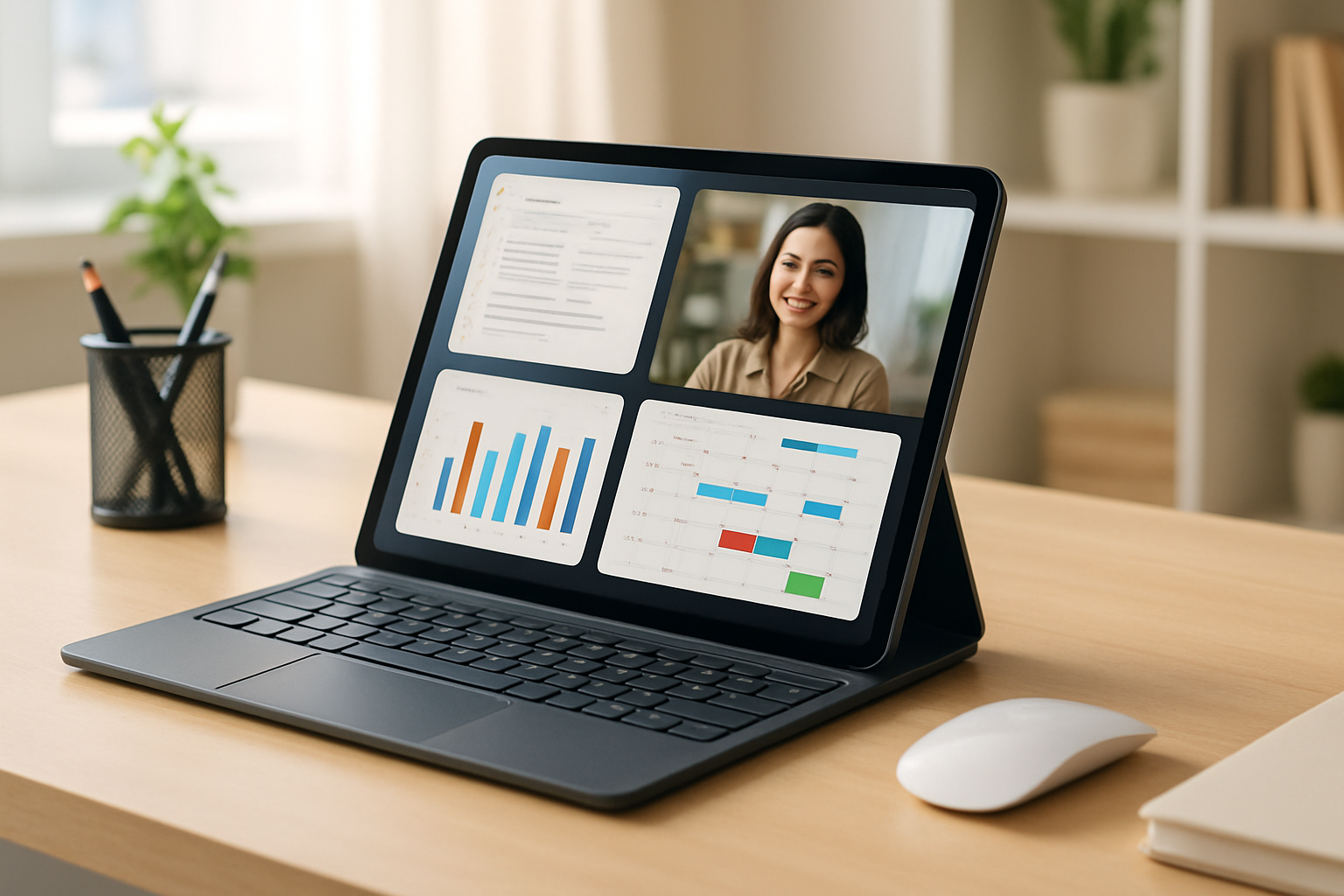
Best Tablets with Keyboard Support in 2026 (For Students & Remote Work)
In 2026, tablets are no longer just media devices — they are powerful productivity machines. Choosing the best tablet with keyboard support can transform your workflow, whether you're studying, working remotely, or managing daily tasks.
With the right keyboard, a tablet becomes a lightweight alternative to a laptop, offering portability without sacrificing typing comfort or efficiency.
Quick Comparison of Best Tablets with Keyboards
| Tablet | Best For | Keyboard Quality | OS |
|---|---|---|---|
| iPad Pro 12.9" | Power users | Excellent (Magic Keyboard) | iPadOS |
| Galaxy Tab S9 Ultra | Multitasking | Very Good | Android |
| Surface Pro 9 | Full desktop work | Excellent | Windows |
| Lenovo Tab P12 Pro | Value productivity | Good | Android |
| Fire Max 11 | Budget users | Basic | Fire OS |
Top Tablets with Keyboard Support (Detailed Picks)
iPad Pro + Magic Keyboard
The iPad Pro offers one of the best tablet keyboard experiences available. The Magic Keyboard provides laptop-like typing with excellent key travel and a built-in trackpad.
- Best-in-class performance
- Strong ecosystem integration
- Ideal for students and professionals
Samsung Galaxy Tab S9 Ultra
This tablet excels at multitasking with its large AMOLED display and Samsung DeX mode, which mimics a desktop environment.
- Great for multitasking
- Large screen for productivity
- Flexible Android system
Microsoft Surface Pro 9
The Surface Pro 9 is closest to a real laptop, running full Windows applications with a high-quality keyboard.
- Full desktop experience
- Best for developers and professionals
- Excellent keyboard feedback
Lenovo Tab P12 Pro
A balanced option offering good performance and a solid keyboard experience at a lower price.
- Affordable productivity
- Decent typing experience
- Good for students
Amazon Fire Max 11
A budget-friendly option suitable for basic tasks like note-taking and emails.
- Low cost
- Simple productivity use
- Limited performance
What Makes a Good Tablet Keyboard?
- Key Travel: At least 1–1.5mm for comfortable typing
- Stability: Strong magnetic attachment
- Backlighting: Useful for low-light environments
- Trackpad Support: Improves navigation
- Shortcut Keys: Essential for productivity
Tablet vs Laptop: Which Is Better for Productivity?
Tablets with keyboards are great for portability, but laptops still win in raw power and flexibility.
- Choose Tablet: If you want portability and flexibility
- Choose Laptop: If you need full power and heavy workloads
For more details: How to Choose a Laptop for Coding and Work.
Pro Tips to Maximize Tablet Productivity
- Use external keyboard for long typing sessions
- Enable split-screen multitasking
- Use cloud apps for cross-device work
- Customize keyboard shortcuts
- Pair with ergonomic accessories
Also explore: Mechanical vs Low-Profile Keyboards.
How to Choose the Right Tablet
- Choose iPad: For ecosystem and performance
- Choose Android: For flexibility and customization
- Choose Surface: For full desktop experience
- Choose budget tablet: For light tasks
FAQ: Tablets with Keyboards
Are tablets with keyboards good for work?
Yes, especially for light to moderate productivity tasks.
Can a tablet replace a laptop?
For many users, yes — but not for heavy workloads.
Which tablet has the best keyboard?
iPad Pro with Magic Keyboard and Surface Pro are top choices.
Are cheap tablet keyboards worth it?
They work for basic tasks but lack comfort for long typing sessions.
Practical Takeaways
- A good keyboard transforms a tablet into a workstation
- Choose based on workflow, not specs alone
- Typing comfort matters more than design
Common Mistakes to Avoid
- Ignoring keyboard quality
- Choosing based on price only
- Overestimating tablet capabilities
Final Thoughts
The best tablet with keyboard in 2026 is the one that fits your workflow and typing needs.
When paired with the right accessories and apps, a tablet can become a powerful and portable productivity tool.