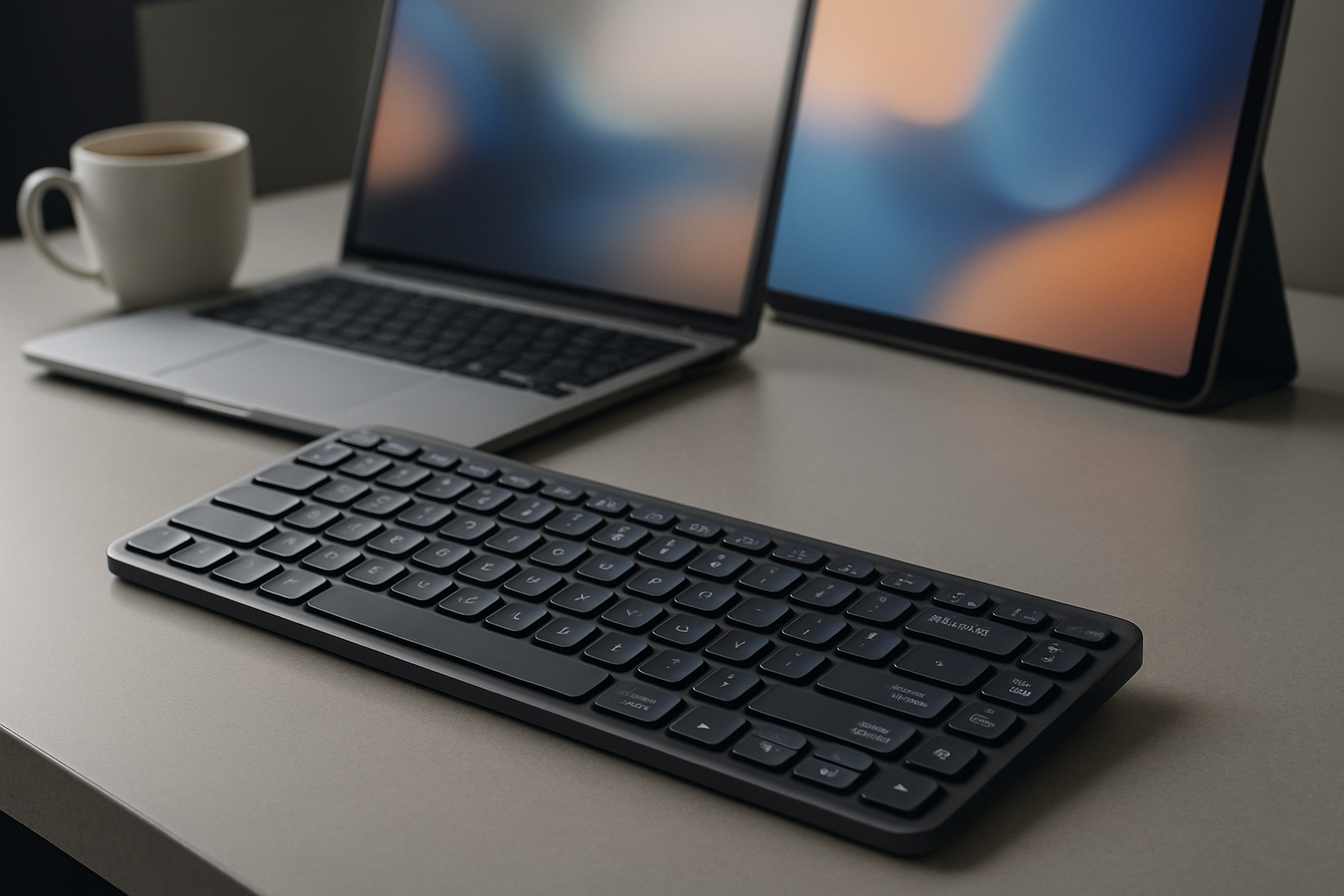
Best Wireless Keyboards for Hybrid Work and Long Battery Life (2026 Guide)
Quick answer: The best wireless keyboards for hybrid work in 2026 balance long battery life, seamless multi-device switching, and typing comfort you can rely on for hours. The Logitech MX Keys Mini remains the safest all-round pick, the Keychron K3 Pro stands out for mechanical precision, and the Logitech K380 is still the most practical budget option.
On paper, most wireless keyboards seem interchangeable. They all promise Bluetooth connectivity, long battery life, and “comfortable typing.” In reality, those claims fall apart quickly once you start switching between devices, typing for several hours, or forgetting to charge for a few days.
Hybrid work exposes weaknesses fast. A keyboard that feels fine for short sessions can become frustrating during long writing or coding blocks. Battery life claims don’t always hold up with backlighting enabled. And not all multi-device switching is equally smooth.
This guide focuses on what actually matters in daily use: reliability, comfort, and how well a keyboard fits into a real hybrid workflow.
Quick Comparison: Top Wireless Keyboards
| Keyboard | Best For | Battery Life | Type | Biggest Trade-off |
|---|---|---|---|---|
| Logitech MX Keys Mini | All-around productivity | 10 days / months | Low-profile | Higher price |
| Keychron K3 Pro | Developers | Up to 34 days | Mechanical | Slightly heavier |
| Anne Pro 2 | Portability | 1+ week | Mechanical | No function row |
| Logitech K380 | Budget users | Up to 2 years | Membrane | Less tactile feel |
| Microsoft Designer | Minimal setups | Up to 12 months | Low-profile | No backlighting |
What Actually Matters in a Hybrid Work Keyboard
Specs alone won’t tell you if a keyboard fits your workflow. These are the factors that make a real difference after weeks of daily use:
- Battery Life (Real vs. Advertised): Many keyboards advertise long battery life, but that often assumes no backlighting and light usage. If you work full-time and use backlighting, prioritize models known for consistency rather than peak numbers.
- Multi-Device Switching: If you regularly move between a laptop, tablet, and phone, this feature is non-negotiable. The best keyboards switch instantly with dedicated buttons — anything slower becomes annoying fast.
- Typing Comfort: This is highly personal. Mechanical keyboards provide feedback and precision, while low-profile keyboards reduce strain and noise. If you type for hours, comfort matters more than features.
- Portability and Layout: Compact layouts save desk space and travel easily, but they often remove keys like the function row or numpad. Make sure you won’t miss them.
- Build Quality: A solid keyboard feels stable on the desk and survives daily transport. Flex, cheap plastics, or inconsistent key feel become frustrating over time.
A common mistake is prioritizing aesthetics or brand over these fundamentals. A keyboard can look premium and still be a poor daily tool.
Best Wireless Keyboards (Detailed Picks)
Logitech MX Keys Mini
Why it stands out: This is the most balanced wireless keyboard for hybrid work. It delivers a consistently comfortable typing experience, excellent multi-device switching, and reliable battery behavior.
The low-profile keys make it ideal for long typing sessions without fatigue. The smart backlighting is useful in dim environments, though it does impact battery life if left on constantly. The real strength here is how seamlessly it fits into a multi-device setup — switching between devices feels instant and predictable.
Who should buy it:
- Professionals working across multiple devices daily
- Writers, analysts, and general office users
- Anyone who wants a “safe” premium choice
Who should avoid it:
- Users who prefer strong tactile feedback
- Those on a tight budget
Key trade-off: You’re paying for polish and reliability, not customization or mechanical feel.
Keychron K3 Pro
Why it stands out: It brings mechanical keyboard precision into a slim, wireless form factor — something many competitors struggle to do well.
The tactile feedback makes a noticeable difference if you type a lot of code or long documents. It’s also more customizable than most low-profile keyboards, which appeals to developers and enthusiasts. Despite being mechanical, it remains relatively portable.
Who should buy it:
- Developers and heavy typists
- Users switching from desktop mechanical keyboards
- People who value key feel over minimalism
Who should avoid it:
- Users sensitive to typing noise
- Minimalist setups where aesthetics matter more than feel
Key trade-off: Slightly heavier and less “clean” visually than ultra-minimal keyboards.
Anne Pro 2
Why it stands out: A compact mechanical keyboard that’s genuinely portable without sacrificing typing quality.
Its small footprint makes it perfect for travel or working in cafés. However, the lack of a dedicated function row can slow you down if you rely on shortcuts. It’s a keyboard that rewards users willing to adapt to its layout.
Who should buy it:
- Frequent travelers
- Minimalists who want a mechanical keyboard
- Users comfortable with compact layouts
Who should avoid it:
- Anyone relying heavily on function keys
- Users who prefer a standard layout
Key trade-off: Portability comes at the cost of convenience and familiarity.
Logitech K380
Why it stands out: One of the most practical and reliable budget wireless keyboards available.
It’s not flashy, but it works — and keeps working. The battery life is excellent, and multi-device switching is simple and effective. The typing experience is softer compared to premium models, but for everyday tasks, it’s more than adequate.
Who should buy it:
- Students and budget-conscious users
- Light productivity users
- Secondary device setups
Who should avoid it:
- Heavy typists who need precision
- Users expecting premium build quality
Key trade-off: You gain battery life and affordability but lose tactile feedback and premium feel.
Microsoft Designer Keyboard
Why it stands out: A clean, distraction-free keyboard designed for minimalist workspaces.
It’s quiet, slim, and visually understated. There’s no backlighting, which helps battery life but limits usability in darker environments. This is a keyboard for users who value simplicity over features.
Who should buy it:
- Minimalist desk setups
- Office environments where quiet typing matters
- Users who don’t need advanced features
Who should avoid it:
- Night-time workers needing backlighting
- Power users expecting customization
Key trade-off: Clean design comes with fewer features and less flexibility.
How to Choose Based on Your Workflow
Choosing the right wireless keyboard is less about specs and more about how you actually work day to day. Use this quick framework:
- Mostly desk-based with multiple devices: Go for the MX Keys Mini
- Typing-heavy work (coding, writing): Choose the Keychron K3 Pro
- Frequent travel and small workspaces: Consider the Anne Pro 2
- Budget or secondary setup: Pick the Logitech K380
- Clean, minimal workspace: Microsoft Designer Keyboard fits best
Think about what annoys you most in your current setup — that usually points to the right upgrade.
Real-World Hybrid Work Scenarios
Here’s how these keyboards perform in common setups:
- Home office with multiple screens: The MX Keys Mini shines with fast switching and comfortable long sessions.
- Developer setup with external monitors: The Keychron K3 Pro provides the feedback and precision needed for coding.
- Working in cafés or co-working spaces: The Anne Pro 2 or K380 are easier to carry and set up quickly.
- Clean desk, minimal distractions: The Microsoft Designer Keyboard blends into the setup and keeps noise low.
Matching the keyboard to your environment often matters more than matching it to your device.
Productivity Tips That Actually Make a Difference
- Use multi-device switching intentionally: Assign each device a dedicated key and build muscle memory.
- Optimize shortcuts: A good keyboard becomes powerful when paired with shortcuts and automation tools.
- Pay attention to ergonomics: Even the best keyboard won’t help if your posture is poor.
- Disable features you don’t need: Backlighting, for example, can be turned off to extend battery life significantly.
Learn more: Keyboard Switch Guide
Common Mistakes to Avoid
- Choosing based on looks alone: Minimalist designs often hide compromises.
- Ignoring typing feel: This is the one thing you interact with constantly.
- Overestimating battery claims: Real-world usage often differs from marketing numbers.
- Buying too compact: Missing keys can hurt productivity if you rely on them.
Final Recommendation
If you want a reliable, no-regret choice, the Logitech MX Keys Mini is still the best wireless keyboard for most hybrid workers. It delivers where it matters: comfort, battery consistency, and seamless device switching.
If typing feel is your top priority, the Keychron K3 Pro is worth the trade-offs. For budget users, the Logitech K380 remains one of the smartest buys.
The right keyboard isn’t about features — it’s about how well it fits into your daily routine. Choose based on how you actually work, and you’ll notice the difference immediately.