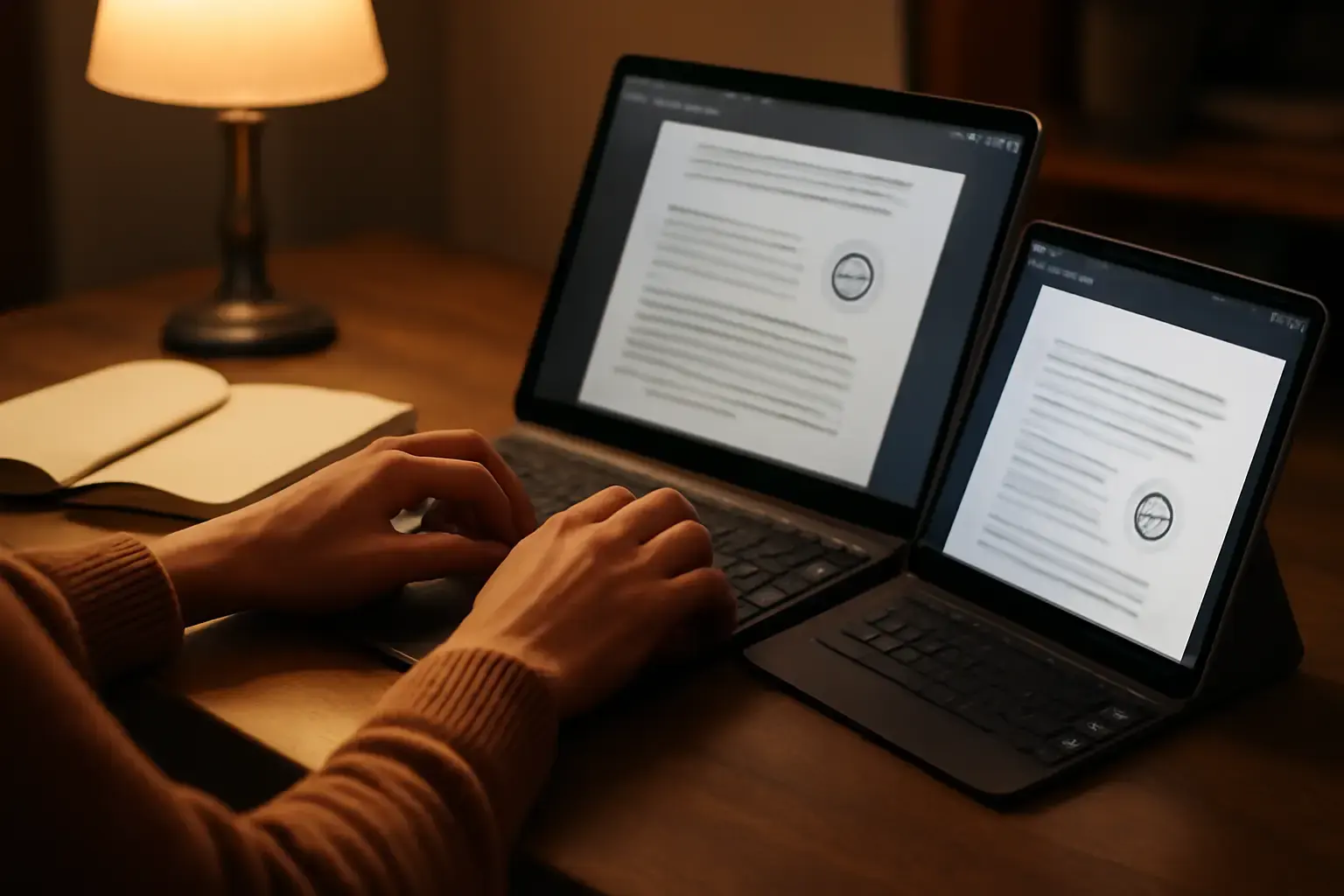
Why Offline Support and Cross-Device Sync Matter for Writers
Writers often face unpredictable environments—airplanes, cafes, remote locations—where internet connectivity is unreliable or unavailable. Offline support in a typing app ensures your work and progress aren’t disrupted by sudden disconnections. Meanwhile, syncing progress across devices means you can start on your laptop, continue on a tablet during commute, and check your stats later on your phone without losing momentum.
Many apps excel in either offline use or cloud syncing but not both. Choosing an app offering both is a nuanced decision that can make or break your typing and writing routine.
Related reading: How to Choose the Best Typing Trainer Apps for Students Preparing for Multilingual Exams with Tight Deadlines
Key Features to Prioritize When Choosing a Typing App for Writers
Selecting a typing app isn’t just about flashy UI or a fancy leaderboard. It’s about reliability, accurate progress tracking, and helping you build speed without frustration. Here’s what matters most:
- True Offline Functionality: The app must allow full access to lessons, typing tests, and progress review without internet. Partial offline modes that limit key features can cause real productivity drops.
- Seamless Progress Sync: Sync should be automatic and reliable over Wi-Fi and cellular networks, syncing your latest scores and stats with minimal delay.
- Cross-Platform Availability: Look for apps available on all your devices. Native apps for Windows, macOS, Android, and iOS typically deliver the best offline experience compared to web-only apps.
- Rich Typing Analytics: Detailed reports on accuracy, WPM, error types, and progress trends help you identify weak points and tailor your practice.
- Customizable Lessons for Writers: Writers need typing apps that support real-world texts or custom lesson input to improve typing relevant to their style, such as punctuation-heavy prose or code snippets.
- Low Learning Curve: Intuitive design without clutter helps maintain focus during practice.
Top Typing Apps That Balance Offline Use and Progress Sync in 2026
Here’s a practical look at current standout apps meeting offline and sync needs for writers in 2026:
See also: Best Typing Apps for Students with Dyslexia: Improving Accuracy Without Frustration
- Keybr (Desktop & Mobile Web + PWA): Keybr's Progressive Web App supports offline mode well on mobile and desktop browsers. It syncs progress to your account automatically once online, with lessons adapting to your strengths. While not a native app, its strong offline capabilities and adaptive learning suit writers who use multiple devices and want to maintain consistency without a heavy app footprint.
- TypingClub (Windows, macOS, iOS, Android): Offers native apps with offline lesson availability and sync through a cloud account. Its detailed analytics and custom lesson uploads are excellent for writers focused on improving accuracy and speed in long-form typing. The sync works smoothly, but occasional connectivity hiccups can delay progress update—best for those who mostly have steady internet.
- Ratatype (Web with Offline PWA features): Supports offline typing exercises with local caching and syncs progress across devices automatically. Its clean interface and efficient lesson structure appeal to writers needing distraction-free practice. However, some advanced features may require internet access, so it suits writers with intermittent but not prolonged offline needs.
- Typing.com (Apps for Android and iOS, Web): While primarily web-based, the mobile apps allow offline practice and sync via user accounts. Its lesson variety and progress tracking fit writers who want a free, dependable option with cross-device syncing. Offline feature set is more limited than Keybr or TypingClub, so expect some compromises.
Common Mistakes When Choosing a Typing App for Offline Writers
Many writers pick a typing app based solely on popularity or flashy features and later struggle with unreliable offline use or lost progress. Here’s what to avoid:
- Ignoring Offline Testing: Don’t assume apps advertised as “offline” support full functionality. Test lessons, tests, and stats access when disconnected.
- Overlooking Sync Delays: Some apps only sync progress manually or require internet to save completed lessons, causing frustration and inconsistent stats.
- Choosing Web-Only Apps: Browser-based apps are convenient but often depend on active internet. If offline use is critical, prefer native or PWA apps with verified offline mode.
- Not Considering Device Ecosystem: If you use a Windows laptop, iPhone, and Android tablet, ensure the app supports all or at least syncs reliably across platforms without format loss.
- Neglecting Custom Lesson Support: Writers need to practice on their own text styles; apps without custom text import limit relevance and engagement.
Checklist for Choosing Your Ideal Typing App for Writers
- Confirm offline mode covers full lesson and progress review functionality.
- Test the sync feature on multiple devices and network conditions.
- Verify app availability on all your writing devices (desktop, tablet, phone).
- Look for detailed typing statistics with error analysis.
- Check if you can upload or create custom typing material.
- Ensure the app UI is distraction-free and matches your workflow preferences.
- Read recent user reviews specifically about offline use and syncing reliability.
For deeper insights into choosing typing trainer apps that fit specific professional needs, visit our guides on improving WPM without stress in remote work and best touch typing apps for writers.
You may also like: How to Choose the Best Typing Trainer for Remote Workers Who Have Only 15 Minutes per Day to Practice
Final Recommendation: Prioritize Reliability and Real-World Use Over Bells and Whistles
For writers who depend on typing practice in variable environments, the ideal app is not necessarily the flashiest or most popular but the one that works flawlessly offline and syncs progress reliably across devices. Apps like Keybr and TypingClub currently offer the best balance of offline robustness and cross-device syncing, with TypingClub edging ahead for those who want native apps and rich analytics.
Avoid web-only apps without verified offline support if you write or practice on the go without guaranteed internet. Also, insist on apps allowing custom lesson input to keep your practice relevant to your writing style.
Choosing wisely will save you wasted time, inconsistent progress tracking, and disrupted flow—making your typing improvement truly stick and your writing sessions smoother regardless of where you are. This is a practical investment for any serious writer who types regularly across devices and locations.