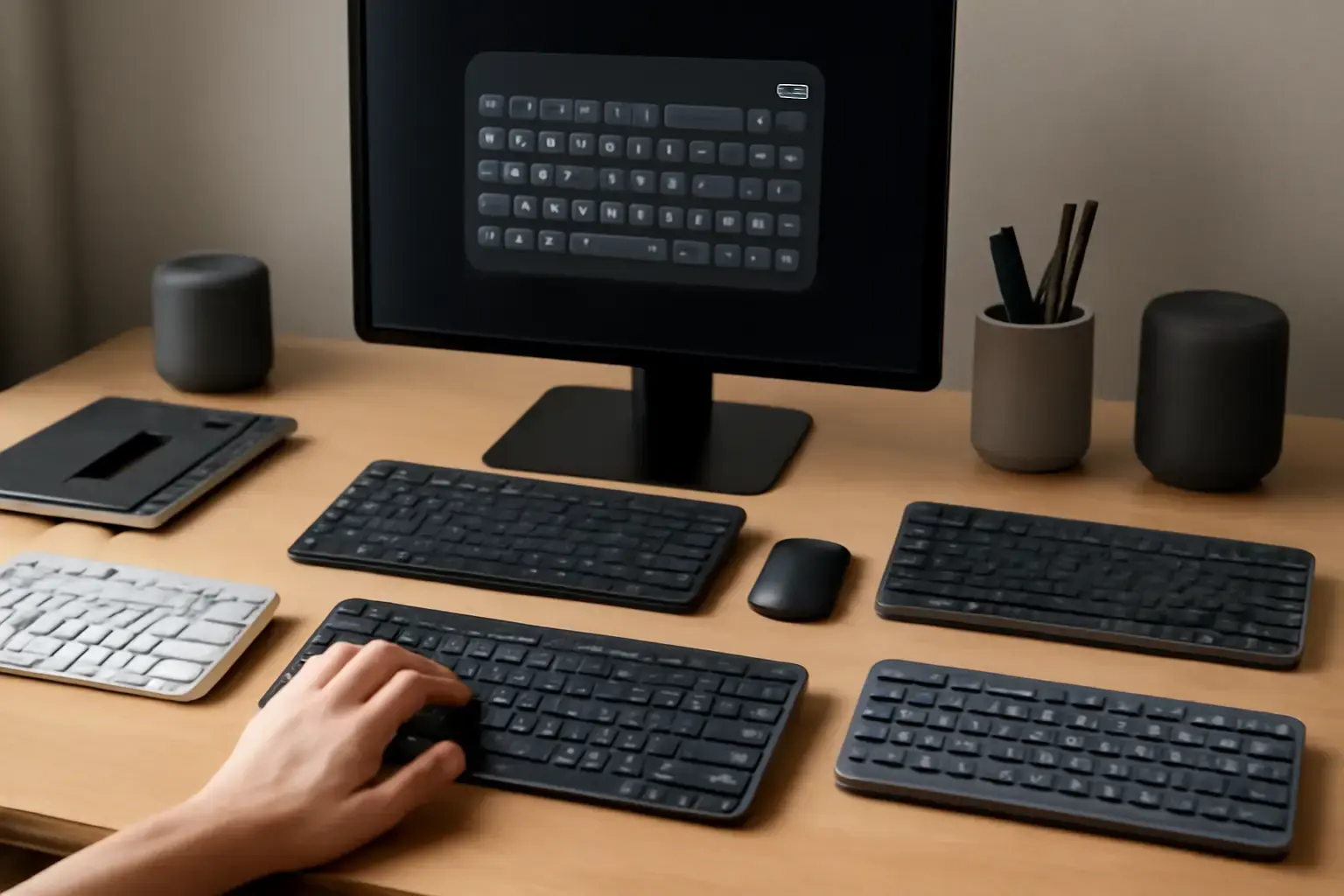
Why Your Keyboard Layout Matters More Than You Think for Multilingual Typing
Multilingual typing isn’t just about switching languages; the keyboard layout you use can make or break your speed and accuracy. Many users default to standard QWERTY or local layouts without considering if they support fast input across all needed languages. The problem: layouts optimized for one language often slow you down or introduce errors in others, especially when dealing with special characters, diacritics, or language-specific punctuation.
In 2026, the right keyboard layout choice can dramatically reduce language-switching friction and let you maintain high words-per-minute (WPM) rates while keeping errors minimal. But choosing the best layout is more complicated than it looks — it’s about balancing your language combinations, typing environment, and your hardware or software support.
Top Keyboard Layouts for Multilingual Typing in 2026: Who They’re For and How They Perform
Not all multilingual keyboard layouts are born equal. Here’s a breakdown of the most relevant layouts for fast multilingual typing in 2026, based on real-world typing scenarios:
- QWERTY with Multilingual Extensions
This is the default layout for most English speakers, extended with easy access to accented characters or language-specific symbols. It works well if you type mostly in English and occasionally switch to another language that uses Latin script with diacritics, like Spanish, French, or German. However, rapid switching is limited if you need many different scripts. - US International Layout
A classic choice to type accented characters without switching layouts by using dead keys or AltGr combinations. Good for European languages sharing the Latin alphabet, but it often slows typing due to dead key delays and less intuitive punctuation placement. - Extended Layouts like Colemak Mod-DH and Workman Multilingual
These modern alternatives to QWERTY optimize finger travel and include multilingual character support. They reduce wrist fatigue and can speed typing once mastered but have a steep learning curve and require custom keyboard remapping tools. - Locale-Specific Layouts with Built-In Multilingual Support
Examples include the Spanish (Latin American) or Canadian Multilingual Standard layouts, which embed accented characters and symbols directly. These are excellent for users focused on two or three languages but lack flexibility for more diverse multilingual needs. - Unicode Hex Input Layouts and Keyboard Layout Switchers
For users who type in many languages or scripts (e.g., Latin, Cyrillic, Greek, Arabic), layouts that support quick Unicode entry or seamless switching between layouts via software are essential. These require robust language-switching tools and deeper customization.
How Keyboard Layout Switcher Apps Tie In: Minimizing Disruption During Fast Multilingual Typing
The best keyboard layout means little if switching between them introduces typing delays or errors. Modern multilingual typists depend on intelligent keyboard layout switcher apps that let you:
- Switch layouts instantly with shortcuts that don’t break your flow
- Auto-detect language contexts to preemptively switch keyboard input
- Customize keys and shortcuts to avoid finger gymnastics when toggling between languages
- Support multiple platforms like Windows, macOS, and Linux with cross-device sync
For example, Windows users benefit from apps designed to minimize focus loss and delay during layout switches, a common problem with native Windows language input switching. Custom switchers can reduce the cognitive load and maintain typing speed even under tight deadlines.
Learn more about choosing a multilingual keyboard layout switcher that minimizes disruption in our detailed guide: How to Choose Multilingual Keyboard Layout Switcher Apps That Minimize Disruption During Fast Typing on Windows.
Related reading: Best Wireless Keyboards for Home Office Productivity in 2026 ⌨️💻
Five Practical Tips to Choose and Implement the Best Multilingual Keyboard Layout for You
- Assess Your Language Mix and Usage Frequency: Are you typing mostly in two languages or juggling multiple scripts daily? Your layout choice depends heavily on this. For two languages, a combined layout might be ideal; for many, a switcher with Unicode support is better.
- Consider Hardware Compatibility: Some keyboard layouts require remapping or using programmable keyboards. Ensure your physical keyboard supports custom layouts (compact mechanical keyboards or full-size) or that you can use software remapping without latency.
- Test Typing Speed and Error Rates Before Committing: Use online typing tests and real-world typing to compare layouts. Don’t rely solely on theoretical advantages — comfort and speed in your language pair matter most.
- Combine Layout Choice with Efficient Switcher Apps: Choose layout switchers that minimize lag and support quick toggling. Inefficient switching is one of the biggest hidden bottlenecks in multilingual typing workflows.
- Prepare to Invest Time in Training: Some optimized layouts like Colemak Mod-DH pay off after a learning period. If you need immediate speed and minimal disruption, stick with enhanced QWERTY or locale-specific layouts.
Common Mistakes That Slow Down Multilingual Typing and How to Avoid Them
Many multilingual typists assume that simply installing a language pack or using the default QWERTY layout is good enough. But this leads to common pitfalls:
- Dead Key Confusion: Using layouts with dead keys (like US International) without practice causes frequent missed or double keystrokes.
- Overcomplicated Layouts: Jumping to complex layouts without considering hardware, software support, or your typing habits often results in frustration and slower typing.
- Ignoring Layout Switcher Efficiency: Poorly configured layout switchers cause lag, input errors, or accidental switches, breaking typing flow more than the language itself.
- Lack of Training: Switching layouts without training leads to lower WPM and higher error rates, negating any theoretical efficiency gains.
Avoid these by carefully matching layout complexity to your typing needs and investing time upfront in training and configuring your tools.
Where to Go Next: Practical Resources and Equipment for Multilingual Typists
Besides layout choice, consider these resources to optimize your multilingual typing setup:
- Best Keyboards for Writers, Editors, and Content Creators — find keyboards optimized for comfort and accuracy over long multilingual typing sessions.
- The Best Compact Keyboards for Small Desks and Apartments — space-saving keyboards that support remapping and multiple layouts without sacrificing typing comfort.
- Best Virtual Keyboards for Bilingual Typing in 2026 — software keyboards optimized for quick language switching and special characters.
Integrate these tools into your setup for the best typing speed and accuracy in your multilingual workflow.
Final Recommendation: Pick a Layout That Matches Your Language Profile and Commit to Mastery
Choosing the best keyboard layout for fast multilingual typing is not about following trends but about fitting your specific language combinations and typing habits. For casual multilingual users who type mostly in English plus one or two other Latin script languages, an enhanced QWERTY or US International layout combined with a solid layout switcher app offers the best balance of speed and ease.
For power users managing several languages, scripts, or special characters, investing in custom layouts like Colemak Mod-DH or using Unicode entry layouts plus professional switcher apps pays off in the long run, despite the learning curve.
Above all, avoid the most common mistake: neglecting switcher app configuration and training. The best layout won’t save you if switching between languages is clunky or if you haven’t reheared your fingers. Take the time to pick, test, and train with your chosen layout and tools to maintain consistent WPM and typing accuracy no matter how many languages you juggle daily.