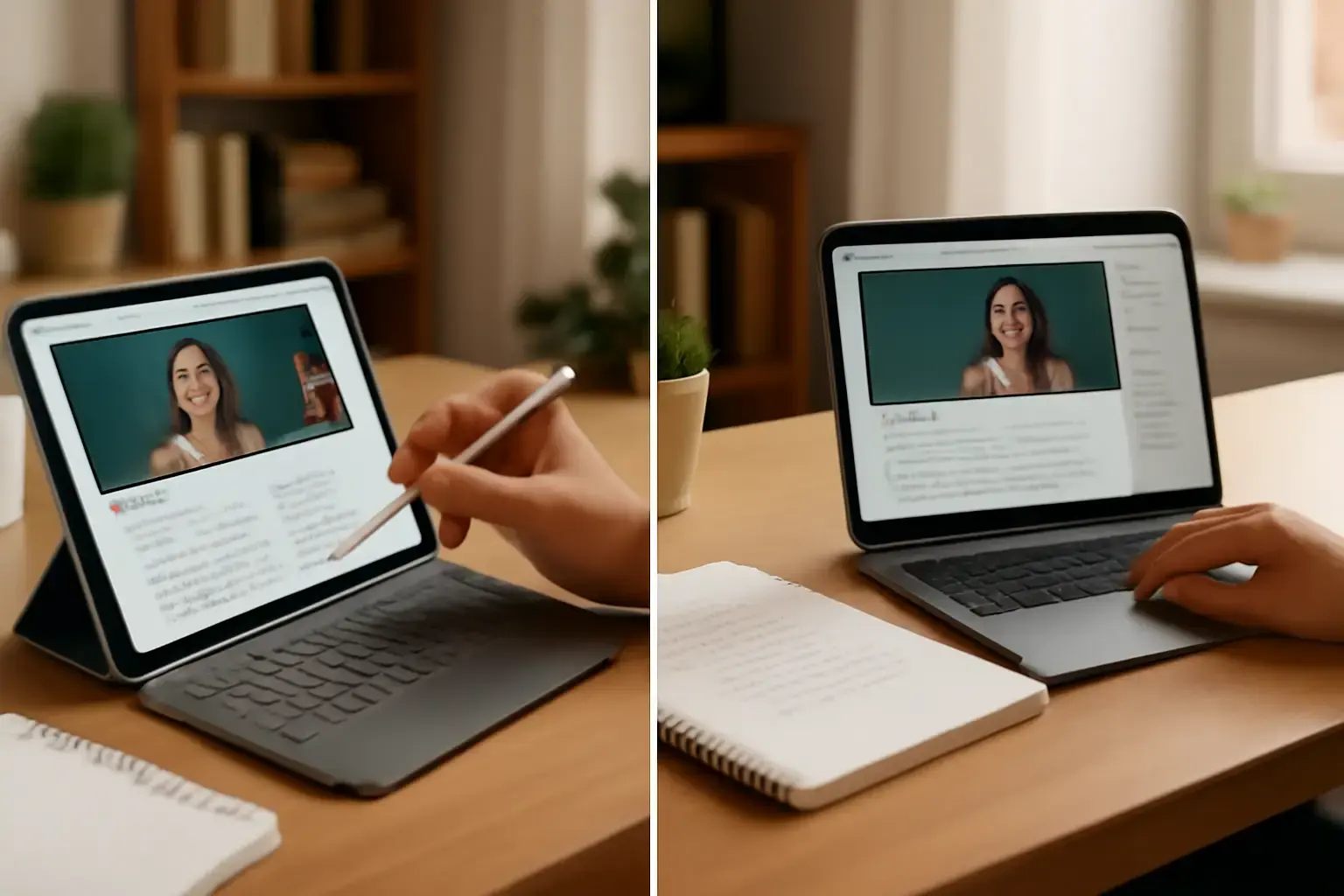
Why the Tablet vs Laptop Debate Still Matters for Online Students in 2026
Even with the rapid evolution of both tablets and laptops, deciding which device to buy for online learning remains a critical and nuanced choice. In 2026, both form factors offer compelling hardware advances: ultra-responsive touchscreens, improved keyboards, longer battery life, and slick app ecosystems. But the best learning device depends heavily on individual study habits, software requirements, and budget constraints. This article cuts through marketing hype and specs to help students and parents make a smart purchase decision grounded in daily online learning realities.
Related reading: iPad vs Android Tablets for Mobile Video Editing: Which Delivers Better Performance and App Support?
Comparing Real-World Use Cases: Tablets Shine for Flexibility, Laptops for Full Productivity
Tablets: Modern tablets — including the latest Apple iPad Air and Pro models, Samsung Galaxy Tab S9 series, and premium Android/iPadOS hybrids — excel for portability and engagement. Their lightweight design, instant-on operation, and long battery life make them perfect for video lectures, note-taking apps, and light document editing. The touchscreen plus stylus support also facilitate intuitive handwritten notes, diagramming, or math problem solving. Tablets are naturally versatile for casual reading, e-textbooks, and multimedia study aids.
Laptops: Laptops — especially ultralight Windows machines like the Dell XPS 13 Plus 2026 edition, or Apple’s M2/M3 MacBook Air — offer a more powerful multitasking environment critical for students juggling multiple browser tabs, coding assignments, desktop-grade software, or research projects. Their physical keyboards and larger screens improve comfort during long typing sessions and complex workflows. Laptops also support legacy software needed for specific courses, like specialized statistical or 3D modeling tools, better than tablets, which remain limited by their mobile OS architectures.
Key Considerations for Student Buyers: What Really Makes a Difference?
1. Software Compatibility and Ecosystem: Students should verify if their coursework or preferred apps are fully functional on tablets or require laptop-class software. For instance, Microsoft Office and Google Workspace apps are well optimized on tablets, but some advanced features or plugins only work on full Windows or macOS versions.
2. Keyboard and Input Experience: Though many tablets now come with detachable or folio keyboards, these often lack the tactile feedback or durability of laptop keyboards, which matter when typing long essays or programming. External keyboards can plug this gap, but add cost and bulk.
3. Battery Life and Portability: Tablets generally last longer unplugged and weigh less, enhancing mobility for students moving between classes, libraries, or home. However, newer ultraportable laptops have narrowed the battery gap and often include fast charging.
4. Multimedia and Video Conferencing: Both devices have made huge leaps in webcam quality and microphone arrays, but tablets usually have an edge in flexibility for positioning during video calls and better app support for annotation or whiteboard features.
5. Storage and Expandability: Most tablets rely on fixed internal storage with cloud reliance, which may constrain offline study resources. Laptops usually offer more onboard storage and options for external drives, crucial for media-heavy courses.
See also: Best VPN Services for Phones and Tablets in 2026: Security, Speed, and Ease of Use Compared
Common Mistakes Buyers Make When Choosing Between Tablets and Laptops
- Assuming Tablets Are Always Cheaper: Top-tier tablets with keyboard and stylus accessories can reach or exceed the price of entry-level laptops, without matching all productivity features.
- Ignoring Ergonomics: Using tablets for long typing or multitasking sessions without external hardware can lead to discomfort and reduced focus.
- Overlooking Software Needs: Students enrolling in STEM or design courses often require software unavailable or limited on tablets, causing frustration and extra expenses later.
- Neglecting Long-Term Value: While tablets get regular OS updates, laptops generally have broader software support and repair options, extending viable lifespan.
- Buying Without Testing Accessories: Not all tablet keyboards or styluses deliver consistent quality; trial or research is essential to avoid poor typing or drawing experiences.
Top Online Learning Scenarios and Which Device Fits Best
Scenario 1: The Casual Learner
A student mainly attending video lectures, reading PDFs, and using note apps benefits from a recent iPad Air 2026 or Galaxy Tab S9 with a quality stylus. The light weight and excellent app ecosystem facilitate mobility and easy multitasking.
Scenario 2: The Essay Writer and Researcher
Students producing frequent written assignments, working with multiple tabs, and managing citations gain from a laptop with a comfortable keyboard and a large screen — the new MacBook Air M3 or preferred Windows ultrabook fits well.
Scenario 3: STEM and Designer
Courses requiring coding, CAD, or statistical software mandate laptops. The latest Windows laptops or MacBook Pro models provide compatible environments, powerful CPUs, and robust ports for peripherals.
Scenario 4: Hybrid Learner
Some students want the best of both worlds and invest in a tablet plus a budget laptop or convertible 2-in-1. This setup maximizes flexibility but increases cost and complexity.
Helpful Resources for Making Your Decision
- iPad vs Android Tablet for Work and Study: Which Is Better in 2026? — Detailed ecosystem and app support comparison.
- Best PDF Annotation Apps for Tablets and Laptops: Features and Pricing Compared — Essential if you read and mark up study materials frequently.
- The Best iPad to Buy in 2026: Comparing Air, Pro, and Mini for Work and Study — Helps choose the ideal iPad model if going the tablet route.
Final Recommendation: Which Device Is Better for Online Learning in 2026?
There is no one-size-fits-all answer, but if you prioritize mobility, casual study, note-taking, and multimedia consumption, a high-end tablet with keyboard and stylus support is an excellent choice. For students needing extensive typing, multitasking, or specialized software, a modern ultraportable laptop remains the more practical investment. Those who can stretch budgets and want versatility should consider combining both devices selectively. Wherever you land, focus on real-world ergonomics, software compatibility, and accessory quality to avoid costly regrets after purchase.