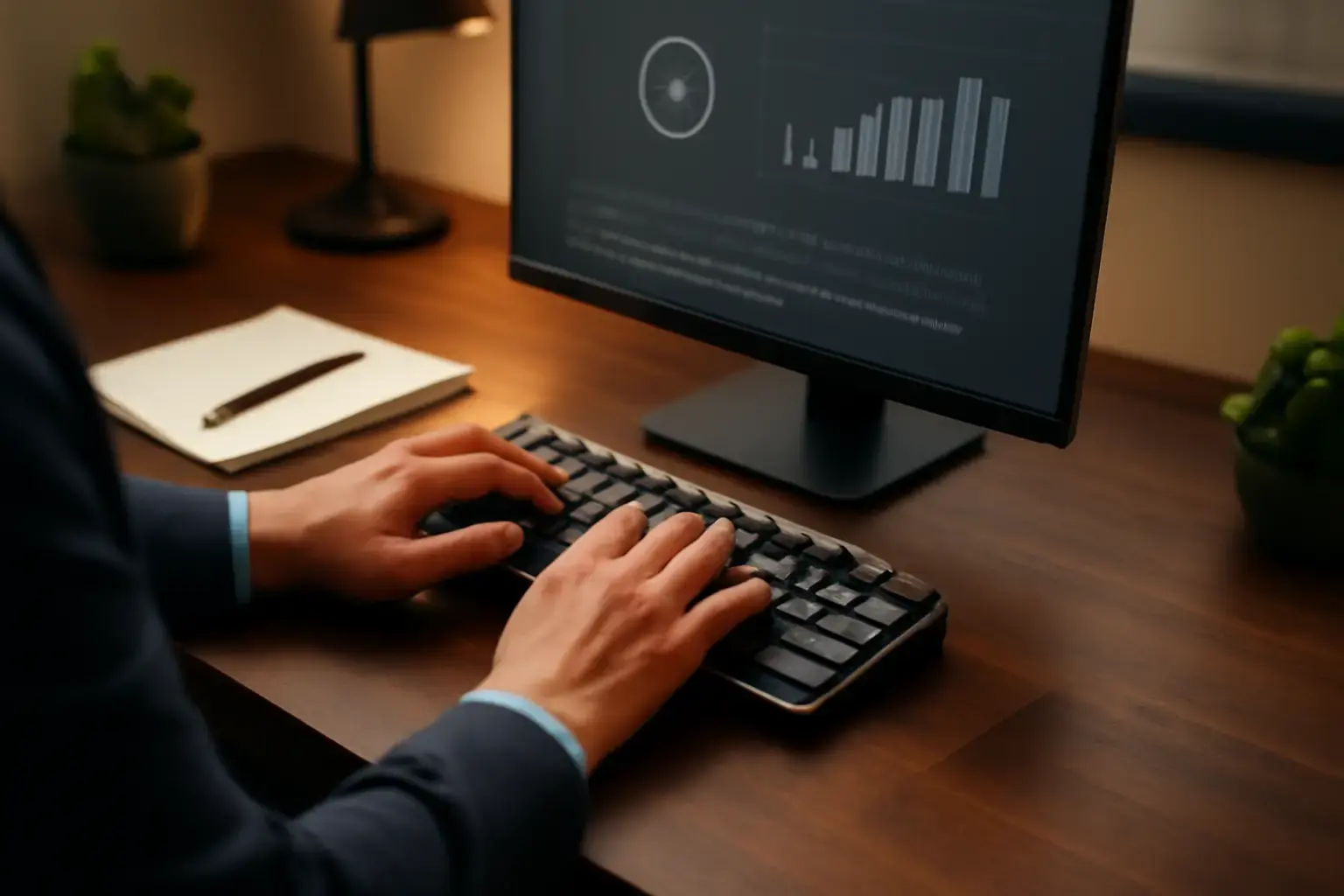
The Typing Speed vs Accuracy Dilemma: Why Timed Sessions Matter for Office Pros
Office professionals frequently need to produce large volumes of text—emails, reports, documentation—where speed matters but errors can be costly. Many try to increase Words Per Minute (WPM) by simply typing faster, only to find their accuracy drops, causing rework and frustration. The tension between speed and accuracy is real and solving it requires more than just raw practice: it requires smart, timed typing sessions that emphasize precision under pressure.
Timed typing sessions simulate time-limited real-world tasks, conditioning your mind and fingers to perform not just faster, but cleaner. This approach is especially valuable for office workers who multitask between typing, reading, and thinking. Unlike casual typing drills, timed sessions build resilience to work under deadlines without sacrificing correctness.
How to Structure Timed Typing Sessions for Real Speed and Accuracy Gains
Simply racing against a clock without structure often backfires—speed increases briefly but accuracy suffers, and fatigue mounts quickly. A smart timed typing routine balances effort and recovery, with these key components:
- Warm-up phase (5 minutes): Start with easy typing exercises that include common office vocabulary and punctuation. This primes your fingers and reduces initial errors.
- Focused timed session (10–15 minutes): Use a reputable online typing test or a custom document relevant to your work. Set a reasonable time limit (e.g., 5 minutes) and type without pausing, aiming to maximize speed.
- Accuracy review (5 minutes): Immediately after, review errors carefully. Don’t just note them—understand patterns (e.g., certain letters, punctuation, or shortcuts that cause mistakes).
- Targeted drills (10 minutes): Focus practice on identified weak spots, whether it's punctuation speed or specific letter combinations common in your text.
- Cool down and reflection (5 minutes): Type a slow, error-free paragraph to consolidate muscle memory and give your hands a rest.
This balance keeps training effective and sustainable, avoiding burnout or sloppy typing habits. Consistency is key—daily or every-other-day sessions yield the best long-term results.
Choosing the Right Tools and Tests for Office Professionals
Not all typing tests and trainers are created equal. Office pros benefit most from tools that:
- Use realistic office language: Choose typing tests featuring emails, business letters, or reports rather than random words or code snippets.
- Offer timed sessions with accuracy feedback: Websites like Best Online Typing Test Websites for Students Needing Realistic Practice Under Timed Exam Conditions provide reliable timing and error analysis.
- Support progress tracking: Being able to see your WPM and accuracy trends over weeks motivates continued improvement.
- Allow custom text input: Upload or paste your actual work documents to practice typing the most relevant vocabulary and formatting.
In addition to online services, consider integrating text expansion tools to reduce repetitive typing without compromising speed—check out our guide on Best Text Expander Apps for Developers for ideas adaptable to office use.
Where Most People Go Wrong: Avoiding Common Pitfalls in Timed Typing Practice
Many office workers make mistakes that stall progress or cause frustration:
Related reading: Best Online Typing Tests That Measure Real-World Office Typing Speed and Accuracy Under Distraction
- Chasing speed only: Sprinting to increase WPM without accuracy focus creates bad habits and slows long-term gains.
- Irregular practice: Sporadic typing drills lose effectiveness; consistency is essential for muscle memory.
- Ignoring error analysis: Skipping review means you’ll repeat the same mistakes unchecked.
- Using irrelevant text: Practicing with unrelated vocabulary doesn’t transfer well to office work demands.
- Skipping warm-ups and cool-downs: This leads to fatigue and higher risk of typo spikes.
By avoiding these traps and focusing on structured timed sessions, you ensure improvements feel natural and stick beyond practice.
Practical List: Step-by-Step to Implement Timed Typing Sessions This Week
- Pick a trusted typing test platform that offers timed tests and error analysis.
- Schedule 30–40 minutes per session; start with three sessions per week.
- Prepare a set of realistic office texts (emails, reports) for custom practice.
- Follow the structured routine: warm-up, timed typing, review, targeted drills, and cool-down.
- Track your WPM and accuracy after each session to spot trends.
- Adjust difficulty progressively by shortening time limits or increasing text complexity.
- Integrate text expansion apps to complement speed gains by reducing repetitive typing.
- Evaluate your progress after 2–3 weeks and tweak practice frequency or length accordingly.
By keeping sessions concise and focused, you avoid fatigue while building both speed and precision.
Conclusion: The Balanced Path to Faster, More Accurate Office Typing
For office professionals, increasing WPM without sacrificing accuracy is achievable but requires thoughtful practice. Timed typing sessions tailored for realistic office texts train your fingers and brain to perform under pressure with fewer errors. Avoid common mistakes like chasing speed alone or inconsistent practice, and use tools that offer meaningful feedback and progress tracking.
Adopting a structured session format—warm-up, timed typing, error review, targeted drills, and cool-down—ensures sustainable improvement. Pairing this with text expansion apps can further lighten your typing load. Ultimately, the right balance of speed and accuracy translates into smoother writing workflows, less correction time, and greater confidence in your everyday typing tasks.
Explore relevant guides like Is 50 WPM Good? What 50 Words Per Minute Really Means in 2026 and Average Typing Speed (WPM) in 2026 to benchmark your progress and set realistic, achievable goals tailored for your office workload.
One useful way to judge How to Increase WPM Without Sacrificing Accuracy Using Timed Typing Sessions for Office Professionals is to compare how it behaves during repeated daily use rather than during a single quick test.
Long-term value usually becomes clearer when you look at comfort, setup friction, reliability, and how naturally the choice fits existing habits.