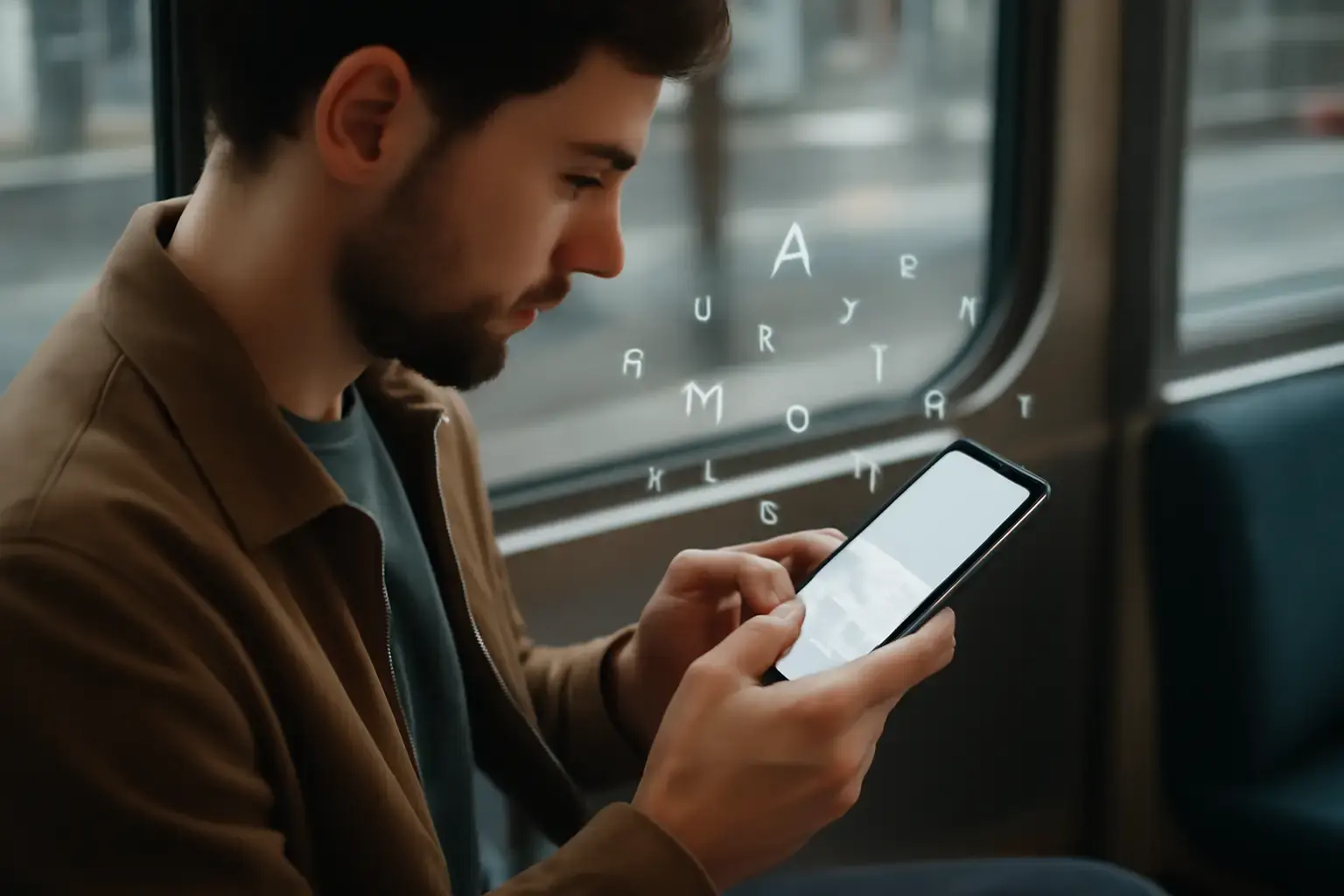
When choosing a smartphone primarily for fast and accurate typing, the focus must extend far beyond flagship specs or camera performance. In 2026, many phones look appealing on paper but don’t deliver when it comes to the typing experience critical for writers, coders, and mobile professionals. This article cuts through marketing noise to discuss the real factors affecting typing speed and accuracy on smartphones and recommends the best phones that support serious typing workflows.
Why Typing Quality on Smartphones Still Varies Greatly
Most users assume that all modern smartphones offer a similar typing experience. However, the reality is nuanced. The physical and software layers both matter immensely:
Related reading: Best Mobile Keyboard Apps for Students Who Struggle with Punctuation and Diacritics on Small Screens
- Screen size and aspect ratio: Phones with taller screens but narrow widths can make thumb reach awkward, slowing typing and increasing errors.
- Touchscreen technology: The precision and latency of the touch layer affect how quickly the screen registers key taps and swipes.
- Keyboard software support: While many rely on third-party keyboard apps, the phone’s native keyboard integration, support for multilingual input, and responsiveness heavily influence accuracy and speed.
- System lag and resource allocation: Phones overwhelmed by background tasks or with aggressive memory management kill typing fluidity due to delayed autocorrect and haptic feedback.
In short, a great typing phone is a harmonious combination of ergonomic hardware and optimized software support.
Key Features to Consider for Fast, Accurate Typing on Smartphones
When shopping for a typing-focused smartphone in 2026, prioritize these aspects:
- Optimal screen dimensions for thumb typing: Phones in the 6.5-inch range with slightly wider screen widths (around 75mm) offer better thumb reach and fewer mistypes than ultra-tall, narrow displays.
- High refresh rate touchscreens: 120Hz or higher refresh rates reduce typing latency, making virtual keyboards feel more responsive and natural.
- Minimal system bloat and smart resource management: Phones running near-stock Android or iOS with proven multitasking abilities avoid lag that disrupts typing flow and autocorrect responsiveness.
- Comprehensive language and keyboard support: Phones that allow quick keyboard app switching with support for diacritics, punctuation shortcuts, and multilingual dictionaries empower fast, accurate typing for diverse language needs.
- Reliable haptic feedback: Haptics tuned for typing provide physical confirmation, reducing errors and boosting confidence especially during fast thumb typing.
- Excellent autocorrect and text prediction integration: Whether native or with third-party tools, the phone must offer seamless autocorrect without delays or intrusive corrections that disrupt flow.
Top Smartphones for Typing in 2026: In-Depth Comparison
Based on real-world typing workflows and focusing on the key features above, here are the best 2026 smartphones suitable for serious typists:
1. Apple iPhone 17 Pro and Pro Max
- Why it excels: Apple’s flagship iPhones continue to provide one of the smoothest virtual typing experiences. The 17 Pro’s balanced screen size (~6.1") paired with iOS’s highly optimized keyboard engine and excellent haptics ensures very responsive typing with minimal lag.
- Trade-offs: The smaller Pro model might feel cramped for users with large hands who rely on thumb typing. The Pro Max offers a wider screen but is bulky to hold one-handed for typing.
- Best for: Writers prioritizing accuracy, quick punctuation access via iOS keyboards, and those deeply embedded in Apple’s ecosystem.
2. Samsung Galaxy S26 Ultra
- Why it excels: Samsung’s phones feature large, wide AMOLED displays (~6.8") with 120Hz refresh rates, ideal for thumb typing with spacious keys on the Samsung Keyboard and third-party apps. Samsung’s software supports versatile language packs and real-time correction improvements.
- Trade-offs: The large device size can hinder one-handed typing sessions. Samsung’s software, while feature-rich, sometimes suffers from occasional memory management quirks that can cause keyboard lag under heavy multitasking.
- Best for: Multilingual typists who utilize extensive punctuation and diacritics and appreciate expansive screen real estate for editing on mobile.
3. Google Pixel 8 Pro
- Why it excels: Pixel phones offer the most refined Android experience with Google’s native Gboard keyboard. The Pixel 8 Pro’s 6.7-inch display balance and ultra-responsive touchscreen with 120Hz refresh rate give very accurate typing. Gboard’s excellent multilingual support and text prediction make this a top pick.
- Trade-offs: Pixel devices have smaller ecosystems than Samsung or Apple, meaning fewer vendor-specific keyboard tweaks. Also, the Pixel 8 Pro’s curved screen edges can sometimes cause mis-taps during fast typing.
- Best for: Android users looking for the cleanest software integration with powerful typing assistant features and best-in-class multilingual input.
4. OnePlus 12
- Why it excels: OnePlus phones combine near-stock Android with superb hardware. The 6.7-inch 120Hz display provides a good balance for thumb reach. The phone’s efficient OS results in minimal lag and reliable keyboard responsiveness with Gboard or SwiftKey.
- Trade-offs: Haptic feedback isn’t as refined as iPhone or Samsung. The slightly narrower width may limit thumb comfort during prolonged typing sessions.
- Best for: Budget-conscious Android users who want flagship performance and smooth typing without Samsung’s software overlays.
How to Maximize Your Typing Speed and Accuracy on Smartphones
Choosing the right phone is just the first step. To push your mobile typing speed without sacrificing accuracy, apply these practical strategies:
You may also like: Best Android Keyboard Apps That Balance Fast Typing and Easy Access to Technical Symbols for Developers in 2026
- Select the right keyboard app: Depending on your language needs, Gboard, SwiftKey, and iOS native keyboards remain top choices. Try them all and configure punctuation and diacritic shortcuts for your workflow. See our guide on choosing mobile keyboard apps for fast punctuation access.
- Customize your keyboard layout: Enable one-handed mode if available, resize the keyboard height, or adjust key spacing in settings to fit your hand size and typing style.
- Turn off unnecessary animations and haptics: Sometimes reducing visual effects and tweaking haptic feedback intensity reduces accidental mistypes.
- Practice touch typing on your phone: Use apps or online tests to get comfortable with your chosen keyboard layout without looking at the keys.
- Use text expansion tools: For repetitive phrases, code snippets, or signatures, integrate text expanders to cut down typing time and errors.
Common Mistakes When Choosing a Phone for Typing and How to Avoid Them
- Choosing phones based solely on specs or camera: A higher megapixel camera or faster processor doesn’t guarantee a fluid typing experience. Focus on screen dimensions and software optimization first.
- Ignoring typing ergonomics: Ultra-tall, narrow phones are trendy but often poor for thumb typing, increasing errors and fatigue.
- Overlooking multilingual typing support: If you type in multiple languages, confirm the phone supports your keyboard apps with easy switching and diacritic access.
- Neglecting autocorrect and prediction quality: Poorly tuned autocorrect frustrates more than it helps. Use phones where you can install trusted keyboard apps with customizable dictionaries.
For further tips on improving mobile typing accuracy and speed without relying too much on autocorrect, see our detailed strategies in this guide.
Practical Summary: Which Phone Should You Buy for Fast Typing in 2026?
- Apple iPhone 17 Pro: Best for those deeply invested in iOS who want refined haptics and balanced screen size for daily typing.
- Samsung Galaxy S26 Ultra: Ideal for multilingual heavy typists who want a big screen for editing, accepting a larger device.
- Google Pixel 8 Pro: Best Android with clean OS and superb native keyboard integration for fast, accurate multilingual typing.
- OnePlus 12: Budget flagship with near-stock Android and solid typing experience for those wanting smooth performance without Samsung’s UI.
Ultimately, pick a phone that feels comfortable in your hand width-wise, supports your preferred keyboard app with minimal lag, and provides reliable autocorrect and haptic feedback. Avoid chasing specs that don’t affect typing directly. With the right device and keyboard workflow setup, your mobile typing speed and accuracy will noticeably improve in everyday writing and coding tasks.
Explore more on mobile typing productivity and keyboard app choices at Typing Keyboard.