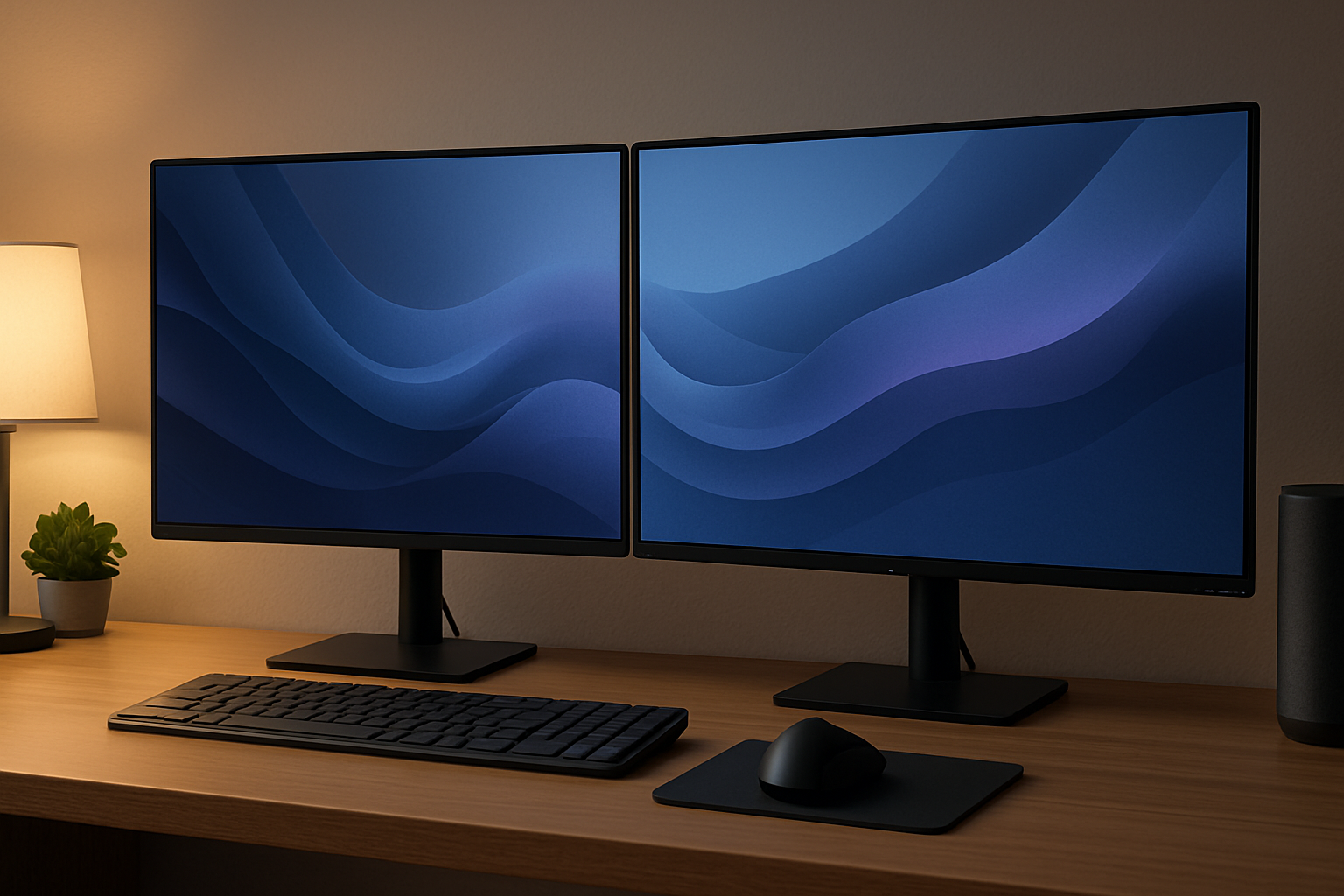
How to Build a Productive Dual-Monitor Desk Setup (2026 Guide)
Quick answer: A productive dual-monitor setup improves focus by reducing tab switching and keeping essential tools visible. The best setup uses two similar monitors, proper alignment, and a workflow that assigns a clear role to each screen.
Most people add a second monitor and expect instant productivity — but end up with more clutter and distraction instead. The real benefit comes from how you use the screens, not just having them.
A well-optimized dual-monitor setup removes friction from your workflow. A bad one just spreads the chaos across two screens.
Why Dual Monitors Actually Improve Productivity
- Less tab switching: Keep reference material always visible
- Better focus: Reduce interruptions and context switching
- Faster workflows: Compare, edit, and review side-by-side
- Cleaner mental flow: One screen = one purpose
Single vs Dual Monitor: Real Difference
| Setup | Strength | Weakness |
|---|---|---|
| Single Monitor | Simple and clean | Constant switching |
| Dual Monitor | Better multitasking | Needs proper organization |
Core Components of a Productive Setup
- Matching monitors: Same size and resolution for visual consistency
- Monitor arms or stands: Essential for proper alignment
- Enough desk space: Avoid cramped layouts
- Comfortable keyboard and mouse: Your input setup matters as much as your screens
- Proper lighting: Prevent glare and eye strain
The Most Important Rule: Assign a Role to Each Screen
This is where most setups fail.
- Primary screen: Main task (coding, writing, editing)
- Secondary screen: Support (docs, browser, chat, terminal)
If both screens are used randomly, productivity drops instead of improving.
Real-World Setup Examples
For Developers
- Main screen → IDE / code editor
- Second screen → documentation, terminal, browser
For Writers
- Main screen → writing app
- Second screen → research, notes, editing tools
For General Work
- Main screen → active task
- Second screen → email, Slack, calendar
Ergonomic Setup Tips (Critical for Long Sessions)
- Keep your main monitor directly in front of you
- Angle the second monitor slightly inward
- Maintain eye-level screen height
- Sit at arm’s length distance
- Keep your keyboard at elbow height
Bad ergonomics will cancel out any productivity gains.
Productivity Tips That Most People Ignore
- Use window snapping tools: Saves time arranging apps
- Avoid overloading both screens: More content ≠ more productivity
- Keep one screen “clean”: Reduces mental noise
- Disable unnecessary notifications: Especially on the second screen
Common Mistakes
- Using both monitors randomly
- Buying mismatched screens
- Poor alignment causing neck strain
- Filling both screens with distractions
Quick Decision Guide
- Work with lots of references? → Dual monitor is worth it
- Mostly single-task work? → One good monitor may be enough
- Limited desk space? → Consider vertical or ultrawide setup
Practical Takeaways
- Dual monitors improve workflow — if used correctly
- Assign a role to each screen
- Ergonomics matter as much as hardware
Final Thoughts
A dual-monitor setup is not about having more screens — it’s about reducing friction in your workflow.
When each screen has a clear purpose, your work becomes faster, cleaner, and far more focused.