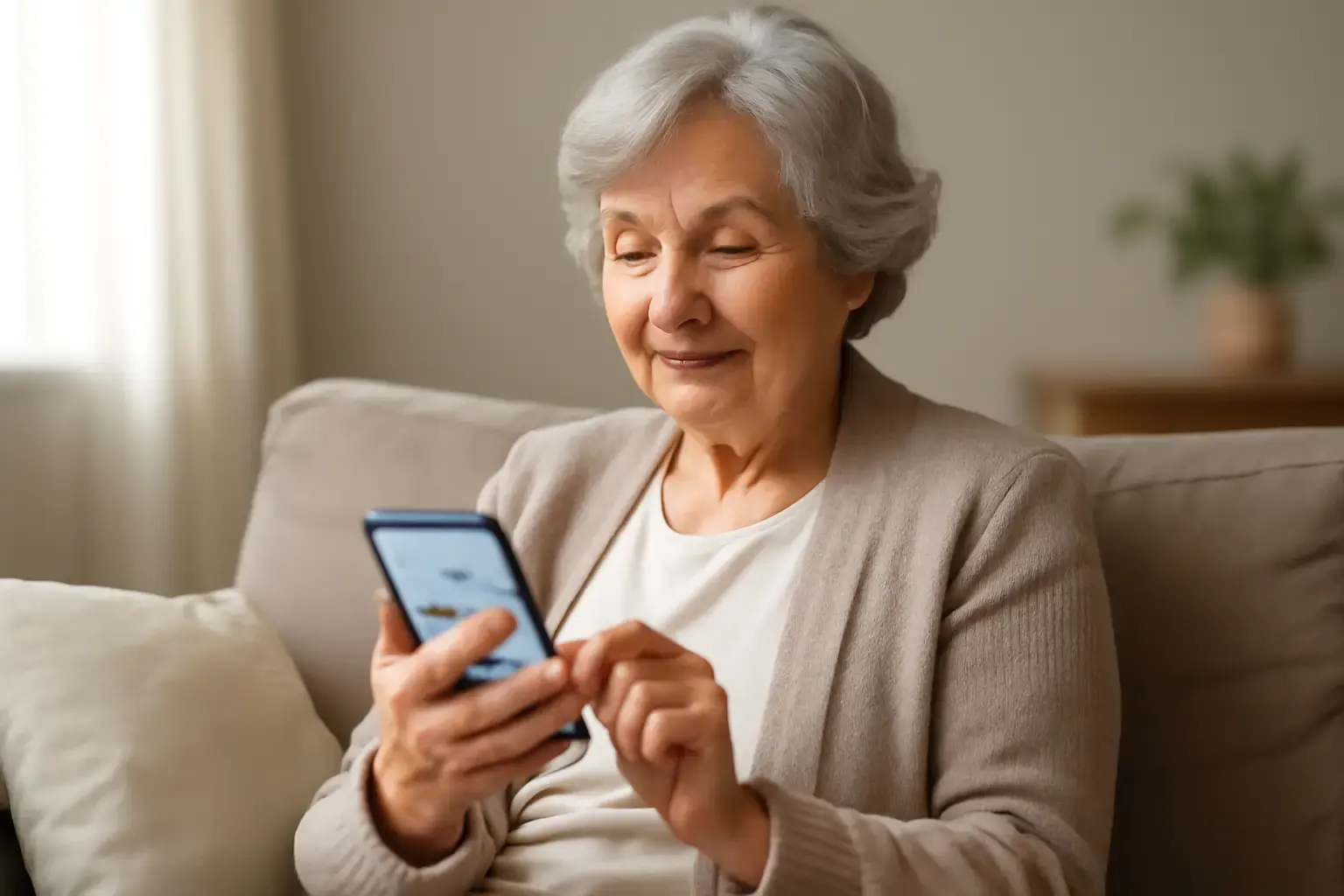
Why Seniors Need Special Consideration When Choosing Budget Android Phones
Modern smartphones have become more powerful than ever, but they have also become more complicated. For many seniors, tiny icons, crowded menus, and overly complex settings can turn a simple phone call into a frustrating experience. That’s why choosing the right budget Android phone in 2026 requires more than comparing processors or camera megapixels.
A senior-friendly smartphone should focus on comfort, readability, simplicity, and reliability in daily use. Large displays make text easier to read, while clean software interfaces reduce confusion and help users navigate essential apps confidently. Features like loud speakers, long battery life, and straightforward navigation can dramatically improve the overall experience for older adults.
Most budget Android phones are designed for younger users who prioritize gaming, social media, or advanced customization. Seniors often need the opposite: stability, clarity, and ease of use. Whether you are buying a phone for yourself, a parent, or an older family member, understanding which features truly matter will help you avoid expensive mistakes and choose a device that remains useful for years.
In this guide, we’ll cover the most important features to prioritize, the best budget Android phones for seniors in 2026, common buying mistakes to avoid, and practical setup tips that make Android phones easier and safer to use every day.
Key Features That Matter Most for Seniors on a Budget
When shopping for an affordable Android phone for seniors, the lowest price should never be the only priority. A slightly better device with easier navigation and stronger long-term support often provides a much better experience over time. Here are the features that matter most in real-world use.
Related reading: How to Choose the Best Budget Android Phones for Social Media Creators Who Need Good Cameras and Battery Life
- Large and Bright Display: A screen size between 6.5 and 6.8 inches is ideal for seniors who struggle with small text or reduced vision. Full HD+ resolution improves text sharpness, while high brightness levels help outdoors and in bright rooms. IPS LCD panels are often easier on the eyes and more affordable than premium OLED displays.
- Simple and Clean Interface: Phones with lightweight software are easier to navigate. Android skins overloaded with ads or duplicate apps can confuse older users. Devices with near-stock Android or built-in Easy Mode features offer cleaner layouts and larger icons.
- Excellent Battery Life: Seniors may forget to charge devices regularly, so battery endurance is critical. Phones with 5000mAh batteries can comfortably last a full day or even multiple days with light use.
- Loud Speakers and Clear Call Quality: Strong speaker output and reliable microphones improve communication, especially for users with hearing difficulties. Dual speakers or enhanced voice clarity features can make a noticeable difference during calls.
- Reliable Software Updates: Security updates are increasingly important in 2026. Phones running Android 14 or newer with at least several years of security support provide safer banking, messaging, and browsing experiences.
- Comfortable Physical Design: Large displays are useful, but oversized phones can become difficult to hold. Look for textured backs, lightweight construction, or phones that work well with protective grip cases.
- Fingerprint Sensors and Face Unlock: Simple unlocking methods reduce frustration. Side-mounted fingerprint readers are usually easier and faster for seniors compared to under-display sensors.
- Emergency and Accessibility Features: Android accessibility tools now include hearing aid support, magnification shortcuts, voice typing, live captions, and emergency SOS functions that can be lifesaving for older adults.
Best Budget Android Phones for Seniors With Large Displays and Simple Interfaces in 2026
Several affordable Android phones released or updated for 2026 stand out because they combine large screens, straightforward software, and dependable everyday performance without becoming overly expensive.
- Samsung Galaxy A16 5G
The Samsung Galaxy A16 5G is one of the strongest overall choices for seniors in 2026. It features a large 6.7-inch Full HD+ display with excellent brightness and easy readability. Samsung’s One UI includes Easy Mode, which enlarges icons, simplifies menus, and improves navigation for first-time smartphone users.
The phone also offers dependable battery life with its 5000mAh battery, strong call quality, and Samsung’s long-term software support policy. Samsung devices are widely familiar to many seniors who previously used older Galaxy phones, making the transition easier. - Motorola Moto G Power 5G (2025)
Motorola continues to dominate the budget battery category. The Moto G Power 5G delivers outstanding endurance that can last up to two days with normal use. Its clean Android experience avoids unnecessary clutter, making navigation simpler for seniors.
The 6.7-inch display is large enough for comfortable reading, while Motorola’s gesture shortcuts and voice features improve usability. The near-stock Android interface feels less overwhelming compared to heavily customized software from some competitors. - Nokia G42 5G
Nokia phones remain popular among users who value simplicity and durability. The Nokia G42 5G provides a clean Android experience with minimal preinstalled apps and intuitive navigation. Its repair-friendly design is also helpful for long-term ownership.
The 6.56-inch display offers good readability, and Nokia’s focus on dependable software stability makes it suitable for seniors who simply want a reliable phone for calls, messaging, video chats, and light browsing. - Redmi 13 5G
For users seeking maximum screen size at a lower price, the Redmi 13 5G delivers impressive value. It includes a large display, solid battery life, and decent overall performance for basic daily tasks.
Although Xiaomi’s software can feel slightly busier than Samsung or Motorola, enabling simplified home screen settings can significantly improve usability for seniors. - TCL 50 XL 5G
TCL has quietly become a strong option in the affordable large-display segment. The TCL 50 XL 5G focuses heavily on screen readability and multimedia clarity. Its NXTVISION display technology improves contrast and text visibility, which benefits older users.
The device also offers stereo speakers and smooth performance for everyday tasks like video calls, YouTube, messaging, and navigation.
Features Seniors Should Avoid in Budget Smartphones
Not every modern smartphone feature improves the experience for seniors. In fact, some trendy features can make phones harder to use or less reliable over time.
- Overly Aggressive AI Features: Many phones in 2026 include AI assistants and automated tools that constantly generate notifications or suggestions. These can confuse users who prefer a predictable experience.
- Curved Displays: Curved-edge screens may look premium but often increase accidental touches and reduce readability near the edges.
- Heavy Gaming-Oriented Interfaces: Some low-cost phones prioritize gaming aesthetics with flashy animations and cluttered menus that complicate navigation.
- Low-Quality Ultra-Cheap Devices: Extremely cheap Android phones often suffer from poor screens, weak speakers, slow performance, and limited update support. Spending slightly more usually results in a dramatically better experience.
- Complicated Camera Systems: Seniors rarely benefit from four-camera arrays filled with unnecessary features. Simpler camera apps with larger buttons are often more practical.
Common Mistakes When Buying Budget Phones for Seniors—and How to Avoid Them
Many buyers unintentionally choose phones that look impressive on paper but become frustrating in everyday use. Avoiding these common mistakes can save money and reduce stress.
- Prioritizing Specifications Over Simplicity: High refresh rates, gaming processors, or excessive camera features rarely matter for seniors. A simpler phone with stable performance and easy navigation is usually the better choice.
- Ignoring Update Policies: Phones without security updates quickly become vulnerable and incompatible with newer apps. Always check software support before purchasing.
- Buying Phones That Are Too Heavy: Some large-screen devices become uncomfortable during long calls or prolonged reading. Weight distribution and grip comfort matter more than many buyers realize.
- Overlooking Audio Quality: Weak speakers or low call volume can severely impact usability for seniors with hearing difficulties.
- Skipping Accessibility Testing: Accessibility settings should be tested before finalizing the purchase. Features like text scaling, voice typing, hearing aid compatibility, and magnification tools can dramatically improve usability.
- Choosing Phones Filled With Ads: Some budget Android brands include intrusive ads within system apps. This creates confusion and reduces trust for older users.
Practical Setup Tips to Simplify Android Phones for Seniors
Even the best smartphone can feel overwhelming without proper setup. Taking time to configure the device correctly often matters just as much as choosing the hardware itself.
- Enable Easy Mode: Samsung’s Easy Mode and similar accessibility features enlarge text, simplify layouts, and reduce visual clutter.
- Install Senior-Friendly Launchers: Apps like Big Launcher replace complex home screens with oversized icons and simplified navigation.
- Increase Font and Display Size: Android accessibility settings allow users to enlarge fonts, buttons, and interface elements for better readability.
- Simplify the Home Screen: Keep only essential apps visible, such as Phone, Messages, Camera, WhatsApp, Maps, and Contacts.
- Configure Emergency Contacts: Android’s emergency SOS features can quickly contact family members or emergency services when needed.
- Set Up Voice Commands: Google Assistant remains extremely useful for seniors. Voice commands simplify calling, messaging, alarms, reminders, and weather checks.
- Disable Unnecessary Notifications: Reducing notification clutter helps seniors focus only on important messages and calls.
- Use Protective Cases With Better Grip: Textured or rubberized cases reduce the risk of accidental drops while making phones easier to hold securely.
For a broader look at budget Android phones tailored to other needs like students or travelers, see our guides on best Android phones for students and budget phones for travelers.
You may also like: How to Choose the Best 5G Phone Under $600 with Exceptional Battery Life in 2026
How Android Accessibility Features Have Improved for Seniors in 2026
Android accessibility tools have improved significantly in recent years, making modern smartphones far more senior-friendly than older devices.
Many Android phones now include advanced voice typing, automatic live captions during calls and videos, customizable hearing aid support, and AI-powered text reading tools. Magnification gestures allow users to zoom into any part of the screen instantly, while larger touch targets improve typing accuracy.
Google has also improved emergency features across Android 14 and Android 15 devices, including faster emergency sharing, location alerts, and medical information access directly from the lock screen.
For seniors who struggle with memory or organization, built-in reminder systems, calendar voice commands, and medication reminder apps can become extremely valuable daily tools.
Final Recommendation: Prioritize a Phone That Makes Life Easier, Not Just Cheaper
Choosing the best budget Android phone for seniors in 2026 is not about chasing premium specifications or flashy marketing features. The most important goal is finding a phone that feels comfortable, intuitive, reliable, and easy to use every single day.
For most seniors, the Samsung Galaxy A16 5G offers the best overall balance of display quality, battery life, accessibility features, and long-term software support. The Motorola Moto G Power 5G is another excellent choice for users who prioritize battery endurance and a cleaner Android experience.
Nokia and TCL devices also remain strong alternatives for seniors who value simplicity and durability over advanced features. The right choice ultimately depends on personal comfort, budget, and how the phone will be used daily.
Remember that setup and customization matter just as much as hardware. A properly configured Android phone with larger text, simplified navigation, emergency shortcuts, and voice assistance can dramatically improve confidence and independence for older users.
One of the best ways to evaluate How to Pick the Best Budget Android Phones for Seniors Needing Large Displays and Simple Interfaces in 2026 is to focus on long-term everyday usability instead of short-term specifications or marketing claims.