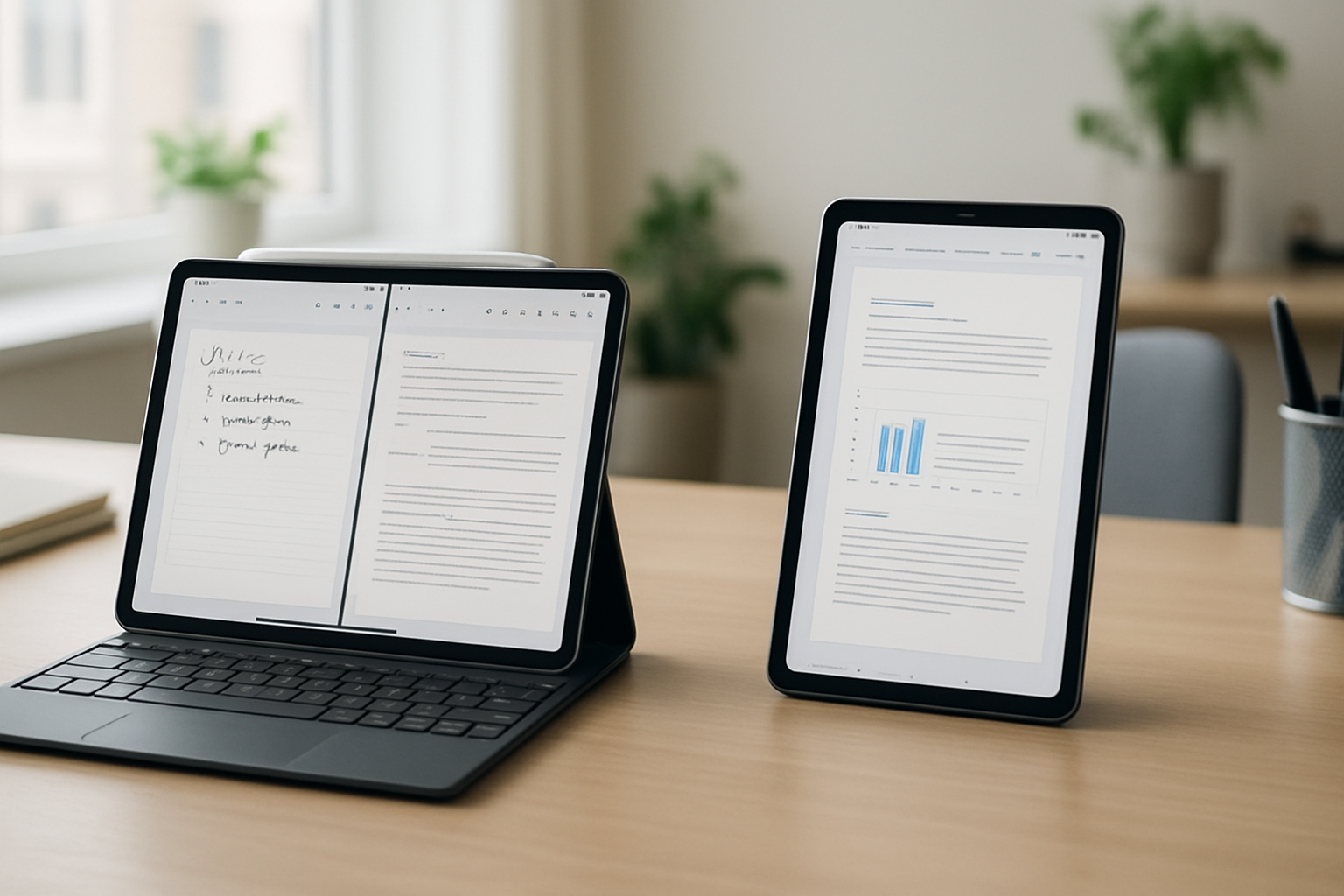
Understanding Your Productivity Needs: Why Tablet Choice Matters
Tablets in 2026 are no longer secondary devices—they often replace laptops entirely for students, remote workers, and even some creative professionals. But choosing between an iPad and an Android tablet isn’t about chasing the highest specs or the newest release. It’s about choosing a tool that aligns with how you actually work.
If your day revolves around structured note-taking, document editing, and reliable apps, your requirements differ significantly from someone juggling multiple windows, managing files across different systems, or customizing workflows down to the smallest detail. This is where the iPad vs Android tablet decision becomes critical.
Before comparing platforms, take a moment to assess your real usage patterns:
- Do you rely on specific apps (note-taking, design, office tools)?
- Will you type for extended periods or mostly use touch and stylus?
- How important is seamless integration with your existing devices?
- Do you need desktop-like multitasking or a simplified, focused environment?
Your answers will determine whether you need polish and consistency—or flexibility and control.
The iPad Advantage: Refined Experience and Reliable Productivity
iPads continue to dominate productivity-focused tablet usage—not because they offer the most customization, but because they remove friction. Everything tends to work exactly as expected, which matters more than it sounds when you rely on your device daily.
1. App Quality and Ecosystem Integration
iPadOS remains the benchmark for tablet-optimized apps. Core productivity tools like Microsoft Office, PDF editors, and note-taking apps are not just available—they’re designed specifically for touch and stylus workflows. This leads to fewer compromises compared to stretched phone apps or poorly adapted interfaces.
If you already use a Mac or iPhone, the integration becomes a major advantage. Features like clipboard sharing, file syncing, and continuity reduce the need for workarounds. Moving between devices feels natural instead of disruptive.
2. Keyboard Experience That Rivals Laptops
The Magic Keyboard and similar accessories have matured into serious productivity tools. They offer:
- Stable lap usability (something many tablet keyboards struggle with)
- Responsive key travel suitable for long typing sessions
- Trackpad support that enables precise navigation
This matters more than most buyers realize. A tablet can have excellent software, but if typing feels awkward, your productivity drops quickly. iPads are currently the most consistent option if you plan to write extensively.
3. Best-in-Class Stylus and Note-Taking
For students and professionals who rely on handwritten notes, the Apple Pencil experience remains difficult to match. Low latency, accurate palm rejection, and deep app support create a near-paper experience.
Real-world example: annotating lecture slides while recording audio notes or sketching diagrams during meetings feels fluid rather than forced. On many Android tablets, this workflow still depends heavily on app quality and can feel inconsistent.
4. Predictable Battery Life
iPads are known for delivering consistent battery performance across different workloads. You can rely on getting through a full day of mixed usage—video calls, typing, browsing—without constantly monitoring your battery percentage.
Where iPads Fall Short
- Higher total cost once you add keyboard and stylus
- Limited file system flexibility compared to Android
- Multitasking is improving but still not fully desktop-like
For users who value control over simplicity, these limitations can become frustrating over time.
Android Tablets in 2026: Flexibility, Power, and Trade-Offs
Android tablets have evolved significantly, especially in the premium segment. Devices from Samsung and Lenovo now compete closely with iPads in hardware quality. But Android’s strength lies less in polish and more in adaptability.
1. True Multitasking and Window Management
Android tablets excel at handling multiple apps simultaneously. You can run apps in resizable windows, drag content between them, and create workflows that resemble a desktop environment.
This is particularly useful for:
- Research-heavy tasks (browser + notes + document editing)
- Comparing multiple files side-by-side
- Managing communication apps alongside work tools
For power users, this flexibility can significantly improve efficiency—if you’re willing to set it up properly.
2. Customization and File Management
Android allows deeper control over how your device behaves. You can:
- Use advanced file managers
- Set default apps freely
- Customize shortcuts and workflows
This is especially valuable if you work across different platforms or frequently transfer files. Unlike iPadOS, Android doesn’t try to abstract the file system—it gives you access to it.
3. Wider Range of Hardware Options
Android tablets come in a broader range of sizes, designs, and price points. You’ll find:
- Large-screen tablets for multitasking
- Ultra-light models for portability
- Budget-friendly options for basic productivity
This flexibility makes Android more accessible, especially for users who don’t need premium features.
4. Keyboard and Accessory Variety
Unlike iPads, Android tablets are not limited to a specific ecosystem of accessories. You can pair almost any Bluetooth keyboard and often benefit from features like multi-device switching or programmable keys.
Where Android Tablets Struggle
- Inconsistent app optimization for large screens
- Stylus performance varies widely between models
- Accessory integration is less seamless
The biggest issue is reliability. While Android tablets can be more powerful in theory, the experience depends heavily on the specific device and apps you choose.
Choosing Based on Real-World Use Cases
Instead of focusing on features, it’s more helpful to match each platform to actual usage scenarios.
- Students Focused on Note-Taking and Study
Best choice: iPad
The combination of Apple Pencil, optimized note-taking apps, and reliable performance makes the iPad the most practical option. You spend less time troubleshooting and more time studying. - Remote Workers Handling Documents and Communication
Best choice: Depends on workflow
If your work relies on standard tools (Office, Zoom, Slack), iPad offers a smoother experience. If you need multitasking across multiple apps or custom workflows, a high-end Android tablet may be more efficient. - Creative Professionals
Best choice: iPad
Drawing, video editing, and design workflows are still better supported on iPadOS. The app ecosystem and stylus precision make a noticeable difference in daily use. - Tech-Savvy Users and Multitaskers
Best choice: Android tablet
If you enjoy customizing your setup and pushing your device beyond basic use cases, Android offers more freedom and flexibility. - Budget-Conscious Buyers
Best choice: Android tablet
You can find capable devices at lower price points, often bundled with accessories. Just be prepared for compromises in app quality and long-term support.
Keyboard Setup: The Hidden Factor That Impacts Productivity
One of the most underestimated aspects of tablet productivity is the keyboard experience. A poor keyboard setup can make even the best tablet frustrating to use.
Key considerations when choosing a keyboard:
- Stability: Can you use it comfortably on your lap?
- Key travel: Is typing comfortable for long sessions?
- Trackpad support: Does it improve navigation efficiency?
- Portability: Does it add too much weight?
iPads have an advantage in integration—their keyboards feel like an extension of the device. Android tablets offer more variety but require careful selection to avoid compatibility issues.
For deeper insights, check our guide on how to use external keyboards with iPad and Android tablets.
Common Mistakes Buyers Make
Many buyers choose the wrong tablet not because of bad options, but because they misunderstand their own needs. Here are the most frequent mistakes:
- Overvaluing specs: A faster processor won’t fix poor app optimization or a bad keyboard experience.
- Ignoring accessories: The real cost and usability depend heavily on keyboards and styluses.
- Assuming all apps work the same: Tablet optimization varies significantly between platforms.
- Buying for potential instead of actual use: If you won’t customize your workflow, Android’s flexibility won’t benefit you.
- Neglecting ecosystem compatibility: A tablet that doesn’t integrate with your existing devices adds friction.
A practical approach is to simulate your daily tasks—writing, browsing, multitasking—and choose the device that handles them with the least resistance.
Final Recommendation: Choose Based on Workflow, Not Brand
The iPad remains the safest and most consistent choice for productivity in 2026. It’s ideal for students, professionals who rely on stable apps, and anyone who wants a device that works without constant adjustments.
Android tablets, on the other hand, are better suited for users who want flexibility, advanced multitasking, and a wider range of price options. They can be incredibly powerful—but only if you’re willing to invest time in configuring your setup.
If your priority is reliability, polished apps, and a seamless typing and note-taking experience, choose an iPad. If you value control, customization, and multitasking flexibility, a high-quality Android tablet is the better fit.
The best decision isn’t about which platform is “better”—it’s about which one disappears into your workflow and lets you focus on getting work done.
For further guidance, explore our related resources: The Best iPad to Buy in 2026, Top Tablets with Keyboard Support for Study and Work, and Best Tablets with Keyboard Support for Students and Remote Workers.
Related: Best AI Tools for Productivity Without Adding More Busywork 🤖⌨️