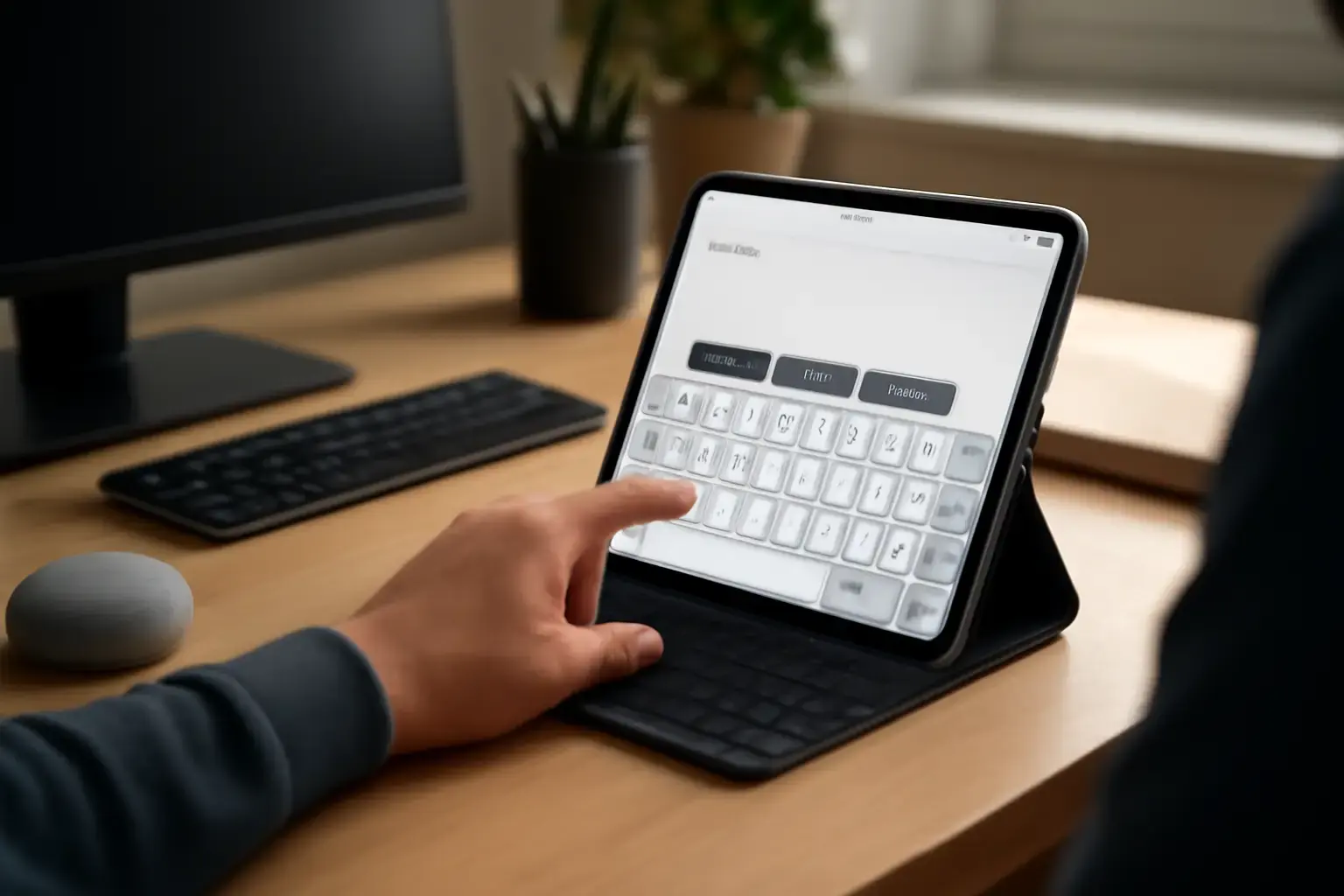
Why Customized On-Screen Keyboards Matter for People With Physical Disabilities
Physical disabilities affecting hand dexterity or motor control can make standard on-screen keyboards frustrating and inefficient. Small keys, cramped layouts, and imprecise touch targets often lead to typing errors, fatigue, and slower speeds — all barriers to effective communication and productivity. Customized key sizes and layouts accommodate users who need larger keys or unique arrangements, empowering faster, more accurate typing while reducing strain.
Another vital feature is predictive text, which anticipates the next word or corrects misspellings, reducing the total number of key presses. For users with limited hand mobility, predictive suggestions save effort and time, making typing less laborious and more accessible.
Related reading: Best Typing Apps for Students Struggling with Keyboard Layout Switching During Exam Preparation
Top On-Screen Keyboard Apps in 2026 for Customization and Accessibility
We've analyzed current top apps emphasizing both advanced customization and predictive text support tailored for users with physical disabilities. Here are the leading contenders, with critical insights for each:
- Microsoft SwiftKey Keyboard
SwiftKey continues to lead in predictive text powered by AI-driven language models that learn individual typing style and vocabulary. It supports adjustable key height and width on Android devices to an extent, letting users set larger touch targets. While not fully customizable in layout, SwiftKey’s smart autocorrect and next-word prediction reduce keystrokes impressively.
Best for: Users who want top-tier prediction with moderate key resizing on Android, especially those who switch languages often.
Limitations: iOS supports SwiftKey but with more limited key size customization and no full layout editing. - Big Keys Keyboard
This app is designed explicitly for accessibility, offering users the ability to dramatically enlarge keys and adjust spacing. Big Keys comes with a simple, clean layout minimizing distractions, plus word prediction and auto-correction features.
Best for: Users requiring very large keys and simple interfaces on Android.
Limitations: The word prediction engine is less sophisticated than mainstream solutions like SwiftKey, which can impact typing speed for advanced users. - Chrooma Keyboard
Chrooma balances a highly customizable UI with strong neural predictive text. Users can resize keys horizontally and vertically and change keyboard height dynamically. It also supports swipe typing and robust multilingual input.
Best for: Those wanting a vibrant, customizable experience with solid predictive capabilities and multilingual typing.
Limitations: May be overwhelming for users needing a minimalist setup; customization has a learning curve. - Simple Keyboard
True to its name, Simple Keyboard emphasizes minimalism and customization of key size and layout without complicated settings. However, it doesn’t provide built-in predictive text, making it less suitable for users who rely heavily on word suggestions.
Best for: Users desiring large, easily tappable keys without distraction who can compensate for prediction elsewhere.
Limitations: No predictive text; best paired with external prediction tools if needed. - Keeble Keyboard
Made for iOS users with accessibility needs, Keeble offers customizable key sizes, spacing, and optional word prediction features that can learn user input over time. It integrates well with VoiceOver and supports external assistive devices.
Best for: iPhone and iPad users who require tailored key sizes combined with predictive text.
Limitations: Limited availability outside the Apple ecosystem; a paid app with a free trial.
How to Choose the Right On-Screen Keyboard App: Practical Criteria
When evaluating on-screen keyboards for physical disabilities, consider the following factors critically:
See also: The Best Compact Keyboards for Small Desks and Apartments ⌨️💻
- Degree of Key Customization: Can you adjust key size, spacing, and layout flexibly? Larger keys reduce errors but might mean fewer keys visible without scrolling.
- Predictive Text Quality: Advanced AI-powered prediction saves keystrokes but may introduce erroneous suggestions. Find a balance that improves speed without sacrificing accuracy.
- Language Support and Switching: Multilingual users need quick switching without layout lag. Some apps handle this better than others, affecting flow.
- User Interface Simplicity: Is the app overwhelming or cluttered? For many users with disabilities, minimalism helps reduce cognitive load and improve focus.
- Compatibility: Ensure the app supports your device OS and integrates with your preferred communication apps.
- Assistive Features Integration: Support for voice control, external switches, or screen readers can enhance the typing experience.
Common Mistakes and What Most People Get Wrong
Many users and caregivers fall into these traps when choosing on-screen keyboards for accessibility:
- Choosing Popular Apps Without Testing Customization: Not all mainstream keyboards offer sufficient key resizing or layout flexibility needed for physical disabilities.
- Overreliance on Predictive Text: Excessive autocorrect can cause confusion, especially for users with specific language needs or speech impairments.
- Ignoring User Preferences for Visual Design: Color contrast, key shape, and feedback options matter significantly for users with visual or sensory sensitivities.
- Neglecting Multilingual or Symbol Input Needs: Some accessibility users type in multiple languages or require technical symbols—keyboard apps that force layout switching delays can disrupt flow.
Practical Tips to Optimize Your On-Screen Typing Setup
- Test Different Key Sizes: Spend time adjusting key width and height to find the optimal balance between visibility and reachability.
- Customize Predictive Text Settings: Many apps allow you to tailor how aggressive prediction and autocorrect are—use these to match your comfort level.
- Use External Accessories When Possible: For long sessions, pairing on-screen keyboards with adaptive hardware (e.g., styluses, foot pedals) can reduce fatigue.
- Leverage Built-in Accessibility Features: Combine keyboard apps with OS-level settings like magnifiers, voice feedback, or dwell clicking for enhanced control.
- Keep Keyboard Layouts Simple: Complex or cluttered layouts may slow you down; minimal, well-spaced keys often work best.
For further reading on custom multilingual keyboards and typing apps, see our best virtual keyboard apps for iOS and Android and best multilingual mobile keyboard apps with custom shortcuts.
You may also like: Best Typing Apps for Students Who Need Customizable Keyboard Layouts for Multilanguage Exams in 2026
Final Recommendation: Which On-Screen Keyboard Should You Choose?
For most users with physical disabilities who require customizable key sizes and advanced predictive text, Microsoft SwiftKey (Android) and Keeble Keyboard (iOS) offer the best blend of these features in 2026. They provide robust prediction engines combined with reasonable customization options and broad language support.
If your primary need is extremely large keys and a distraction-free layout, Big Keys Keyboard on Android remains an excellent specialized choice, albeit with less powerful prediction. For users who prefer simplicity over prediction, Simple Keyboard serves well, especially if paired with external predictive tools.
Ultimately, trial and error are necessary—testing a few apps to determine which customization and prediction balance fits your unique physical and cognitive needs will save you frustration and improve your typing speed and comfort dramatically.