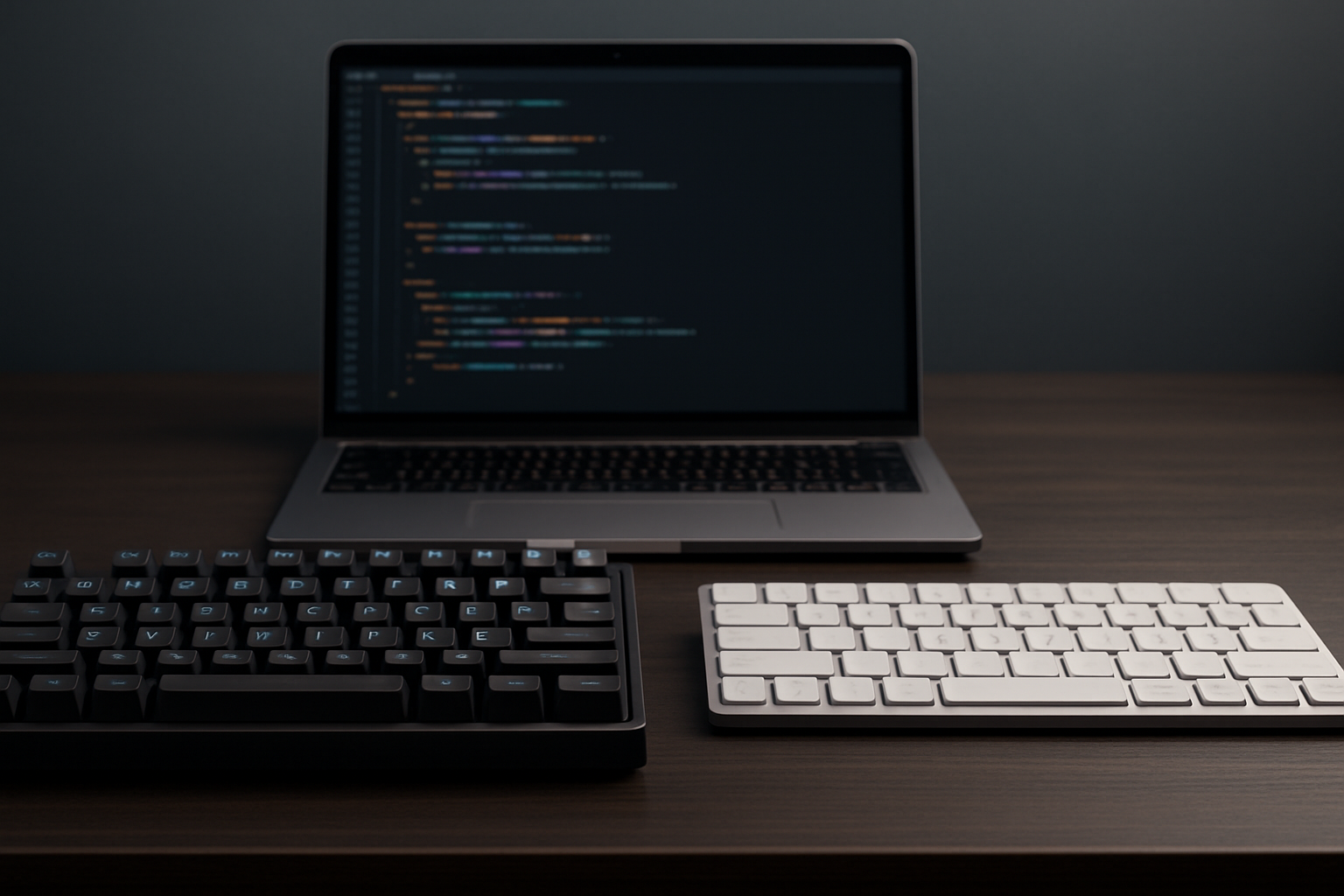
Mechanical vs Low-Profile Keyboards: Which Is Better for Developers?
For software developers, a keyboard is not just a tool — it’s a core part of productivity, comfort, and daily workflow. Choosing between a mechanical keyboard vs low-profile keyboard for developers can significantly impact typing speed, accuracy, and long-term ergonomics.
Mechanical keyboards are known for their tactile feedback and durability, while low-profile keyboards focus on portability, speed, and minimal design. But which one is actually better for coding?
This guide breaks down the real differences, helping you choose the best keyboard based on how you actually work.
Mechanical vs Low-Profile: Quick Comparison
| Feature | Mechanical Keyboard | Low-Profile Keyboard |
|---|---|---|
| Key Travel | Long (3.5–4mm) | Short (1.5–2.5mm) |
| Typing Feel | Tactile / Clicky / Linear | Smooth / Shallow |
| Noise Level | Medium to loud | Quiet |
| Portability | Bulky | Lightweight |
| Customization | High (switches, keycaps) | Limited |
| Best For | Long coding sessions | Portable setups |
Mechanical Keyboards: Best for Precision and Long Coding Sessions
Mechanical keyboards remain the top choice for many developers because they provide clear tactile feedback and consistent performance over time.
Why developers choose mechanical keyboards:
- Better typing accuracy: Each keypress is clearly felt, reducing mistakes in code.
- Comfort over long sessions: Ideal for hours of continuous typing.
- High durability: Designed for millions of keystrokes.
- Advanced customization: Switches, layouts, macros, and firmware options.
Potential downsides:
- Heavier and less portable
- Louder typing noise
- Longer key travel may feel slower for some users
Low-Profile Keyboards: Best for Speed and Minimal Setups
Low-profile keyboards are designed for developers who prefer a faster, lighter typing experience similar to laptops.
Why developers choose low-profile keyboards:
- Faster key presses: Short travel reduces finger movement.
- Compact design: Saves desk space and improves portability.
- Quieter typing: Ideal for shared or office environments.
- Modern aesthetics: Clean and minimal setup.
Potential downsides:
- Less tactile feedback
- Lower customization options
- May feel less precise for coding-heavy tasks
How Keyboard Type Affects Developer Productivity
The choice between mechanical and low-profile keyboards directly affects how you code every day.
Typing Speed: Low-profile keyboards may feel faster due to shorter travel, but mechanical keyboards often lead to fewer errors.
Accuracy: Mechanical keyboards provide better feedback for symbols, brackets, and syntax-heavy coding.
Fatigue: Low-profile keyboards reduce finger movement, while mechanical keyboards reduce strain through better feedback and ergonomics.
Focus: Some developers find mechanical keyboard sound improves concentration, while others prefer silent setups.
When to Choose Mechanical vs Low-Profile
- Choose Mechanical if: You code for long hours, want accuracy, and value customization.
- Choose Low-Profile if: You travel often, want a clean setup, and prefer quiet typing.
Pro Tips for Choosing the Right Keyboard
- Test different switch types if possible
- Prioritize comfort over aesthetics
- Consider your daily workflow, not trends
- Think long-term (health + productivity)
Recommended Mechanical Keyboards
If you prefer mechanical keyboards, check this detailed guide for top budget options: Best Mechanical Keyboards Under $150 for Developers in 2026 ⌨️.
FAQ: Mechanical vs Low-Profile Keyboards
Are mechanical keyboards better for programming?
Yes, they usually provide better accuracy and comfort for long coding sessions.
Are low-profile keyboards faster?
They can feel faster due to shorter key travel, but accuracy may vary.
Which keyboard is better for wrist health?
Both can be ergonomic if used correctly, but mechanical keyboards offer more ergonomic options.
Do developers prefer mechanical keyboards?
Most experienced developers prefer mechanical keyboards for precision and feedback.
Practical Takeaways
- Mechanical = accuracy + comfort
- Low-profile = speed + portability
- The best choice depends on your workflow
Common Mistakes to Avoid
- Choosing based on looks only
- Ignoring typing comfort
- Not considering long-term usage
Final Thoughts
Choosing between a mechanical vs low-profile keyboard for developers is not about which one is objectively better — it’s about what works best for your daily workflow.
If you prioritize accuracy, durability, and long coding sessions, mechanical keyboards are hard to beat. If you prefer portability, speed, and a minimalist setup, low-profile keyboards are an excellent choice.
Ultimately, the best keyboard is the one that keeps you comfortable, productive, and consistent over time.