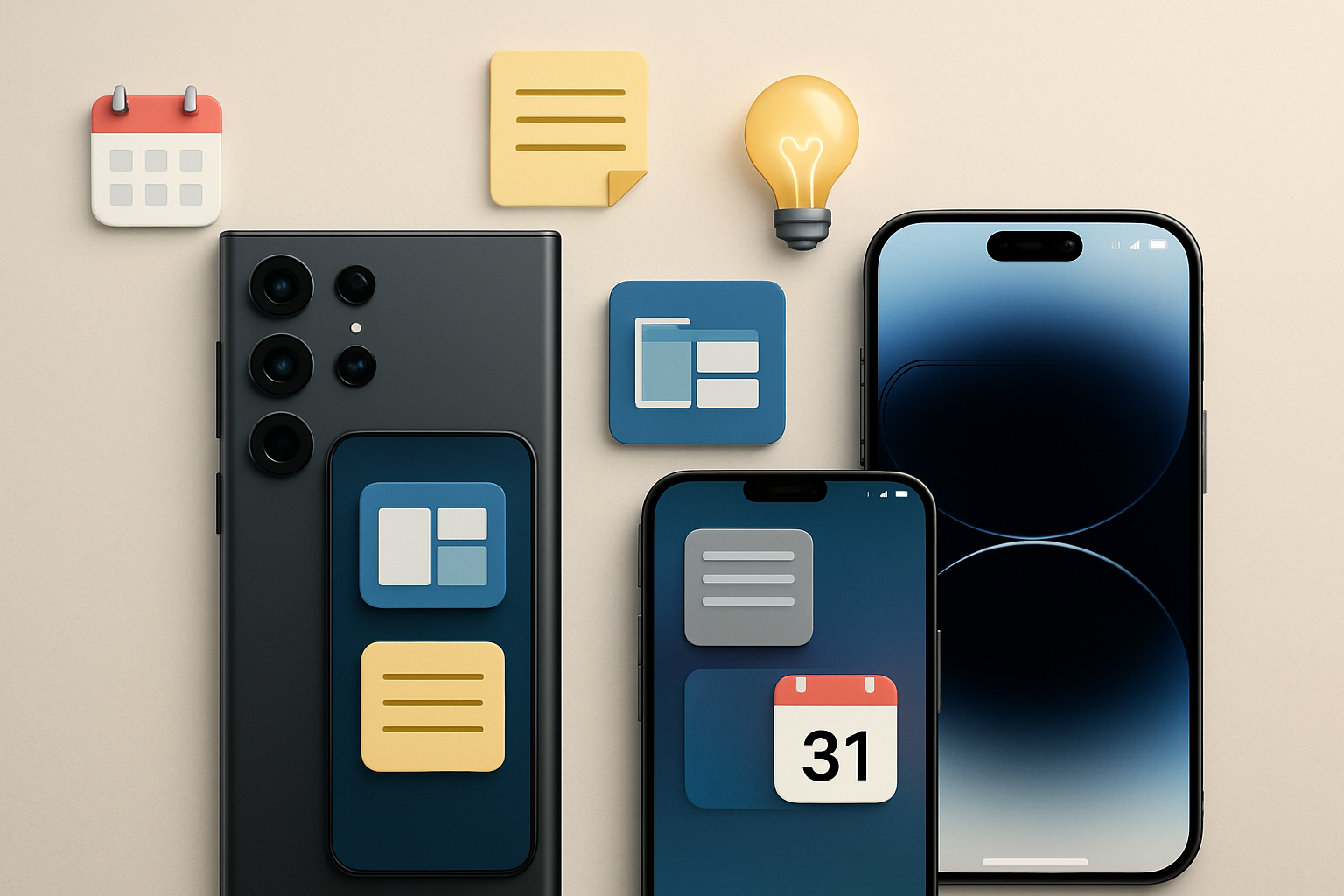
Samsung Galaxy S25 Ultra vs iPhone 15 Pro Max: A Real Productivity Comparison
Choosing a flagship smartphone for work is no longer about raw power alone. Today, it’s about how well the device fits into your daily routine, how efficiently it handles multitasking, and whether it removes friction from your workflow—or adds to it.
The Samsung Galaxy S25 Ultra and Apple iPhone 15 Pro Max are two of the most capable productivity phones available. On paper, both are incredibly powerful. In practice, they cater to very different types of users.
If you’re trying to decide which one actually makes your workday smoother—not just faster—this guide breaks down the real differences that matter.
Screen Experience: Size vs Precision in Daily Work
When you’re spending hours reading emails, editing documents, or reviewing spreadsheets, display quality isn’t just about brightness—it’s about usability.
The Samsung Galaxy S25 Ultra’s 6.8-inch Dynamic AMOLED 2X display gives you noticeably more room to work with. That extra space becomes valuable when you’re:
- Running split-screen apps (e.g., email + calendar)
- Editing documents with toolbars visible
- Reviewing large PDFs or presentations
The 120Hz refresh rate keeps everything fluid, especially when switching between apps quickly.
In contrast, the iPhone 15 Pro Max offers a slightly smaller 6.7-inch display, but Apple’s strength lies in precision. Colors are extremely accurate, and brightness consistency is excellent. If your work involves:
- Visual design review
- Photo/video approval
- Presentation checking
the iPhone often feels more reliable in color representation.
Practical takeaway: If you prioritize workspace and multitasking, Samsung has the edge. If you care more about visual accuracy and a slightly easier one-handed experience, Apple pulls ahead.
Multitasking: Where the Real Productivity Gap Shows
This is where the difference between these two devices becomes very clear.
Samsung’s One UI is built for multitasking. You can run multiple apps simultaneously in split-screen or floating windows. In real-world use, that means:
- Replying to messages while viewing documents
- Taking notes during a video call
- Dragging content between apps
This isn’t just a feature—it changes how you work.
On the iPhone 15 Pro Max, multitasking is far more limited. Apps switch quickly, and performance is excellent, but true side-by-side workflows aren’t part of the experience.
Instead, Apple focuses on continuity across devices. For example:
- Start writing an email on iPhone, finish it on Mac
- Copy content on iPhone, paste on iPad
- Use AirDrop for instant file transfers
The trade-off: Samsung helps you do more on the phone itself. Apple expects you to use multiple devices together.
Input Methods: S Pen vs Touch-First Approach
This is one of the most overlooked—but impactful—differences.
The Galaxy S25 Ultra includes the S Pen, which fundamentally expands what your phone can do. It’s not just for drawing. In real work scenarios, it becomes useful for:
- Handwritten notes during meetings
- Annotating PDFs or contracts
- Precise editing in documents or images
- Quick screen-off notes without unlocking the device
If you’ve ever tried to sign a document or mark up a file using only your finger, you’ll immediately understand the advantage.
The iPhone 15 Pro Max, on the other hand, remains strictly touch-based. While Apple’s typing, dictation, and text recognition tools are excellent, there’s no stylus support on iPhone.
Who this matters for:
- Choose Samsung if your workflow involves writing, annotating, or sketching.
- Choose Apple if your input is mostly typing, voice, or quick interactions.
Ecosystem vs Independence: How You Actually Work
This decision often comes down to your broader tech environment.
Samsung’s approach: independence and flexibility.
- Samsung DeX lets your phone act like a desktop when connected to a monitor
- You can work with external keyboards and mice easily
- File management is closer to a traditional computer
This is especially useful for:
- Traveling professionals
- Minimalist setups
- Users who want a “phone as a computer” experience
Apple’s approach: ecosystem integration.
- Handoff for seamless task switching
- AirDrop for fast file sharing
- Deep integration with Mac, iPad, and Apple Watch
If you already use Apple devices, the iPhone becomes part of a larger productivity system rather than a standalone tool.
Key question to ask yourself: Do you want your phone to replace a computer in some cases, or complement one?
Storage and File Handling: A Hidden Productivity Factor
Storage is often overlooked until it becomes a problem.
The Galaxy S25 Ultra supports expandable storage via microSD card. This is particularly useful if you:
- Work with large media files
- Store offline documents
- Travel frequently without reliable cloud access
The iPhone 15 Pro Max does not offer expandable storage. You’ll need to choose your storage tier carefully from the start and rely more on cloud services.
Common mistake: Underestimating how quickly work files, photos, and offline content add up.
Battery Behavior in Real Workdays
Both phones are capable of lasting a full workday, but how they get there differs.
The Galaxy S25 Ultra’s larger battery tends to handle heavy multitasking better—especially when using split-screen apps or media-heavy workflows.
The iPhone 15 Pro Max relies on efficiency. It manages background tasks intelligently and often feels more predictable in daily use.
Charging habits matter:
- Samsung offers fast top-ups, useful during short breaks
- Apple’s MagSafe is convenient for desk setups and consistent charging
Neither device is a clear winner—it depends on whether you prioritize endurance under load or efficiency in lighter use.
Matching the Phone to Your Work Style
Instead of asking “which phone is better,” it’s more useful to ask “which phone fits how I work.”
| Work Style | Better Choice | Why |
|---|---|---|
| Heavy multitasking on one device | Galaxy S25 Ultra | Split-screen and desktop-like features |
| Creative annotation and note-taking | Galaxy S25 Ultra | S Pen support |
| Apple ecosystem user | iPhone 15 Pro Max | Seamless integration |
| Minimalist, multi-device workflow | iPhone 15 Pro Max | Continuity features |
| Frequent travel with limited setup | Galaxy S25 Ultra | DeX and storage flexibility |
Mistakes Buyers Commonly Make
Even experienced users often make the wrong choice because they focus on specs instead of workflow.
- Choosing based on brand loyalty alone – habits matter more than logos
- Ignoring multitasking needs – especially if you work directly on your phone
- Underestimating ecosystem lock-in – switching later can be frustrating
- Overvaluing peak performance – both phones are already more than fast enough
The biggest mistake? Buying a device that looks impressive but doesn’t actually fit how you work day to day.
Smart Buyer Takeaway
If your goal is to turn your smartphone into a true productivity hub—handling multiple tasks, replacing a laptop in some situations, and supporting detailed input—the Samsung Galaxy S25 Ultra is the more capable tool.
If your work revolves around a connected ecosystem where your phone, laptop, and tablet function as one seamless system, the iPhone 15 Pro Max offers a smoother, more cohesive experience.
Neither is universally better. The right choice is the one that reduces friction in your daily routine—not the one with the longest feature list.
Before deciding, think about how you actually work during a typical day. That answer will point you to the right device far more reliably than any spec sheet.
Want to explore more about choosing the right phone for work? Check out our guide to picking the best phone for productivity in 2026 and see how smartwatches like the Apple Watch Series 11 compare for work-life balance.