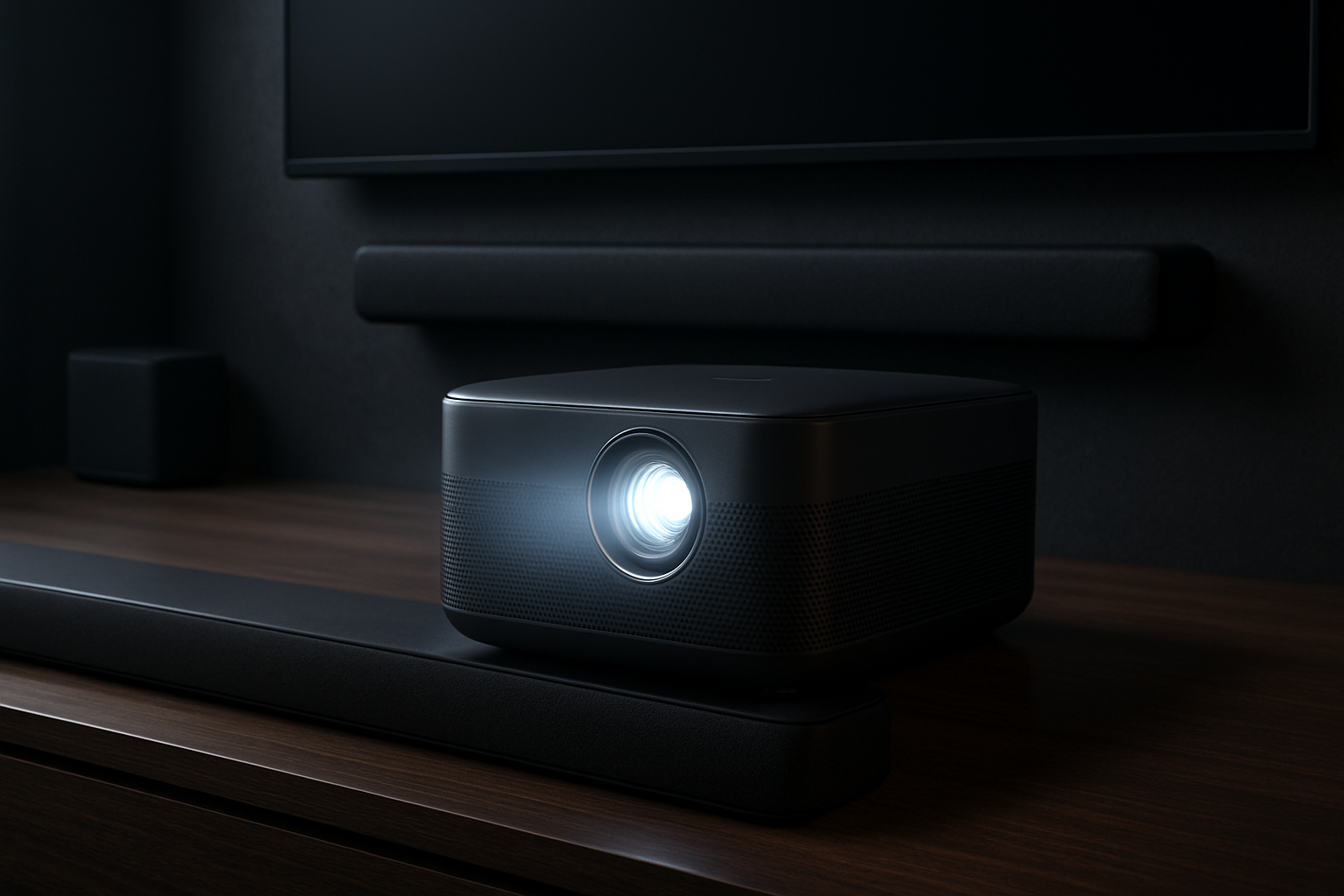
Soundcore Nebula X1 Pro Review: A $5,000 “Pocket Cinema” That Tries to Do It All
The Soundcore Nebula X1 Pro doesn’t aim to compete with budget projectors — it tries to replace your TV, your sound system, and in some cases even your office display. With a premium price tag hovering around $5,000, this is a product that demands justification beyond specs. It promises ultra-bright laser projection, integrated Dolby Atmos sound, and the flexibility to move between home entertainment and professional use.
The real question isn’t whether it’s impressive — it is. The real question is whether it makes sense for your setup, your habits, and your expectations. This review breaks down where the Nebula X1 Pro excels, where it falls short, and who should seriously consider it versus looking elsewhere.
Laser Projection Performance: Brightness Over Pure Resolution
The Nebula X1 Pro’s biggest strength is immediately obvious: brightness. Unlike traditional projectors that struggle outside of dark rooms, this laser-powered system is designed to perform in real-world environments — living rooms with windows, offices with overhead lighting, and even semi-outdoor setups.
- High brightness output: You can comfortably use it during the day without completely blacking out the room. That alone makes it more practical than most home projectors.
- Large screen flexibility: It scales well up to very large screen sizes, making it ideal for immersive viewing or presentations.
- Sharp HD+ visuals: While not native 4K, the image remains crisp and detailed for most use cases.
Here’s the trade-off: if you’re a purist who values pixel-level sharpness above all else, the lack of true 4K resolution will stand out — especially at larger sizes. Fine details in films or high-end gaming won’t match what a dedicated 4K projector or OLED TV can deliver.
| Use Case | Performance |
|---|---|
| Bright living room viewing | Excellent |
| Dark home theater | Very good, but not reference-grade |
| Gaming | Good, but not ideal for competitive players |
| Professional presentations | Excellent clarity and visibility |
If your priority is usability in mixed lighting conditions, this projector delivers. If your priority is cinematic perfection, you may want to look at alternatives.
Built-In Dolby Atmos Audio: Surprisingly Capable, Not a Full Replacement
Audio is where the Nebula X1 Pro differentiates itself from most projectors. Instead of treating sound as an afterthought, it integrates a Dolby Atmos system designed to simulate spatial audio without external hardware.
- Upward-firing speakers: Create a sense of height and depth in audio, particularly noticeable in movies.
- Strong volume output: Easily fills medium to large rooms without distortion.
- Convenience factor: No need to immediately invest in a soundbar or surround system.
For casual users, this is a major advantage. You can set it up and get a complete experience without extra gear. That’s especially useful for:
- Temporary setups
- Outdoor movie nights
- Office presentations
However, it’s important to stay realistic. While impressive for an integrated system, it won’t fully replace a dedicated home theater setup. Audiophiles or users with high-end expectations will still benefit from external speakers.
Smart Features and Connectivity: Built for Hybrid Work and Entertainment
The Nebula X1 Pro isn’t just a display device — it’s designed as a hub for multiple workflows. Whether you’re streaming content, presenting slides, or mirroring your laptop, the system is built to reduce friction.
- Android-based interface: Includes popular streaming apps like Netflix and YouTube out of the box.
- Wireless casting: Supports AirPlay and Miracast for quick screen sharing.
- Multiple ports: HDMI, USB-C, and audio outputs ensure compatibility with most devices.
This flexibility makes it particularly appealing for hybrid setups. For example:
- Turn your living room into a temporary office with a wireless keyboard and mouse
- Host a presentation without needing adapters or additional screens
- Switch between gaming console, laptop, and streaming apps without hassle
If you’re building a flexible workspace, pairing it with tools like best wireless keyboards for home office productivity in 2026 ⌨️💻 or tablets with keyboard support for working on the go 💻⌨️ can create a highly adaptable environment.
The key advantage here is simplicity: fewer cables, fewer devices, and faster setup.
Portability and Design: “Portable” with Caveats
Soundcore markets the Nebula X1 Pro as a portable projector, and technically, it is. But portability here doesn’t mean pocket-sized convenience — it means transportable with intention.
- Compact compared to full setups: Easier to move than a TV + speakers combination
- Quick setup: Minimal calibration needed for basic use
- Solid build quality: Feels premium and durable
However, there are limitations:
- It’s still relatively bulky compared to pico projectors
- Not something you casually carry in a backpack every day
- Best suited for moving between rooms rather than constant travel
This makes it ideal for users who want flexibility within a home or office — not for frequent travelers or ultra-mobile setups.
Who Should Buy the Nebula X1 Pro — and Who Shouldn’t
This projector isn’t for everyone. At this price point, clarity about your needs is critical.
Best suited for:
- Users who want an all-in-one entertainment system without separate speakers
- Hybrid workers needing a large, flexible display
- Event hosts who value brightness and easy setup
- People replacing both a TV and a sound system
Not ideal for:
- Budget-conscious buyers
- Dedicated cinephiles demanding true 4K resolution
- Users who already own high-end audio equipment
- Frequent travelers needing ultra-portable devices
A common mistake is assuming this replaces every specialized device perfectly. It doesn’t. Instead, it replaces multiple devices well enough — and that’s where its value lies.
Common Buying Mistakes to Avoid
If you’re considering the Nebula X1 Pro, avoid these typical pitfalls:
- Focusing only on specs: Brightness matters more than resolution in many real-world scenarios
- Ignoring room conditions: Screen surface and lighting still affect performance
- Overestimating portability: It’s flexible, but not ultra-mobile
- Skipping workflow considerations: Think about how often you’ll actually move and use it
The best setup is one that integrates naturally into your daily routine — not one that looks impressive on paper but rarely gets used.
Final Recommendation: A Premium All-in-One for the Right User
The Soundcore Nebula X1 Pro is not about chasing the best possible specs in a single category. It’s about delivering a high-quality, all-in-one experience that works across multiple scenarios: movies, presentations, gaming, and casual work setups.
If you value convenience, flexibility, and strong performance across different environments, it’s a compelling — albeit expensive — option. It can realistically replace a TV, a sound system, and even part of your workspace setup.
However, if your needs are more focused — like pure home theater performance or ultra-portability — you’ll likely get better value from more specialized devices at a lower cost.
The Nebula X1 Pro makes the most sense for users who will actually use its versatility. If that sounds like you, it’s a powerful centerpiece for both entertainment and productivity. If not, it’s an impressive but unnecessary luxury.