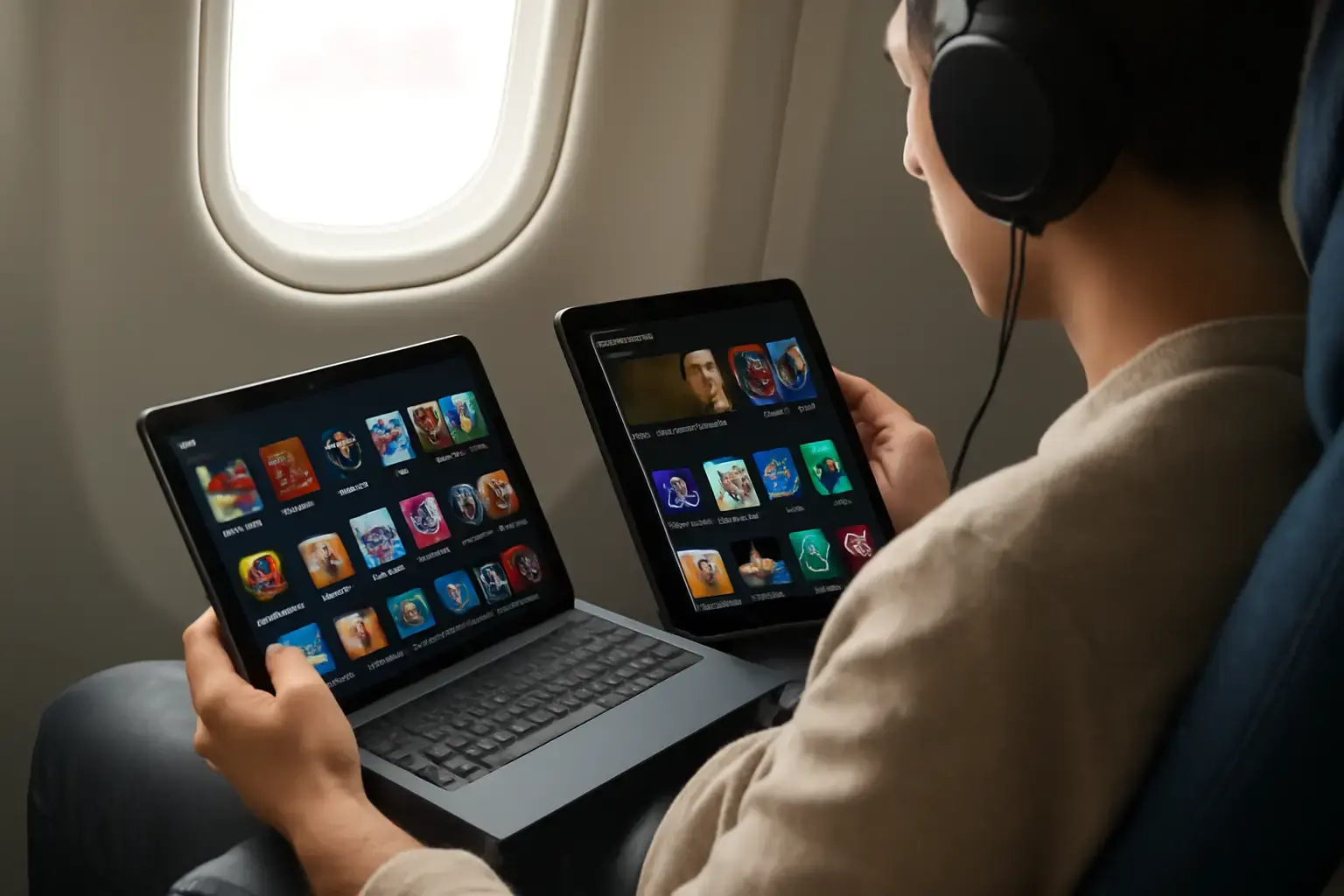
Why Offline Entertainment Is a Crucial Factor for Travelers
If you’re frequently on the move—whether on planes, trains, or remote destinations—access to apps and content that work flawlessly without internet access can make or break your trip experience. Streaming videos, playing games, reading books, and listening to music offline require robust app ecosystems and solid OS-level features. But which tablet operating system actually delivers better offline entertainment in daily travel scenarios: iPadOS or Android?
Choosing a tablet with the right OS here is not just about specs or raw power; it’s about how well the tablet’s app library and system capabilities serve your entertainment needs when you can’t rely on connectivity. Let’s break down the platforms in detail.
Related reading: iPad vs Android Tablet for Work and Study: Which Is Better in 2026?
App Availability and Quality for Offline Entertainment
App support is the backbone of offline usability. Both iPadOS and Android boast millions of apps, but nuances matter:
- iPadOS Strengths: Apple’s App Store is renowned for strict quality control and a high concentration of premium apps optimized for tablets. Popular offline-ready apps like Netflix, Apple TV+, Spotify, and Kindle are finely tuned with excellent caching capabilities. Video editors, offline games, and audiobook apps often get priority feature updates on iPadOS.
- Android Strengths: Google Play Store offers an abundance of apps, including many free and open-source options. Offline maps (Google Maps offline mode), offline music players (like VLC or Poweramp), and a diversity of offline games are robust on Android. Additionally, sideloading APKs or using third-party stores can expand your offline app arsenal, although with security trade-offs.
- Real-World Takeaway: If you prioritize premium commercial apps with reliable offline modes and polished performance, iPadOS tends to lead. Android offers broader variety and more flexibility but requires more care in app selection to guarantee offline functionality.
Content Ecosystems: Media, Books, and Games Offline
Your offline entertainment experience depends heavily on the content ecosystems you use:
- iPadOS Ecosystem: Apple’s tightly integrated ecosystem supports seamless offline downloads of movies and shows via Apple TV+ or Netflix apps. The Apple Books app excels in offline reading with synchronized annotations. Apple Arcade offers a curated collection of high-quality offline games with no ads or in-app purchases, perfect for travel.
- Android Ecosystem: Android tablets provide access to Google Play Movies & TV (though its availability varies by region), Audible for offline audiobooks, and a vast library of offline-capable games on Google Play. Some streaming apps like YouTube Premium and Spotify allow offline downloads as well. However, the user experience can be inconsistent across devices and apps.
- Real-World Verdict: For hassle-free offline syncing and uniform content access across devices, iPadOS’s ecosystem is generally more seamless and beginner-friendly. Android offers flexibility, but users must often manage downloads app-by-app with varying interfaces.
Offline Features and OS-Level Support
Beyond apps and content, the OS-level features matter greatly for offline entertainment:
See also: Best VPN Services for Phones and Tablets in 2026: Security, Speed, and Ease of Use Compared
- iPadOS: iPadOS excels in intelligent caching and background downloads for apps like Apple Music and Apple TV+. The Files app allows offline file management and transfers easily, aiding consumption of locally stored media. Battery optimization helps sustain longer media playback sessions offline.
- Android: Android’s file system is more open, letting power users manually manage offline content and move files between apps freely. Offline mode for Google Maps is easy to configure and store large areas for navigation without data. However, background app behavior can vary, sometimes affecting downloads or media playback when offline.
Practical Guide: Choosing the Right Tablet OS for Your Offline Travels
Here are decisive points for travelers weighing their offline entertainment options:
- Consider Your App Preferences: If you rely on premium apps like Apple Arcade, Apple Books, or expect high-quality polished video streaming caching, lean toward iPadOS.
- Think About Flexibility and Control: Android tablets allow more manual file management and sideloading offline apps but require technical patience and vigilance against unreliable apps.
- Look at Ecosystem Investment: If you use an iPhone or Mac, iPadOS is easier for syncing offline content. Android integrates best with Google services, which also support offline media.
- Battery Life and Offline Performance: iPadOS devices often offer superior battery life and optimized media playback for long-haul offline use.
- Budget and Device Variety: Android tablets cover a wider price range with options that offer great offline entertainment without the premium price tag of iPads.
Common Mistakes Travelers Make When Choosing Tablets for Offline Use
Many travelers pick a tablet based on broad specs, but overlook key offline entertainment factors:
- Ignoring App Ecosystem Quality: Not all apps perform equally offline; checking reviews focused on offline mode is essential.
- Underestimating Content Ownership: Some streaming services restrict offline downloads by region or subscription tier, affecting availability abroad.
- Overlooking Storage Needs: Offline media consumes significant storage; opting for minimal onboard storage with cloud-reliant OS won’t work well offline.
- Neglecting Battery Capacity: Offline entertainment often involves long hours of media consumption; a tablet with mediocre battery life can ruin travel plans.
Avoiding these mistakes ensures you pick a tablet that actually matches your travel routine.
You may also like: Best Android Tablets for Work and Entertainment in 2026: Which Ones Deliver Real Value?
Final Recommendation: Which OS Wins for Offline Entertainment on the Road?
In practical terms, if your main priority is seamless, polished offline entertainment with less hassle, iPadOS stands out. Its app ecosystem is more curated, offline media syncing is straightforward, and battery life is reliable for long trips. For travelers comfortable with tinkering, seeking flexibility, or needing a lower entry price, Android tablets offer plenty of viable offline entertainment options but with variable app quality and potentially more setup effort.
For an in-depth comparison of tablet ecosystems beyond offline entertainment, check out our related analysis on iPadOS vs Android Tablets in 2026: Which Ecosystem Offers the Best App Support for Creatives? and iPad vs Android Tablets for Mobile Video Editing.
Choosing the right tablet and OS for offline entertainment is a foundational step to enjoying your travel downtime fully. Focus on real-world app reliability, content access, and battery endurance to avoid disappointment miles away from Wi-Fi.