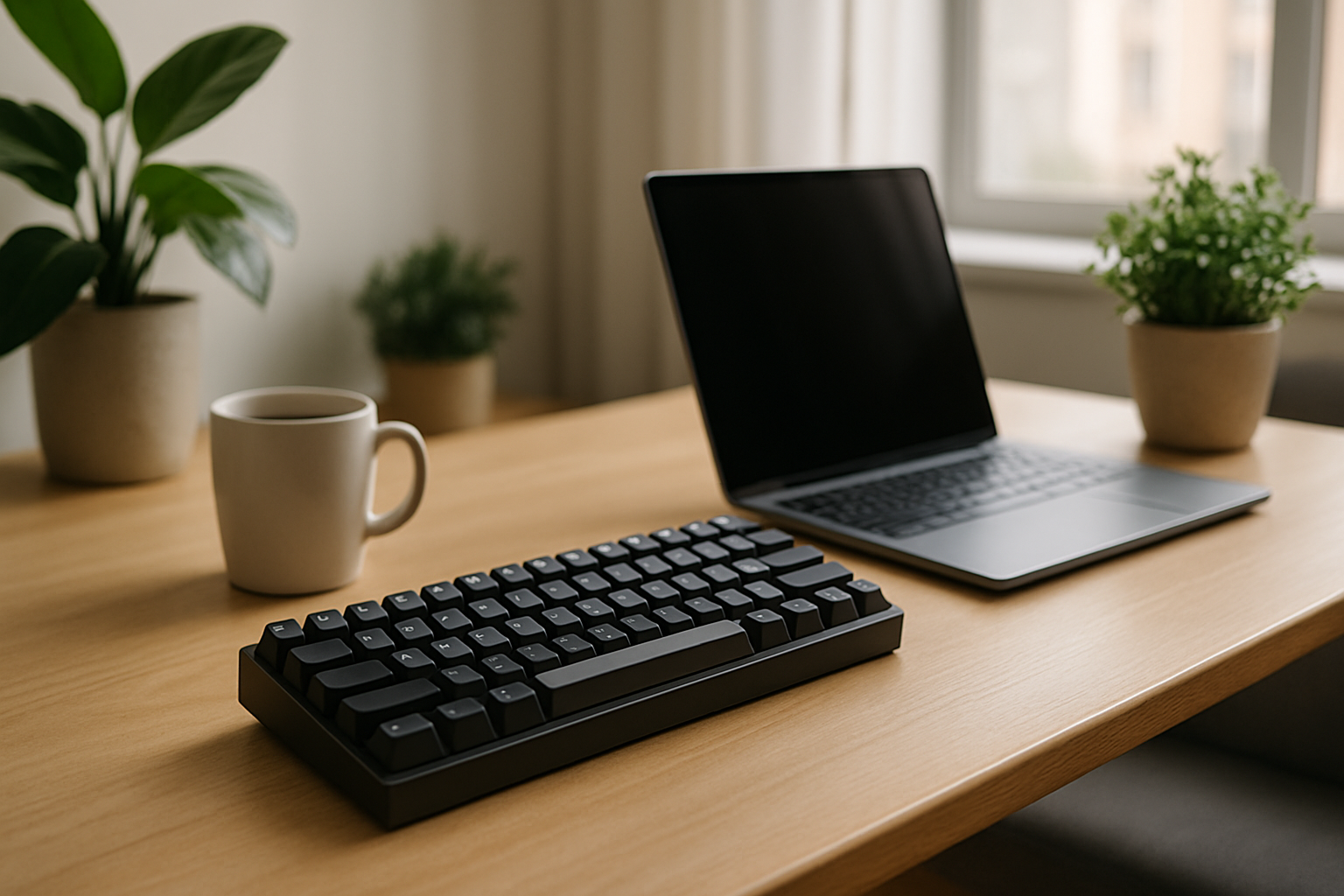
Why Compact Keyboards Are Ideal for Small Desks and Apartment Setups
Limited space changes how you interact with your tools. In small apartments or compact desk setups, every object competes for attention and physical room. A full-size keyboard, while familiar, often becomes the largest and most restrictive element on your desk. It pushes your mouse outward, reduces usable workspace, and creates unnecessary clutter. Compact keyboards solve this problem directly by shrinking the footprint while keeping the core typing experience intact.
But space-saving is only part of the story. A well-chosen compact keyboard can significantly improve ergonomics. By reducing width, it allows a more natural shoulder position when using a mouse, which becomes increasingly important during long work sessions. Many users also report improved focus simply because their desk feels cleaner and less crowded.
That said, compact keyboards are not automatically better. They introduce trade-offs—fewer dedicated keys, reliance on shortcuts, and sometimes a steeper learning curve. The key is understanding how different layouts impact your workflow before making a decision.
Compact Keyboard Layouts Explained: 60%, 65%, 75%, and TKL
Choosing the right compact keyboard starts with understanding the layout. Not all compact keyboards are the same, and each size category serves a different type of user.
- 60% Keyboards – These remove the function row, navigation cluster, and arrow keys. You access those functions through key combinations (layers). This layout is extremely compact and ideal for minimal setups, but it requires adaptation.
- 65% Keyboards – A practical upgrade from 60%, adding arrow keys and a few navigation buttons. This layout maintains a small footprint while improving usability for everyday tasks like editing text or navigating code.
- 75% Keyboards – These retain almost all keys, including the function row, but compress them into a tighter layout. It’s a strong option for users who want functionality without the bulk of a full-size keyboard.
- TKL (Tenkeyless) – Removes only the number pad. This is often the easiest transition from a full-size keyboard while still saving space.
The most common mistake is jumping straight to a 60% keyboard because it looks clean and minimal. While visually appealing, it’s not always practical. If you rely heavily on arrow keys, shortcuts, or function keys, a 65% or 75% layout will likely feel more natural and efficient.
Best Compact Keyboards for Small Spaces (Detailed Recommendations)
There’s no single “best compact keyboard”—only the best one for your specific needs. The following options stand out because they balance size, build quality, and usability effectively.
-
Keychron K6 – Versatile 65% Wireless Mechanical Keyboard
The Keychron K6 is one of the most flexible compact keyboards available. Its 65% layout includes arrow keys and essential navigation controls, making it practical for both work and casual use. It supports Bluetooth for wireless setups and USB-C for wired reliability. The hot-swappable versions are particularly valuable if you want to experiment with different switches without replacing the entire keyboard.
Best for: Users who want flexibility between wireless and wired setups, and those interested in customizing their typing experience. -
Anne Pro 2 – Minimalist 60% Wireless Keyboard
The Anne Pro 2 is a favorite among users who prioritize clean desk setups. Its compact 60% layout frees up maximum space, and the wireless design eliminates cable clutter entirely. It also offers advanced customization options, including programmable keys and lighting.
Trade-off: The reliance on function layers can slow down users who frequently use arrow keys or shortcuts.
Best for: Minimalists and users comfortable adapting to layered key functions. -
Ducky One 2 Mini – High-Quality 60% Wired Keyboard
The Ducky One 2 Mini is widely respected for its build quality and typing feel. It uses reliable mechanical switches and features durable keycaps, making it a long-term investment. Unlike wireless options, it focuses purely on performance and consistency.
Best for: Users who prioritize typing experience over wireless convenience. -
Logitech MX Mechanical Mini – Productivity-Focused 65%
This keyboard is designed for professionals who value efficiency and reliability. It features quiet switches, excellent wireless connectivity, and multi-device pairing. The build quality feels premium, and the typing experience is optimized for long work sessions.
Best for: Office users, remote workers, and anyone switching between multiple devices. -
Varmilo VA68M – Premium Typing Experience in a Compact Form
Varmilo keyboards are known for their attention to detail, particularly in keycap quality and design. The VA68M offers a refined typing experience with a compact layout, making it a strong choice for users who care about aesthetics and durability.
Best for: Enthusiasts who want a premium feel and long-lasting build quality.
Key Buying Factors That Actually Matter
When choosing a compact keyboard for a small desk, it’s easy to get distracted by features that look good on paper but don’t improve daily use. Focus on these practical considerations instead:
- Layout vs Workflow: If you frequently use arrow keys, shortcuts, or navigation keys, avoid 60% layouts unless you’re willing to adapt.
- Wireless vs Wired: Wireless reduces clutter but requires battery management. Wired offers consistency and zero latency.
- Switch Type: Linear switches are smooth and quiet, tactile switches provide feedback, and clicky switches are loud but satisfying. Choose based on comfort, not hype.
- Build Quality: A sturdy frame and high-quality keycaps improve both durability and typing feel over time.
- Noise Level: Important for shared spaces or apartments. Quiet switches are often a better choice for home offices.
- Compatibility: Ensure seamless support for your operating system, especially if you switch between Mac and Windows.
Ignoring these factors often leads to buyer’s regret. A keyboard that looks perfect online may feel frustrating in daily use if it doesn’t match your workflow.
Real-World Scenarios: Choosing the Right Setup
Consider a freelance writer working from a small apartment desk. Space is limited, and the desk must accommodate notebooks, a laptop stand, and personal items. Switching to a wireless 60% keyboard can free up significant space and reduce visual clutter. After an initial adjustment period, the workflow becomes smoother and more focused.
Now consider a software developer working in a compact home office. Navigation speed is critical—jumping through lines of code, debugging, and managing multiple windows. A 65% keyboard becomes the better choice here, providing arrow keys and essential navigation without sacrificing too much desk space.
For users working with spreadsheets or financial data, compact keyboards may not always be ideal. The absence of a number pad can slow down data entry. In such cases, a TKL keyboard or an external number pad is often the more practical solution.
Common Mistakes to Avoid When Buying Compact Keyboards
Compact keyboards are easy to get wrong if you focus on trends instead of practical use. Avoid these common pitfalls:
- Choosing based on aesthetics alone: A clean setup is appealing, but usability should always come first.
- Ignoring the learning curve: Smaller layouts require adjustment. Be realistic about how much change you’re comfortable with.
- Overvaluing features: RGB lighting and advanced customization are secondary to comfort and usability.
- Underestimating ergonomics: Key spacing, height, and switch type all affect long-term comfort.
- Skipping research on build quality: Cheaper keyboards often feel unstable and wear out quickly.
The goal is not to find the most popular keyboard—it’s to find the one that integrates seamlessly into your daily routine.
Final Recommendation: Choosing the Best Compact Keyboard for Your Needs
Compact keyboards are one of the most effective upgrades for small desks and apartment setups, but only when chosen thoughtfully. For most users, a 65% keyboard offers the best balance between space-saving and functionality. It keeps essential keys accessible while significantly reducing desk footprint.
If your priority is maximum space and portability, a 60% keyboard is a strong option—provided you’re comfortable using function layers. If you want minimal compromise and a smoother transition from a full-size keyboard, a 75% or TKL layout is the safer choice.
Ultimately, the best compact keyboard is not the smallest or the most feature-rich—it’s the one that fits your workflow, supports your comfort, and enhances your workspace without adding friction. Make your decision based on how you actually work, and you’ll end up with a setup that feels both efficient and enjoyable.
For more insights, explore best keyboards for writers and content creators and best wireless keyboards for hybrid work.