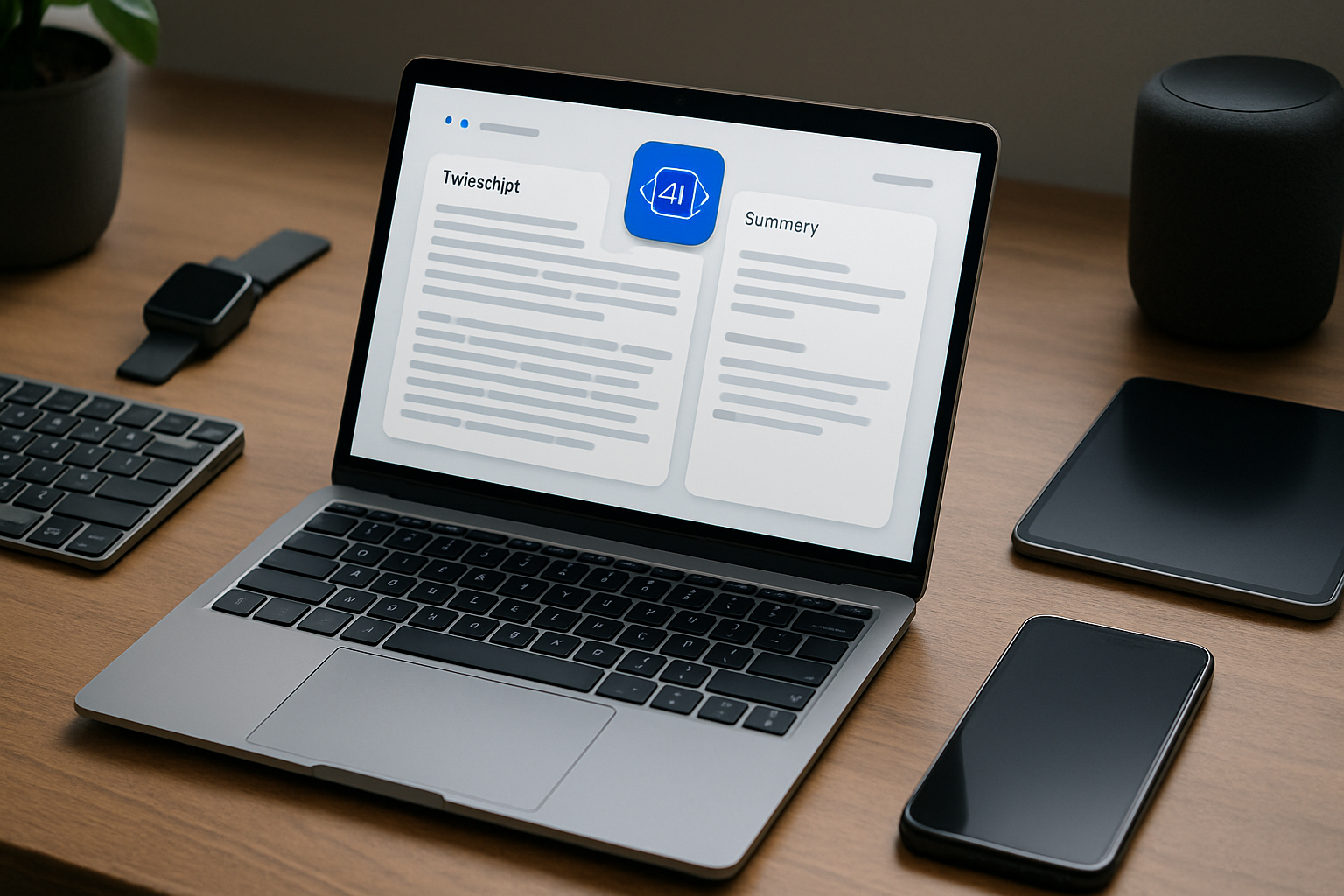
Anyone who regularly documents meetings, lectures, research, or daily work quickly realizes how much time is lost to repetitive typing. Writing everything manually is not just tedious—it interrupts focus, slows down decision-making, and often leads to incomplete or inconsistent notes. AI note-taking apps are designed to remove that friction. Instead of acting as passive storage tools, they actively capture, process, and structure information for you.
But not all AI note-taking apps are equally useful. Some excel at transcription, others at summarization or organization. Choosing the right one—and using it correctly—can dramatically change how efficiently you work. This guide breaks down what actually matters, where these tools shine, and how to avoid common mistakes.
What Actually Sets AI Note-Taking Apps Apart
Traditional note apps rely entirely on manual input. You type, format, and organize everything yourself. AI-powered tools shift that burden by handling repetitive tasks automatically using technologies like speech recognition and natural language processing.
In practice, the difference becomes obvious after just a few sessions. Instead of scrambling to keep up with a meeting or lecture, you can focus on listening and thinking while the app handles capture and structure.
- Automatic transcription: Conversations, lectures, or interviews are converted into text in real time or shortly after recording.
- Smart summarization: Long discussions are condensed into key points, action items, or highlights.
- Context-aware organization: Notes are grouped, tagged, and linked without manual sorting.
- Predictive writing assistance: Frequently used phrases, templates, or formats are suggested automatically.
- Task extraction: Action items can be identified and integrated with task managers or calendars.
The key shift is this: instead of writing everything yourself, you supervise and refine what the AI produces. That’s a very different workflow—and once it clicks, it’s hard to go back.
Real-World Benefits (and Where They Matter Most)
The biggest advantage of AI note-taking isn’t just speed—it’s cognitive relief. When you’re no longer responsible for capturing every word, your attention can move to understanding, questioning, and decision-making.
Here’s where these tools make a noticeable difference:
- Meetings: Instead of typing constantly, you can participate actively while the app records and summarizes key points.
- Lectures and learning: Students can focus on comprehension rather than transcription, especially during fast-paced sessions.
- Research work: Summarization helps process long documents quickly and extract relevant insights.
- Content creation: Drafts, outlines, and idea capture become faster and less mentally draining.
There are also practical secondary benefits that are often overlooked:
- Reduced typing fatigue: Less strain on wrists and fingers over long sessions.
- Improved consistency: Structured summaries are often more uniform than handwritten notes.
- Better recall: Searchable transcripts make it easier to revisit specific details later.
- Team alignment: Shared summaries reduce misunderstandings in collaborative environments.
However, it’s important to stay realistic: AI is not perfect. Transcriptions can miss context, and summaries can oversimplify. These tools work best when treated as assistants—not replacements for judgment.
Top AI Note-Taking Apps Worth Considering
There’s no single “best” app—only the best fit for your workflow. The tools below stand out because they solve specific problems well rather than trying to do everything at once.
- :contentReference[oaicite:0]{index=0} — Ideal for live transcription. It performs well in meetings, interviews, and group discussions. Collaboration features make it especially useful for teams who need shared records.
- :contentReference[oaicite:1]{index=1} — Best for users who already rely on structured workspaces. It combines note-taking, documentation, and AI writing tools in one environment, making it highly flexible.
- :contentReference[oaicite:2]{index=2} — Strong choice for business workflows. It integrates with conferencing platforms and highlights action items automatically, which is valuable in sales or project management.
- :contentReference[oaicite:3]{index=3} — Focuses on intelligent organization rather than manual tagging. It connects notes across contexts, which helps if you work across multiple projects simultaneously.
- :contentReference[oaicite:4]{index=4} + Copilot — A practical option if you’re already using Microsoft tools. The AI features enhance an already familiar interface without requiring a workflow overhaul.
Instead of chasing feature lists, focus on how each app fits your daily routine. A powerful tool that disrupts your workflow will slow you down more than a simpler one that fits naturally.
How to Integrate AI Note-Taking Into Your Workflow
Adopting AI note-taking isn’t just about installing an app—it’s about changing how you capture and process information. Done right, it reduces effort. Done poorly, it creates clutter.
Here’s how to make the transition practical and sustainable:
- Match the tool to your primary use case: If you spend most of your time in meetings, prioritize transcription quality. If you deal with large volumes of text, focus on summarization and search.
- Combine AI with manual efficiency tools: AI doesn’t replace everything. Pair it with tools like text expanders to handle repetitive inputs and formatting.
- Review before relying: Always scan AI-generated summaries. Small inaccuracies can lead to misunderstandings if left unchecked.
- Keep your structure simple: Avoid over-organizing. Let the AI handle tagging and linking instead of building complex folder systems.
- Be mindful of privacy: If you handle sensitive data, check whether the app processes information in the cloud or locally, and whether encryption is available.
A good rule of thumb: if you’re spending time managing your notes instead of using them, your setup is too complicated.
Common Mistakes That Reduce the Value of AI Note-Taking
Many users try AI note-taking tools and abandon them—not because the tools are bad, but because they’re used incorrectly. Avoid these common pitfalls:
- Choosing based on hype: Trendy apps often prioritize flashy features over reliability. Focus on consistency instead.
- Expecting perfect accuracy: AI transcription and summarization are helpful, but not flawless. Treat outputs as drafts, not final versions.
- Overloading with features: Using every available function can make your workflow slower rather than faster.
- Ignoring compatibility: If the app doesn’t integrate with your existing tools, it will create friction.
- Neglecting ergonomics: Even with AI, you’ll still type and edit. A poor setup can lead to fatigue over time.
For long sessions, combining AI tools with better hardware setup can make a noticeable difference. If you’re dealing with discomfort, it’s worth exploring these best ways to reduce typing fatigue.
How to Choose the Right AI Note-Taking App
If you’re deciding between options, focus on practical criteria rather than feature lists. The following comparison framework helps narrow things down:
| Criteria | Why It Matters | What to Look For |
|---|---|---|
| Primary Use Case | Determines overall usefulness | Meetings, research, writing, or mixed use |
| Accuracy | Affects trust in outputs | Reliable transcription and summaries |
| Integration | Reduces workflow friction | Calendar, email, task tools |
| Ease of Use | Impacts daily adoption | Simple interface, minimal setup |
| Privacy | Important for sensitive data | Encryption, local processing options |
This kind of structured evaluation is far more useful than comparing isolated features. The goal is to reduce friction, not add complexity.
Practical Takeaways
AI note-taking apps deliver the most value when they align with how you already work. A simple, consistent setup will outperform a feature-heavy system that requires constant adjustments.
Start small: use AI transcription for meetings or summarization for documents, then expand gradually. Avoid the temptation to automate everything at once.
Also, don’t overlook the physical side of productivity. Even with reduced typing, comfort matters. A well-designed workspace combined with AI assistance creates a noticeably smoother experience.
Final recommendation: Choose an AI note-taking app based on your primary task—meetings, research, or writing—and prioritize reliability over features. Use AI to handle repetitive work, but stay in control of the final output. The best setup is not the most advanced one—it’s the one you’ll consistently use without friction.