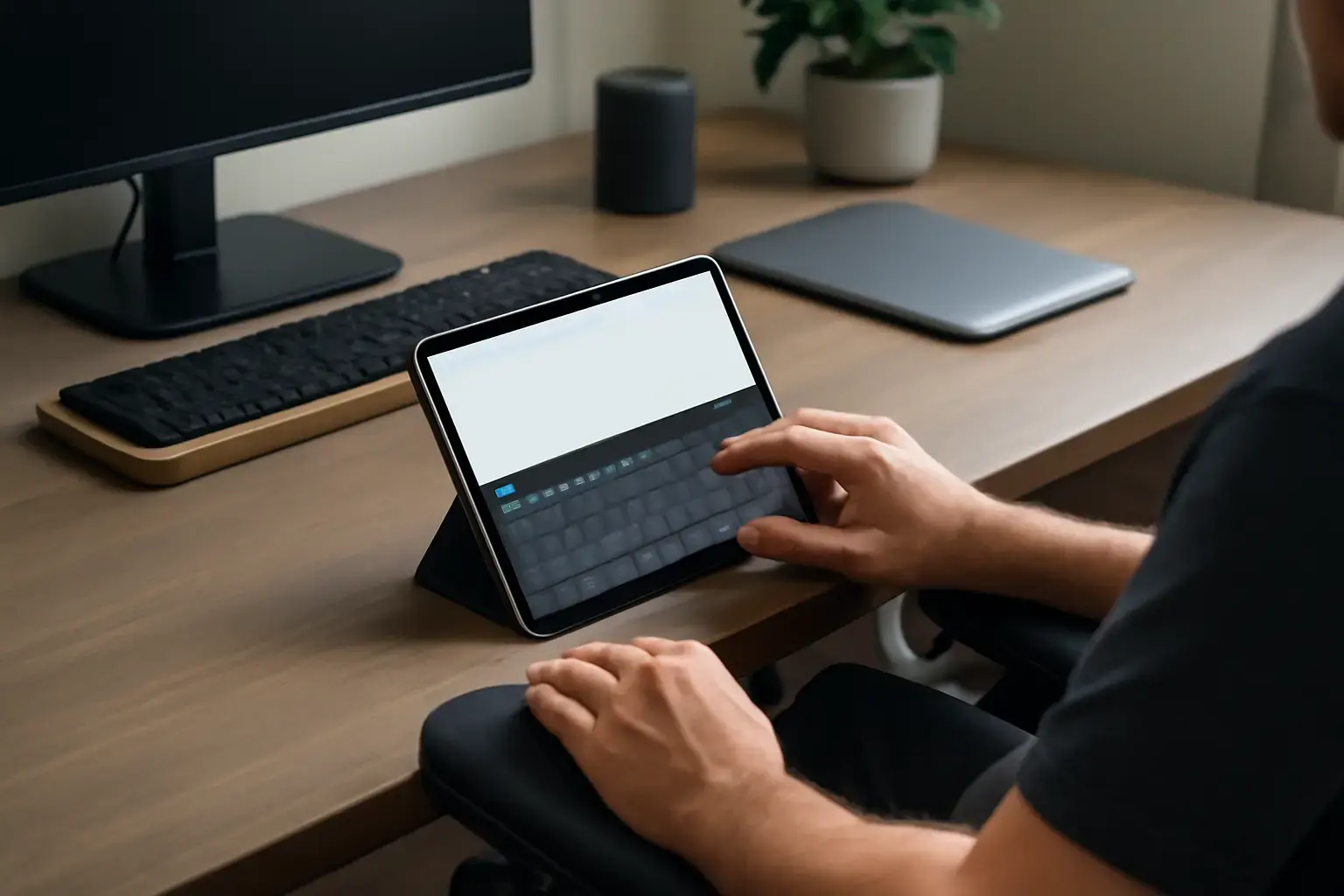
Why Predictive Text Virtual Keyboards Matter for Users with Physical Disabilities
Typing on a virtual keyboard can be challenging for people with physical disabilities due to limited fine motor control, fatigue, or restricted movement. Predictive text technology offers a powerful way to reduce the number of keystrokes needed, speeding up typing and reducing physical strain.
However, not all virtual keyboard apps with predictive text are equally effective for this user group. The right app must balance predictive accuracy, customization, and ease of use to truly enhance typing speed without adding confusion or frustration.
Key Features to Evaluate When Choosing a Virtual Keyboard App
Selecting the best virtual keyboard with predictive text support for physical disabilities requires focusing on several critical features:
Related reading: Best Multilingual Mobile Keyboard Apps with Custom Shortcuts for Frequent Language Switchers in 2026
- Highly accurate and adaptive predictive text engine: The app should learn from the user’s typing habits and contexts to offer relevant next-word suggestions, minimizing correction needs.
- Customizable key sizes and layouts: Adjustable key dimensions help accommodate limited motor skills by enabling easier target acquisition.
- Alternative input modes: Support for scanning keyboards, switch access, or voice input can supplement traditional touch typing.
- Simple and intuitive interface: A clutter-free design that avoids overwhelming the user with too many prediction options or distracting visuals.
- Multilingual support: For users typing in multiple languages, smooth switching without losing predictive context is essential.
- Error correction and undo options: Quick ways to correct mistakes with minimal effort prevent frustration.
- Compatibility and integration: The app should work smoothly across commonly used devices and apps, especially messaging, email, and note-taking tools.
Common Mistakes When Selecting Virtual Keyboards for Physical Disabilities
Many users end up with virtual keyboard apps that sound good on paper but fail in daily use. Here’s what most people get wrong:
- Ignoring customization options: Default key sizes or layouts may be too small or dense, increasing typing errors and fatigue.
- Choosing predictive text engines based solely on speed: Faster isn't always better if predictive suggestions are irrelevant or intrusive.
- Overlooking alternative input modes: Some users rely on scanning or switch access; apps without these options limit accessibility.
- Failing to test real-world app compatibility: Predictive keyboards that work well in isolation may glitch or slow down in messaging or email apps.
Top Virtual Keyboard Apps With Predictive Text for Physical Disabilities in 2026
Below are practical recommendations based on feature sets, user feedback, and real-world performance:
- Microsoft SwiftKey: Known for its adaptive predictive text engine and multilingual support, SwiftKey allows custom resizing of keys and integrates well across Android and Windows devices. Its prediction accuracy improves with usage, making it a top choice for many users.
- Gboard by Google: Gboard offers robust predictive text and seamless integration with Google services. The keyboard supports glide typing, voice input, and simple layout adjustments. It's widely available on Android and iOS, with reliable performance across apps.
- Proloquo4Text: Designed specifically for users with communication difficulties, this iOS app combines a customizable keyboard with powerful predictive text and alternative input methods like switch scanning.
- AssistiveTouch Keyboard (iOS): Built into iOS accessibility settings, this keyboard supports customizable layouts and predictive suggestions, optimized for users with motor impairments.
- Clicker Communicator: A comprehensive solution that pairs on-screen keyboards with word prediction and symbol support, ideal for users needing both typing assistance and communication aids.
How to Test and Evaluate Virtual Keyboard Apps Before Committing
Given the personal nature of typing abilities and preferences, trial is essential when choosing a virtual keyboard app. Here’s a testing checklist:
- Try out different key sizes: Check if resizing keys improves accuracy and reduces fatigue.
- Use the predictive text over multiple days: Evaluate how well the engine adapts to your vocabulary and typing context.
- Switch languages if needed: Assess how smoothly the keyboard handles multilingual input without losing prediction quality.
- Test alternate input support: Try switch scanning or voice input modes if relevant to your needs.
- Evaluate integration: Test typing within your most-used apps (email, messaging, social media) to ensure consistent performance.
- Check for customizable correction features: See how easy it is to undo or fix mistakes.
Doing this testing will help avoid costly frustration and wasted time.
See also: How to Choose Between Mechanical and Membrane Keyboards for Students Who Type Code and Essays Daily
For more detailed app reviews and customization tips, see our article on Best On-Screen Keyboard Apps for People With Physical Disabilities Needing Customized Key Sizes and Predictive Text.
Conclusion: Choose Predictive Text Virtual Keyboards That Fit Your Physical and Workflow Needs
When selecting a virtual keyboard app with predictive text to support users with physical disabilities, it’s critical to prioritize usability over raw features. The best app will be the one that adapts to your unique typing style, reduces physical strain, and integrates seamlessly with your daily tools.
Avoid rushing into popular but rigid apps without testing key customization or predictive behavior. Focus on those with proven accessibility features, flexible layouts, and reliable prediction engines.
You may also like: How to Choose a Keyboard for Long-Form Writing and Newsletters ⌨️💡
Ultimately, the right virtual keyboard app can transform typing from a frustrating chore into a faster, more comfortable experience, empowering users with physical disabilities to communicate efficiently and confidently.
One useful way to judge How to Choose Virtual Keyboard Apps with Predictive Text That Help Users with Physical Disabilities Type Faster is to compare how it behaves during repeated daily use rather than during a single quick test.
Long-term value usually becomes clearer when you look at comfort, setup friction, reliability, and how naturally the choice fits existing habits.
Small annoyances matter more than people expect, especially when the same task repeats many times across a normal week.