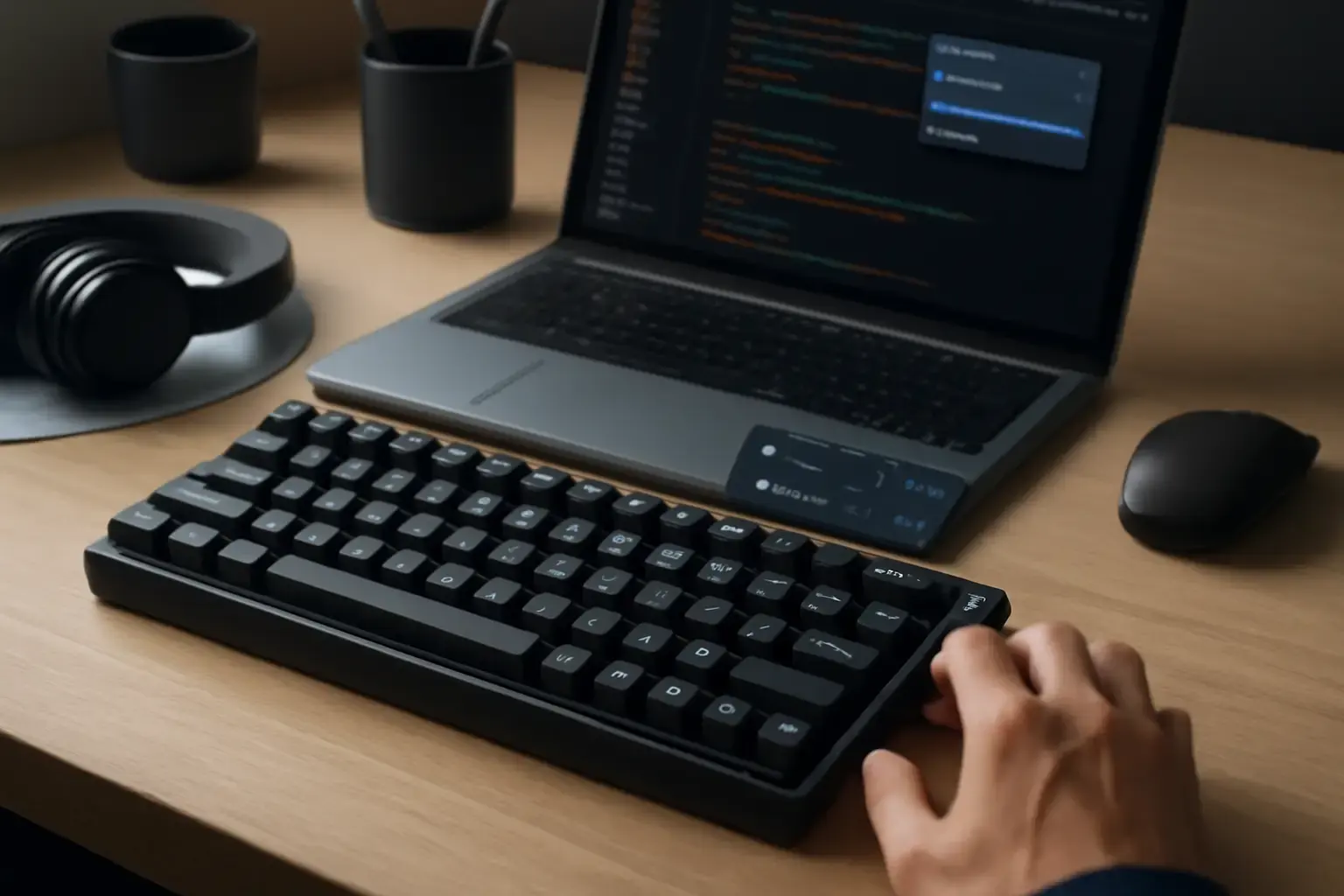
Why Multilingual Programmers Need Specialized Mechanical Keyboards
Programming across multiple languages isn’t just about fluency in syntax—it demands fast, accurate symbol input and quick toggling between language-specific characters and layouts. Unlike general users, multilingual programmers spend hours typing complex brackets, operators, diacritics, and switching scripts, which can introduce latency and disrupt flow if the keyboard or software isn’t optimized.
Choosing the right mechanical keyboard can mitigate these pain points by providing low-latency input, customizable key layouts for symbols, and support for instant language switching without interrupting your coding rhythm. This article targets programmers who juggle at least two languages regularly, frequently input symbolic code, and value both typing speed and comfort.
Key Considerations When Selecting a Mechanical Keyboard for Multilingual Coding
1. Physical Layout and Keycap Support for Multiple Scripts
Standard US QWERTY layouts rarely accommodate the variety of characters multilingual programmers need. Consider keyboards with ISO layouts or custom keycap sets that include secondary legends for accented letters and non-Latin scripts.
Hot-swappable switches and programmable keys allow you to remap keys for less-used symbols or language-specific characters, increasing efficiency without memorizing complex key combos.
2. Dedicated or Programmable Symbol Keys
Symbol input is a bottleneck for coders. Look for keyboards offering either dedicated keys for frequent symbols (e.g., curly braces {}, square brackets [], backticks, tildes) or the ability to program macros and layers that bring these symbols closer under your fingers. Without this, you’ll waste time searching for symbols or rely heavily on layer toggling, which slows down WPM and disrupts typing flow.
3. Software Support for Fast Language Switching
Instant language switching means you can toggle input languages on the fly without losing speed or accuracy. The keyboard’s firmware and companion software matter here:
- Native support for multilanguage layouts allowing seamless switching between scripts within the same keymap.
- Integration with OS-level language switchers or hotkey assignments that don’t require mouse interaction or app restarts.
- Profiles for multiple languages that can be switched with a single keypress or shortcut.
Some keyboards pair with apps designed for minimal typing disruption during language toggling; these are a must for programmers switching between Latin-based and non-Latin scripts frequently.
4. Switch Type and Typing Comfort for Long Coding Sessions
Programming demands hours of uninterrupted typing. Mechanical switches should offer a balance between tactility (for typing precision) and quiet operation (to avoid fatigue). Popular switch types for programmers include:
- Brown or Clear tactile switches: Provide feedback without loud clicks, preventing finger strain.
- Silent linear switches: Good for noise-sensitive environments but less feedback.
- High-quality low-profile switches: Help with fast, comfortable typing with less finger travel.
Ergonomics are equally important; keyboards with an adjustable typing angle, wrist rests, or split designs reduce wrist strain during long multilingual coding marathons.
Related reading: Top Keyboard Layout Switcher Apps for Android Users Needing Instant Multilingual Typing
5. Connectivity and Compatibility
For programmers who switch devices or locations frequently, wireless connectivity with reliable low-latency (Bluetooth 5.2 or proprietary low-latency RF) is essential. However, wired USB-C connections remain preferable for latency-critical tasks.
Also verify if the keyboard supports multiple device profiles simultaneously to switch between PCs, tablets, or laptops without re-pairing.
Common Mistakes When Buying a Mechanical Keyboard for Multilingual Programming
Many programmers mistakenly prioritize flashy RGB lighting or gaming features over practical typing needs, leading to regret. Here are common pitfalls to avoid:
- Ignoring software compatibility: Buying a keyboard with poor or no support for your OS’s language-switching tools complicates workflows.
- Overlooking symbol accessibility: Failing to check how easy it is to input critical coding symbols slows development speed.
- Preferring standard layouts without customization: These limit your ability to adapt the keyboard for multilingual needs.
- Choosing noisy switches without ergonomic features: This causes fatigue in long typing sessions.
Practical Recommendations: Best Mechanical Keyboards for Multilingual Programmers in 2026
Based on the above criteria and 2026 market availability, consider these keyboards for your multilingual programming setup:
- Keychron Q6: A customizable 65% keyboard with fully programmable layouts, hot-swappable switches, and excellent Linux/Windows/macOS multilanguage support. Its QMK/VIA firmware allows detailed key remapping essential for symbol-heavy and multilingual input.
- Leopold FC750R PD: Known for superb build quality and silent tactile switches, this keyboard’s ISO layout variants can support European languages well. It’s a wired-only option, ensuring zero latency.
- Ducky One 3 SF: Compact 65% layout with dedicated arrow keys and excellent keycap legends supporting special characters. It has solid software support for profile switching and is favored by developers who code in multiple languages.
- Input Club Kira: A high-end option with hot-swappable Halo switches and RGB backlighting that includes symbol overlays for multiple languages. It supports QMK firmware for deep customization, ideal if you want to design your own multilingual keyboard layers.
- Glorious GMMK Pro: Popular for its modularity, this keyboard lets you swap switches easily and configure multiple layers for symbols and language layouts via software. Compatible with Windows and Linux multilanguage input.
Integrating Software for Instant Language Switching
Hardware alone won’t solve the language switching challenge. Pair your keyboard with robust input management apps such as:
- Windows language switcher apps that minimize typing disruption
- Mobile keyboard apps supporting instant language switching
These software tools let you map quick toggles for languages without interrupting your typing or losing track of your coding context.
Conclusion: Prioritize Typing Flow and Symbol Accessibility for Multilingual Programmers
Mechanical keyboard choices for multilingual programmers in 2026 are nuanced. The best keyboards combine physical layouts supporting diverse scripts, programmable symbol keys, ergonomic switch types, and seamless integration with language switching software.
Don’t fall for flashy features that don’t aid your primary task: fast multilingual typing with frequent symbol input. Instead, invest in hot-swappable, firmware-customizable mechanical keyboards that place critical code symbols at your fingertips and enable instant language toggling.
Pair your keyboard choice with dedicated language-switching apps to smooth the workflow further. When done right, this combination saves time, reduces fatigue, and increases your coding speed and accuracy across all your languages.
Explore our detailed guides on choosing keyboards for coding symbols and multilingual mobile keyboard apps to refine your setup even more.