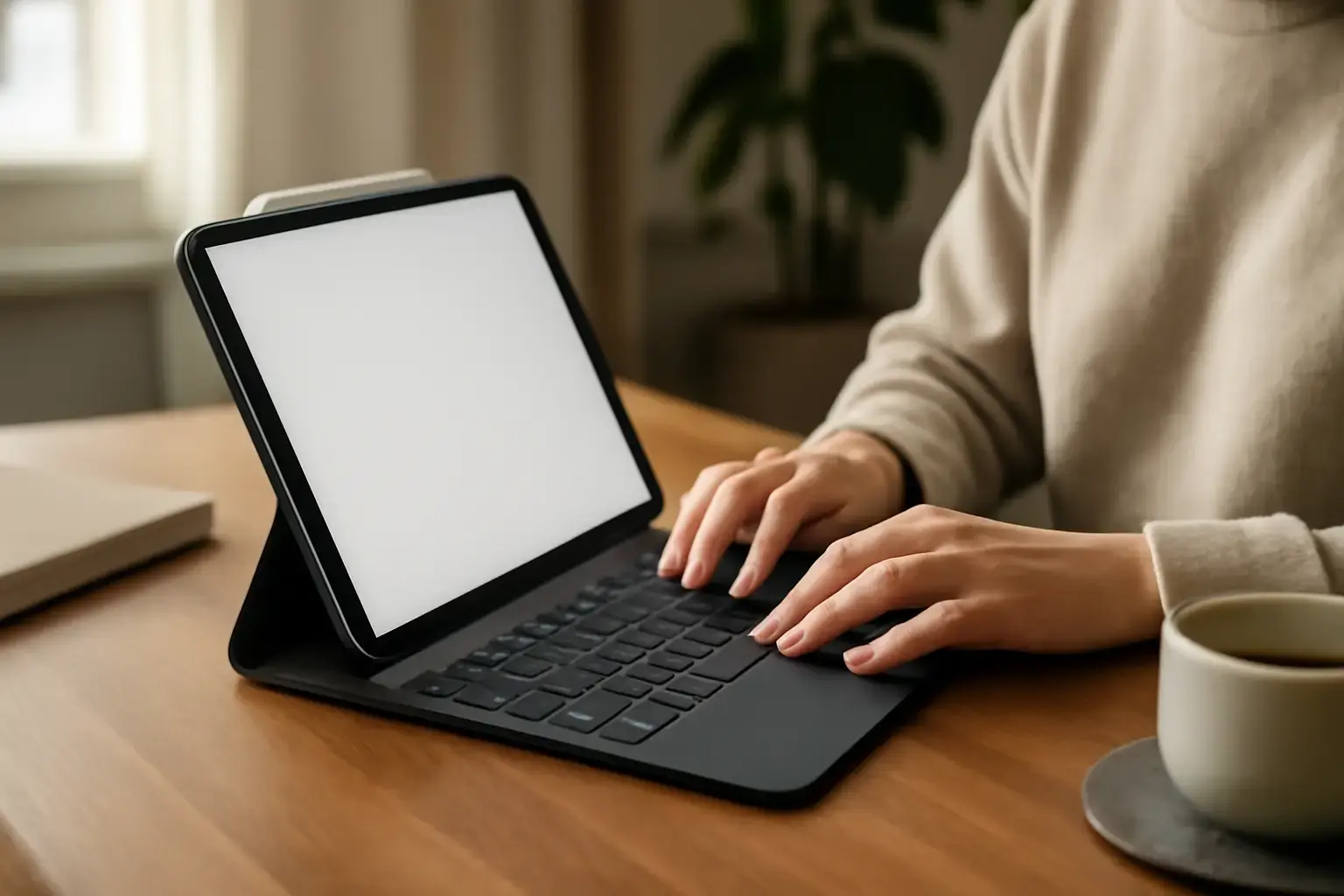
iPads have become staple devices for students, writers, and remote workers, but many users hit a frustrating wall when relying on the on-screen or even some external keyboards: typing accuracy suffers, and autocorrect delays create needless pauses. If you want to reclaim fluid typing on your iPad without sacrificing accuracy or speed, investing in a keyboard designed to minimize lag and improve text input is essential. This article dives into the best external keyboards for 2026 that solve autocorrect delays and accuracy issues, backed by practical trade-offs and user scenarios to help you choose wisely.
Why Autocorrect Delay and Typing Accuracy Are Bigger Problems Than You Think
Most iPad users underestimate how much autocorrect delay and keyboard accuracy impact their overall typing speed and comfort. On-screen keyboards inherently rely on touch input and predictive software, which often leads to lag, especially when typing quickly or switching languages. External keyboards can help, but those with poor Bluetooth connection, subpar key design, or lacking firmware optimization can introduce their own delays and error-prone behavior.
Related reading: Top Tablets with Keyboard Support for Study and Work in 2026 💻⌨️
These subtle delays in autocorrect and input recognition add cognitive friction—users must slow down to avoid errors, creating a frustrating experience that impacts productivity. For anyone writing essays, coding, or taking notes under time pressure, this undermines the iPad’s potential as a serious typing device.
Top External Keyboard Options for iPad Typing Accuracy and Minimal Autocorrect Lag
Not all external keyboards are created equal for iPad users concerned about typing precision and autocorrect responsiveness. Here are the top picks for 2026 that balance reliable connectivity, superior key feel, and software optimization for iPadOS.
See also: Best Budget Tablets Under $300 for Students and Casual Use in 2026: What Actually Works
1. Apple Magic Keyboard for iPad
- Why it works: Apple’s Magic Keyboard offers the most seamless hardware-software integration for iPads. The scissor-switch keys provide a crisp, accurate typing experience with stable Bluetooth connectivity that prevents lag.
- Trade-offs: Premium price point; bulkier than some ultra-portable options.
- Best for: Users prioritizing reliability and top-tier typing feel in long writing sessions.
2. Logitech Combo Touch
- Why it works: Designed explicitly for iPads, the Combo Touch provides a tactile keyboard with a trackpad and excellent key travel. It supports iPadOS shortcuts and maintains low-latency connection, reducing autocorrect delays.
- Trade-offs: Slightly heavier; trackpad can add bulk some prefer to avoid.
- Best for: Students and professionals who want laptop-like typing and multitasking features.
3. Brydge Pro+ Keyboard
- Why it works: Brydge’s keyboards physically attach to iPads via hinges, offering a laptop-style experience with mechanical-like key feedback. The Bluetooth connection is optimized for minimal latency.
- Trade-offs: Limited availability of colors; somewhat heavier than typical folio keyboards.
- Best for: Writers and coders who want a near-laptop typing feel without sacrificing iPad portability.
4. Keychron K3 Pro (Bluetooth, Low-Profile Mechanical)
- Why it works: Keychron’s K3 Pro delivers fast switches, low-profile mechanical keys, and excellent Bluetooth 5.1 connectivity. It supports multiple OS layouts including iPad/iOS mode for seamless language and autocorrect interactions.
- Trade-offs: Requires manual switching to iPad mode; no integrated stand so you’ll need a separate iPad holder.
- Best for: Power users and programmers demanding precise, fast typing on iPad with mechanical switches.
How to Avoid Common Mistakes That Worsen Typing Accuracy and Lag on iPad Keyboards
Many iPad users don’t realize that their typing issues often stem from setup and peripheral choices rather than the iPad itself. Here are common pitfalls to avoid:
- Ignoring Keyboard Firmware Updates: Many external keyboards receive important updates improving latency and autocorrect performance. Regularly check manufacturer sites or apps for updates.
- Using Generic or Non-iPad Specific Bluetooth Keyboards: These often lack optimized iPadOS support, leading to input lag and autocorrect delays.
- Pairing Issues: Unstable Bluetooth connections cause missed keystrokes and delayed autocorrect. Keep your iPad and keyboard firmware current and unpair/re-pair if lag appears.
- Not Adjusting iPad Keyboard Settings: Customize your keyboard settings inside iPadOS, including disabling predictive text temporarily during intensive typing sessions to reduce autocorrect conflicts.
- Overlooking Keyboard Position and Posture: Positioning the keyboard too far or awkwardly can lead to typing errors. An external keyboard stand or case that keeps the iPad at eye level improves typing accuracy and comfort.
Practical Setup Tips to Maximize Typing Accuracy and Reduce Autocorrect Delays on iPad
Simply buying an external keyboard isn’t enough—your setup matters. Here are actionable steps:
You may also like: Best Tablets for Kids in 2026: Tested and Reviewed for Families
- Choose a Keyboard with Low Latency Bluetooth: Look for Bluetooth 5.0 or later with iPadOS compatibility.
- Optimize Keyboard Layout: Use external keyboard layouts designed for iPad to avoid misinterpreted keys that cause autocorrect errors.
- Use Keyboard Shortcuts: Familiarize yourself with iPadOS keyboard shortcuts to reduce typing reliance on the touch screen and improve fluidity.
- Disable Conflicting Auto-Corrections During Coding or Technical Writing: Temporarily turning off autocorrect can improve accuracy for complex input.
- Invest in a Stable Keyboard Stand or Case: Prevent wobbling or misalignment that causes mistypes.
Who Should Avoid Some of These External Keyboard Options?
While the keyboards listed serve different users well, some may not suit every iPad user:
- Casual Typers on a Budget: Apple Magic Keyboard and Brydge Pro+ are pricier. Budget users may consider mid-tier Logitech models or earlier generation Magic Keyboard to save cost.
- Extreme Portability Seekers: Heavy keyboards with trackpads add bulk. Compact Bluetooth keyboards without integrated stands might be better.
- Users Needing Seamless Multi-Device Switching: Some keyboards like Keychron K3 Pro require manual OS mode switching, which can be disruptive.
- Writers with Specific Language Needs: Not all keyboards support instant language switching or special characters like Nordic or Asian scripts well. Verify language layout compatibility before buying.
For readers wanting broader context on keyboard options and typing setups for tablets, check our detailed guides: Best Tablet Keyboards for Students Needing Reliable Typing Support During Note-Taking and Exam Prep in 2026 and How to Use External Keyboards with iPad and Android Tablets for Maximum Productivity ⌨️💻.
Final Recommendation: Invest in a Keyboard Tailored for iPadOS With Low Latency and Optimized Key Design
Typing accuracy and autocorrect responsiveness are crucial for anyone treating their iPad as a serious writing or coding device. The best external keyboards for iPad users in 2026 combine low-latency Bluetooth 5+ connections, scissor or mechanical-style key switches, and software design catered to iPadOS. Apple’s Magic Keyboard remains the safest bet for overall ease and reliability, but Logitech Combo Touch and Brydge Pro+ offer compelling alternatives with laptop-style comfort. Keychron K3 Pro is a standout for mechanical keyboard enthusiasts willing to manage some setup complexity.
Whatever your choice, avoid generic Bluetooth keyboards designed primarily for PCs. Prioritize keyboards with tailored iPadOS support, update your keyboard firmware regularly, and optimize your typing environment to eliminate autocorrect delays and maximize accuracy. This approach will transform your iPad typing from frustrating to fluent and let you unlock your full productivity potential in 2026.