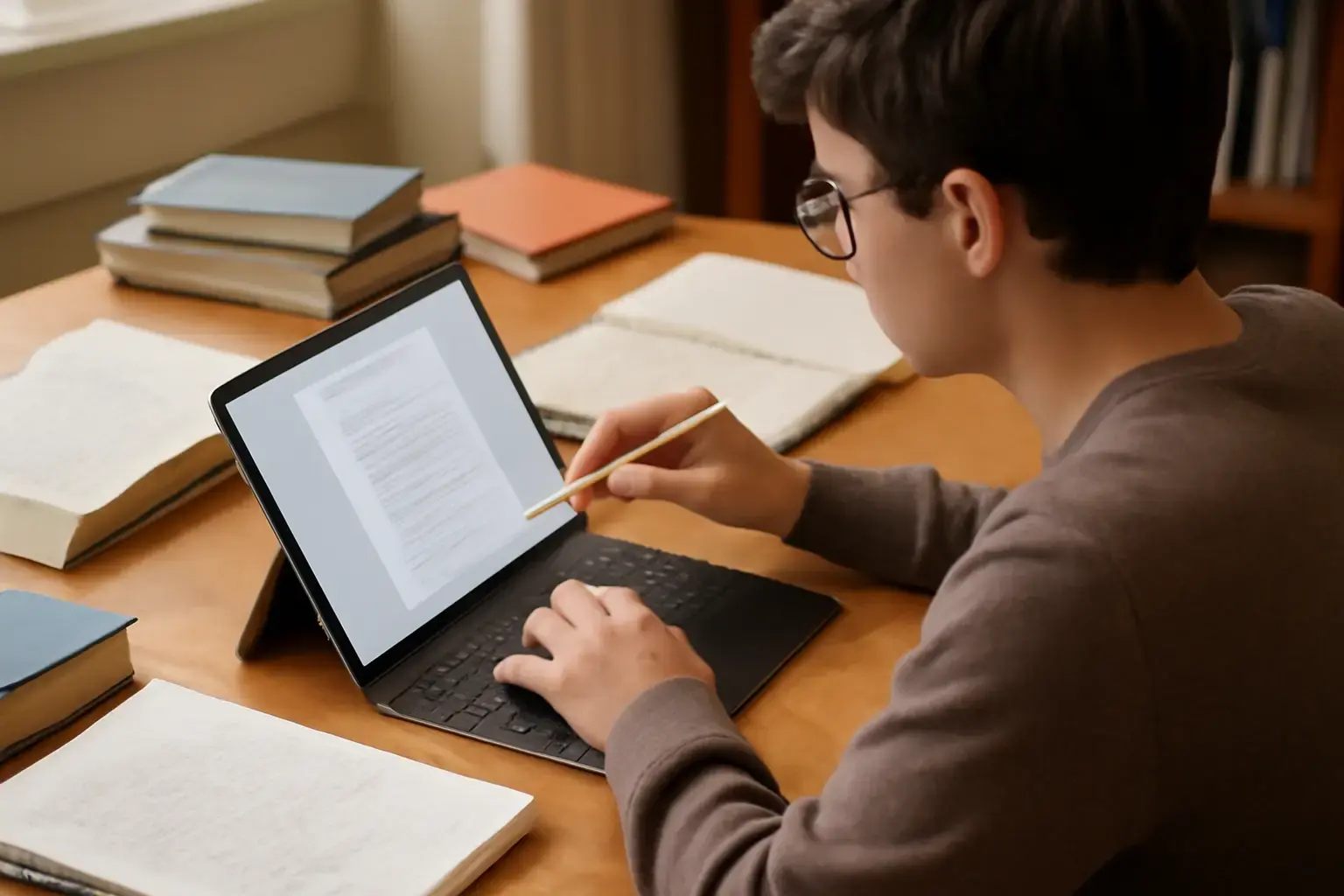
Why Your Student Tablet Choice Should Go Beyond Specs
Choosing a tablet for studying in 2026 is no longer about picking the device with the fastest chip or the sharpest display. Modern tablets are powerful across the board—the real difference lies in how well they fit into your daily workflow. A good student tablet should feel invisible in use: quick to wake, reliable across apps, and flexible enough to adapt to note-taking, research, collaboration, and occasional downtime.
The problem is that most buying decisions still revolve around spec sheets and marketing claims. In practice, students run into very different issues: apps that don’t work properly, keyboards that feel cramped, batteries that fade before the day ends, or ecosystems that don’t integrate with their school’s tools.
This updated guide focuses on the newest tablet models available in 2026 and, more importantly, how they perform in real academic environments. The goal isn’t to highlight the “best” tablet in isolation—but to help you choose the one that fits how you actually study.
What Actually Matters When Buying a Student Tablet in 2026
With modern hardware being consistently fast, the decision now comes down to usability, ecosystem, and long-term practicality.
- Consistent Multitasking Performance: You’ll often have lecture slides, note apps, browsers, and messaging apps open simultaneously. Smooth switching matters more than peak performance numbers.
- Ecosystem and App Reliability: Whether your school uses Google Workspace, Microsoft 365, or specialized apps, compatibility should be non-negotiable.
- Battery That Lasts a Full Academic Day: Realistically, that means several hours of mixed use—video, typing, reading, and multitasking—without anxiety.
- Display Size vs Portability Trade-off: Smaller tablets are easier to carry, but larger screens dramatically improve productivity for split-screen work and document editing.
- Accessory Quality: A tablet becomes a real productivity tool only when paired with a good keyboard and stylus. Poor accessories can ruin an otherwise great device.
- Longevity and Updates: Students often keep devices for multiple years. Software support and performance consistency matter more than short-term speed.
Best Student Tablets in 2026 (Latest Models and Who They’re For)
Apple iPad Air (M2) – Best All-Rounder for Most Students
The latest iPad Air with Apple’s M2 chip builds on an already strong foundation. It’s not trying to replace the iPad Pro—but for most students, it doesn’t need to. It delivers more than enough performance while staying relatively accessible.
Where it excels: Multitasking is smooth, even with demanding workflows. Apps like note-taking tools, PDF editors, and creative apps run effortlessly. The updated iPadOS experience makes split-screen and stage-based multitasking more usable than previous generations.
Real-world advantage: The ecosystem is still unmatched. If you’re using an iPhone or Mac, file transfers, note syncing, and messaging integration feel seamless. This reduces friction in daily use, especially for collaborative work.
Trade-offs: Accessories remain expensive, and iPadOS still isn’t a full desktop environment. For some advanced workflows, limitations remain.
Best for: Students who want a reliable, long-term tablet that handles almost everything without compromise.
Samsung Galaxy Tab S10+ – Best Android Tablet for Productivity and Flexibility
Samsung’s latest Galaxy Tab S10+ continues to refine what Android tablets can offer. It combines strong performance with a large, high-quality display and productivity features that go beyond basic tablet use.
Where it excels: The large AMOLED display makes reading, multitasking, and watching lectures far more comfortable. Samsung DeX has matured into a genuinely useful desktop-like interface for document work.
Real-world advantage: The included S Pen remains a major value advantage. For students taking handwritten notes, this removes an extra cost and works well out of the box.
Trade-offs: Some Android apps still don’t fully optimize for large screens. While core productivity apps work well, niche apps can feel inconsistent.
Best for: Students who want flexibility, a large screen, and strong multitasking without committing to Apple’s ecosystem.
Microsoft Surface Go 5 – Best for Full Windows Compatibility
The Surface Go 5 continues to fill a specific but important niche. It’s not the most powerful tablet—but it’s one of the few that can fully replace a laptop in environments where Windows software is required.
Where it excels: Full compatibility with desktop applications. Whether it’s coding tools, engineering software, or advanced Excel workflows, everything runs natively.
Real-world advantage: You don’t need workarounds or secondary devices. This is particularly important for technical students who rely on specialized software.
Trade-offs: Battery life is still behind iPad and Android competitors. Performance is adequate but not exceptional, especially on base configurations.
Best for: Students in engineering, IT, or business programs where Windows software is essential.
Amazon Fire Max 11 (2025/2026 Refresh) – Best Budget Tablet for Basic Needs
Amazon’s Fire Max 11 has replaced older Fire models as the go-to budget option. It’s a step up in build quality and usability, but it remains firmly in the entry-level category.
Where it excels: Affordable, simple, and capable of handling basic tasks like reading, streaming, and light browsing.
Real-world advantage: For students who don’t rely on advanced apps, it provides enough functionality at a much lower cost than mainstream tablets.
Trade-offs: Limited app ecosystem and weaker multitasking capabilities. This becomes a problem if your academic needs grow over time.
Best for: Light users, younger students, or as a secondary device.
Comparison Overview: Updated 2026 Models
| Tablet | Best For | Strengths | Limitations |
|---|---|---|---|
| iPad Air (M2) | Balanced everyday use | Fast performance, strong ecosystem, long support | Accessory cost, OS limitations |
| Galaxy Tab S10+ | Multitasking and flexibility | Large display, DeX mode, included stylus | App optimization inconsistencies |
| Surface Go 5 | Windows software users | Full desktop apps, versatility | Battery and performance trade-offs |
| Fire Max 11 | Budget use | Affordable, simple | Limited apps, basic performance |
Common Buying Mistakes (Still Relevant in 2026)
- Choosing Power Over Practicality: Most students don’t need flagship-level performance. Spending extra on unused power rarely improves your experience.
- Ignoring Total Setup Cost: A tablet plus keyboard and stylus can significantly increase your budget. Plan for the full setup, not just the base device.
- Overlooking App Requirements: Always verify that your required apps work properly on your chosen platform.
- Buying Too Small: Compact tablets are portable but limiting for multitasking and writing-heavy tasks.
- Underestimating Longevity: A slightly more expensive device with longer support often provides better value over time.
How to Choose Based on Your Study Style
- Heavy note-takers: Prioritize stylus quality and screen responsiveness. iPad Air and Galaxy Tab S10+ are strong choices.
- Essay writers: Focus on keyboard quality and software flexibility. Surface Go 5 or iPad Air with a keyboard works well.
- Technical students: If you need specific software, choose Windows—no exceptions.
- Light users: For reading and casual use, budget tablets like Fire Max 11 are sufficient.
Final Recommendation: Choose for the Next 3–5 Years, Not Just Today
The iPad Air (M2) remains the safest choice for most students—it balances performance, app support, and longevity better than any competitor. It’s the device least likely to cause friction over time.
The Galaxy Tab S10+ is the best alternative for those who want flexibility, a larger display, and better value from included accessories.
The Surface Go 5 is the practical choice for students who cannot compromise on Windows compatibility, even if it means sacrificing battery life and tablet polish.
And the Fire Max 11 is only worth considering if your needs are truly basic and budget is the deciding factor.
The smartest approach is simple: choose the tablet that fits your workflow today—and won’t limit you a year from now when your academic demands grow.