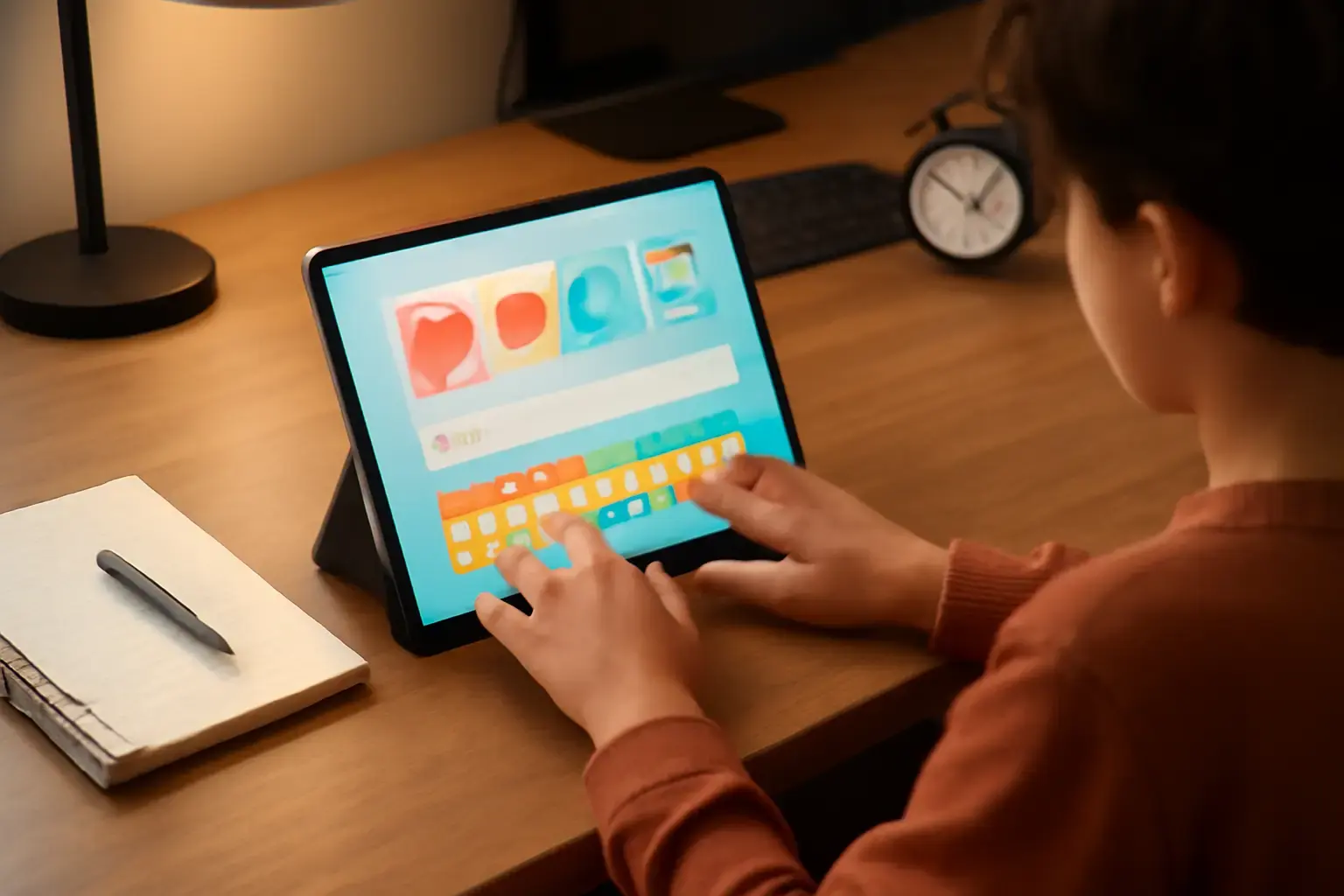
Why Dyslexic Students Need Specialized Typing Apps
Typing is no longer just a useful classroom skill. In 2026, students complete assignments, communicate with teachers, take online assessments, and organize research digitally every day. For students with dyslexia, however, typing can quickly become exhausting when traditional typing programs fail to accommodate the way dyslexic learners process language and written input.
Dyslexia commonly affects phonological awareness, spelling accuracy, sequencing, short-term memory, and symbol recognition. These challenges often appear during typing as:
- Frequent letter reversals and omissions
- Difficulty remembering key positions
- Confusion between visually similar letters
- Slower text production speed
- Repeated spelling mistakes despite practice
- Increased mental fatigue during typing sessions
Unfortunately, many standard typing trainers are built around speed competitions, strict timers, and instant penalties for errors. While those systems may motivate some learners, they often increase anxiety and frustration for dyslexic students. Over time, this can reduce confidence and make students avoid typing practice entirely.
The best typing apps for dyslexia focus on accuracy first, not raw words per minute. They create a calmer learning environment where students can build muscle memory gradually while receiving supportive feedback instead of constant correction pressure.
Modern dyslexia-friendly typing software also integrates accessibility features such as auditory reinforcement, predictive spelling support, adaptive pacing, distraction-free interfaces, and customizable lesson structures. These tools help students practice consistently without feeling overwhelmed.
Key Features to Look for in Dyslexia-Friendly Typing Apps
Not every typing program marketed toward students actually supports dyslexic learners effectively. The most useful apps combine accessibility, adaptive learning, and stress reduction to improve typing accuracy naturally over time.
Related reading: Best Typing Trainer Apps for Developers Who Need to Master Programming Symbols and Increase Coding Speed in 2026
Error-Tolerant Learning Systems
Dyslexic students benefit from environments where mistakes are treated as part of the learning process instead of immediate failures. Apps with forgiving correction systems help students slow down, focus on precision, and develop confidence gradually.
Programs that constantly interrupt typing after every mistake can damage concentration and increase stress levels. The best apps provide gentle corrections and allow students to continue practicing naturally.
Multisensory Feedback
Multisensory learning remains one of the most effective educational approaches for dyslexia support. Typing apps that combine visual cues, audio prompts, spoken feedback, and tactile reinforcement help strengthen letter recognition and keyboard familiarity.
Examples of useful multisensory support include:
- Color-coded keyboard guidance
- Audio pronunciation of typed words
- Letter highlighting during exercises
- Voice-assisted spelling correction
- Finger placement animations
Customizable Lessons and Adaptive Difficulty
Dyslexic learners rarely struggle with identical typing patterns. Some students confuse certain letter pairs repeatedly, while others experience difficulty with sequencing or punctuation placement.
The best typing apps identify these patterns and adjust lessons automatically. Adaptive systems can increase repetition for problematic keys, reinforce difficult word structures, and reduce unnecessary frustration.
Readable Fonts and Clean Interfaces
Visual overload makes typing practice harder for many dyslexic students. Apps with clean layouts, larger text, proper spacing, and readable typography improve concentration and reduce cognitive strain.
Some programs now support dyslexia-friendly fonts such as OpenDyslexic or offer custom spacing settings that improve readability significantly.
Low-Stress Gamification
Gamification can motivate students when implemented carefully. Reward systems, progress tracking, achievement badges, and encouraging milestones work well when they prioritize consistency and improvement instead of competition.
Typing games that aggressively count down timers or rank students publicly often create unnecessary anxiety for dyslexic learners.
Integrated Reading and Writing Support
Many dyslexic students benefit most from typing apps that combine keyboard training with spelling assistance, predictive text, and reading support. Integrated literacy tools reduce frustration and help students connect spoken language with written communication more effectively.
Top Typing Apps for Students with Dyslexia in 2026
After evaluating accessibility features, adaptive learning quality, usability, and long-term educational value, these are the strongest typing apps for dyslexic students in 2026.
-
Ghotit Real Writer & Reader
Ghotit remains one of the most effective dyslexia-focused writing and typing support tools available today. Unlike traditional typing trainers, Ghotit was designed specifically around the common writing and spelling challenges dyslexic users face daily.
Its advanced context-aware spelling engine recognizes phonetic mistakes and suggests corrections intelligently instead of relying on rigid spellchecking. This dramatically reduces typing frustration for students who struggle with conventional spelling systems.
Key strengths include:
- Phonetic spelling correction
- Real-time contextual suggestions
- Text-to-speech integration
- Dyslexia-focused grammar support
- Reduced interruption during typing
Ghotit works especially well for older students who need both typing practice and academic writing assistance simultaneously.
-
Dyslexia Quest Typing
Dyslexia Quest Typing was built specifically for dyslexic learners using multisensory educational methods. The platform emphasizes accuracy, sequencing, and confidence-building instead of competitive typing speed.
Lessons combine visual instructions, auditory reinforcement, and memory-based exercises that strengthen keyboard familiarity gradually. The calm learning structure makes it highly suitable for younger students and classroom environments.
What makes it stand out:
- Structured multisensory lessons
- Minimal visual distraction
- Progressive difficulty adjustment
- Focus on sequencing accuracy
- Reduced performance pressure
-
TypingClub with Dyslexia Mode
TypingClub continues to be one of the most widely used typing education platforms, and its Dyslexia Mode improvements for 2026 make it significantly more accessible.
The dedicated dyslexia settings include larger fonts, softer visual contrast, slower pacing options, and more forgiving accuracy requirements. Teachers and parents can also customize lesson structures based on each student's needs.
Important advantages include:
- Dyslexia-friendly interface settings
- Adaptive lesson pacing
- Custom keyboard practice modules
- Gamified progress tracking
- Cloud-based classroom integration
TypingClub is particularly effective for schools because it balances accessibility with structured skill progression.
-
Microsoft Immersive Reader Keyboard
Microsoft’s accessibility ecosystem has improved dramatically in recent years, and the Immersive Reader Keyboard now serves as an excellent support tool for dyslexic students practicing typing.
Rather than functioning purely as a typing tutor, it reduces writing stress through predictive text, read-aloud functionality, syllable breakdowns, and intelligent spelling assistance.
Its strongest benefits include:
- Integrated reading assistance
- Word prediction support
- Audio playback for typed text
- Cross-platform accessibility
- Excellent integration with Microsoft Education tools
Students who struggle with both typing and reading comprehension often benefit greatly from this combined approach.
-
Read&Write by Texthelp
Read&Write remains one of the most respected literacy support platforms for dyslexic learners. Its typing and writing support tools help students develop confidence while minimizing the cognitive overload associated with extended typing tasks.
The platform combines typing support with literacy intervention tools such as:
- Text-to-speech playback
- Phonetic spelling support
- Vocabulary assistance
- Screen masking tools
- Reading comprehension support
Because it integrates directly into educational workflows, Read&Write works especially well for students who regularly complete essays, research assignments, and online coursework.
How to Integrate Typing Apps Effectively for Students with Dyslexia
Even the best typing app will not produce meaningful results without a supportive practice structure. Dyslexic students improve most consistently when typing becomes part of a low-pressure daily routine.
Keep Practice Sessions Short and Consistent
Long typing sessions often lead to mental fatigue and reduced concentration. Short sessions between 10 and 20 minutes usually produce better long-term retention and less frustration.
Consistency matters far more than marathon practice sessions.
Prioritize Accuracy Before Speed
One of the biggest mistakes educators make is introducing speed goals too early. Dyslexic learners need strong accuracy foundations before increasing typing pace.
Students should focus first on:
- Correct finger placement
- Reliable letter recognition
- Accurate spelling patterns
- Comfortable typing rhythm
- Reduced error frequency
Typing speed naturally improves once these fundamentals become automatic.
Combine Typing With Literacy Reinforcement
Typing practice works best when integrated with broader literacy support strategies. Reading aloud, phonics exercises, guided spelling practice, and handwriting activities all reinforce language processing skills that transfer into typing performance.
For detailed guidance on accuracy-focused typing trainers, see our best online typing trainers for improving accuracy under time pressure. While aimed at timed accuracy improvement, many of the same principles apply to dyslexic students who need to build confidence through precision-first learning.
Use Positive Reinforcement
Small improvements deserve recognition. Celebrating reduced error counts, better posture, improved consistency, or increased confidence can dramatically improve motivation.
Dyslexic students often experience repeated academic frustration, so supportive reinforcement during typing practice is especially important.
Customize Lessons Around Real Challenges
Students progress faster when practice targets their specific difficulties. Adaptive typing apps allow educators and parents to reinforce confusing letter combinations, punctuation patterns, or frequently misspelled words.
Common Mistakes When Choosing Typing Apps for Dyslexic Students
Many typing programs appear educational on the surface but actually create additional obstacles for dyslexic learners. Avoiding these common mistakes can save students significant frustration.
Choosing Speed-Centered Platforms Too Early
Apps built around competitive words-per-minute rankings often encourage rushed typing habits and repeated mistakes. This can reinforce poor muscle memory instead of improving accuracy.
Ignoring Accessibility Features
Small fonts, cluttered interfaces, flashing animations, and distracting layouts increase cognitive load unnecessarily. Accessibility design matters just as much as lesson quality.
Using One-Size-Fits-All Lesson Structures
Dyslexic students learn at different speeds and struggle with different language patterns. Programs without adaptive pacing often leave students discouraged.
Separating Typing From Literacy Support
Typing development should complement reading and writing intervention strategies rather than replace them. Students benefit most when typing support integrates naturally with literacy growth.
Overlooking Emotional Frustration
Emotional fatigue is a major barrier for dyslexic learners. Apps that create constant pressure or highlight failures aggressively can reduce long-term motivation.
Why Adaptive Typing Technology Matters More in 2026
Modern educational technology has shifted significantly toward personalization and accessibility. AI-assisted learning systems now allow typing apps to adapt dynamically based on student behavior, common mistakes, and progress patterns.
For dyslexic students, this personalization is especially valuable because no two learners experience identical challenges.
Newer typing platforms increasingly support:
- AI-assisted lesson adaptation
- Personalized error analysis
- Real-time accessibility adjustments
- Cross-device synchronization
- Integrated reading support
- Voice-assisted corrections
These advancements make typing practice less mechanical and more supportive for students who need individualized learning experiences.
Final Recommendation: Choose Accuracy-First, Adaptive Typing Apps with Multisensory Support
For students with dyslexia, typing should become a confidence-building tool rather than another source of academic stress. The most effective typing apps in 2026 prioritize accuracy, adaptive learning, accessibility, and emotional comfort instead of forcing speed-focused performance metrics too early.
Apps like Ghotit Real Writer, Dyslexia Quest Typing, TypingClub’s Dyslexia Mode, Microsoft Immersive Reader Keyboard, and Read&Write by Texthelp all provide valuable support through multisensory learning systems, customizable lessons, and reduced-pressure environments.
When paired with short daily practice sessions, positive reinforcement, and broader literacy support, these tools can dramatically improve typing confidence and written communication skills over time.
You may also like: Best AI Tools for Productivity Without Adding More Busywork 🤖⌨️
Rather than focusing solely on words per minute, educators and parents should evaluate typing apps based on long-term usability, emotional comfort, accessibility, and adaptability. The best typing apps for students with dyslexia improve text input accuracy without frustration by creating an environment where students can learn comfortably, build confidence gradually, and develop sustainable typing habits that support academic success for years to come.
One useful way to judge Best typing apps for students with dyslexia to improve text input accuracy without frustration is to compare how the software performs during consistent daily use instead of relying on a short initial test session.
Long-term value becomes much clearer when evaluating factors such as comfort, lesson flexibility, setup simplicity, accessibility options, reliability, and how naturally the app integrates into the student’s everyday learning routine.