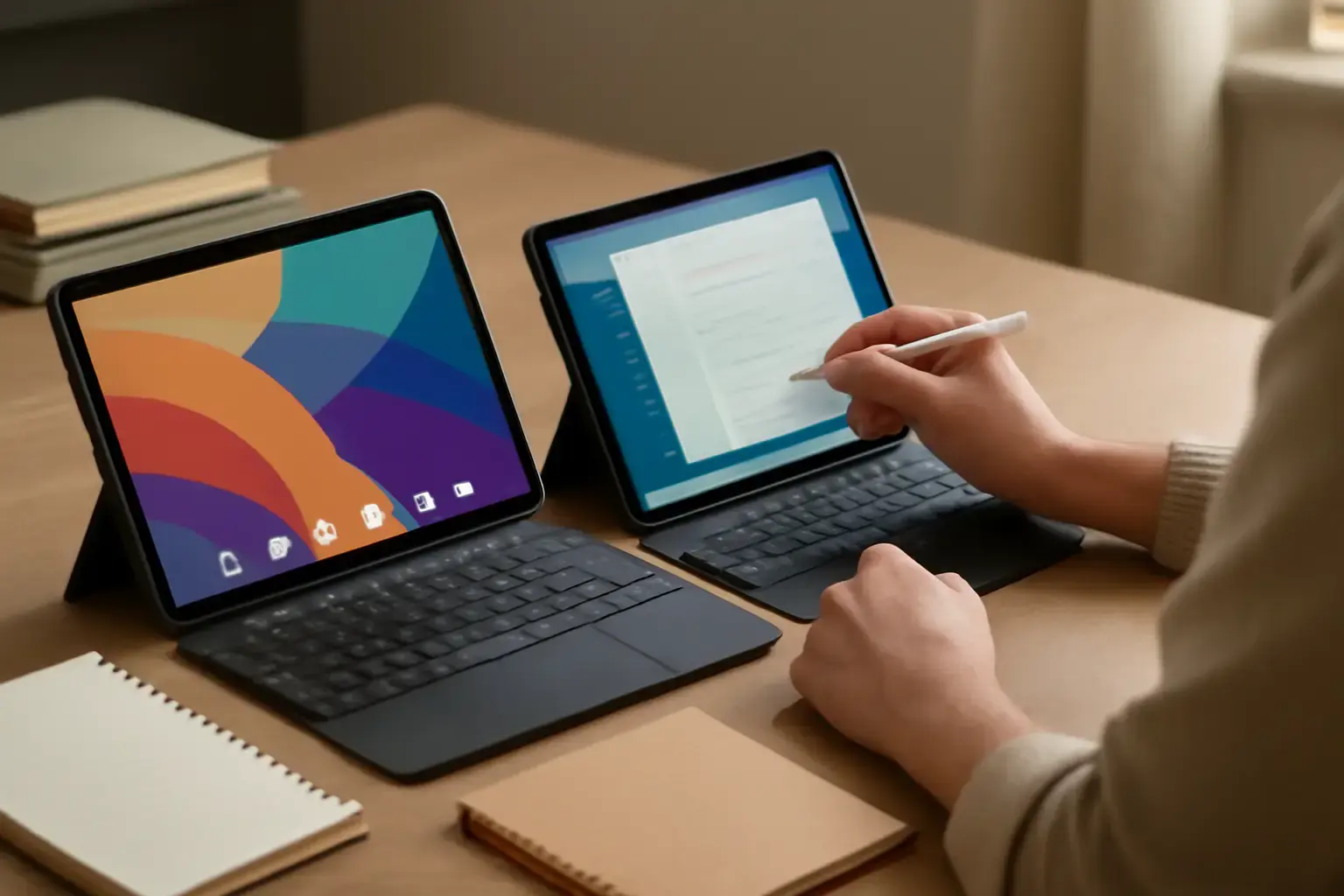
Why the Android vs Windows Tablet Debate Still Matters in 2026
When selecting a tablet for study and light work in 2026, many buyers jump straight into comparing specs or price tags without considering the deeper platform and ecosystem implications. Android tablets and Windows tablets exist in parallel worlds despite overlapping hardware designs and price points. Picking the right one means clarifying your actual use cases, preferred apps, multitasking style, and budget constraints — not just chasing buzzwords like "fastest" or "most versatile." This guide distills the decision down to essentials based on what works most effectively in real study and light productivity scenarios.
Android Tablets: What They’re Best At for Students and Casual Workers
Android tablets continue to dominate the budget and midrange sectors with devices that emphasize portability, battery life, and a vast app ecosystem. In 2026, flagship Android tablets feature competent processors and vibrant displays suitable for reading, note-taking, streaming lectures, and casual document editing.
Advantages:
Related reading: Android vs iOS Tablets for Work and Study in 2026: Making the Right Choice for Your Productivity Needs
- App versatility: Google Play and third-party stores offer thousands of apps optimized for education, light productivity, and creativity.
- Portability and battery life: Most Android tablets weigh less and run longer unplugged compared to Windows counterparts in similar price brackets.
- Flexible hardware options: From budget to premium, you’ll find Android tablets with stylus support, detachable keyboards, and multiple screen size choices.
- Cost-effective ecosystem: Accessories and software are often cheaper, lowering total ownership costs.
Trade-offs: Android’s multitasking capabilities remain limited compared to Windows, though split-screen and floating window modes have improved. For heavy multitasking or software requiring full desktop-class environments, you may feel constrained.
Windows Tablets: When Full Desktop Power and Compatibility Matter Most
Windows tablets in 2026 often blur the line between tablets and ultralight laptops running full Windows 11 or Windows 12. This allows for running traditional desktop apps like Microsoft Office, legacy educational software, and full web browsers without restrictions.
Advantages:
- Desktop-grade software compatibility: Run all Windows-compatible education and work tools, including Adobe suite, Visual Studio Code, and complex Excel spreadsheets.
- Advanced multitasking: Windows supports multiple resizable windows, virtual desktops, and keyboard shortcuts that benefit productivity workflows.
- Keyboard and peripheral support: Windows tablets often use standard USB-C ports and Bluetooth for connecting external monitors, mice, and keyboards seamlessly.
- Better file management: Full file explorer and access to network drives make organizing study materials more intuitive.
Trade-offs: Windows tablets tend to be heavier, have shorter battery life, and are generally pricier once you factor in keyboard covers and accessories. Touchscreen optimization can still feel secondary compared to native tablet OS experiences.
Key Considerations to Decide Which Tablet Fits Your Study and Light Work Needs
To make a practical choice, consider the following factors:
- Primary software requirements: Do your courses or work rely on desktop apps exclusive to Windows? If so, a Windows tablet is safer. If apps are mostly web-based, Android’s ecosystem is plenty capable.
- Typing and input preferences: Factor in how much typing you’ll do. Windows tablets typically offer superior keyboard and trackpad experiences, while Android tablets excel with stylus input for handwritten notes.
- Portability vs performance trade-off: Android tablets generally offer thinner, lighter designs with longer battery life, ideal for carrying between classes. Windows tablets prioritize performance and multitasking over slimness.
- Budget and accessory costs: Android tablets usually come cheaper upfront and have affordable accessories, but premium models can get expensive. Windows tablets require investing in keyboard covers and sometimes external storage to maximize productivity.
- Longevity and software updates: Windows tablets usually have longer guaranteed support cycles from Microsoft, whereas Android tablets’ update experiences vary widely by manufacturer.
Common Mistakes That Waste Money or Limit Productivity
Picking a tablet based solely on specs or screen size without testing real apps: Many students buy Android tablets with high-resolution screens but find their required work apps are Windows-only, causing frustration and wasted spend.
Ignoring accessory ecosystem compatibility: A Windows tablet with no included keyboard quickly becomes frustrating to use, while some Android tablets lack solid stylus or keyboard accessories, reducing usability for note-taking or typing.
Overinvesting in premium models without specific needs: Not every student or casual worker benefits from flagship hardware. Midrange devices often strike the best balance of performance and affordability.
You may also like: Best Android Tablets for Work and Entertainment in 2026: Which Ones Deliver Real Value?
Practical Tablet Recommendations for Study and Light Work in 2026
Here’s a shortlist to guide your purchase:
- Best Android Tablet for Students: Samsung Galaxy Tab S9 – Offers a brilliant display, integrated S Pen stylus, solid battery, and affordable keyboard cover options. Ideal for note-taking, reading, and light multitasking.
- Best Windows Tablet for Light Work: Microsoft Surface Go 4 or Surface Pro 9 – Full Windows OS, excellent keyboard and trackpad combos, great for running serious desktop apps, albeit with a trade-off in weight and battery life.
- Best Budget Android Option: Lenovo Tab P12 Pro – Good balance of performance and price with keyboard support, but limited software multitasking compared to Windows.
- Best Budget Windows Tablet: ASUS ExpertBook B3 Detachable – Lightweight, full Windows experience with detachable keyboard, well-suited for productivity on a budget.
To explore how keyboard support nuances impact your tablet choice, read our detailed guide on Best Tablets with Keyboard Support for Students and Remote Workers in 2026. For a comparison focused on iPads versus Android tablets, check this article, which also contextualizes why Windows tablets fill different needs.
Conclusion: Match Your Workflow, Not Just Your Wishlist
Choosing between an Android tablet and a Windows tablet for study and light work in 2026 is less about raw specs or trendy features and more about aligning with your actual workstyle and app needs. Android tablets shine in portability, battery life, and app variety for casual and creative tasks. Windows tablets excel when you need full desktop software, advanced multitasking, and better peripheral support.
Smart buyers resist the temptation to chase the "best" specs or lowest price. Instead, identify your study and work workflows, then pick the platform that fits those first. Combine that with the right accessories, and your tablet becomes a productivity tool — not a frustrating compromise.