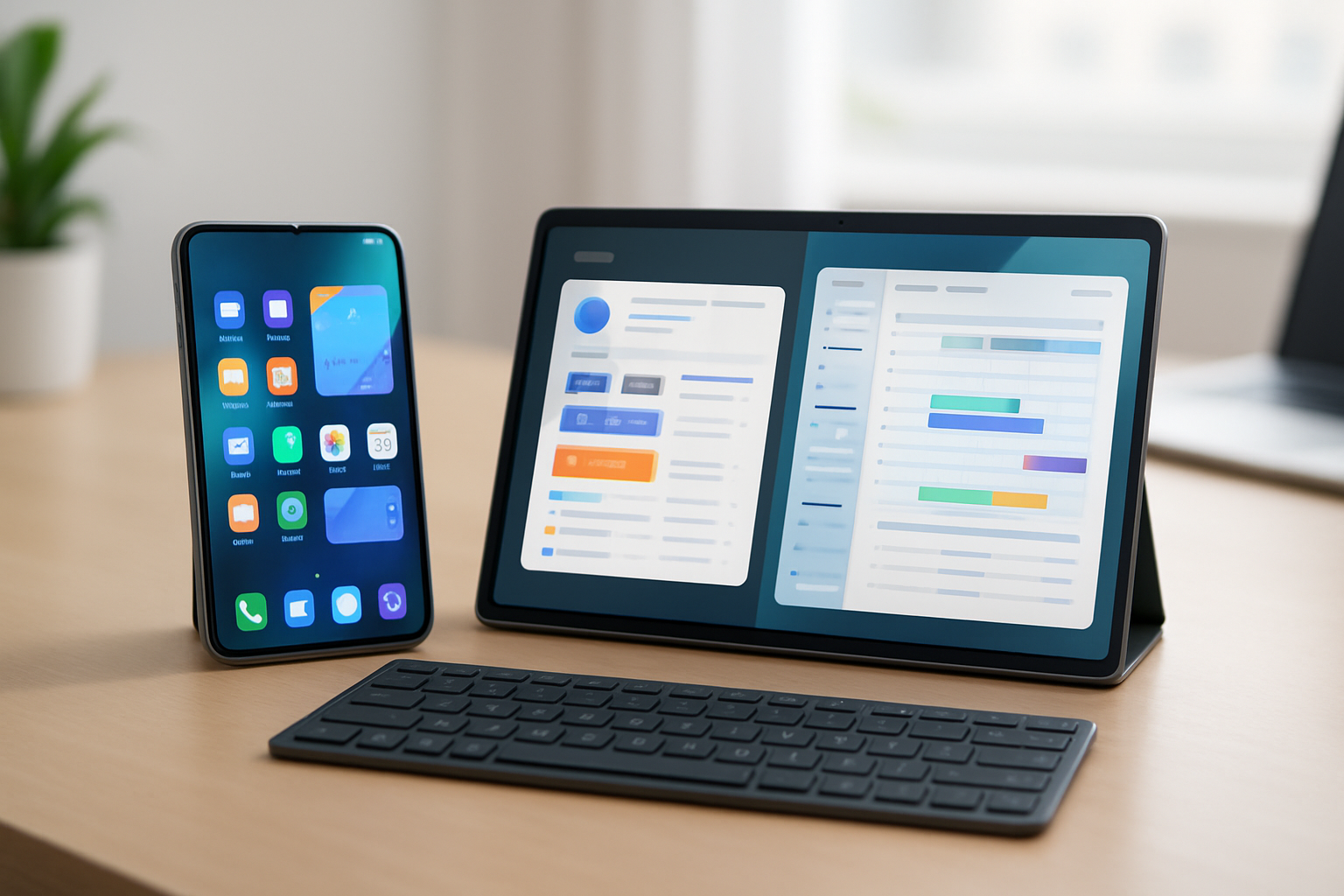
Understanding Foldable Devices: What’s New in 2026?
Foldable phones and tablets have moved well beyond their experimental phase. In 2026, they are no longer niche gadgets for early adopters—they are serious contenders for users who want to consolidate devices and work more efficiently on the go. Improvements in hinge engineering, display durability, and software optimization have addressed many of the early concerns that once made foldables feel fragile or impractical.
The core idea remains compelling: a device that fits in your pocket but expands into a tablet-sized workspace when needed. But the real question isn’t whether foldables are impressive—it’s whether they actually improve your daily productivity, especially for tasks like typing, editing documents, and multitasking across apps.
If your workflow involves frequent typing, switching between apps, or working away from a desk, foldables promise a hybrid experience that sits somewhere between a smartphone and a laptop. The reality, however, depends heavily on how you use your device and what trade-offs you’re willing to accept.
Typing on Foldables: Comfort, Accuracy, and Real-World Usability
Typing is one of the most revealing tests of whether a device supports productivity or just looks good on paper. Foldables improve the mobile typing experience in several meaningful ways—but they also introduce new ergonomic challenges.
- Expanded On-Screen Keyboard: When unfolded, most foldable devices provide significantly more horizontal space than a traditional smartphone. This allows for larger keys, better spacing, and fewer typing errors. For users who rely on thumb typing, this can noticeably improve speed and reduce fatigue during longer sessions.
- Split Keyboard Optimization: Modern foldables take advantage of their flexible displays by offering split keyboard layouts. These align naturally with how your thumbs rest when holding the device, reducing strain and making two-handed typing more intuitive. This is especially useful when replying to emails or writing short documents.
- AI-Assisted Input: Predictive text and gesture typing have improved across the board. Foldables benefit from more contextual data due to larger screen layouts, allowing AI-driven keyboards to better anticipate user input. Swipe typing, in particular, feels more fluid on larger surfaces.
- External Keyboard Compatibility: For extended writing sessions, relying solely on a touchscreen is still limiting. Foldables pair seamlessly with Bluetooth keyboards, transforming them into lightweight productivity setups. If you plan to write frequently, this is not optional—it’s essential. For setup tips, see our guide on using external keyboards with tablets.
- Ergonomic Trade-offs: While unfolded typing is comfortable, using the device in its folded state can feel cramped. Additionally, the weight and thickness of foldables can make prolonged handheld typing less comfortable compared to standard smartphones.
Practical takeaway: Foldables improve mobile typing—but they don’t replace a proper keyboard for serious writing. Think of them as a bridge between quick input and full productivity, not a complete solution on their own.
Productivity Potential: Where Foldables Actually Shine
The biggest advantage of foldable devices isn’t typing—it’s multitasking. This is where they clearly outperform traditional smartphones and begin to compete with tablets and even lightweight laptops.
- True Multitasking Environments: Running multiple apps side-by-side is where foldables feel fundamentally different. You can edit a document while referencing a browser, keep a chat window open during video calls, or manage spreadsheets alongside notes. This reduces constant app switching and improves focus.
- Flexible App Layouts: Many foldable-optimized apps dynamically adjust to different screen states. You can drag and resize windows, create app pairs, and even save layouts for repeated workflows. This is particularly useful for professionals who rely on consistent setups.
- Stylus and Note-Taking: For users who prefer handwriting or sketching, stylus support adds another dimension. Taking notes in meetings, annotating documents, or brainstorming ideas becomes more natural compared to typing everything.
- All-in-One Device Strategy: One of the strongest arguments for foldables is consolidation. Instead of carrying a phone and a tablet—or even a laptop—you can manage most tasks on a single device. This is especially valuable for travel or remote work.
- Battery and Thermal Constraints: The downside of this versatility is power consumption. Larger displays and multitasking workloads can drain the battery faster. Heavy users should expect to charge more frequently or carry a power bank.
Real-world example: A remote worker can join a video call on one half of the screen while taking notes on the other. A student can read a PDF while writing summaries simultaneously. These workflows feel natural on foldables but are frustrating on standard phones.
Pros and Cons of Foldable Phones and Tablets in 2026
| Pros | Cons |
|---|---|
| 📱 Large, flexible screen without carrying multiple devices | ⚙️ Premium pricing compared to traditional devices |
| ⌨️ Better typing experience than standard smartphones | 💡 Long-term durability still a consideration |
| 💻 Strong multitasking capabilities | 🔋 Higher battery drain under heavy usage |
| 🤖 Versatile for work, media, and creativity | 📏 Bulkier form factor when folded |
Who Should Buy a Foldable—and Who Shouldn’t
Foldables are not universal upgrades. They work exceptionally well for certain users but remain unnecessary—or even inconvenient—for others.
Best suited for:
- Remote workers and hybrid professionals: If you regularly juggle communication, documents, and meetings on the go, foldables reduce friction.
- Students and researchers: Multitasking between reading and note-taking is significantly more efficient on a larger, flexible display.
- Content creators: Editing photos, videos, or social media content benefits from extra screen space and stylus support.
- Tech enthusiasts: If you value cutting-edge hardware and adaptable workflows, foldables offer a unique experience.
Not ideal for:
- Users who primarily need long-form typing without accessories
- Those who prefer lightweight, pocket-friendly devices
- Buyers on a tighter budget looking for maximum value
- Anyone who prioritizes battery longevity over flexibility
If your work revolves around heavy writing, a traditional tablet with a keyboard case—or even a lightweight laptop—may still be the more consistent choice. You can explore alternatives in our tablet keyboard support guide.
Common Mistakes Buyers Make with Foldables
Many users are drawn to foldables for their innovation but end up underutilizing their capabilities. Avoid these common pitfalls:
- Buying for the novelty: The folding mechanism is impressive, but it only adds value if you actually use the larger screen for productivity.
- Ignoring accessories: A foldable without a keyboard or stylus often falls short of its potential.
- Overestimating battery performance: Expecting all-day heavy use without charging can lead to frustration.
- Neglecting app compatibility: Not all apps are optimized for foldable layouts. Check your essential tools before committing.
- Forgetting ergonomics: The added weight and thickness matter more than most buyers anticipate.
Practical advice: Before buying, map your daily workflow. Ask yourself how often you’ll use split-screen apps, whether you’ll carry a keyboard, and how important portability is compared to screen size.
Final Recommendation: A Smart Upgrade—If It Fits Your Workflow
Foldable phones and tablets in 2026 have reached a level where they can genuinely replace multiple devices for the right user. They offer a flexible, productivity-focused experience that bridges the gap between smartphones and tablets—especially for multitasking and mobile work.
However, they are not automatic upgrades. Their value depends entirely on how you work. If you frequently multitask, need more screen space, and are willing to pair your device with the right accessories, a foldable can significantly improve your mobile setup.
If your priority is consistent typing performance, simplicity, or long battery life, traditional devices still hold a strong advantage. For broader comparisons, explore our best phones for productivity and top keyboards for creators.
Bottom line: Choose a foldable if you plan to use its expanded screen and multitasking capabilities daily—not just occasionally. When used intentionally, it’s one of the most versatile mobile tools available today.