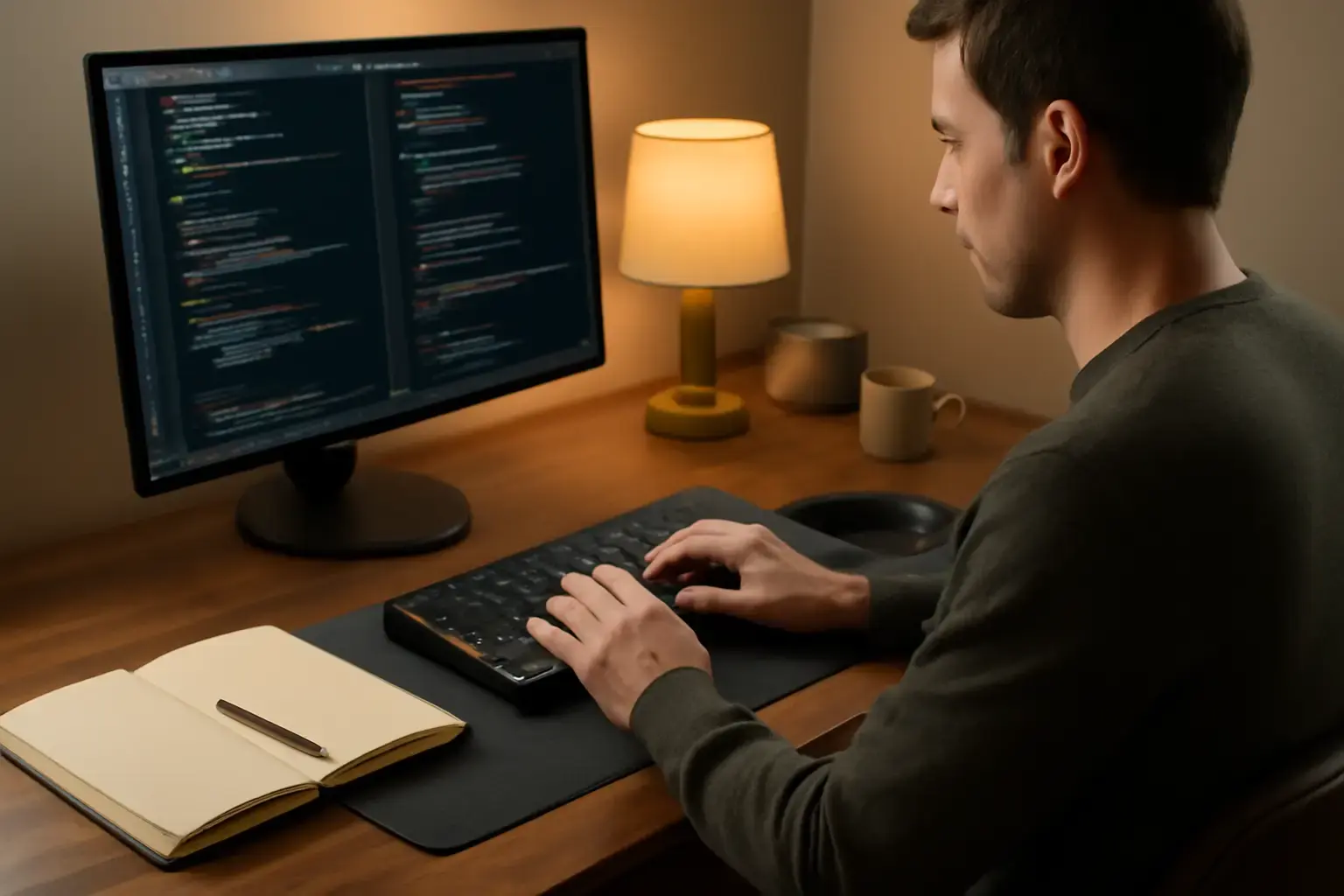
Prioritize Keyboard Choice to Balance Speed and Comfort
Developers face a unique typing challenge: the need for fast, accurate symbol input combined with the ability to sustain long coding sessions without fatigue. The foundation of an effective typing workflow starts with your keyboard. Mechanical keyboards remain the gold standard for developers, but choosing the right one matters far beyond the presence of switches.
Look for keyboards designed with optimized layouts that place common coding symbols—like braces {}, brackets [], angle brackets <>, pipes |, and tildes ~—within easy reach. Compact 75% or 65% layouts with dedicated arrow keys and function layers can speed symbol entry without clutter. Meanwhile, switch selection impacts comfort and typing speed. Tactile switches such as Cherry MX Browns or newer low-force tactile variants help reduce finger fatigue while maintaining typing responsiveness.
Wireless mechanical keyboards have matured in 2026 to offer ultra-low latency connections suitable even for rapid coding. If you work from multiple devices, consider multi-host keyboards with seamless Bluetooth and USB switching to maintain flow. Read more on keyboard choices that support fast coding symbol input without sacrificing comfort in our dedicated guide.
Leverage Text Expansion and Snippet Tools to Cut Symbol Overhead
Typing every symbol manually, especially repetitive or complex snippets, slows down coding speed and adds to finger strain. A proven way to streamline symbol input is harnessing text expansion and snippet management tools. These apps let you assign short abbreviations or hotkeys to frequently used code constructs, reducing keystrokes dramatically.
In 2026, developers have access to AI-augmented snippet managers that can predict the next likely code block and insert it with a few keystrokes. This not only speeds up writing but also reduces the cognitive load around remembering exact syntax. However, be cautious: poorly configured expansions may introduce syntax errors or require constant manual correction. Selecting assistants that balance speed gains with accuracy is essential. For tips on picking AI-powered typing assistants designed to enhance coding speed without sacrificing correctness, check our review here.
Optimize Your Development Environment for Smooth Symbol Input
Typing speed and comfort extend beyond hardware and snippet apps—your development environment plays a major role. Customize your IDE or code editor layout to minimize context switching and keep symbol entry intuitive. For example, map frequently used symbols to easily reachable keys or shortcut combos. Adjust font styles and sizes to reduce eye strain during long sessions, which indirectly improves typing endurance.
Some modern IDEs support integrated AI code completion engines that intelligently suggest symbols and entire code patterns as you type. Using these features can cut down manual symbol typing without removing your control over code quality. Experiment with tools that integrate seamlessly with your keyboard and snippet software to get the best synergy.
Related reading: How to Choose the Best Typing Trainer Apps for Students Preparing for Multilingual Exams with Tight Deadlines
Additionally, consider keyboard layout alternatives tailored for programming such as Programmer Dvorak or Colemak Mod-DH. While switching layouts requires an initial learning curve, many developers find significant speed improvements for symbol-heavy typing after adapting. Our article on top typing workflows for developers offers insights on layout choices and environment tweaks to maximize speed and accuracy here.
Manage Ergonomics and Breaks to Sustain Comfortable Long Sessions
The fastest typing workflow fails if your hands and wrists hurt after a few hours. Maintaining comfort during long coding sessions is crucial for developers who spend many daily hours in front of a keyboard. Ergonomic keyboards with split designs and tenting reduce ulnar deviation and wrist strain, though they sometimes trade off symbol key density and quick reach.
Choosing a hybrid approach might help: use a highly ergonomic keyboard for long stretches of typing interspersed with a more compact, symbol-optimized keyboard for intense coding bursts. This setup can mitigate fatigue while ensuring symbol input speed when needed.
Additional ergonomic practices include maintaining proper desk height, using wrist rests, and integrating microbreaks with hand stretches every 30-45 minutes. Software reminders or pomodoro timers with typing-specific break routines help prevent overuse injuries. For guidance on avoiding wrist pain during long laptop typing sessions, see our detailed ergonomic tips here.
Practical Checklist: Building Your Developer Typing Workflow
- Select a mechanical keyboard optimized for fast symbol access and comfort—consider switch type, layout size, and connectivity.
- Integrate text expansion/snippet tools to automate common coding expressions and reduce manual symbol typing.
- Customize your IDE/key bindings for quick symbol insertion and smart code completion.
- Explore alternative keyboard layouts if you frequently type complex symbols and want to improve muscle memory efficiency.
- Adopt ergonomic typing habits including proper posture, wrist support, and timed breaks to prevent fatigue.
- Test and iterate—track your typing speed (WPM) and comfort levels, and refine your setup based on real usage feedback.
Building a developer typing workflow is an iterative process that balances speed, precision, and physical comfort. Prioritize tools and habits that fit your daily coding demands while protecting your hands from strain.
Understanding average typing speeds in 2026 helps set realistic goals for your workflow improvements—consult our guide on what a good WPM really means to benchmark your progress.
Conclusion: Smart Choices for a Balanced Developer Typing Setup
Developers aiming for a fast yet comfortable typing workflow in 2026 must make deliberate choices about hardware, software, and ergonomics. Mechanical keyboards optimized for symbol accessibility and comfort remain critical. Augmenting typing with snippet and AI-assisted tools accelerates coding while reducing repetitive strain. Tailoring your development environment and practicing ergonomic care ensures long sessions remain productive and pain-free.
Avoid the common trap of prioritizing speed alone—without comfort, gains in typing speed are unsustainable. Instead, invest in a balanced setup that can grow with your coding demands and protect your health. This approach not only boosts your words per minute but also your coding accuracy and daily endurance.