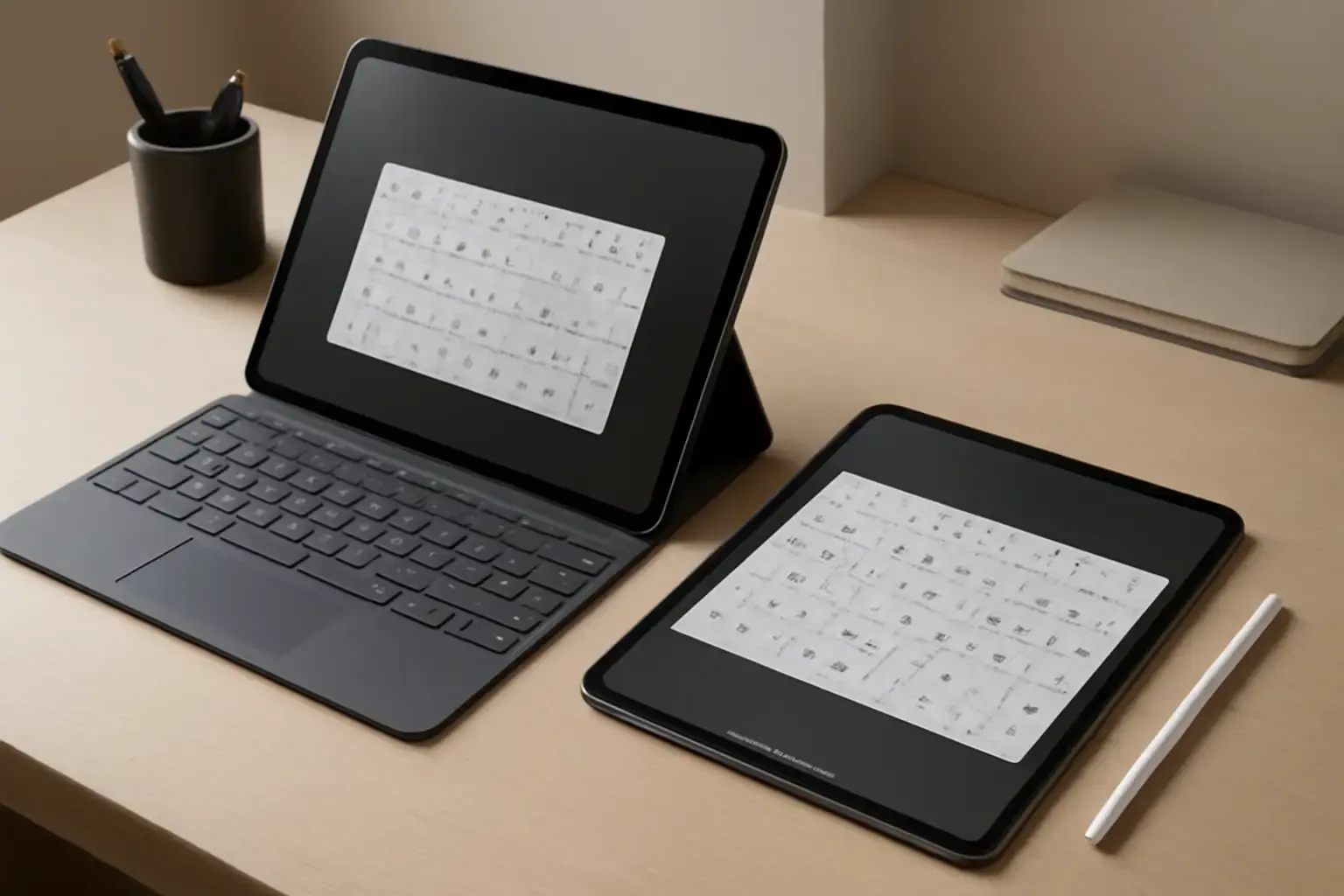
Why Standard Tablet Keyboards Fail at Math and Programming Input
Tablet typing excels at casual text but stumbles heavily when you need precise input of mathematical and programming symbols. The default iOS and Android virtual keyboards are optimized for everyday language typing and offer limited access to characters like integral signs, summation, brackets, operators, and coding syntax symbols such as curly braces or pipes. This often forces users either to memorize complex key combos, copy-paste symbols from other apps, or carry clunky external keyboards—compromising speed and workflow.
For students, programmers, and STEM professionals using tablets, the inability to efficiently enter these symbols translates to interrupted thought flow, increased errors, and overall reduced productivity. Choosing the right virtual keyboard app that supports fast, intuitive typing of specialized symbols is therefore crucial to make tablets viable as true portable workstations.
Top Virtual Keyboard Apps for Math and Programming Symbols in 2026: Features and Trade-Offs
Here we analyze the top contenders that elevate tablet typing into specialized symbol territory, focusing on iPadOS and Android tablets with keyboard or touch input.
1. MathBoard Keyboard (iPadOS & Android)
Why it's good: Designed specifically for math students, MathBoard Keyboard provides a rich set of mathematical symbols, operators, and easy access to Greek letters. Unlike generic keyboards, it organizes symbols contextually, reducing scrolling and guesswork.
Limitations: Less suited for programming symbols; lacks integration with coding-specific shortcuts. The interface can feel bulky on smaller displays.
Related reading: Best VPN Services for Phones and Tablets in 2026: Security, Speed, and Ease of Use Compared
2. Hacker's Keyboard (Android)
Why it's good: This app mimics a full PC keyboard, exposing all standard programming symbols on multiple layers, including braces, pipes, and tildes. It integrates well with Android tablets and supports external keyboards so you can switch seamlessly.
Limitations: Visual design is utilitarian and less refined than others. It requires manual layer switching, which can slow down symbol-heavy typing initially.
3. iOS Code Keyboard (iPadOS)
Why it's good: A newer virtual keyboard developed for iPad with a focus on developers. It offers dedicated keys for common programming symbols, along with customizable macros to insert multi-character snippets with one tap.
Limitations: Currently supports only iPadOS and requires a subscription for advanced features. Still maturing and may lack extended math symbols.
4. Gboard with Custom Shortcuts (iOS and Android)
Why it's good: Google's Gboard remains a top choice for speed and accuracy and now supports custom text shortcuts, allowing you to create your own quick entries for frequent math or coding symbols.
See also: Best PDF Annotation Apps for Tablets and Laptops: Features and Pricing Compared
Limitations: Base symbol set is limited; setup for custom shortcuts can be tedious compared to purpose-built keyboards.
5. Unicode Pad (iPadOS)
Why it's good: Allows browsing and inserting any Unicode character, including advanced math symbols and programming glyphs. Excellent for occasional symbol-heavy typing when you don't want a full custom keyboard.
Limitations: Not optimized for seamless typing flow; each symbol requires manual selection, which slows down continuous typing.
Choosing the Right Virtual Keyboard App: Key Considerations for Tablets in 2026
When deciding which virtual keyboard app to use on your tablet, consider these vital factors:
- Typing context: Are you primarily coding, solving math problems, or doing mixed math and code? Choose apps tailored to your primary need (e.g., Hacker’s Keyboard for programming, MathBoard for math).
- Input method: Will you be typing mainly via touch or paired with an external keyboard? Some apps improve with physical keyboards offering shortcuts.
- Customization: Look for custom shortcut and macro support if you want to speed up repetitive symbol entry.
- Platform compatibility: Some keyboards are exclusive to iPadOS or Android. Cross-platform users will benefit from universal apps like Gboard with shortcuts.
- Screen real estate: Tablets come in various sizes; bulky keyboards may reduce your viewable workspace, impacting note-taking or code reading.
Best Tablets for Virtual Keyboard Apps Targeting Math and Programming in 2026
To maximize your virtual keyboard experience, you also need a tablet that complements these apps well. Here are some current top picks:
You may also like: iPad vs Android Tablets for Mobile Video Editing: Which Delivers Better Performance and App Support?
- Apple iPad Pro 2024: Offers superb keyboard support with the Magic Keyboard, excellent screen size for comfortable typing, and iPadOS-exclusive apps like iOS Code Keyboard.
- Samsung Galaxy Tab S9+ (Android): Large AMOLED display paired with excellent keyboard support and compatibility with Android apps like Hacker’s Keyboard.
- Microsoft Surface Pro 9 (Windows tablet mode): Supports full desktop keyboards but also works with virtual keyboards like Unicode Pad when touch input is needed.
Choosing a tablet with solid Bluetooth or proprietary keyboard support is crucial because many specialized typing workflows combine virtual keyboards with external hardware for maximum speed and accuracy.
Practical List: How to Set Up Your Tablet for Efficient Mathematical and Programming Typing
- Install a specialized virtual keyboard app: Start with the app best matched to your symbols needs, e.g., Hacker’s Keyboard or MathBoard.
- Enable custom shortcuts or macros: If your app supports it, program frequently used symbols to single keystrokes.
- Pair with a compatible tablet keyboard: To reduce finger fatigue and speed input of plain text, use a high-quality external keyboard alongside your virtual keyboard for symbols.
- Customize keyboard layout: Adjust size, key spacing, and themes to your visual comfort and typing style.
- Practice with dedicated typing trainer apps: Apps like TypingKeyboard’s specialized trainers can boost your speed with symbols.
Conclusion: Upgrade Your Tablet Typing Workflow with the Right Virtual Keyboard App
For anyone using tablets for math-heavy study or coding, the stock virtual keyboard is a productivity bottleneck. Investing time in choosing and customizing a virtual keyboard app that supports your specific symbol requirements can dramatically improve your typing speed, accuracy, and comfort.
In 2026, the best approach is a hybrid setup: pair a tablet like the iPad Pro or Galaxy Tab S9+ with a specialized keyboard app—Hacker's Keyboard or iOS Code Keyboard depending on your OS—and an external physical keyboard for regular text. This combination unlocks the tablet’s full potential as a portable math and programming workstation while minimizing disruptions from clumsy symbol entry.
For more on tablet hardware that complements this workflow, see our guide to the best tablets with keyboard support in 2026. And to sharpen your symbol typing accuracy, explore our recommended online typing trainers for programmers.
Choosing wisely here saves frustration, speeds up your work, and makes tablets a truly efficient tool for math and code-intensive typing tasks.