Why Keyboard Choice Matters for Long-Form Writers
If your work revolves around drafting newsletters, editing long articles, or building out manuscripts, your keyboard is not just another peripheral—it’s the interface between your thoughts and the page. Unlike casual typing, long-form writing demands consistency over hours, not minutes. That changes everything.
A poorly chosen keyboard rarely fails dramatically. Instead, it chips away at your productivity in subtle ways: slight wrist strain that builds into fatigue, inconsistent key feedback that causes more typos, or distracting noise that breaks your concentration mid-sentence. These small frictions accumulate, especially under deadline pressure.
Writers often focus on software, tools, and workflows while overlooking the physical experience of typing itself. But the right keyboard can help you maintain rhythm, reduce mental overhead, and stay immersed in your work. The wrong one forces constant micro-adjustments—slowing you down even when you don’t notice it.
For editors and newsletter creators juggling drafts, revisions, and publishing schedules, these details are not optional. They directly impact output quality and efficiency. Choosing the right keyboard isn’t about specs—it’s about how it supports your daily writing habits.
What Actually Matters When Choosing a Writing Keyboard
It’s easy to get distracted by marketing buzzwords or aesthetics, but for writing, only a handful of factors truly matter. These aren’t just technical specs—they directly affect how comfortable and productive your typing sessions will be.
- Typing Comfort: This is non-negotiable. A good writing keyboard should promote a neutral wrist position and minimize strain over long sessions. Subtle features like key curvature, gentle tilt angles, and optional wrist rests can make a noticeable difference. If you ever feel tension in your wrists, shoulders, or forearms after writing, your keyboard is part of the problem.
- Switch Type: Mechanical switches are popular for a reason—they provide consistent feedback that helps reduce typing errors. Tactile switches (such as Cherry MX Brown-style variants) offer a soft bump that confirms each keystroke without excessive noise. Linear switches feel smoother but can lead to more accidental presses. Writers in shared spaces should strongly consider silent or dampened switches.
- Key Travel and Feedback: The depth and resistance of each keystroke matter more than most people expect. Too shallow, and typing feels vague and error-prone. Too deep, and it becomes physically tiring. A balanced key travel supports a steady rhythm without requiring conscious effort.
- Layout and Size: Full-size keyboards include a number pad, which is useful for data-heavy work. But many writers benefit more from compact or tenkeyless layouts. These reduce the distance between keyboard and mouse, allowing a more natural shoulder position—especially important for long sessions.
- Connectivity: Wired keyboards are simple and reliable—no batteries, no pairing issues. Wireless models offer flexibility and a cleaner desk but require occasional charging. If you work across multiple devices (laptop, tablet, desktop), multi-device switching can be a major productivity boost.
- Build Quality: Cheap keyboards degrade quickly. Inconsistent key feel, worn keycaps, and flexing frames all affect typing accuracy over time. Look for solid construction and durable materials like PBT keycaps, which resist shine and maintain texture.
- Noise Level: Even if you work alone, noise can become mentally exhausting over long sessions. In shared environments, it’s a practical concern. A quieter keyboard helps maintain focus and keeps your workspace comfortable for others.
Choosing the Right Keyboard Type for Your Writing Style
There is no universal “best keyboard” for writers. The right choice depends on your typing habits, environment, and comfort preferences. Understanding the strengths and trade-offs of each type will help you make a smarter decision.
Mechanical Keyboards
Mechanical keyboards remain the go-to choice for serious writers who value consistency and precision. Each key has its own switch, providing reliable feedback and long-term durability.
Best for: Heavy typists, professional writers, and editors who spend hours drafting and revising.
Trade-offs: Higher cost and potential noise, depending on switch type.
They’re particularly useful if you want to improve typing accuracy or maintain a steady rhythm during long writing sessions. Models like the Keychron K2 or Das Keyboard Model S Professional are popular because they balance usability with solid construction.
Ergonomic Split Keyboards
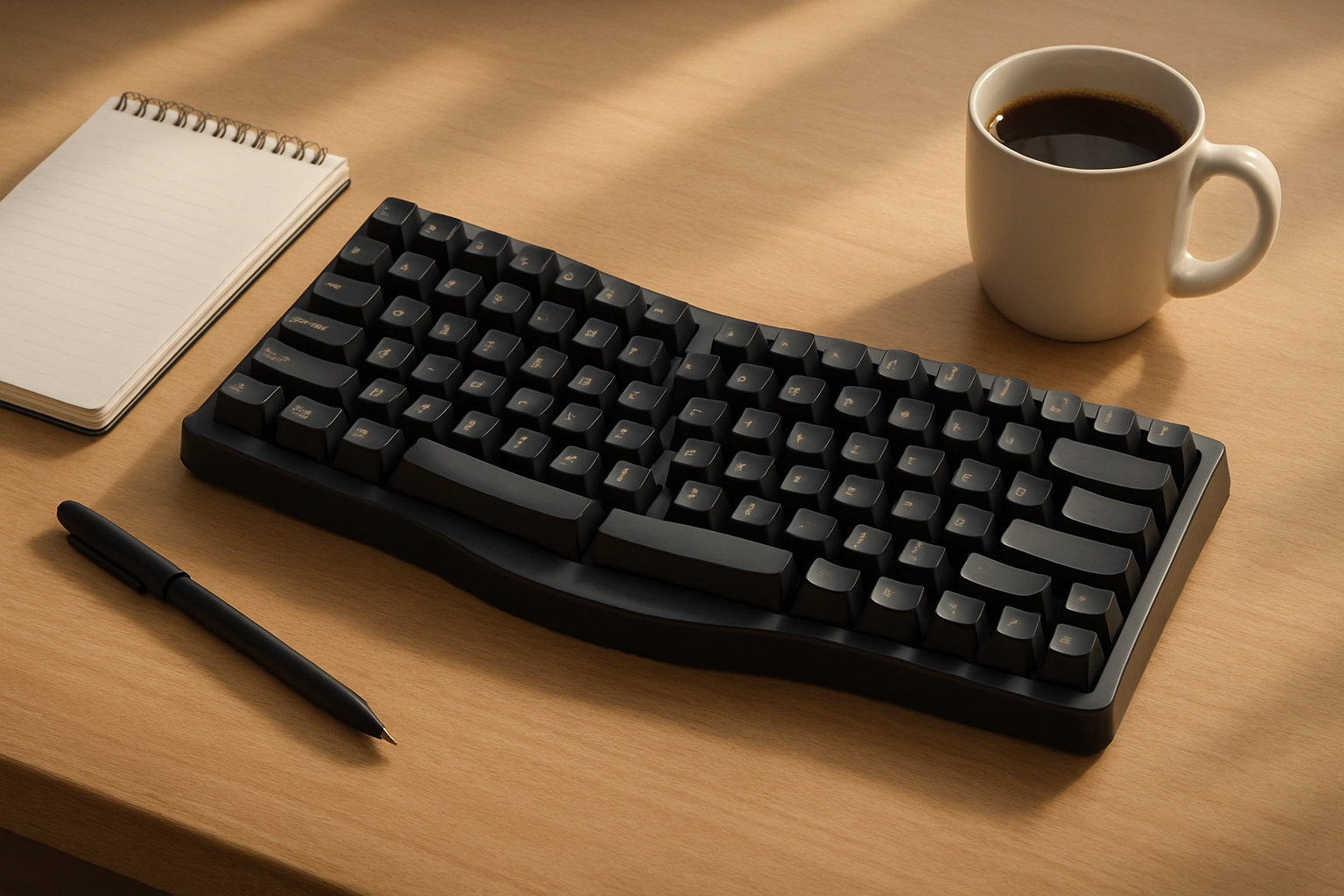
Ergonomic keyboards are designed to reduce strain by aligning your hands and wrists more naturally. Split designs allow each hand to rest at a comfortable angle, often with adjustable tenting.
Best for: Writers experiencing wrist discomfort or those proactively preventing repetitive strain injuries.
Trade-offs: Steeper learning curve and less portability.
If you’re already dealing with discomfort, this is not a niche upgrade—it’s a practical investment. Options like the Microsoft Sculpt Ergonomic Keyboard and Kinesis Freestyle Edge are widely used for this reason.
Low-Profile Mechanical Keyboards
Low-profile keyboards bridge the gap between traditional mechanical boards and laptop-style typing. They offer shorter key travel with a more familiar feel for laptop users.
Best for: Writers transitioning from laptops who want improved feedback without a drastic change.
Trade-offs: Less customization and slightly reduced tactile depth.
The Logitech MX Mechanical Mini is a strong example, offering a comfortable middle ground without overwhelming new users.
Membrane Keyboards
Membrane keyboards are often dismissed, but they still have a place—especially for writers prioritizing quiet operation and simplicity.
Best for: Budget-conscious users or shared environments where silence matters.
Trade-offs: Less tactile feedback and shorter lifespan.
If you write in libraries, offices, or shared spaces, a quiet membrane keyboard like the Logitech K780 can be a practical and unobtrusive choice.
Setting Up Your Keyboard for Real Productivity
Even the best keyboard won’t deliver results if your setup is poorly optimized. Small adjustments can dramatically improve comfort and reduce fatigue during long writing sessions.
- Test Before You Commit: Typing feel is highly personal. If possible, try different switch types and layouts in person. Reviews can guide you, but they can’t replicate your own experience.
- Use a Wrist Rest Properly: A wrist rest should support your palms—not force your wrists upward. The goal is neutral alignment, not elevation.
- Adjust Height and Angle: Keep your keyboard at a height where your elbows rest naturally at your sides. Avoid steep tilt angles that bend your wrists upward.
- Optimize Desk Layout: Center your keyboard relative to your monitor. If you use a mouse frequently, consider a compact keyboard to reduce reach and shoulder strain.
- Leverage Customization: Many keyboards allow key remapping or macros. For writers, this can streamline repetitive tasks like formatting, navigation, or editing shortcuts.
- Think Beyond the Keyboard: Your chair, desk height, and monitor position all affect your typing comfort. A good keyboard is only part of a productive setup.
Discover more on keyboards ideal for writers in our Best Keyboards for Writers, Editors, and Content Creators ⌨️💡 post. Also, learn to pair keyboards effectively with your laptop or tablet in How to Choose a Laptop for Coding, Writing, and Remote Work 💻⌨️.
Trade-Offs Writers Often Overlook
Choosing a keyboard is less about maximizing features and more about balancing trade-offs that align with your workflow. These decisions often have a bigger impact than expected.
| Trade-Off | What You Gain | What You Lose |
|---|---|---|
| Compact vs Full-Size | Better ergonomics, less reach | No number pad, fewer dedicated keys |
| Wireless vs Wired | Cleaner setup, flexibility | Battery management, potential lag |
| Quiet vs Tactile | Less noise, fewer distractions | Reduced feedback, possible typing errors |
| Lightweight vs Heavy Build | Portability | Less stability during typing |
For example, a compact keyboard might feel great for posture but frustrating if you rely heavily on shortcuts or numeric input. Likewise, a loud mechanical keyboard may feel satisfying at first but become distracting over long writing sessions.
Common Mistakes Writers Should Avoid
Many writers end up with the wrong keyboard not because of budget, but because they prioritize the wrong factors. Avoid these common pitfalls:
- Chasing Trends: Just because mechanical keyboards are popular doesn’t mean every switch type suits writing.
- Ignoring Long-Term Comfort: A keyboard that feels fine for 10 minutes can become uncomfortable after two hours.
- Overvaluing Features: RGB lighting, advanced macros, and design aesthetics rarely improve writing performance.
- Skipping Compatibility Checks: Ensure your keyboard works seamlessly with your operating system and devices—especially for shortcuts.
- Not Considering Your Environment: A loud keyboard in a quiet office or shared workspace can quickly become a problem.
- Buying Without Testing Layout: Switching to a drastically different layout (like split or ultra-compact) without preparation can hurt productivity initially.
Real-world usability always matters more than specs or reviews. Focus on how the keyboard performs during extended writing sessions—not just first impressions.
Final Recommendation: Choose for Your Workflow, Not the Hype
The best keyboard for long-form writing is the one that fades into the background—letting you focus entirely on your words. For most writers, a tactile mechanical keyboard or a thoughtfully designed ergonomic model offers the best balance of comfort, accuracy, and durability.
That said, quieter membrane or low-profile options can be just as effective in the right context, particularly if you work in shared environments or prefer a softer typing feel. The key is not to follow trends blindly but to match your keyboard to your actual workflow.
If writing is a daily activity for you, invest time in testing and refining your setup. Prioritize comfort over features, pay attention to how your hands feel after long sessions, and choose a keyboard that supports—not interrupts—your flow. The right choice will quietly improve every hour you spend writing.