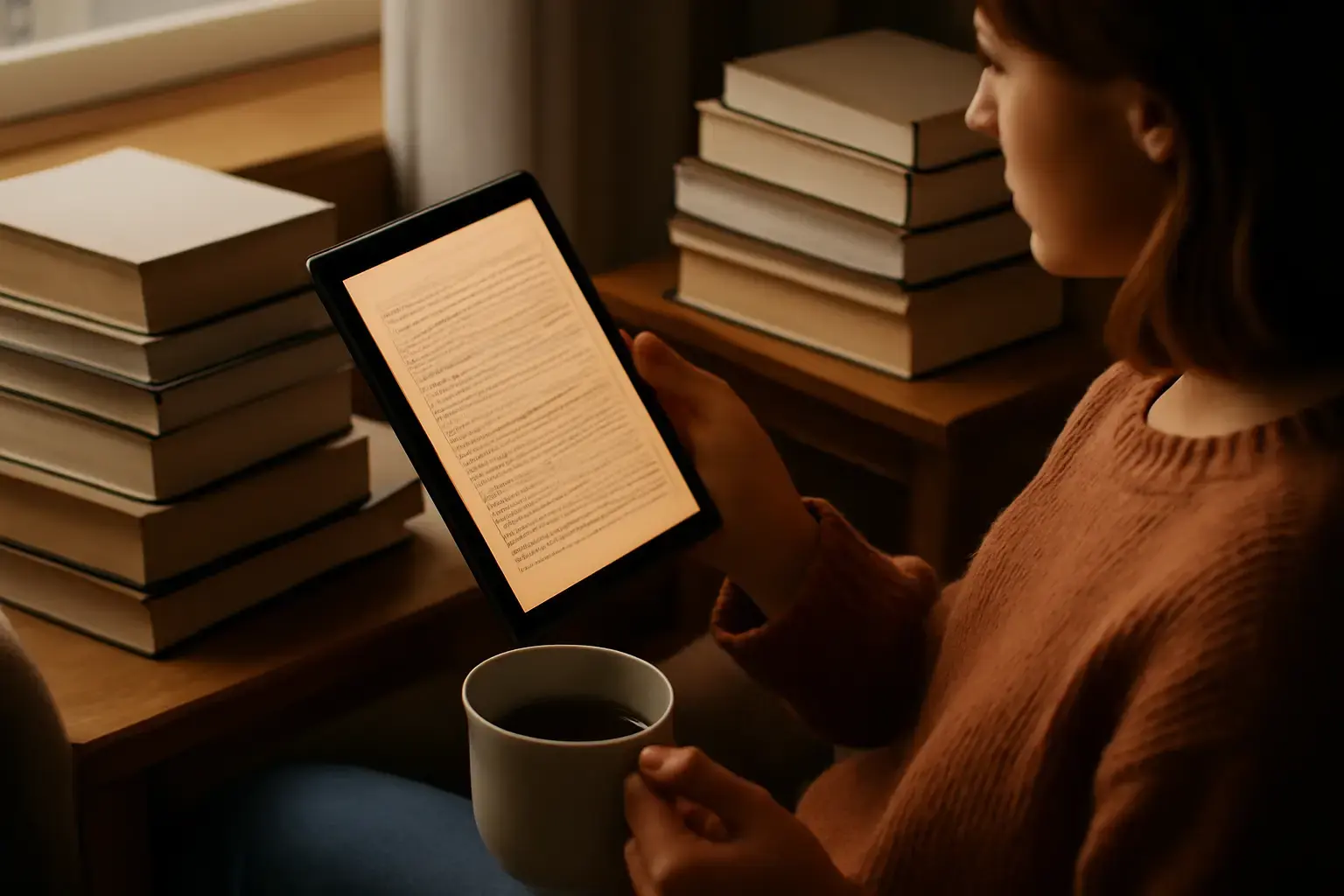
Why Budget E-Reader Tablets Matter for Heavy Readers
Heavy book readers often face a dilemma when it comes to choosing a device for digital reading: Should they prioritize dedicated e-readers with E Ink for eye comfort or versatile tablets for multimedia? With a budget cap of $400, the challenge increases because many premium options cost significantly more. However, a carefully chosen e-reader tablet under $400 can deliver an enjoyable, long-lasting reading experience without breaking the bank.
This article focuses on practical buying advice and device selection for readers who consume lots of ebooks, PDFs, and other digital documents daily. We’ll explore the key features that make a difference in real use, highlighting who benefits most from each option and which compromises to expect.
Key Factors When Choosing an E-Reader Tablet Under $400
The most important criteria for heavy readers shopping for an affordable e-reader tablet hinge around comfort, battery life, and ecosystem support:
- Display Type and Quality: E Ink displays are best for long reading sessions because they mimic paper and reduce eye strain. However, decent LCD or AMOLED screens on budget tablets can work if you prefer color content or multimedia alongside reading.
- Battery Life: Heavy readers need a device that lasts days, preferably weeks, on a single charge. E Ink devices excel here, but some tablets compensate with large batteries and good power management.
- File and Format Support: Compatibility with popular e-book formats like EPUB, MOBI, PDF, and support for annotation is crucial. Some devices lock you into proprietary formats or apps, so openness matters.
- Ecosystem and Store Access: Access to a wide range of books, easy purchasing, and integration with reading apps improves convenience. Amazon's Kindle ecosystem, Google Play Books, Apple Books, and third-party apps all have their pros and cons.
- Portability and Build Quality: Comfortable size and weight encourage longer reading sessions. Sturdy construction is needed for daily use and travel.
Comparing Top E-Reader Tablets Under $400
Within this budget, you usually have three categories of devices to consider:
Related reading: Best Budget Tablets Under $300 for Students and Casual Use in 2026: What Actually Works
1. Dedicated E Ink Readers
Traditional e-readers like the Kindle Paperwhite or Kobo Clara HD often fall below $400 and offer excellent reading comfort thanks to glare-free E Ink screens and weeks of battery life. They are ideal if your primary use is reading text-heavy books without multimedia distractions.
- Pros: Eye-friendly display, long battery life, lightweight, extensive ebook ecosystem
- Cons: Typically grayscale display, slow page turns, limited to reading-focused apps
2. Budget Android Tablets
Tablets such as the Amazon Fire HD 10, Samsung Galaxy Tab A series, or Lenovo Tab M10 offer color LCD screens, allowing for multimedia use along with reading. These also support third-party reading apps like Kindle, Google Play Books, or Moon+ Reader.
- Pros: Color screen, multimedia capabilities, flexible app choices, generally faster UI
- Cons: Less eye-friendly for long reading, shorter battery life compared to E Ink, heavier
3. Hybrid Devices with E Ink and LCD (Rare Under $400)
Some devices combine a front LCD and rear E Ink screen, but they often exceed $400. If you find a used or discounted model in this range, they can provide the best of both worlds but watch for compromises in size and weight.
What Most People Get Wrong When Buying an E-Reader Tablet on a Budget
Many buyers assume that a tablet with a higher resolution or brighter screen is automatically better for reading, but this overlooks the key factor of eye strain. Heavy readers who spend hours a day will benefit far more from an E Ink display than a higher-resolution LCD.
See also: How to Pick the Best Tablet for Mobile Video Conferencing with Quality Camera and Mic Under $700
Another common mistake is undervaluing ecosystem lock-in. For example, Amazon e-readers limit you mostly to Kindle content, which can be restrictive if you prefer library borrowing or independent stores. Meanwhile, Android tablets offer more app freedom but often sacrifice reading comfort.
Battery life claims on tablets are often based on video playback, not continuous reading, so expect real-world reading endurance to be much shorter versus dedicated e-readers.
Recommended E-Reader Tablets Under $400 for Heavy Readers
- Amazon Kindle Paperwhite (Latest Model): Best dedicated e-reader with a sharp E Ink display, waterproof design, weeks of battery life, and access to Amazon’s extensive bookstore. Ideal for readers who want distraction-free reading and maximum comfort.
- Kobo Clara HD: A strong alternative to Kindle with similar E Ink technology, better support for open formats (EPUB), and integration with public libraries. Perfect for readers who want flexibility and wide format support.
- Amazon Fire HD 10: The best budget tablet for readers who also want multimedia. Large color display, decent battery life, and full access to Kindle apps plus other reading apps. Recommended for readers who want a tablet for videos, web, and reading combined.
- Samsung Galaxy Tab A7 Lite: Lightweight and portable Android tablet with a color screen and Google Play Store access. Good if you want full Android functionality plus reading apps, but beware eye strain with extended reading.
- Onyx Boox Poke 3 (Refurbished or Used): Occasionally found under $400, a premium E Ink tablet with Android OS allowing app flexibility, excellent build, and note-taking capabilities. A great choice if you want high-end features on a budget.
Additional Considerations: Accessories and Setup
For heavy readers, investing in accessories like a quality reading light (if your device doesn't have front lighting), a protective case, and a screen protector can significantly improve the experience.
Optimizing your e-reader/tablet settings — adjusting font size, background color (light/dark modes), and enabling blue light filters if available — helps reduce eye fatigue.
You may also like: Best Tablets for Travelers in 2026: How to Choose Lightweight Devices with Long Battery Life and Offline Power
For tablets, apps such as Moon+ Reader, PocketBook, or Google Play Books offer extensive customization and support for multiple formats, far beyond native apps. For dedicated e-readers, regular firmware updates can bring minor improvements and fixes.
See also our best tablets under $400 for students balancing school and entertainment for more budget tablet options.
Final Recommendation: Match Device to Reading Habits and Secondary Uses
For heavy book readers focused on comfort and battery life, a dedicated E Ink reader like the Kindle Paperwhite or Kobo Clara HD is usually the best buy under $400. Sacrificing color and multimedia, you gain eye-friendly displays and weeks of reading on a single charge.
If you want a more versatile device with reading plus video, web browsing, and apps, consider an Android tablet like the Amazon Fire HD 10 or Samsung Galaxy Tab A7 Lite. Just be prepared for shorter battery life and potentially more eye strain.
Avoid chasing specs like screen resolution or raw power alone. Instead, prioritize what will keep you reading longer without discomfort and fit your content sources easily. With thoughtful selection, you can find an excellent e-reader tablet under $400 that lasts years of heavy use.