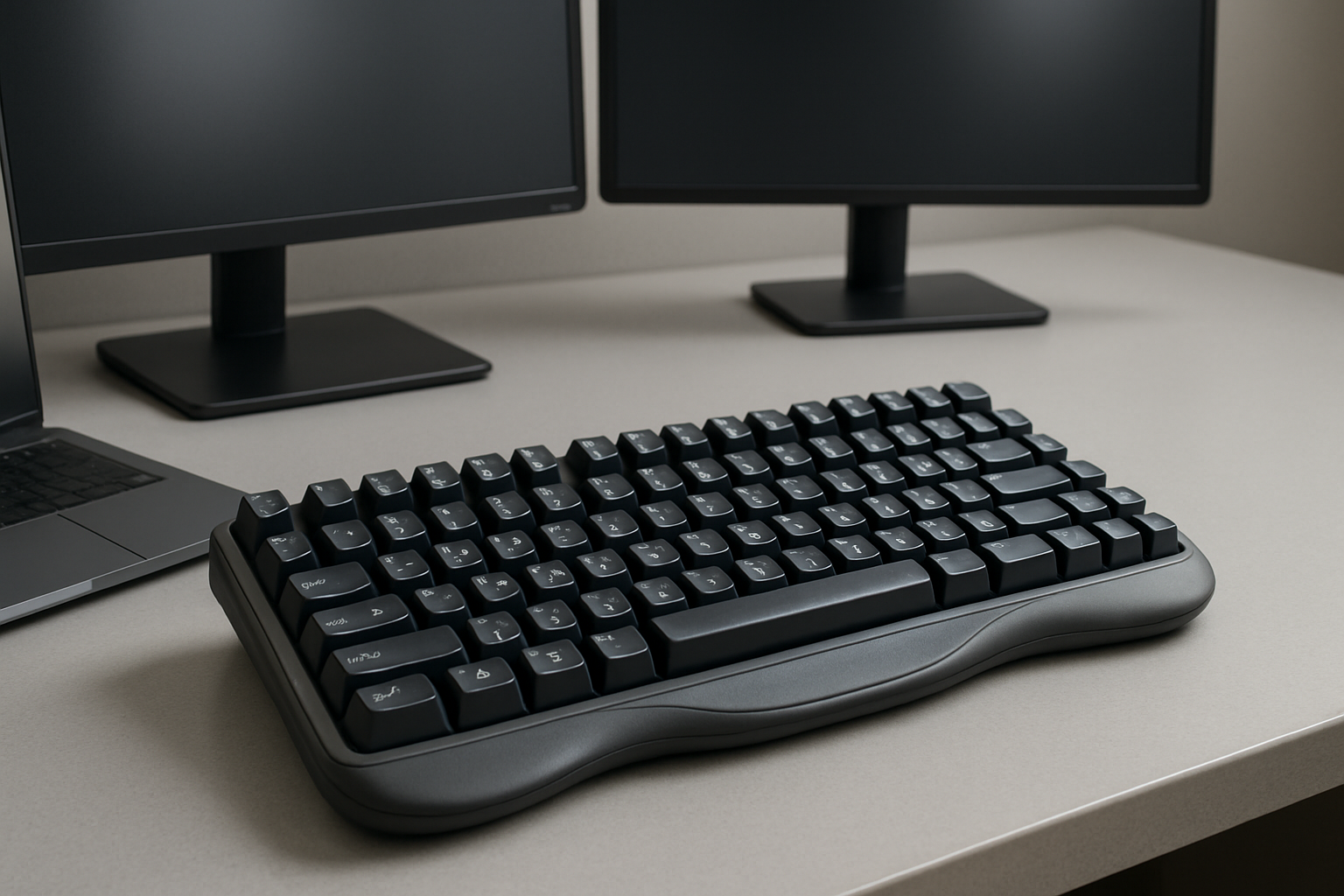
Understanding the Challenges of Multilingual Coding
Working across multiple languages—both human and programming—introduces a layer of friction that many developers underestimate until it starts slowing them down. It’s not just about typing faster; it’s about reducing mental overhead. Every time you switch between English and Japanese input, or jump from writing Python to Swift, your keyboard becomes either a productivity tool or a bottleneck.
A standard keyboard layout assumes a narrow use case: one language, one input style, and predictable symbol usage. That assumption breaks quickly in multilingual environments. Developers dealing with kana input, accented European characters, or right-to-left scripts often rely heavily on OS-level switching, which adds cognitive interruption. Meanwhile, programming languages demand fast access to symbols like {}, [], (), and operators that are awkwardly placed on many regional layouts.
The result is a fragmented workflow—frequent pauses, increased typing errors, and slower code iteration. A well-optimized keyboard setup doesn’t just improve speed; it restores flow. It allows you to think in code and language simultaneously without constantly fighting your tools.
Key Features That Actually Matter in a Multilingual Programming Keyboard
Not every “high-end” keyboard solves multilingual challenges. Many focus on aesthetics or gaming features that don’t translate to productivity. What matters is how well the keyboard adapts to your workflow.
- Deep Customization and Layer Support
Programmable keyboards are essential if you regularly switch between languages or coding environments. Firmware like QMK or VIA enables multiple layers, meaning one physical key can serve different functions depending on the active layer. - Flexible Layout Support
Layouts like QWERTY are ubiquitous, but not always efficient. Alternatives such as Colemak or Dvorak can reduce finger movement, while regional layouts like QWERTZ or JIS better support native language input. - Clear Multilingual Keycaps
Visual feedback matters more than most developers admit. Switching between layouts without clear legends increases error rates, especially under time pressure. - Ergonomic Design for Long Sessions
Typing in multiple languages often involves more frequent switching and adjustments. A poorly designed keyboard amplifies fatigue. - Cross-Platform Compatibility
If you work across macOS, Windows, and Linux, your keyboard should behave consistently. Remapping tools should work reliably across systems.
How to Set Up a Keyboard for Real Multilingual Workflows
Buying the right keyboard is only half the solution. The real gains come from how you configure it. A thoughtful setup can eliminate dozens of micro-frictions per hour.
Optimize Language Switching
Relying on default OS shortcuts is rarely efficient. Customize them so switching languages becomes a reflex, not a disruption. Tools like AutoHotkey or Karabiner-Elements allow you to map language switching to more intuitive key combinations.
Create Dedicated Symbol Layers
Programming languages rely heavily on symbols. Instead of stretching for awkward key combinations, create a dedicated layer for coding symbols. This is especially useful if your base layout prioritizes natural language typing.
Use Smart Key Remapping
Remap rarely used keys into high-value shortcuts. For example, Caps Lock is often repurposed as a layer modifier or language switch key. Small changes like this can dramatically reduce hand movement.
Invest in Durable, Legible Keycaps
PBT keycaps with clear legends maintain visibility over time. If you frequently switch languages, dual-legend or custom-printed keycaps are worth the investment.
Consider Compact or Split Designs
Reducing hand travel improves efficiency. Compact keyboards eliminate unnecessary keys, while split designs improve posture and reduce strain.
Comparing Popular Keyboard Layouts for Multilingual Coding
Choosing the right layout is not about finding the “best” one universally—it’s about matching your typing habits and language requirements.
| Layout | Strengths | Weaknesses | Best For |
|---|---|---|---|
| QWERTY | Universal support, no learning curve | Inefficient for symbols and ergonomics | General use, mixed environments |
| Colemak | Improved comfort, minimal retraining | Less native OS support | Developers optimizing efficiency |
| Dvorak | Highly optimized finger movement | Steep learning curve | Dedicated typists |
| AZERTY / QWERTZ / JIS | Native language support | Less optimized for coding symbols | Regional language priority |
A common mistake is switching layouts purely for theoretical efficiency without considering daily workflow. If you collaborate frequently or use multiple machines, sticking closer to QWERTY-based layouts often reduces friction.
External Keyboard vs. Laptop Keyboard: What Actually Makes a Difference
Laptop keyboards are designed for portability, not flexibility. They lack key travel, customization options, and often force compromises in layout. For casual coding, they’re sufficient. For multilingual workflows, they quickly become limiting.
An external keyboard provides several advantages:
- Programmable layers and remapping
- Better ergonomics and key spacing
- Replaceable keycaps for multilingual clarity
- Consistent experience across devices
For example, switching between accented characters and programming symbols on a laptop often requires multiple modifier keys. On a programmable keyboard, those same inputs can be reduced to a single key press or layer toggle.
That said, external keyboards introduce trade-offs. They reduce portability and require desk space. If you frequently work on the go, a hybrid approach—optimized laptop shortcuts combined with a powerful external keyboard at your main workstation—often works best.
Common Mistakes That Slow Down Multilingual Developers
Even experienced developers fall into traps when optimizing their setup. These mistakes are subtle but costly over time.
- Over-optimizing too early: Switching to a new layout or complex setup without fully understanding your workflow can backfire.
- Ignoring ergonomics: Speed gains mean little if discomfort limits your working hours.
- Relying only on software switching: Without hardware support (layers, remapping), language switching remains inefficient.
- Choosing aesthetics over function: A visually appealing keyboard is irrelevant if it slows you down.
- Not standardizing across devices: Inconsistent setups create friction when moving between machines.
The best setups evolve gradually. Start with small improvements—better shortcuts, minor remapping—then refine based on real usage patterns.
Practical Takeaways for Choosing the Right Setup
The ideal multilingual coding keyboard is not defined by brand or price but by how well it aligns with your daily work. Focus on reducing friction, not chasing perfection.
Ask yourself:
- How often do I switch languages?
- Which symbols do I use most frequently?
- Do I prioritize portability or comfort?
- Am I willing to relearn a layout for long-term gains?
If you want to explore layouts further, read our detailed guide on best keyboard layouts for coding. For optimizing your workspace, check out how to build a productive dual-monitor desk setup. And if you’re looking for laptop options that pair well with external keyboards, see how to choose a laptop for coding, writing, and remote work.
Final recommendation: If you regularly code in multiple languages, invest in a programmable external keyboard with layer support and ergonomic design. Start with a familiar layout, then incrementally optimize. Avoid drastic changes unless you’re ready to commit. The goal isn’t to build the most advanced setup—it’s to create one that disappears into the background, letting you focus entirely on writing code.