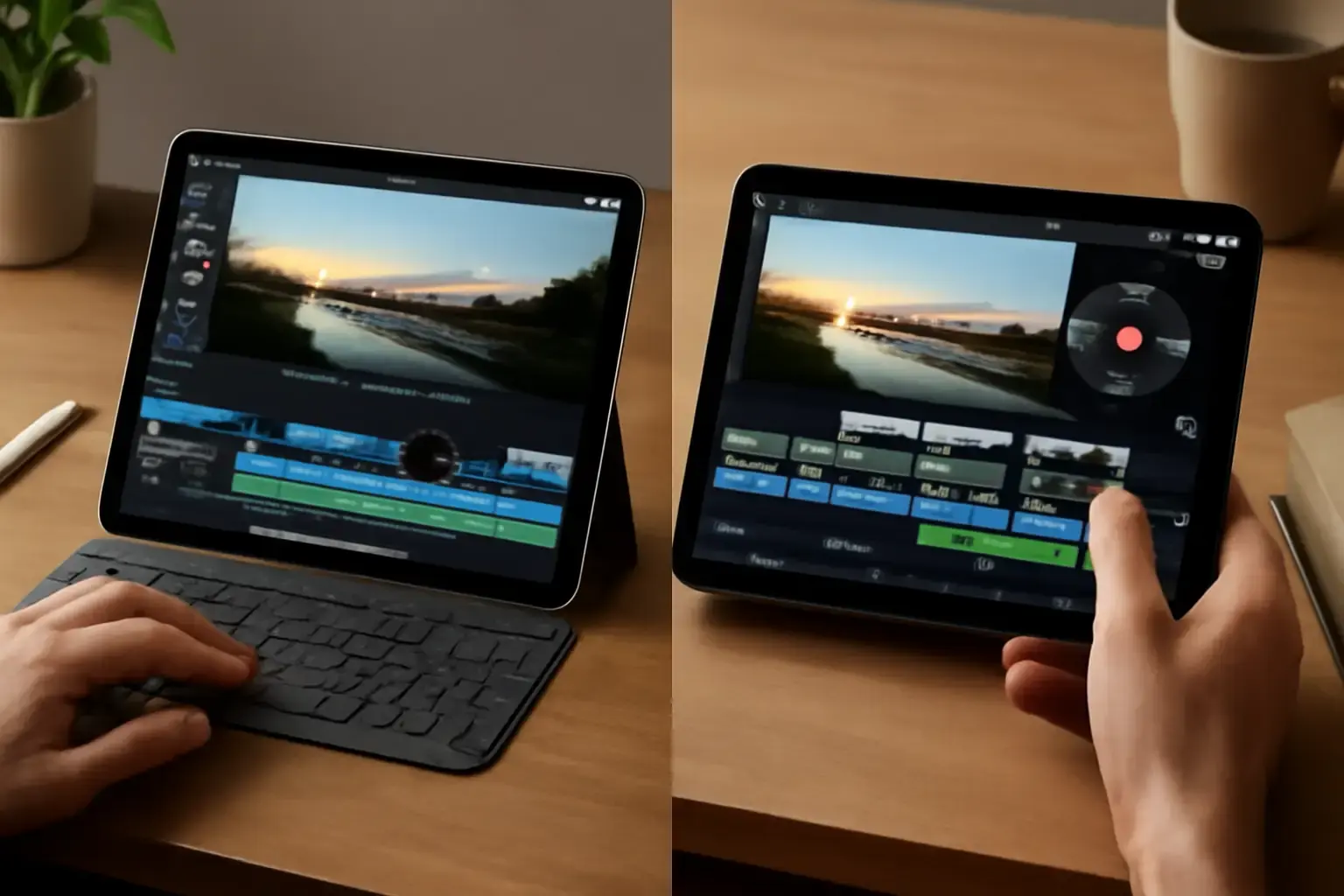
Why Mobile Video Editing Needs More Than Raw Specs
Many users assume a tablet is just a tablet, but when it comes to video editing on the go, the choice between an iPad and an Android tablet can make or break your workflow. This comparison cuts through marketing and benchmarks to focus on what actually matters: app quality, performance consistency, file management, accessory support, and ecosystem integration.
Video editing demands sustained processor power, reliable storage throughput, and software that’s optimized for touch and portable workflows. Beyond specs, the ecosystem and app availability hugely impact what you can realistically achieve on a mobile device.
Performance: Real-World Speed and Thermal Management
The latest iPads, especially the iPad Pro models powered by Apple’s M-series chips, set a high bar for mobile video editing performance. Their efficient ARM architecture combined with optimized iPadOS ensures smooth timeline scrubbing, multi-layer effects, and 4K playback without hiccups.
Android tablets offer a more fragmented landscape. Flagship models with Snapdragon 8 Gen 2 or equivalent chips can handle video editing apps well, but often lack the tight hardware-software synergy Apple delivers. Many Android tablets also suffer from thermal throttling during extended intense editing sessions, causing frame drops or slow rendering.
Storage speeds also matter: iPads typically use high-performance NVMe storage, significantly speeding up importing and exporting large video files compared to many Android tablets that rely on UFS storage solutions of varying quality.
App Ecosystem and Software Support
This is where the iPad clearly shines. Apple’s iPadOS boasts industry-leading professional video apps like LumaFusion, Adobe Premiere Rush, and recently improved versions of DaVinci Resolve tailored specifically for iPad hardware. These apps offer feature-rich timelines, advanced color grading, and support for external hardware like MIDI controllers and styluses.
On Android, the options are patchier. While apps like KineMaster, PowerDirector, and FilmoraGo cover basic editing needs, they lack the depth, responsiveness, and regular updates seen on iPadOS. Some pro-level apps are either unavailable or offer a watered-down experience.
Moreover, iPads benefit from robust integration with accessory apps and cross-device workflows within the Apple ecosystem. Exporting projects to a Mac or iPhone is seamless, a key advantage for creators juggling multiple devices.
Accessory Compatibility and Workflow Integration
Video editing is rarely just about the tablet alone. External storage drives, keyboards, styluses for precise edits, and color calibration tools all factor into workflow efficiency.
iPads have superior accessory support. The Apple Pencil offers pixel-perfect precision for detailed masking and effect control, while the Magic Keyboard and Smart Connector accessories provide a laptop-like editing experience on the move. USB-C-enabled iPads support fast external SSDs and hubs with minimal fuss.
Android tablets vary significantly here. While flagship models generally support USB-C accessories, compatibility and driver support can be hit-or-miss, especially with less mainstream brands. Stylus support exists but often falls short of Apple Pencil’s consistency and latency.
Price and Value: Who Should Pay More and When
iPads do come at a premium price compared to many Android tablets. The investment is justified if video editing is a serious part of your workflow and you want an out-of-the-box experience that just works. For creative professionals, the seamless app ecosystem, consistent software updates, and accessory support justify the higher cost.
Budget-conscious users or casual editors can consider Android tablets, but it’s essential to choose flagship or near-flagship models explicitly known for sustained performance and app compatibility. Avoid mid-tier tablets with weaker processors and storage as they will frustrate video editing tasks.
Practical Buying Guide: What to Look for and Avoid
- Don’t buy Android tablets based on specs alone. Check for verified video editing app compatibility and user reviews focusing on editing performance.
- Prioritize iPads with M1 or M2 chips for long-term value and future-proof performance.
- Consider storage capacity seriously. Video files are large; 256GB minimum recommended for editing on the go.
- Test accessory support if possible. Especially for external drives and styluses.
- Avoid cheap, underpowered Android tablets. They will struggle with 4K editing and complex timelines.
What Most People Get Wrong About Mobile Video Editing Tablets
Many users assume Android tablets are more cost-effective for video editing because of lower sticker prices. However, the hidden costs of limited app availability, slower export times, and frustrating accessory limitations often lead to wasted time and additional gear purchases.
Another misconception is that any tablet with a USB-C port can handle professional accessories reliably. In reality, USB-C implementation varies, and drivers for external hardware can be inconsistent on Android.
Finally, users often underestimate the importance of software ecosystem stability. iPadOS’s curated app environment minimizes crashes and bugs in editing apps, which can be a major headache on some Android devices.
For a practical comparison, see also our iPad vs Android Tablet for Work and Study article and the Best Android Tablets for Work and Entertainment review.
Final Recommendation: Who Should Buy Which Tablet for Video Editing?
For Creators Who Demand Reliability and Pro-Grade Apps: The iPad Pro with M1/M2 chips is currently the best tablet for mobile video editing. It delivers unbeatable app quality, performance, and accessory support that professionals need for a smooth workflow on the go. The upfront investment pays off in saved time and fewer frustrations.
For Casual Editors or Budget-Minded Users: Pick a high-end Android tablet known for solid performance (like Samsung Galaxy Tab S9 Ultra or Lenovo Tab P12 Pro) and pair it with apps like KineMaster. Expect some compromise in app depth and occasional performance hiccups, but you can still achieve decent editing without the iPad price tag.
In either case, focus on sustained performance, app compatibility, and accessory ecosystem beyond just raw specs. Buying decisions rooted in real-world use will spare you from costly disappointments in mobile video editing.
Related: Best Android Tablets for Casual Gaming and Media in 2026: Performance and Battery Life Compared
Related: Best Tablets for Students in 2026: Real-World Performance and Ecosystem Choices That Matter
Related: Best Tablets for Artists and Designers in 2026: Pressure Sensitivity and App Support Compared