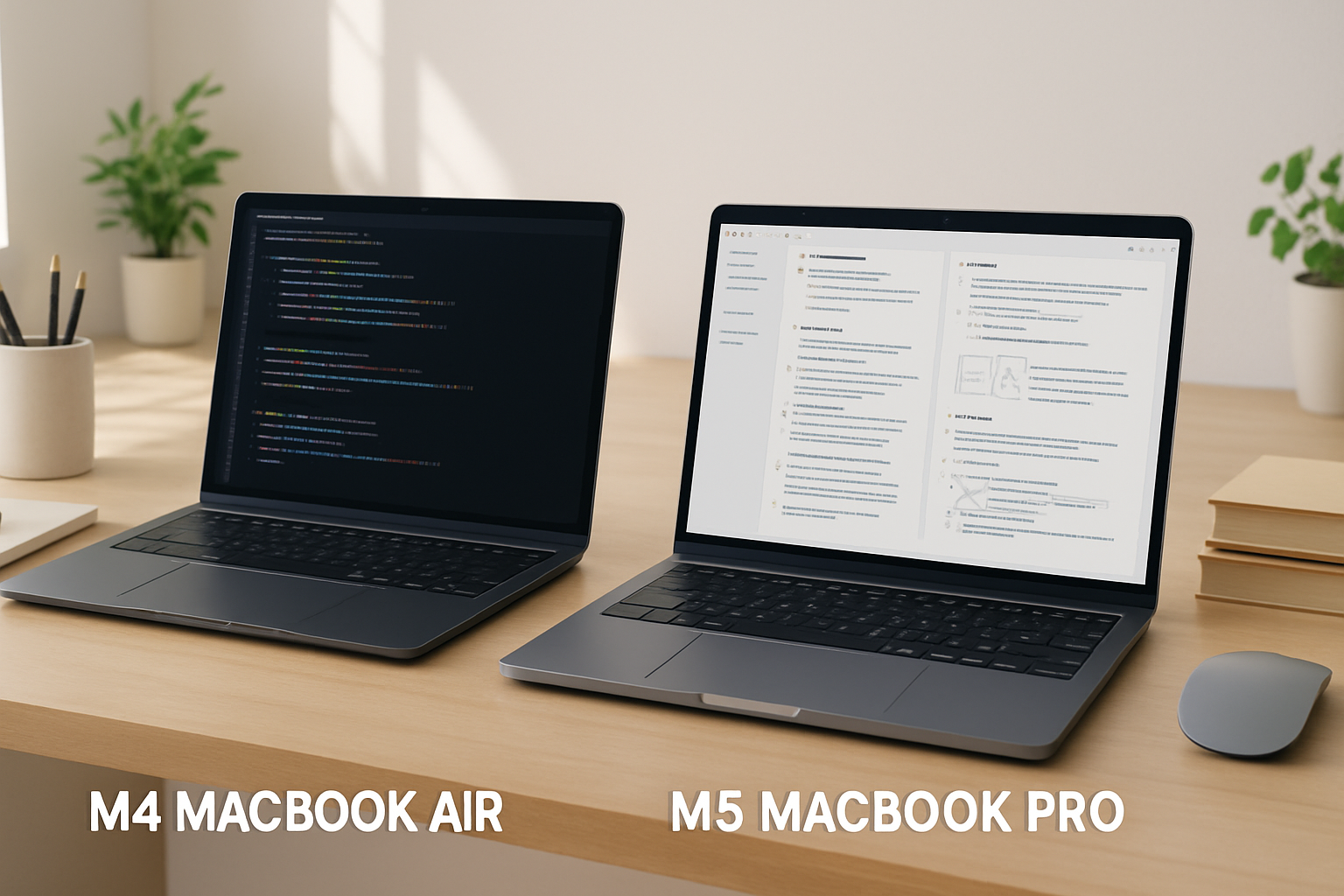
Introduction: The Apple Silicon Showdown for 2026
Apple’s grip on the laptop market continues to tighten, and with the arrival of the M4 MacBook Air and the M5 MacBook Pro, the decision for developers and students has become more nuanced—not simpler. On paper, both machines benefit from Apple Silicon’s efficiency and performance gains. In practice, they serve very different kinds of users.
If you’re trying to decide between portability and sustained performance, budget and longevity, or simplicity and flexibility, this comparison is where the real differences start to matter. The goal isn’t to pick the “best” MacBook—it’s to pick the one that fits how you actually work, study, and build projects.
Performance vs Portability: Where Your Workflow Decides
The M4 MacBook Air is designed around one clear idea: do most tasks well, in the lightest and quietest form possible. Its fanless design means zero noise, which sounds like a small detail until you spend hours coding in a quiet library or working late at night. For many students and developers working on web apps, scripting, or moderate IDE workloads, the Air feels fast and responsive.
However, fanless also means thermal limits. Under sustained workloads—like compiling large projects, running multiple Docker containers, or working with Android emulators—the Air will eventually throttle performance to manage heat. That doesn’t make it slow, but it does make it inconsistent under pressure.
The M5 MacBook Pro takes a different approach. With active cooling and a more powerful chip, it’s built for sustained performance. If your workflow involves:
- Running virtual machines or Kubernetes clusters
- Working with large codebases (e.g., enterprise apps)
- Using Xcode with multiple simulators
- Video editing or GPU-heavy tasks
…the Pro doesn’t just perform better—it performs more consistently. That’s a critical distinction. Developers often underestimate how much time is lost waiting on builds, tests, and indexing. Over months, that adds up.
The trade-off is weight and size. The Pro is still portable, but you will notice it in a backpack. If you commute daily or move between lectures, that difference matters more than spec sheets suggest.
Battery Life and Display: Daily Comfort vs Professional Precision
Battery life is one of Apple Silicon’s strongest advantages, and both machines deliver. The M4 MacBook Air comfortably handles a full day of classes, coding sessions, and browsing without anxiety. For students, this means fewer charger hunts and more flexibility.
The M5 MacBook Pro stretches that even further, especially under mixed workloads. But the real difference isn’t just endurance—it’s stability under load. The Pro maintains strong battery performance even when running heavier tasks, while the Air may drain faster under stress.
Display quality is where the gap becomes more obvious:
- MacBook Air: Excellent Retina display, sharp and accurate enough for most users
- MacBook Pro: Brighter, better contrast, and more color-accurate
If your work involves UI design, video editing, or front-end development where color accuracy matters, the Pro’s display is not just “nicer”—it’s more reliable. If your usage is mostly code, documents, and web apps, the Air’s display is already more than sufficient.
Ports, Keyboard, and Real-World Usability
Apple’s Magic Keyboard remains one of the most comfortable laptop keyboards available. Long typing sessions—whether coding or writing—are handled equally well on both machines. That said, some developers still prefer external mechanical keyboards for ergonomics and speed. If that’s you, it’s worth exploring options like the Best Mechanical Keyboards Under $150 for Developers in 2026 ⌨️.
Where things diverge more clearly is connectivity. The M5 MacBook Pro offers more ports and higher bandwidth options, which becomes crucial in real workflows:
- Multiple external monitors
- Fast external SSDs
- Docking stations with peripherals
The M4 MacBook Air keeps things minimal. For many students, this is perfectly fine—until it isn’t. The moment you start connecting external displays, storage, or accessories, you’ll likely need dongles or a hub.
This is one of the most common friction points. It’s not a dealbreaker, but it’s something you should plan for rather than discover later.
Price, Longevity, and Upgrade Strategy
The M4 MacBook Air sits in the sweet spot for affordability. It delivers strong performance for its price and is more than capable for most academic and entry-level development tasks.
The M5 MacBook Pro, on the other hand, is an investment. Not just in performance, but in time saved and future flexibility. If you expect your workload to grow—more complex projects, more demanding tools—the Pro ages more gracefully.
Here’s how to think about value:
- Short-term efficiency: Air wins (lower cost, excellent performance)
- Long-term scalability: Pro wins (handles future demands better)
A common mistake is underestimating future needs. Many students start with lightweight tasks and gradually move into heavier development environments. If that’s your trajectory, buying slightly above your current needs can prevent an early upgrade.
Common Mistakes Buyers Make
Choosing between these two machines often goes wrong for predictable reasons. Avoid these pitfalls:
- Buying based on hype: Newer or more powerful isn’t always better for your use case
- Ignoring workflow: Your daily tools matter more than benchmark numbers
- Underestimating ports: Dongle-heavy setups quickly become frustrating
- Overestimating needs: Not every developer needs Pro-level performance
- Forgetting ergonomics: Weight, keyboard feel, and screen quality affect daily comfort
The right choice is rarely about specs alone—it’s about how the machine fits into your routine over months and years.
Who Should Buy Which? Practical Breakdown
- M4 MacBook Air – Best for students, web developers, writers, and anyone prioritizing portability, silent operation, and value. Ideal if your work involves lightweight coding, note-taking, and general productivity.
- M5 MacBook Pro – Best for professional developers, power users, and students in demanding fields (computer science, media production). Ideal for multitasking, heavy builds, and long-term scalability.
- Both – Excellent build quality, strong battery life, and a polished macOS experience that supports development workflows out of the box.
Final Recommendation: Choose for the Work You Actually Do
If your day revolves around mobility—classes, cafés, travel—and your workload is relatively light to moderate, the M4 MacBook Air is the smarter, more efficient choice. It’s quiet, reliable, and easy to live with.
If your work pushes hardware limits or you want a machine that will comfortably handle more demanding tasks over time, the M5 MacBook Pro is worth the extra investment. It’s not just faster—it’s more consistent and flexible.
For students and remote workers, pairing your laptop with the right accessories can significantly improve your setup. Consider exploring options like the Best Tablets with Keyboard Support for Students and Remote Workers in 2026 💻⌨️ to complement your workflow.
The bottom line: don’t buy for the spec sheet you admire—buy for the workflow you live with every day. That’s what turns a good laptop into the right one.