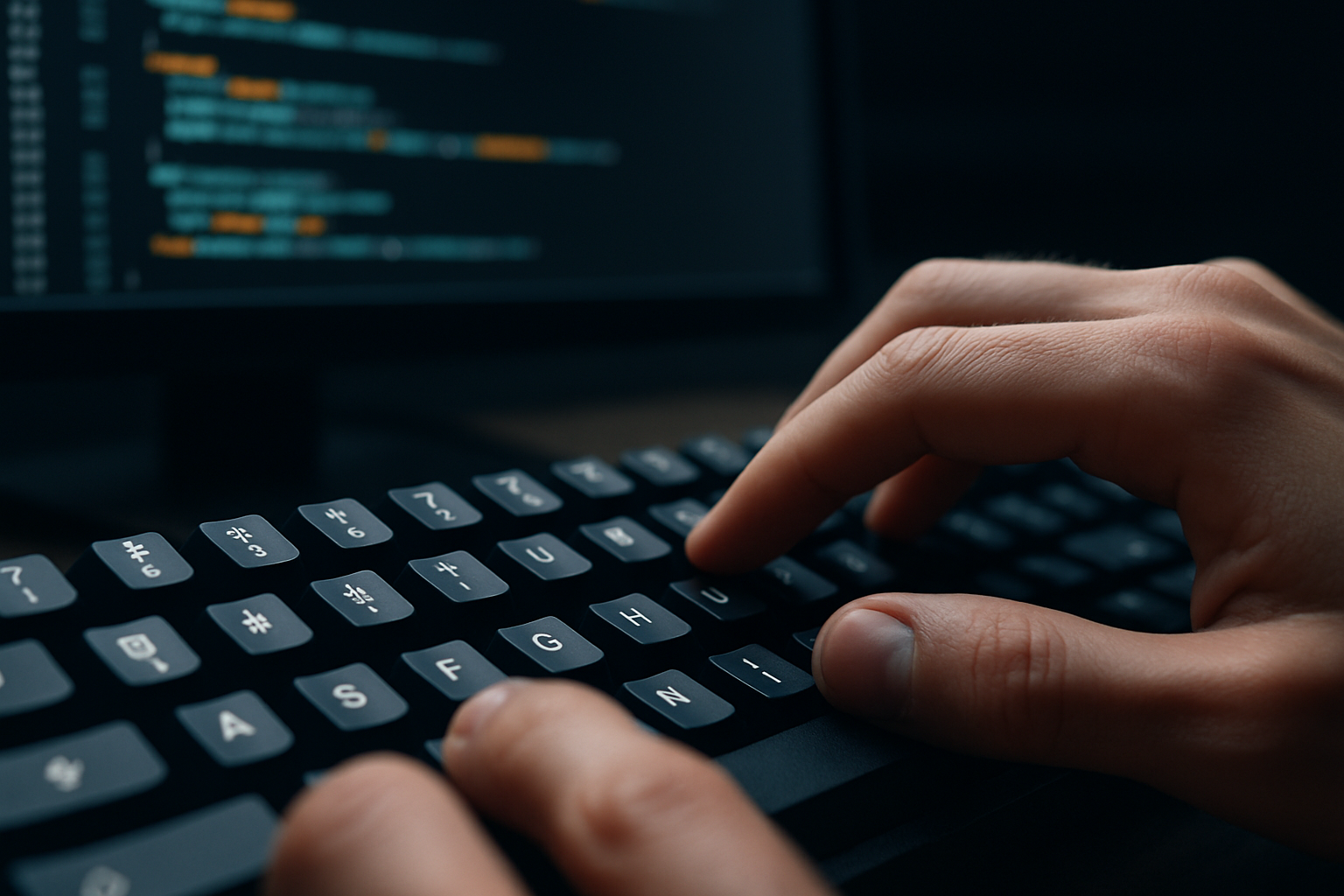
How to Practice Touch Typing Symbols and Brackets for Coding
Most developers underestimate how much time they lose to inefficient typing — not because they can’t type words, but because they hesitate on symbols. In real-world coding, symbols are everywhere: opening and closing blocks, chaining conditions, writing expressions, and structuring data. If your fingers pause every time you need to type {} or [], that friction adds up quickly.
Touch typing for programming symbols isn’t just about speed. It’s about maintaining flow. When you don’t need to look down at your keyboard or mentally “search” for a character, your brain stays focused on solving problems rather than executing keystrokes.
This is one of those skills that separates beginners from experienced developers — not because it’s difficult, but because most people never train it deliberately.
Why Symbol Typing Slows Developers Down
Typing letters becomes automatic for most people, but symbols remain inconsistent. That inconsistency is exactly what breaks your rhythm while coding.
- Modifier dependency: Many symbols require Shift or AltGr, introducing coordination complexity
- Low repetition in daily language: You don’t type
{}in emails or chats, so muscle memory develops slowly - Ergonomic distance: Symbols are often placed far from the home row
- Layout differences: Switching between keyboard layouts can completely change symbol positions
In practice, this leads to subtle but costly inefficiencies. For example, a developer might type quickly while writing logic, then slow down significantly when closing nested brackets or writing operators. Over hours of work, these micro-delays compound into noticeable productivity loss.
More importantly, interruptions in typing flow often break cognitive flow — the state where you’re fully immersed in solving a problem.
Essential Symbols Every Programmer Should Master
Not all symbols are equally important. Some appear constantly across languages, while others are more situational. Focusing on high-impact symbols first gives the fastest results.
| Symbol | Common Usage | Typical Difficulty | Why It Matters |
|---|---|---|---|
{ } |
Code blocks, objects | High | Frequent in most languages; often nested |
( ) |
Functions, conditions | Medium | Constant use in expressions |
[ ] |
Arrays, indexing | Medium | Critical for data access |
; : |
Statements, syntax | Low | High frequency but easier placement |
& | % |
Operators | High | Often require modifiers and precision |
A common mistake is trying to improve everything at once. Instead, prioritize symbols you use daily in your primary programming language.
Practical Exercises That Actually Work
Most typing practice tools are built for prose, not code. To improve symbol typing effectively, your training needs to mimic real programming scenarios.
- Practice with real code, not random characters
Typing isolated symbols helps initially, but real improvement comes from typing actual code structures — loops, conditionals, and nested objects. - Use structured repetition for brackets
Repeat patterns like:
This trains your fingers to anticipate closing characters without hesitation.{} [] () {{[]}} (()[]{}) - Drill modifier-heavy symbols separately
Focus specifically on combinations like:
These are often the biggest source of errors.Shift + 7 → / Shift + 0 → = AltGr combinations (depending on layout) - Copy and retype your own code
Rewriting familiar code reinforces patterns without cognitive overload. It’s one of the fastest ways to build muscle memory. - Introduce speed only after accuracy
Typing fast with mistakes builds bad habits. Train slow, then gradually increase speed.
Tools like Typing.io can help, but they are most effective when combined with real-world code practice.
A 10-Minute Daily Routine That Delivers Results
Consistency beats intensity. A short, focused daily routine is enough to build strong typing habits over time.
| Time | Activity | Goal |
|---|---|---|
| 2 min | Warm-up with symbols | Activate muscle memory |
| 4 min | Type real code snippets | Build contextual fluency |
| 2 min | Bracket drills | Improve nested typing |
| 2 min | Weak symbol focus | Fix bottlenecks |
This routine is intentionally short. It removes excuses and makes consistency achievable. Over a few weeks, you’ll notice fewer pauses and smoother typing.
Techniques That Accelerate Learning
Improving symbol typing isn’t just about repetition — it’s about deliberate practice.
- Keep your eyes on the screen: Looking down interrupts muscle memory development
- Anchor your fingers: Always return to the home row after each sequence
- Group symbols mentally: Learn them in pairs like
{}and(), not individually - Practice transitions: Moving between letters and symbols is where most delays happen
- Use error awareness: Don’t ignore mistakes — analyze which symbols cause them
One effective approach is to slow down intentionally when typing complex structures. This builds precision first, which later translates into speed.
Choosing the Right Keyboard Setup
Your hardware and layout can either support or hinder your progress.
- US QWERTY layout: Widely used in programming, with predictable symbol placement
- Mechanical keyboards: Provide tactile feedback that improves accuracy and confidence
- Programmable layers: Useful for advanced users who want to remap difficult symbols
- Keycap visibility: Clear legends help during the learning phase
However, customization comes with trade-offs. Remapping keys can improve comfort, but it may reduce portability if you switch devices frequently. For most developers, sticking to a standard layout while improving technique is the better long-term strategy.
For hardware recommendations, check: Best Mechanical Keyboards Under $150 for Developers in 2026 ⌨️.
Real-World Impact on Productivity
Efficient symbol typing doesn’t just make you faster — it changes how you work.
- Smoother flow state: Fewer interruptions while coding complex logic
- Reduced mental load: Less focus on typing mechanics
- Lower error rates: Especially in nested structures
- Faster iteration: Quicker writing and rewriting of code
For example, when writing a deeply nested JSON object or configuring a complex function call, experienced typists can focus entirely on structure and logic. Beginners, on the other hand, often struggle just to input the correct characters.
Common Mistakes That Slow Progress
- Practicing only letters: This ignores the real bottleneck in coding
- Looking at the keyboard: Prevents muscle memory from forming
- Ignoring weak symbols: Leads to persistent slowdowns
- Switching layouts frequently: Disrupts consistency
- Prioritizing speed over accuracy: Reinforces bad habits
One overlooked mistake is relying too heavily on autocomplete. While useful, it can mask weak typing skills rather than fix them.
FAQ: Typing Symbols for Programming
How can I type symbols faster when coding?
Focus on real code practice, isolate difficult symbols, and build consistent muscle memory.
What is the hardest part of typing for programmers?
Modifier-based symbols and nested brackets are the most challenging.
Does touch typing really improve coding speed?
Yes — especially when symbol typing becomes automatic.
Is it worth customizing keyboard layouts?
Only if you fully commit. Otherwise, standard layouts are more practical.
Practical Takeaways
- Symbol typing is a core programming skill, not an optional one
- Short daily practice sessions are more effective than occasional long sessions
- Real code practice delivers better results than generic typing exercises
- Accuracy must come before speed
Final Recommendation
If you’re serious about improving your coding efficiency, invest time in mastering touch typing for symbols and brackets. It’s one of the highest-return skills you can build as a developer because it directly impacts how smoothly you translate ideas into code.
Start with a simple daily routine, focus on your weakest symbols, and resist the urge to rush. Within a few weeks, you’ll notice fewer interruptions, cleaner typing, and a more consistent workflow. Over time, this small improvement compounds into a significant productivity advantage that most developers never fully unlock.