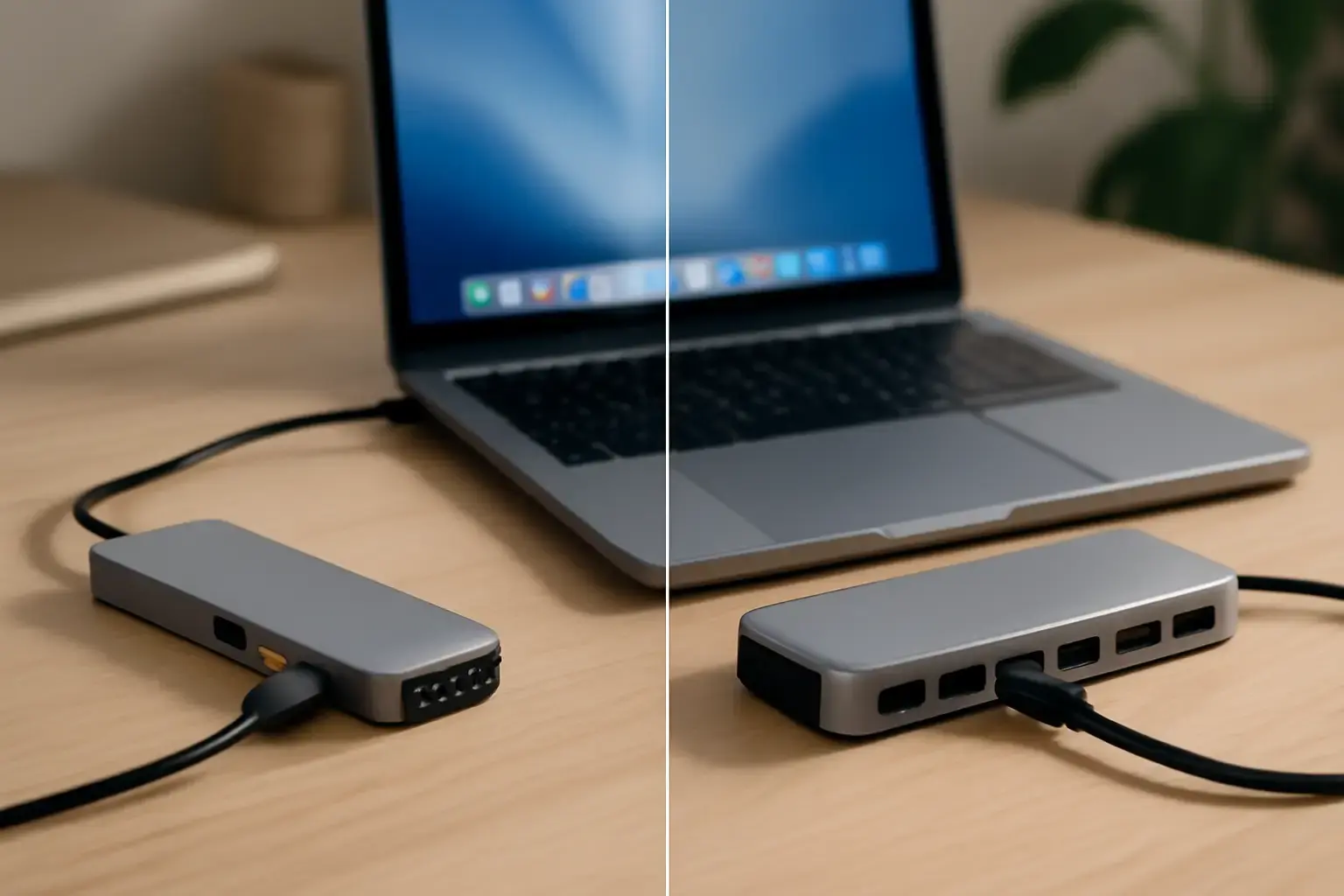
USB-C Hub vs Dock: Which One Do You Actually Need in 2026?
Choosing between a USB-C hub vs docking station sounds simple—until you actually start comparing options. On paper, both expand your laptop’s connectivity. In practice, they serve very different roles, and picking the wrong one can quietly slow down your workflow, clutter your desk, or leave you constantly plugging and unplugging cables.
This isn’t about specs or marketing claims. It’s about how you work day-to-day: where you sit, how many devices you use, and how much friction you’re willing to tolerate. If you choose based on your real usage—not just features—you’ll avoid wasting money and end up with a setup that actually makes your work easier.
Quick Comparison: USB-C Hub vs Dock
| Feature | USB-C Hub | Docking Station |
|---|---|---|
| Portability | Very high | Low |
| Power | Limited | High (full workstation) |
| Number of Ports | Basic | Extensive |
| Best Use | Travel / mobile work | Desk setup |
| Price | Affordable | More expensive |
What a USB-C Hub Actually Solves (and What It Doesn’t)
A USB-C hub is best understood as a port multiplier for mobility. Modern laptops—especially ultrabooks—often come with just one or two USB-C ports. A hub restores the basics: USB-A for peripherals, HDMI for presentations, maybe an SD card reader for quick file transfers.
Where hubs shine is simplicity. You plug it in, it works, and you move on. There’s no setup, no power brick in most cases, and no expectation that it replaces a full desktop environment.
Who should use a USB-C hub?
- Students working across campus, libraries, and home
- Freelancers who frequently change work locations
- Anyone who needs quick access to ports without carrying extra gear
Where hubs work well in real life:
- Connecting a laptop to a projector during meetings
- Using a mouse, keyboard, and external drive at a café
- Transferring files from an SD card without a dedicated workstation
Where they fall short:
Hubs are not designed for sustained, heavy workloads. If you try to run multiple monitors, charge a high-performance laptop, and connect several peripherals at once, you’ll start to hit limitations. Power delivery may be inconsistent, bandwidth gets shared, and performance can become unpredictable.
This is where many people make their first mistake: expecting a hub to behave like a dock.
What a Docking Station Brings to the Table
A docking station is fundamentally different. It’s not just adding ports—it’s replacing your entire desk connection system with a single cable.
Instead of plugging in your monitor, charger, keyboard, Ethernet cable, and external drives individually, a dock consolidates everything. You connect one cable to your laptop, and your full workstation comes alive instantly.
Who should use a docking station?
- Remote workers with a dedicated desk
- Developers running multiple monitors and tools simultaneously
- Professionals who rely on stable, high-performance setups
What docks do better than hubs:
- Handle multiple displays more reliably
- Provide consistent power delivery to laptops
- Maintain stable connections for peripherals over long sessions
- Reduce cable clutter dramatically
The trade-offs:
Docks are not portable. Even compact models typically require a power adapter and are meant to stay on your desk. They also introduce a higher upfront cost, which only makes sense if you actually use their capabilities.
If your workflow doesn’t involve a fixed workstation, a dock can feel like overkill—expensive, bulky, and underutilized.
Real-World Scenarios: Choosing Based on How You Work
The fastest way to decide between a hub and a dock is to ignore specs and look at your daily routine.
Scenario 1: The Mobile Worker
You move between locations—home, office, cafés. You carry your laptop everywhere and occasionally need to connect a monitor or USB device. A hub is the right tool here. It’s lightweight, quick to use, and doesn’t add friction to your mobility.
Scenario 2: The Desk-Based Professional
You sit at the same desk most of the day. You use multiple monitors, external storage, and wired internet. A docking station is the clear choice. It eliminates repetitive setup and creates a stable working environment.
Scenario 3: The Hybrid Setup
Many professionals fall into this category. They use a dock at home or in the office and carry a hub for travel. This combination gives you the best of both worlds: performance when stationary and flexibility when mobile.
This hybrid approach is often the most practical long-term solution, especially if your work environment changes throughout the week.
Key Factors That Actually Matter (Beyond Specs)
Instead of focusing on port counts or marketing features, consider these practical decision points:
- Portability vs Stability: If you’re constantly moving, portability matters more than raw capability.
- Monitor Setup: Running two or more displays reliably is where docks justify their cost.
- Power Delivery: If you want a single cable to charge your laptop and connect everything else, a dock is the better choice.
- Setup Friction: Reconnecting multiple cables daily is inefficient. A dock removes that friction.
- Desk Organization: Docks significantly improve cable management, which is often underestimated until your desk becomes cluttered.
These factors have a bigger impact on your experience than any individual specification.
Common Mistakes That Lead to the Wrong Choice
Even experienced users often make avoidable mistakes when choosing between a hub and a dock.
- Buying for “future-proofing” instead of current needs: Paying for a dock you don’t fully use rarely makes sense.
- Overestimating portability needs: Some users buy hubs but end up working mostly at a desk, missing out on the convenience of a dock.
- Ignoring power requirements: Not all hubs can reliably charge laptops under load.
- Assuming all USB-C ports behave the same: Compatibility and performance can vary depending on your device.
- Trying to replace a dock with a hub: This leads to frustration, especially in multi-monitor setups.
Being honest about your workflow avoids all of these issues.
Final Recommendation: Make the Choice Based on Friction, Not Features
The USB-C hub vs docking station decision isn’t about which device is more powerful—it’s about which one removes friction from your daily routine.
If your work happens in multiple places and you value simplicity, a USB-C hub is the smarter, more efficient choice. It keeps your setup lightweight and flexible without overcomplicating things.
If you rely on a consistent desk setup with multiple devices, a docking station is worth the investment. It saves time, reduces clutter, and creates a more stable working environment.
For many professionals, the most practical setup is using both: a dock where you work most and a hub when you’re on the move.
Once you align your choice with how you actually work—not how you think you might work—the decision becomes straightforward, and your setup starts working for you instead of against you.