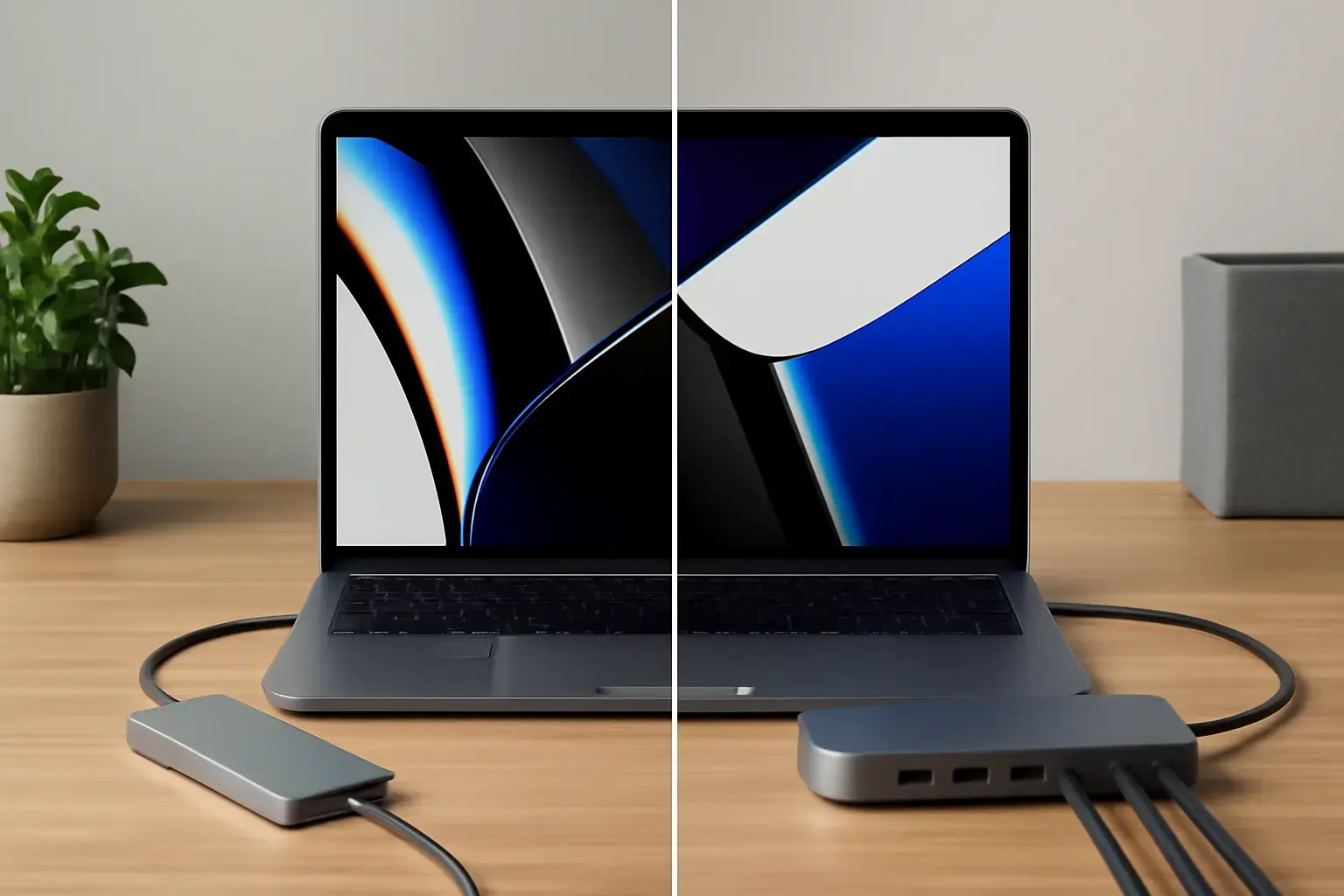
USB-C Hub vs Dock: Which One Should You Buy in 2026?
Choosing between a USB-C hub vs docking station isn’t just a spec-sheet comparison—it’s a decision that directly impacts how smoothly your daily workflow runs. Whether you're a developer juggling multiple monitors, a remote worker switching between home and office, or a student working from different locations, the right choice can eliminate friction—or quietly introduce it.
Both hubs and docks expand your laptop’s limited ports, but they’re built for fundamentally different use cases. The mistake most people make is assuming they’re interchangeable. They’re not. The smarter approach is to evaluate how, where, and how often you work—and then choose accordingly.
Quick Comparison: USB-C Hub vs Dock
| Feature | USB-C Hub | Docking Station |
|---|---|---|
| Portability | Very high | Low |
| Power Delivery | Limited | High (full laptop charging) |
| Ports | Basic (USB, HDMI) | Extensive (multi-display, Ethernet) |
| Setup | Plug-and-play | Desk-based setup |
| Best Use | Travel & mobility | Workstation setup |
USB-C Hub: Built for Flexibility, Not Power
A USB-C hub is essentially a lightweight expansion tool. It’s designed to solve immediate problems—missing ports, connecting to a projector, plugging in a USB drive—without locking you into a fixed setup.
This makes it incredibly useful for people who don’t work in one place all day. If your workflow includes cafés, co-working spaces, classrooms, or frequent travel, a hub fits naturally into that lifestyle.
Who should choose a USB-C hub:
- Students moving between lectures and study spaces
- Remote workers without a permanent desk setup
- Professionals who travel frequently
- Anyone using a laptop as a truly portable device
Where hubs shine in real-world use:
- Zero setup friction: Plug it in and it works—no power brick, no configuration
- Compact design: Easily fits in a laptop sleeve or backpack
- Cost-efficient: You get essential functionality without overpaying for features you won’t use
But here’s where most people underestimate the limitations:
- Single-display focus: Many hubs struggle with multiple monitors or reduce resolution/refresh rates
- Power constraints: Pass-through charging is often weaker or inconsistent under heavy load
- Thermal and stability issues: Under sustained use (e.g., external drives + display), cheaper hubs can overheat or disconnect
In practice, a hub works best when your laptop remains the center of your workflow. The moment you try to build a full workstation around it, the cracks start to show.
Docking Station: Designed for a Permanent Workstation
A docking station takes a completely different approach. Instead of adapting to your movement, it anchors your setup. You plug everything—monitors, keyboard, Ethernet, storage—into the dock, and your laptop connects with a single cable.
This transforms your laptop into something much closer to a desktop environment.
Who should choose a docking station:
- Developers working with multiple monitors
- Remote employees with a dedicated desk
- Office users who connect/disconnect their laptop daily
- Content creators needing stable, high-bandwidth connections
Where docks clearly outperform hubs:
- Multi-monitor support: Reliable handling of dual or triple displays
- Full power delivery: One cable can charge your laptop and handle all peripherals
- Stable performance: Better bandwidth management for simultaneous devices
- Clean desk setup: Minimal cable clutter once everything is connected
Trade-offs you need to accept:
- Lack of portability: Most docks are not something you casually carry around
- Higher investment: You’re paying for stability and expandability
- Desk dependency: The value drops significantly if you’re not consistently using the same workspace
In real-world usage, a docking station removes daily friction. Instead of plugging in five cables every morning, you connect one—and everything just works.
How to Decide Based on Your Actual Workflow
The most reliable way to choose between a USB-C hub and a dock is to map your daily routine—not your ideal setup, but what you actually do.
Ask yourself these practical questions:
- Where do you work most of the time?
If the answer is “everywhere,” a hub makes more sense. If it’s “at my desk,” a dock is the better investment. - How many displays do you really use?
One external monitor is fine with most hubs. Two or more? You’ll want a dock for consistency. - Do you want a single-cable experience?
Docks are built for this. Hubs can approximate it, but rarely deliver the same reliability. - How important is setup speed?
If reconnecting devices every time annoys you, a dock eliminates that problem entirely.
A realistic hybrid approach:
Many professionals end up using both—a docking station at home and a USB-C hub in their bag. This combination covers both stability and mobility without compromise.
Common Buying Mistakes (and How to Avoid Them)
Most frustration with hubs and docks doesn’t come from the devices themselves—it comes from mismatched expectations. Here are the mistakes that cause the most regret:
- Buying a dock “just in case”:
If you don’t actually use multiple monitors or a desk setup daily, a dock becomes an expensive paperweight. - Expecting a hub to replace a workstation:
Hubs are not designed for sustained, high-performance setups. Pushing them too far leads to instability. - Ignoring laptop compatibility:
Not all USB-C ports support the same features (like video output or power delivery). Always check your laptop’s capabilities. - Overlooking cable management:
A hub can quickly turn into a mess of dangling cables. A dock solves this—but only if it stays on your desk. - Choosing based on ports alone:
More ports don’t always mean better performance. Bandwidth distribution matters, especially with multiple devices.
A good rule of thumb: prioritize reliability over theoretical capability. A simpler setup that works consistently is better than a complex one that fails under load.
Key Factors That Actually Matter Day-to-Day
Specs can be misleading if you don’t translate them into real usage. Focus on these factors instead:
- Mobility vs stability: Are you optimizing for movement or consistency?
- Display requirements: Resolution and number of monitors matter more than extra USB ports
- Power delivery: Especially important for high-performance laptops
- Ease of use: How many steps does it take to start working?
- Reliability under load: Can it handle your daily workload without disconnects?
These are the details that define whether your setup feels seamless—or constantly frustrating.
Final Recommendation
The USB-C hub vs dock decision becomes straightforward when you stop thinking in terms of features and start thinking in terms of workflow.
If your laptop is a mobile tool that follows you everywhere, a USB-C hub is the practical choice. It’s lightweight, flexible, and solves everyday connectivity problems without slowing you down.
If your laptop spends most of its time at a desk and you rely on multiple peripherals, a docking station is the smarter long-term investment. It simplifies your setup, improves stability, and saves time every single day.
For many professionals, the best solution isn’t choosing one—it’s using both strategically. A dock for when you need power and consistency, and a hub for when you need freedom.
Make the decision based on how you actually work, not how you think you should work. That’s what leads to a setup you won’t have to rethink later.