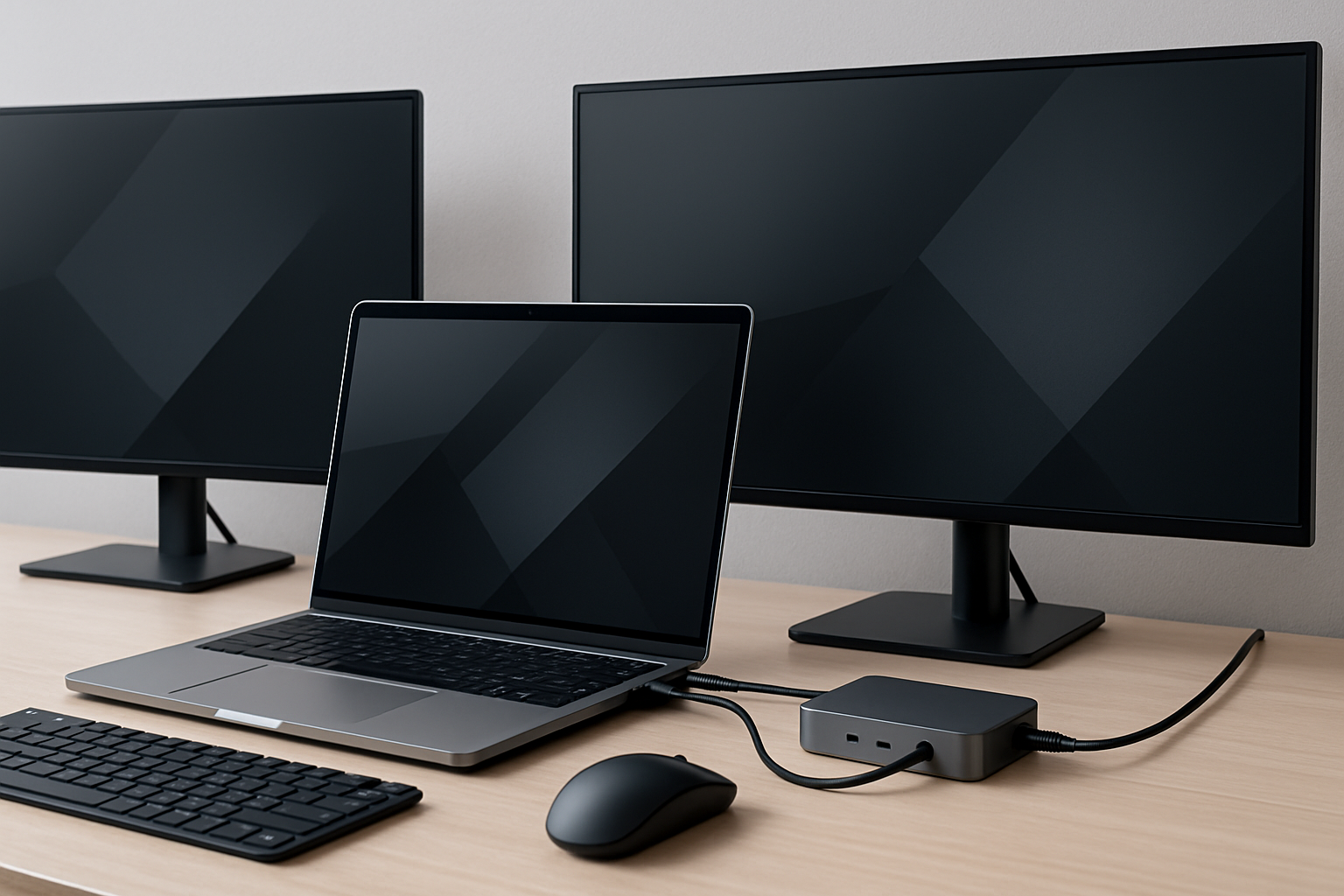
Why a Laptop Dock Is a Game-Changer for Productivity
For many professionals, the laptop has replaced the traditional desktop—but the way we use laptops hasn’t fully caught up. You’re still dealing with external monitors, keyboards, storage devices, and network connections. Without a proper system in place, that means constant plugging and unplugging, cable clutter, and small interruptions that quietly eat into your productivity.
A laptop dock solves this problem by turning your portable device into a consistent workstation. With a single cable, your entire setup comes to life: monitors, peripherals, storage, and power. More importantly, it standardizes your workflow. Whether you’re returning to your desk after a meeting or switching between home and office, your environment behaves the same way every time.
This consistency is where the real value lies. A good dock reduces friction, improves focus, and helps you maintain momentum throughout the day. But achieving that experience depends entirely on choosing the right dock—one that aligns with your hardware, your workflow, and your long-term needs.
Key Features to Prioritize in a Productivity Dock
When evaluating the best laptop dock for productivity, it’s easy to get distracted by long spec sheets. In reality, only a handful of features truly matter in daily use. These are the ones worth focusing on:
- Port Variety That Matches Your Workflow:
The goal is not to have the most ports, but the right ports. A typical productivity setup includes USB-A ports for peripherals, USB-C for newer devices, HDMI or DisplayPort for monitors, and Ethernet for stable connectivity. Think about what you plug in every day—your dock should reflect that reality. - Reliable Multi-Monitor Support:
External displays are often the main reason to invest in a dock. If you use two monitors, especially at higher resolutions, you need a dock that can handle that without flickering or limitations. Always verify supported configurations, as not all docks (or laptops) handle multi-display setups equally well. - Power Delivery That Keeps Up:
A dock should charge your laptop while you work—without compromise. If power delivery is too low, your battery may drain slowly during intensive tasks. This is particularly important for developers, designers, and anyone running demanding applications. - Build Quality and Thermal Design:
Docks run continuously and generate heat. A solid aluminum build is not just about aesthetics—it improves heat dissipation and long-term reliability. Cheap plastic docks often degrade faster and can introduce stability issues. - Compatibility Across Systems:
Not all USB-C ports are equal. Some laptops support full docking capabilities, others don’t. This is especially relevant for MacBook users and certain ultrabooks. Always confirm compatibility with your exact device before making a purchase. - Future-Proofing Without Overkill:
Standards like Thunderbolt 4 and USB4 offer higher bandwidth and flexibility. While they provide long-term value, they’re not necessary for every user. Choose them if your workflow demands it—not just because they’re newer.
How to Match a Dock to Your Work Style
The best laptop dock isn’t the most advanced one—it’s the one that fits your daily routine. Understanding your work style is essential to making a smart decision.
- Home Office or Dedicated Workspace:
If you primarily work at a desk, your dock should function as a permanent hub. Look for stable dual-monitor support, Ethernet connectivity, and strong power delivery. Reliability is the priority here—this is where investing in a higher-quality dock makes a noticeable difference. - Hybrid or Remote Workers:
If you frequently switch locations, portability becomes important. A compact dock with essential ports is often the better choice. You may sacrifice some expandability, but you gain flexibility and convenience. - Developers and Knowledge Workers:
Consistency is critical. You likely rely on multiple monitors, external input devices, and possibly external storage. You don’t need maximum bandwidth, but you do need a dock that works flawlessly every time you connect. - Creative Professionals:
Video editors, photographers, and designers benefit from higher bandwidth and advanced display support. Thunderbolt or USB4 docks are often the better choice here, especially when working with large files or high-resolution displays. - Minimalist Setups:
If your goal is a clean, distraction-free desk, a dock is essential. It reduces visible clutter and makes it easier to maintain a consistent workspace.
Understanding Dock Types and Trade-Offs
Choosing the right type of dock is just as important as choosing the right features. Each category has clear strengths and limitations:
- Thunderbolt 4 / USB4 Docks:
These are the most powerful and versatile docks available. They support high-speed data transfer, multiple high-resolution displays, and strong power delivery. However, they come at a higher cost and are only worth it if your workflow demands that level of performance. - USB-C Docks:
These are more affordable and widely compatible. They provide a solid range of ports for most users, but may have limitations with multi-monitor setups or high-resolution displays. - Brand-Specific Docks:
Manufacturers like Dell, HP, and Lenovo offer docks optimized for their laptops. These often provide seamless compatibility and are popular in enterprise environments, but may be less flexible if you change devices later.
Brands like CalDigit, Anker, Belkin, and Kensington have established strong reputations for reliability. While no brand is perfect, choosing a trusted manufacturer reduces the risk of compatibility issues and poor build quality.
Real-World Setup Tips for Maximum Efficiency
A laptop dock only improves productivity if it’s integrated properly into your workspace. These practical tips help you get the most out of your setup:
- Use a True Single-Cable Setup:
Your dock should allow you to connect everything with one cable. This is the core benefit—anything more complicated defeats the purpose. - Optimize Desk Layout:
Position your dock so cables are hidden or neatly managed. Keep frequently used ports accessible, but avoid visual clutter. - Prioritize Ergonomics:
Use external monitors, keyboards, and mice to create a comfortable working posture. A dock enables this—but you still need to arrange your workspace thoughtfully. - Leverage Wired Networking:
Ethernet provides more stable performance for video calls, cloud work, and large file transfers compared to Wi-Fi. - Keep Firmware Updated:
Many users overlook this. Firmware updates can improve compatibility and fix issues, especially with newer laptops. - Be Aware of Bandwidth Limits:
Even high-end docks have limits. Running multiple high-resolution displays and fast storage devices simultaneously can create bottlenecks. Balance your setup accordingly.
For more ideas on optimizing your workspace, explore our Best Accessories for a Clean Minimalist Coding Desk ⌨️💡 and How to Choose a Laptop for Coding, Writing, and Remote Work 💻⌨️.
Common Mistakes to Avoid When Buying a Dock
Many people end up replacing their dock not because it’s broken, but because it doesn’t fit their workflow. Avoid these common mistakes:
- Choosing Based on Trends:
Newer standards like Thunderbolt 4 are appealing, but not always necessary. Focus on your actual needs. - Ignoring Compatibility:
Not all laptops support the same docking features. Always verify before buying. - Underestimating Power Requirements:
Insufficient power delivery leads to slow charging or battery drain during use. - Overlooking Display Capabilities:
Multi-monitor setups are often misunderstood. Always confirm what’s supported. - Going Too Cheap:
Budget docks can introduce instability, which costs more in lost productivity than the initial savings.
Practical Takeaways
Choosing the best laptop dock for productivity becomes much easier when you focus on your real workflow instead of ideal specifications. Think about what you connect every day, how often you move your laptop, and what kind of setup helps you stay focused.
Final Recommendation: Invest in Reliability and Workflow Fit
The right laptop dock should feel invisible. It should connect instantly, work reliably, and allow you to focus entirely on your work without troubleshooting or adjustments. For most users, that means prioritizing compatibility, stable display support, and sufficient power delivery over advanced features that may never be used.
If you work primarily at a desk, invest in a high-quality dock that supports your full setup without compromise. If you’re frequently on the move, choose a compact and reliable option that balances portability with essential functionality.
A well-chosen dock doesn’t just organize your cables—it removes daily friction, improves consistency, and helps you maintain focus. That’s where the real productivity gains come from, and that’s what makes it a worthwhile investment.