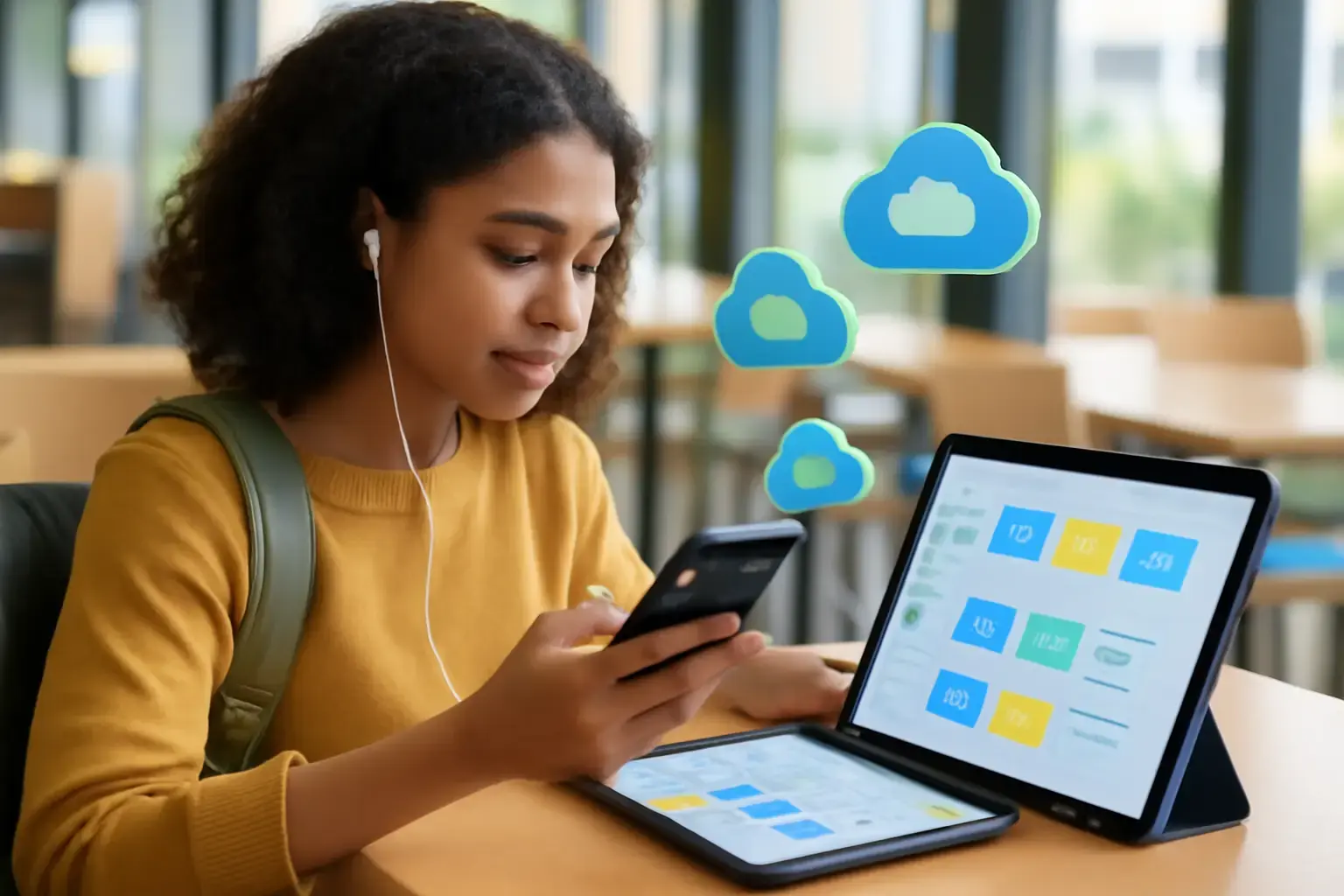
Why Cloud Storage Choices Matter More Than Ever for Students in 2026
In 2026, students rely heavily on phones and tablets for managing coursework, submitting assignments, and collaborating on group projects. Cloud storage apps are no longer a mere convenience; they are essential tools for organizing scattered files, notes, and multimedia resources across multiple devices. However, not all cloud storage solutions are optimized for student-specific needs such as mobile usability, cross-platform compatibility, offline access, or collaborative features. Choosing the right app can significantly streamline your study workflow and prevent costly disorganization or data loss.
This guide breaks down the best cloud storage apps tailored to students using smartphones and tablets in 2026, spotlighting practical trade-offs and helping you decide which app suits your study habits and device ecosystem best.
Key Factors for Students When Choosing Cloud Storage Apps
Before diving into specific app recommendations, it’s critical to understand what features matter most for students in real-world use:
- Mobile usability: Intuitive apps with responsive, easy navigation on phones and tablets reduce time wasted on file management.
- Offline access: Ability to view and edit files offline is crucial for students without reliable internet during commutes or in classrooms.
- Collaboration and sharing: Seamless sharing with classmates and teachers, with control over permissions and real-time editing, enhances group project efficiency.
- Storage capacity and pricing: Many students need generous free tiers or affordable paid plans as schoolwork can accumulate large multimedia files.
- Integration with study apps: Compatibility with note-taking and assignment management apps can simplify organizing coursework across tools.
Top Cloud Storage Apps for Students in 2026
Google Drive (Google One)
Why it works for students: Google Drive remains a top choice due to its tight integration with the Google Workspace ecosystem, which many schools use. Its mobile app is easy to navigate, supports offline access to selected files, and offers real-time collaboration via Google Docs, Sheets, and Slides. The free tier includes 15GB shared across Drive, Gmail, and Photos — usually enough for most coursework.
Related reading: The Best Apps for Scanning and Organizing Physical Documents on Phones and Tablets in 2026
Trade-offs: Storage is shared with Gmail and Photos, which can fill quickly. Privacy-conscious students might prefer alternatives due to Google's data policies. Also, organization tools are basic; managing large volumes of files requires manual sorting.
Microsoft OneDrive
Why it works for students: OneDrive is especially compelling for students using Windows tablets or Surface devices, with deep integration into Microsoft 365 apps like Word, Excel, and PowerPoint. Offline file access is robust, and the Files On-Demand feature helps manage limited device storage. The free tier provides 5GB, but many students get free access to 1TB with Microsoft 365 Education plans.
Trade-offs: Less intuitive than Google Drive’s mobile interface for some users, and collaboration outside the Microsoft ecosystem can be clunky. The free tier’s storage is limited if you lack an Education subscription.
Dropbox
Why it works for students: Dropbox excels in simplicity and reliable syncing across devices, including iOS and Android. It supports offline file access and has powerful file recovery features, useful when assignments get accidentally deleted or overwritten. Dropbox Paper is a lightweight collaborative editor good for group notes.
Trade-offs: The free tier offers only 2GB, which fills up fast for multimedia-heavy students. Advanced features require paid plans. It lacks the deeper integrations with office suites that Google Drive and OneDrive provide.
Box
Why it works for students: Box emphasizes security and file versioning, useful for students handling sensitive projects or research data. It offers decent mobile apps with offline access and good collaboration tools with granular permission controls.
Trade-offs: The free personal plan is limited to 10GB with a 250MB file upload cap, which may frustrate users handling video presentations or large PDFs. The interface is less intuitive for casual users compared to Google Drive or Dropbox.
MEGA
Why it works for students: MEGA stands out with its generous free storage of 20GB and strong end-to-end encryption, ideal for privacy-conscious students. Its mobile app supports offline access and easy sharing with robust security.
Trade-offs: The security focus can make file sharing slightly less straightforward. Syncing speeds and app polish can lag behind more mainstream services, which can be frustrating during deadlines.
Common Mistakes Students Make When Choosing Cloud Storage
Many students make avoidable errors that complicate their workflows or waste money:
You may also like: Why Offline-First Productivity Apps Are Essential for Phones and Tablets in 2026
- Overlooking ecosystem fit: Choosing a cloud app that doesn’t sync well with their primary laptop or tablet OS leads to a fragmented experience. For example, iPad users often get better results with iCloud Drive and Google Drive over OneDrive.
- Ignoring offline capabilities: Relying solely on online access without setting up offline files causes panic during spotty Wi-Fi or transit commutes.
- Underestimating storage needs: Multimedia assignments can consume gigabytes quickly, making minimal free plans unworkable.
- Not leveraging built-in collaboration: Sticking to generic file upload solutions without collaborative editing wastes time and creates version confusion among group projects.
- Not organizing from the start: Dumping files chaotically leads to lost papers and missed deadlines later.
Practical Tips for Maximizing Cloud Storage as a Student
- Choose apps that integrate with your note-taking and assignment management tools. For example, pairing Google Drive with Google Keep or OneDrive with Microsoft OneNote streamlines workflows.
- Set up offline access for critical documents before heading to class or library. Test offline editing and syncing to avoid surprises.
- Regularly clean up cloud folders. Archive or delete outdated files to keep storage manageable.
- Use clear folder naming conventions and consistent tags. For instance, organize by semester, subject, and project to find files quickly.
- Leverage sharing permissions carefully. Use view-only links to avoid accidental edits, and keep collaboration focused in apps with real-time editing.
To deepen your mobile study app setup, see The Best Apps for Managing Class Notes and Assignments on Tablets and Smartphones in 2026 and Offline-First Apps That Actually Boost Mobile Productivity in 2026.
Bottom Line: Which Cloud Storage App Should Students Choose in 2026?
For most students, Google Drive offers the best overall balance of free storage, collaboration, and mobile usability across phones and tablets. Its ecosystem fits well with Android, iOS, and Chrome OS devices commonly used by students, and is unbeatable for group project work.
If you are deeply integrated into the Microsoft ecosystem or use a Surface tablet, OneDrive with a Microsoft 365 Education plan is a strong contender offering large storage and seamless Office app integration.
Students valuing privacy and generous free storage may find MEGA a better fit, but expect a steeper learning curve. For simple syncing and file recovery, Dropbox remains a solid alternative, especially for those who collaborate with users outside Google or Microsoft environments.
Finally, avoid common pitfalls by choosing a cloud app that aligns with your primary devices and study habits, setting up offline access proactively, and keeping your digital files meticulously organized to save time and avoid stress.