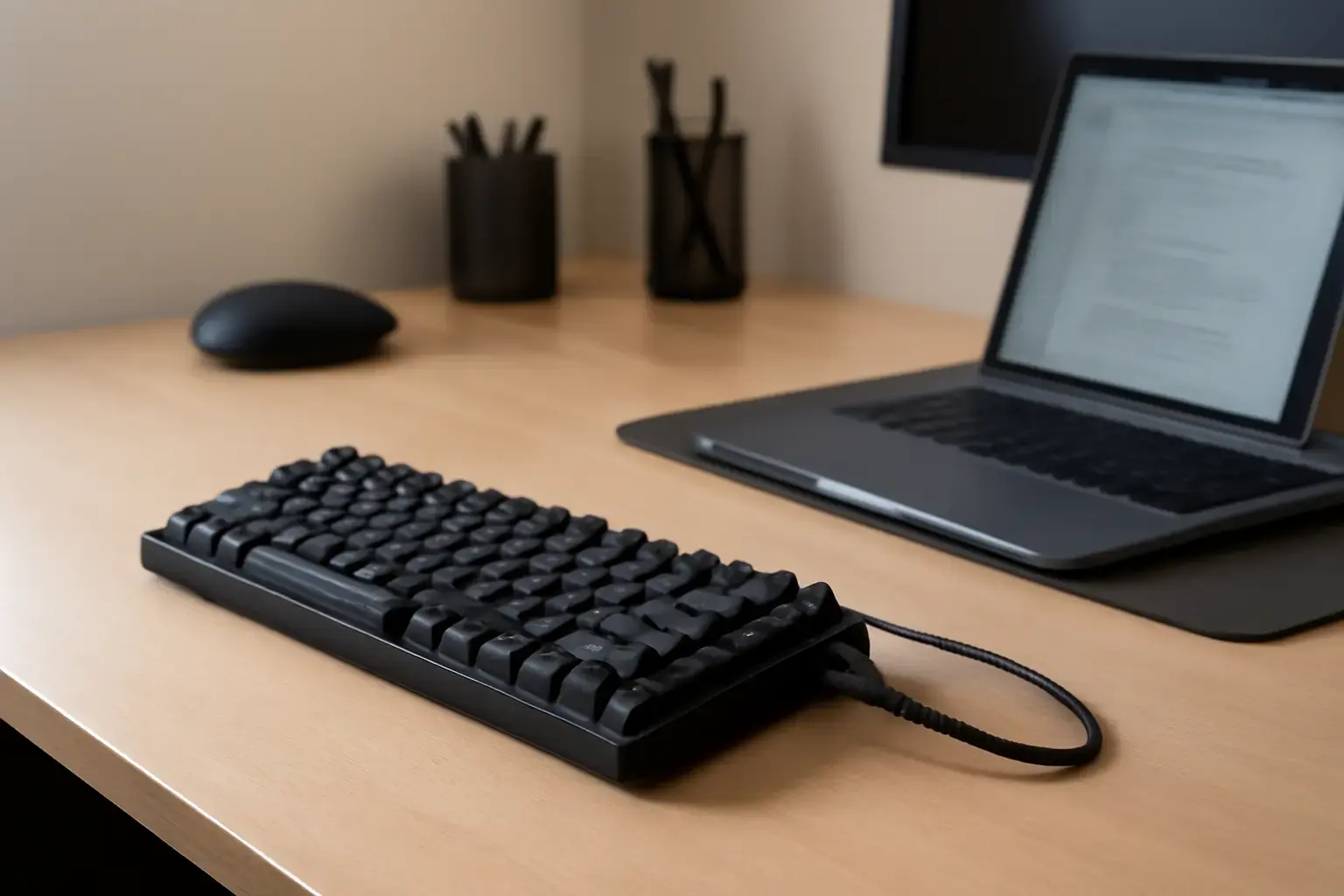
Why Office Users Should Prioritize Low-Latency Wired Keyboards
Office workers who spend long hours typing require keyboards that deliver consistent, responsive feedback without interruption. While wireless keyboards offer mobility, they often introduce latency spikes and connection drops, especially in dense office environments saturated with Wi-Fi and Bluetooth devices. This can disrupt focused typing sessions, cause missed keystrokes, or slow down workflows. Wired keyboards eliminate these challenges by providing a stable physical connection that guarantees minimal input delay and maximum reliability.
For office professionals handling sensitive documents, demands for speed and accuracy leave no room for lag or dropped inputs. A low-latency wired keyboard ensures each keystroke registers instantly, improving typing speed (WPM) and reducing errors caused by missed characters. This makes wired keyboards the ideal choice for office users who prioritize dependable performance over wireless convenience.
Key Features to Look for in Low-Latency Wired Keyboards for Office Work
Choosing a wired keyboard is not just about plugging in a USB cable. The typing experience depends on several critical factors:
Related reading: How to Choose the Best Bluetooth Keyboard for Remote Workers Facing Frequent Connectivity Drops and Latency
- Switch Type and Feel: Mechanical switches generally provide the fastest, most tactile response favored by professional typists. Cherry MX Blue, Brown, and Red variants remain the most popular for reliability and varied feedback. For quieter office environments, consider mechanical switches with dampened noise or high-quality membrane keyboards designed for silent typing.
- Polling Rate and USB Protocol: Low-latency keyboards typically have a 1000 Hz polling rate, meaning the keyboard reports key presses to your PC 1000 times per second. USB 2.0 or 3.0 connections are standard and don’t introduce additional latency.
- Build Quality and Keycap Materials: Durable keycaps (PBT over ABS), sturdy chassis, and spill resistance contribute to consistent key feel and longevity, important for high-volume office use.
- Layout and Ergonomics: Full-size layouts with a numpad are still favored by many office users for data entry and spreadsheet work. However, tenkeyless (TKL) or compact designs can improve desk ergonomics and reduce reach strain. Some wired keyboards also offer slight ergonomic shaping or adjustable tilt angles.
- Key Rollover and Anti-Ghosting: N-key rollover ensures multiple simultaneous key presses register correctly, vital when typing fast or using shortcuts.
Top Low-Latency Wired Keyboards for Office Typing in 2026
Here are some of the best wired keyboards currently available that combine low latency, typing comfort, and office suitability. These picks balance responsiveness with build quality and long-term reliability.
- Keychron K10 Mechanical Keyboard (Wired Mode)
Keychron’s K10 offers hot-swappable mechanical switches, robust aluminum frame, and USB-C wired connection for near-zero latency. It supports Windows and Mac layouts, making it great for office users who switch platforms. Its tactile Brown or quiet Red switches reduce finger fatigue during long typing sessions. - Das Keyboard Model S Professional
An established choice among professionals, Das Keyboard Model S delivers high-quality Cherry MX switches, a full-size layout, and a durable aluminum top panel. It uses a USB 2.0 wired connection to guarantee minimal latency. The keyboard’s media controls and comfortable key spacing suit heavy office typing. - Logitech MX Mechanical Wired
Logitech’s MX Mechanical Wired offers excellent tactile feedback with quiet mechanical switches optimized for office environments. Its USB-C cable connection ensures stable input, and Logitech’s software supports key remapping and macros. The keyboard’s sleek design fits modern office aesthetics. - Input Club K-Type Wired
This enthusiast-grade mechanical keyboard features optical switches with ultra-low latency and smooth key travel. It boasts N-key rollover, PBT keycaps, and full Windows/Mac compatibility. The K-Type’s wired mode imposes virtually no delay, perfect for typists who want precision and comfort. - Filco Majestouch 2
Known for its reliability, the Filco Majestouch 2 mechanical keyboard uses Cherry MX switches and a standard USB wired connection. Its robust build and minimalistic design appeal to typists who want a dependable typing tool without gimmicks. The keyboard excels in office environments requiring long daily use.
Common Mistakes and Hidden Downsides to Avoid
Many office users err by choosing wireless keyboards based solely on convenience without testing latency or connection stability in their specific environment. While wireless tech has improved, interference and dropouts remain real problems in busy offices.
Another pitfall is prioritizing flashy RGB lighting or gaming features over typing comfort and build quality. Office typing demands a keyboard that feels good for hours, not just one that looks cool.
Purchasing low-end membrane wired keyboards can also backfire. Cheap keyboards often have mushy key presses, inconsistent actuation points, and poor durability, which slow down typing and increase errors. Investing in mid-range mechanical or high-quality membrane models pays off quickly for serious typists.
See also: Best Wireless Mechanical Keyboards for Remote Developers in 2026: Low Latency Meets Typing Comfort
Finally, ignoring keyboard ergonomics can lead to wrist pain and fatigue. Users should consider deskspace, typing posture, and adjustable feet to find a keyboard that fits their setup.
Practical Guidance: Choosing and Setting Up Your Wired Keyboard for Office Use
- Test Typing Feel and Noise Levels: Before buying, try different switch types and layouts to identify your comfort zone, especially if you share workspaces or make calls.
- Use a USB-C Wired Connection When Possible: USB-C offers reversible plugs and more durable cables, reducing disruption.
- Prioritize N-Key Rollover and Anti-Ghosting: If you type fast, these features prevent missed simultaneous keystrokes.
- Pair with a Comfortable Desk Setup: Use keyboard risers or ergonomic wrist rests to minimize fatigue during long sessions.
- Keep Spare Keycaps or Switches Handy: For mechanical keyboards, replacement parts extend lifespan and maintain typing feel.
For those interested in wireless alternatives that approach the reliability of wired keyboards with added mobility, see our guide to the best wireless keyboards for home office productivity in 2026. It covers options minimizing latency and connection issues for remote workers.
Also, if you want to optimize your typing performance, consider our advice on building productive typing setups incorporating low-latency wireless keyboards that combat common hiccups without sacrificing speed.
You may also like: Best Low-Latency Wired Keyboards for Developers Who Need Fast and Accurate Symbol Input Without Wireless Lag
Conclusion: Wired Keyboards Remain the Gold Standard for Reliable Office Typing
For office professionals who need fast and reliable typing without wireless hiccups, wired low-latency keyboards are the safest and most effective option. They provide consistent input, immediate response, and better build quality for long sessions.
Choosing the right wired keyboard depends on your preferred switch type, desk setup, and typing workload intensity. Mid-range mechanical keyboards with USB-C wired connections strike the ideal balance between comfort, durability, and speed.
Steer clear of cheap membrane boards and overly flashy gaming keyboards that do not focus on typing ergonomics. Investing in a well-reviewed wired keyboard designed for office use enhances daily productivity and typing satisfaction over years of use.
Remember, a keyboard is the primary tool for any office worker typing multiple hours per day. Prioritize reliability and comfort over convenience to avoid costly distractions and interruptions.