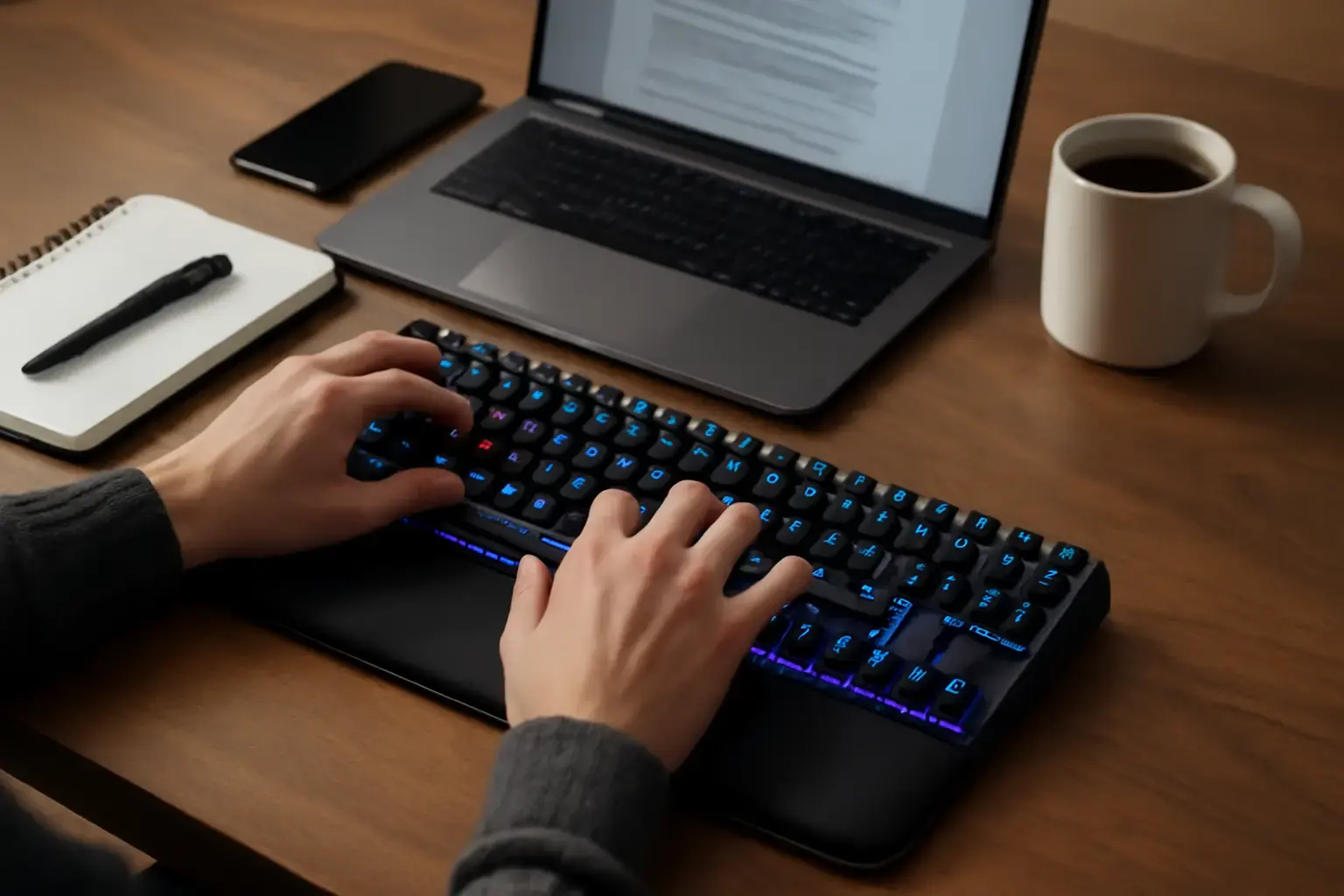
Why Writers with Wrist Pain Should Be Picky About Mechanical Switches
Mechanical keyboards have surged in popularity for their typing feel and durability, but not every mechanical switch suits a writer battling wrist pain or typing fatigue. The core issue isn’t just the keyboard’s build quality; it’s how the switches interact with your fingers and wrists during long typing sessions. Choosing the wrong switch can exacerbate discomfort, slowing you down and increasing repetitive strain risks.
Unlike gamers or coders who might prefer tactile or clicky switches for feedback, writers with wrist pain benefit most from switches that minimize force and travel distance while maintaining a comfortable typing rhythm. The right mechanical keyboard can transform your writing workflow from a pain-inducing chore to an enjoyable, smooth activity.
Key Factors in Switch Selection to Reduce Wrist Fatigue
The first step to reducing wrist pain with a mechanical keyboard is selecting the ideal type of switch. Here are the main switch types and their suitability for writers with wrist discomfort:
Related reading: How to Troubleshoot Common Virtual Keyboard Issues Affecting Typing Accuracy on Android and iOS Devices
- Linear switches (e.g., Cherry MX Red, Gateron Yellow): These have smooth keystrokes without tactile bumps or clicks. They typically require low actuation force, which means less finger strain. Their smoothness helps maintain flow.
- Tactile switches (e.g., Cherry MX Brown, Kailh Box Brown): These provide slight feedback on actuation without loud clicks. The tactile bump can improve typing accuracy but may require slightly more force, potentially tiring for sensitive wrists.
- Clicky switches (e.g., Cherry MX Blue): Known for their audible feedback and tactile bump, these switches generally require higher force, which can lead to finger and wrist fatigue.
For writers with wrist issues, linear switches with a low actuation force are generally the best starting point. Advanced options like optical switches also offer ultra-light keypresses and faster actuation, further reducing strain.
Top Mechanical Keyboards in 2026 Tailored for Wrist Comfort
Below are some current-generation mechanical keyboards that stand out for writers with wrist pain, based on switch options, ergonomics, and build quality:
- Keychron Q8 Pro: This hot-swappable full-size mechanical keyboard supports a wide range of premium linear switches such as Gateron Ink or Kailh Low Profile. The solid build and customizable switch options let you optimize for minimal force typing. With a detachable wrist rest and wide key spacing, it reduces wrist strain in long writing sessions.
- Varmilo VA87M with Cherry MX Silent Red Switches: Varmilo’s build quality is excellent, and the Silent Red switches are linear and very quiet, requiring minimal force. This tenkeyless model is ideal for writers who want a compact layout but need a softer switch to protect wrists.
- Leopold FC660M with Topre Hybrid Electrostatic Switches: Though not purely mechanical, Topre switches blend mechanical with electrostatic capacitive technology, offering light actuation and tactile feedback without harsh impact. This keyboard is highly valued for preventing typing fatigue.
- Logitech G915 TKL (Low Profile GL Linear Switch): This wireless low-profile keyboard combines ultra-light linear switches with a slim design that reduces hand elevation. Its long battery life and quiet typing make it perfect for writers needing comfort over long stretches.
- Glorious GMMK Pro with Halo Clear Switches: The GMMK Pro’s hot-swap feature enables trying Halo Clear switches, which have a moderate tactile bump with lower actuation force that some writers with wrist pain find ideal for reducing fatigue without losing typing feedback.
Ergonomic Features Beyond Switches to Consider
Switch choice is important, but mechanical keyboards for wrist pain must also support ergonomics. Some features that make a major difference include:
- Split or tented keyboard design: Keyboards like the ErgoDox EZ or angled split keyboards can help align wrists naturally, reducing strain.
- Wrist rest inclusion or compatibility: Having a padded wrist rest that keeps wrists level with the keycaps reduces bending and pressure.
- Compact layouts: Smaller keyboards minimize reach and shoulder tension. See our guide on the Best Compact Mechanical Keyboards for Writers for options balancing size and comfort.
- Adjustable feet and risers: Keyboard tilt affects wrist angle. Low-tilt or negative tilt settings often help minimize wrist hyperextension.
Common Mistakes Writers Make When Choosing Mechanical Keyboards for Wrist Pain
Many writers buy mechanical keyboards based on cool features or brand reputation without considering switch force or ergonomics, leading to persistent pain. Avoid these pitfalls:
See also: Best Wireless Mechanical Keyboards for Remote Developers in 2026: Low Latency Meets Typing Comfort
- Ignoring switch actuation force: Heavier switches increase strain. Always test or research switch actuation forces before purchasing.
- Buying keyboards that lack wrist support: Compact or minimalist boards without rests or negative tilt worsen wrist bending.
- Overlooking layout size impact: Full-size boards with extended key areas can force awkward hand stretching.
- Choosing clicky switches out of nostalgia or style: These are generally unsuitable for wrist pain sufferers due to higher force and finger fatigue.
Final Recommendation: Choose Switches and Features that Put Your Wrists First
If wrist pain slows your writing and typing sessions, investing in a mechanical keyboard with low-force linear switches paired with ergonomic features is non-negotiable. In 2026, you have access to a wide range of premium keyboards that offer hot-swappable switches, excellent build quality, and wrist-friendly designs.
Start with a keyboard featuring low actuation force linear switches, such as Cherry MX Red, Gateron Yellow, or optical linear variants. Pair them with a wrist rest and low or negative tilt. If you want tactile feedback that doesn’t add strain, Halo Clear or Cherry MX Brown can work too. Stay away from clicky switches.
Budget carefully to avoid buying keyboards that look good on paper but lack comfort in practice. Testing keyboards physically or buying hot-swappable models to try different switches is ideal. For more options and deeper guidance on quiet and compact mechanical keyboards for writers, check our detailed review.
Your writing workflow deserves a keyboard that fights fatigue, not worsens it—choose wisely in 2026.