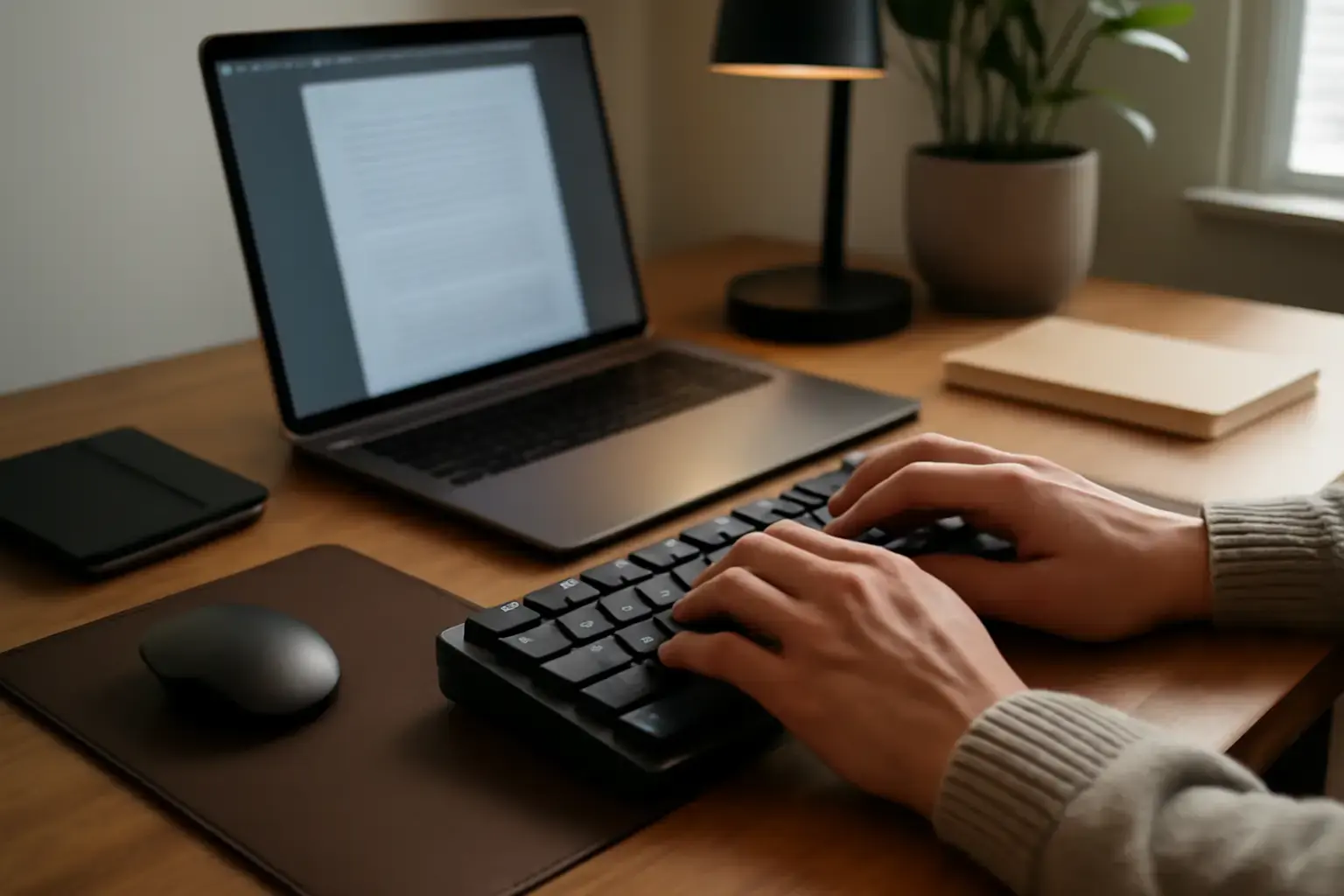
Understanding Finger Fatigue in Long Typing Sessions
Finger fatigue is a common complaint among writers who spend multiple hours daily typing drafts, novels, articles, or research papers. Mechanical keyboards can ease this problem, but not all mechanical keyboards are created equal for finger comfort. The primary cause of finger fatigue in typing is excessive force required to press keys repeatedly, combined with poor ergonomics and key layouts that don’t match natural finger movement.
For writers, the goal is to find a mechanical keyboard that balances low actuation force, tactile feedback, and ergonomic design to minimize finger strain over time. Awareness of these factors is essential before investing in a mechanical keyboard for writing.
Related reading: How to Choose Between Mechanical and Membrane Keyboards for Students Who Type Code and Essays Daily
Key Switch Types That Help Reduce Finger Fatigue
Mechanical keyboards vary significantly in switch characteristics, which directly influence finger comfort:
- Linear Switches: These require consistent, smooth pressure with no tactile bump or click. Popular examples are Cherry MX Red and Gateron Yellow. They tend to have low actuation force (around 45g), making them easier on fingers but can lead to unintentional keypresses without tactile feedback for some typists.
- Tactile Switches: These provide a slight bump at actuation point without a loud click, giving feedback on keypress. Cherry MX Brown or Kailh Box Brown are common. They usually require a bit more force (around 55g) but help prevent bottoming out, which can reduce fatigue by avoiding unnecessary key travel.
- Low-Force Tactile Switches: Some newer switches blend low actuation force with tactile feedback to optimize comfort for long typing sessions. Examples include the novel Cherry MX Silent Red or proprietary low-force switches found on premium keyboards. These switches are ideal for writers who want feedback but less finger strain.
Trade-off to consider: While linear switches feel smooth and light, the lack of feedback may cause typists to press harder than needed, increasing fatigue. Meanwhile, tactile switches provide feedback that can lead to lighter typing but may have a slightly higher force. Writers should test keyboards where possible to see which switch type suits their finger strength and typing style.
Ergonomic Keyboard Features to Look For in 2026
Beyond switches, the physical design and layout of mechanical keyboards impact finger comfort during long sessions:
See also: How to Choose a Keyboard That Supports Fast Coding Symbol Input Without Sacrificing Typing Comfort
- Keycap Profile and Shape: Sculpted keycaps (e.g., Cherry or OEM profile) that match finger curvature reduce reach and awkward finger angles. Flat keycaps or unusual profiles (like SA or DSA) may worsen fatigue if uncomfortable for your hand size.
- Keyboard Layout: Full-size keyboards with a number pad can increase arm reach and strain. Tenkeyless (TKL) or 75% layouts reduce lateral reach, improving posture and finger comfort. For writers, compact layouts often mean less hand movement and more comfort.
- Split or Ergonomic Layouts: Keyboards that split the keys into two halves with adjustable angles or tenting allow a more natural wrist and finger position, greatly reducing fatigue and discomfort during long typing sessions. Popular models in 2026 include the Ergodox EZ and the recently updated Kinesis Advantage2.
- Adjustable Tilt and Feet: Being able to adjust the keyboard’s angle or height helps find a natural wrist/finger position. Some keyboards also come with negative tilt options that can further reduce finger strain.
What Most Writers Get Wrong When Choosing a Mechanical Keyboard
A common mistake is buying a keyboard based purely on brand popularity or aesthetics without trying the switch types or considering the layout. Writers often overlook:
- Ignoring Key Travel and Feedback: High travel distance or stiff switches can exhaust fingers. Conversely, too light switches without feedback cause excess keystrokes and finger strain.
- Choosing Noisy Clicky Switches: While clicky switches (like Cherry MX Blue) can be satisfying, the loud noise often discourages long sessions or shared workspace use.
- Neglecting Compact Layouts: Full-sized keyboards may seem standard, but for finger comfort, smaller layouts reduce finger and hand movement, lowering fatigue.
- Skipping Ergonomic Adjustments: Fixed-angle keyboards can cause awkward finger postures. Adjustable feet or split designs are often ignored but are crucial for serious writers.
Recommended Mechanical Keyboards for Writers in 2026
Based on switch comfort, ergonomics, and writing workflow, here are some top mechanical keyboards that writers struggling with finger fatigue should consider:
- Keychron Q1 Pro (Tactile Low-Force Switches): Compact 75% layout with hot-swappable low-force tactile switches. Aluminum build with adjustable feet and sound dampening, making it quiet and comfortable.
- Varmilo VA87M with Cherry MX Silent Red: Tenkeyless size, known for excellent build quality and smooth linear switches with low actuation force and noise dampening, ideal for long sessions.
- Kinesis Advantage3 (Split Ergonomic): A premium split ergonomic keyboard offering tenting and concave key wells to reduce finger fatigue dramatically. Great for writers willing to invest in ergonomics.
- Logitech G915 TKL (Low-Profile GL Switches): Wireless, slim profile with low-force tactile switches. Good for writers wanting portability and premium typing comfort without bulky keycaps.
Each of these covers different trade-offs between layout size, switch feel, noise, and ergonomics, so your choice should depend on your specific fatigue triggers and workspace.
You may also like: Best Budget Ergonomic Keyboards for Students Battling Finger Fatigue in Long Typing Sessions
Practical Buying Checklist: Choosing Your Mechanical Keyboard to Reduce Finger Fatigue
- Test Switch Types: If possible, visit a store or order switch testers to find the actuation force and feedback that feels natural.
- Consider Layout: Opt for TKL or compact designs to reduce finger travel.
- Check Ergonomic Features: Choose keyboards with adjustable tilt, tenting, or split layouts for better finger and wrist posture.
- Evaluate Noise Level: Select silent or quiet switches if you share space or prefer distraction-free typing.
- Look for Build Quality: Stable keyboards with quality stabilizers reduce wobble and finger strain.
- Plan Your Budget: Good mechanical keyboards for writers start around $120 and go up depending on features; prioritize comfort over flashy extras.
For further insights on compact layout options and wireless mechanical keyboards suited for extensive typing, see our detailed guides on choosing compact mechanical keyboards and wireless mechanical keyboards for remote developers.
Conclusion: Prioritize Comfort and Typing Efficiency Over Extras
Writers struggling with finger fatigue in long typing sessions shouldn’t settle for generic mechanical keyboards. The best choice in 2026 hinges on finding the right switch type with low actuation force and tactile feedback, an ergonomic keyboard layout that minimizes finger movement, and features that support healthy typing posture.
Invest time in testing switches and layouts. Avoid noisy clicky switches and full-size keyboards that increase reach. Ergonomic split or tenting designs are excellent if you want to prioritize comfort and endurance. Remember, a mechanical keyboard is an investment in your writing craft and physical health — spend accordingly for the best typing experience and reduced fatigue.