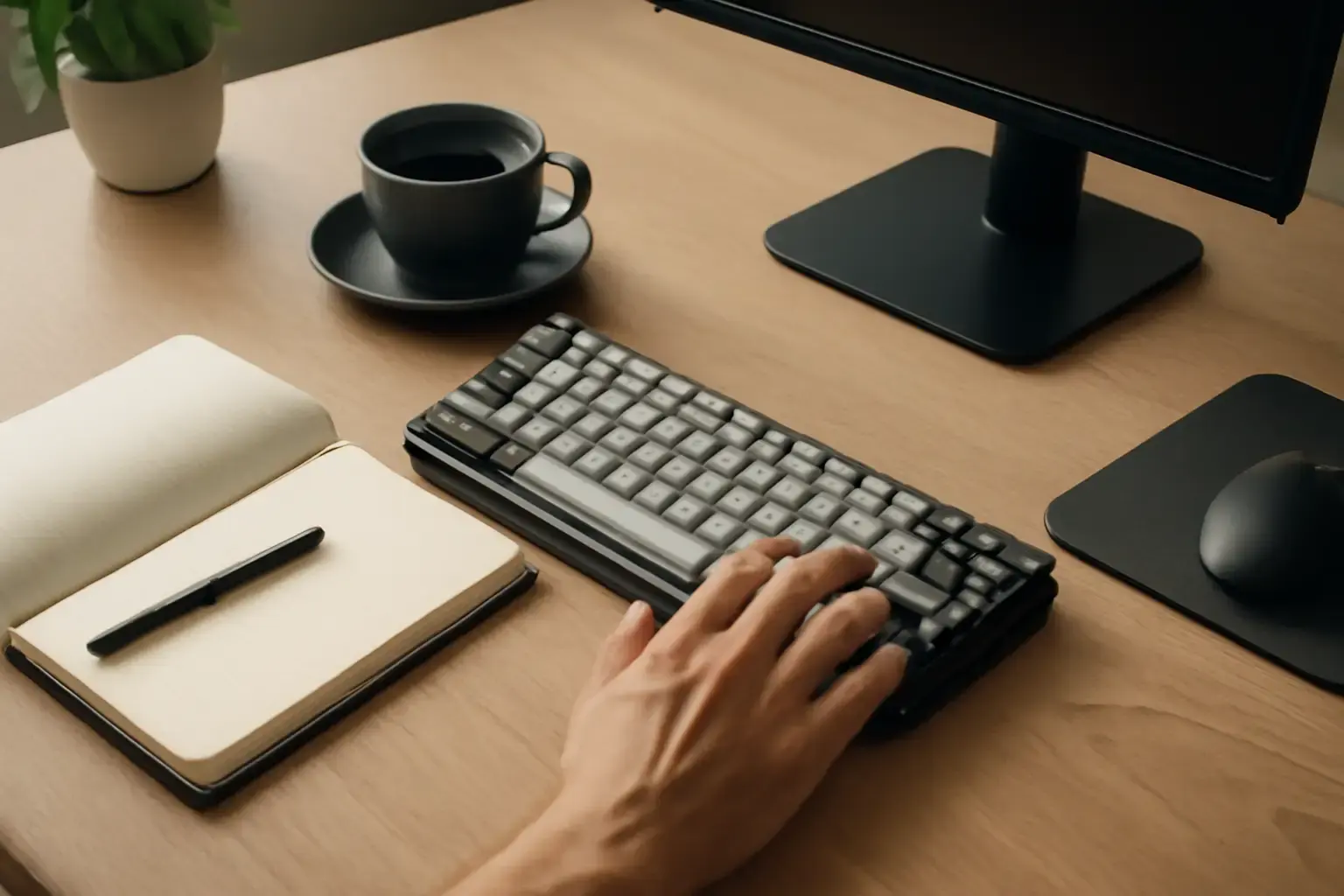
Writers with limited desk space often struggle to find a keyboard that balances compactness with long-term typing comfort. Compact mechanical keyboards promise tactile feedback and durability but vary widely in layout, switch type, and features. Choosing the right model involves more than just picking the smallest keyboard available—it requires understanding your writing habits, desk constraints, and typing preferences.
Why Writers Should Consider Compact Mechanical Keyboards
Compact mechanical keyboards combine the tactile feedback and durability of mechanical switches with a smaller footprint that frees up desk space for notebooks, tablets, or other writing tools. Unlike typical full-size or tenkeyless (TKL) keyboards, compact variants condense or eliminate keys such as the numeric keypad, function row, or navigation cluster to save inches.
For writers, this means:
- More room for reference materials: Small desks can quickly feel cluttered. A compact keyboard can create a cleaner, more focused workspace.
- Better ergonomics: A narrower keyboard reduces shoulder and arm reach, allowing you to type with elbows closer to the body and reduce strain.
- Durability and typing comfort: Mechanical switches provide satisfying feedback and tend to be more reliable over long-term use compared to membrane keyboards.
However, not all compact mechanical keyboards are created equal. Let’s explore the key decision factors.
Key Factors When Choosing a Compact Mechanical Keyboard for Writing
Choosing a compact mechanical keyboard that fits your writing style and space constraints requires evaluating several dimensions.
Related reading: Best Wireless Mechanical Keyboards for Remote Developers in 2026: Low Latency Meets Typing Comfort
1. Keyboard Size and Layout
Compact mechanical keyboards come in various sizes, commonly:
- 60% keyboards: They omit the function row, navigation keys, and numpad. They focus purely on letter keys and modifiers, requiring function layer combos to access missing keys. Ideal for extreme desk space savings but require relearning some key combos.
- 65% keyboards: Retain arrow keys and a few navigation keys but still no function row or numpad. A good middle ground for writers who want some dedicated navigation keys for quick editing without sacrificing size.
- 75% keyboards: Include a function row and navigation cluster in a compact layout, often in a single block. These are more spacious but still much smaller than TKL keyboards.
For writers with truly limited desk space, 60% or 65% layouts are often best. Writers who rely heavily on arrow keys and shortcuts will appreciate the 65% or 75% styles for easier navigation without complex key layers.
2. Mechanical Switch Type
Switch type dramatically affects typing comfort and speed. Writers usually benefit from:
- Tactile switches (e.g., Cherry MX Browns, Gateron Browns): Provide a bump without loud click noise, ideal for sustained typing with less finger fatigue.
- Linear switches (e.g., Cherry MX Reds, Gateron Reds): Smooth keystrokes without tactile feedback; preferred by some for fast typing but can feel less precise.
- Clicky switches (e.g., Cherry MX Blues): Offer audible and tactile feedback, but noise can be distracting in shared spaces or long sessions.
Writers working in quiet environments or shared offices should lean toward tactile or silent switches to prevent fatigue and disturbance.
3. Keycap Quality and Profile
Keycap material and shape impact typing comfort over hours:
- PBT keycaps: Durable, resistant to shine, and provide a satisfying texture.
- ABS keycaps: Usually cheaper but prone to shine and wear.
- Keycap profile: Sculpted profiles (e.g., OEM or Cherry) help fingers find rows quickly, aiding typing accuracy.
For writers, PBT keycaps in a sculpted profile are often the sweet spot.
See also: How to Choose Between Mechanical and Membrane Keyboards for Students Who Type Code and Essays Daily
4. Connectivity and Compatibility
Decide if you need wired or wireless. Wireless keyboards help reduce cable clutter on small desks but can introduce latency or battery charging needs. Modern Bluetooth mechanical keyboards have improved vastly in latency, suitable for typing-focused work.
Also confirm your keyboard supports your OS shortcuts. Mac users should seek Mac-layout compatibility or key remapping options.
5. Additional Features
Some compact keyboards offer:
- Backlighting (white or RGB) which helps typing in low light but can drain battery on wireless units.
- Programmable keys or layers for inserting common phrases or macros—especially useful for writers who reuse boilerplate text.
- Hot-swappable switches for later customization without soldering.
These features are nice-to-haves if they fit your budget and workflow.
Common Buying Mistakes and What Most Writers Get Wrong
Buying the smallest keyboard just for compactness: Some writers opt for tiny 40% or 50% keyboards thinking smaller is always better. This often backfires since missing keys force complex combos that slow down editing and interrupt flow.
Ignoring switch sound and feel: Loud clicky switches may annoy roommates or coworkers, while linear switches may fatigue fingers due to lack of feedback. Testing switches before buying is critical.
You may also like: Best Multilingual Mobile Keyboard Apps with Custom Shortcuts for Frequent Language Switchers in 2026
Overlooking keycap quality and profile: A cheap plastic keycap with weird shape can make typing uncomfortable after an hour, no matter how good the switches are.
Skipping compatibility checks: Some compact keyboards lack Windows or Mac keys or have fixed layouts, frustrating users who rely on shortcuts.
Recommended Compact Mechanical Keyboards for Writers with Limited Desk Space
Depending on your desk size and typing preferences, here are practical recommendations:
- Keychron K6 V2 (65% layout): Wireless Bluetooth and USB-C wired modes, hot-swappable switches, PBT keycaps, and Mac/Windows layouts. Perfect for writers who want arrow keys and reliable wireless connectivity on a tight desk.
- Varmilo VA68M (65% layout): High-quality build, excellent Cherry MX switches options, PBT keycaps. No wireless but top-notch typing experience for a compact footprint.
- Leopold FC660M (65% layout): Known for exceptional typing feel, solid build, and compact size. Lacks wireless but excellent for serious writers who prioritize comfort.
- Anne Pro 2 (60% layout): Popular wireless keyboard with RGB backlighting and programmable keys. Great for writers who need extreme minimalism and portability but willing to learn function layers.
- Keychron Q2 (75% layout): For writers who want a function row but still limited desk space. Hot-swappable, premium build, and wireless with Mac/Windows support.
For full write-ups and comparisons of compact keyboards, see The Best Compact Keyboards for Small Desks and Apartments and Best Keyboards for Writers, Editors, and Content Creators.
Conclusion: Balancing Size, Comfort, and Workflow
For writers crammed into small desks, choosing a compact mechanical keyboard isn’t just about saving space—it’s about preserving typing comfort for long sessions without compromising editing speed. A 65% keyboard often strikes the best balance: it keeps essential keys accessible while fitting a limited workspace. Prioritize tactile switches with PBT keycaps and consider wireless to reduce clutter. Avoid sacrificing too many keys to save a few inches, as this will slow your writing and editing workflow.
With the right compact mechanical keyboard, your cramped desk can become a sanctuary for focused, efficient writing.