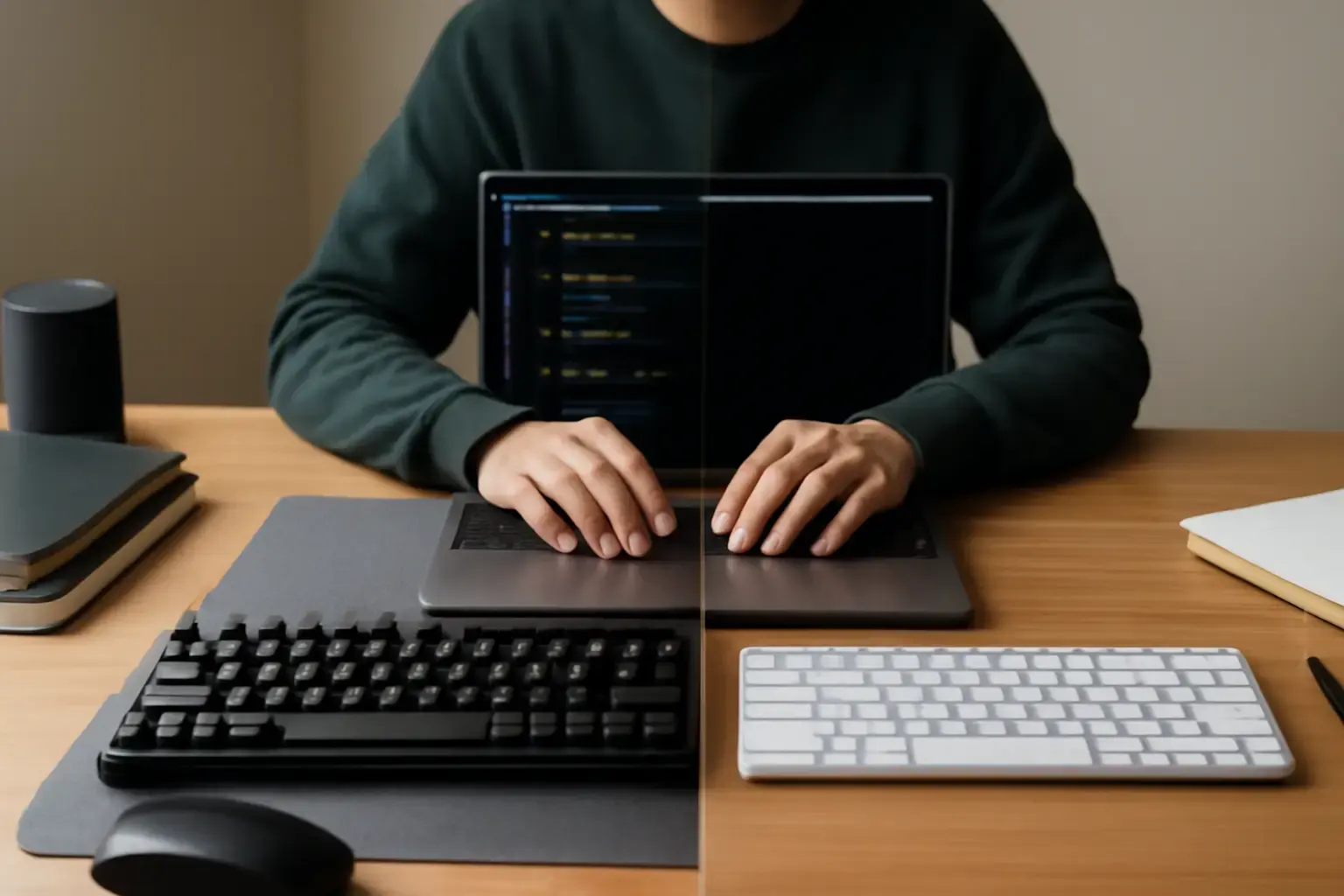
Mechanical vs Membrane: Why Keyboard Choice Matters for Students Typing Code and Essays
When students spend hours coding and writing essays daily, the keyboard becomes more than just a tool—it directly affects typing speed, accuracy, and comfort. Mechanical and membrane keyboards differ fundamentally in key switch design, affecting everything from tactile feedback to noise and durability. Picking the wrong keyboard can lead to fatigue, slower typing, or even errors in code and prose. This guide helps students decide which keyboard type suits their dual needs of coding and essay writing without compromise.
Understanding Mechanical Keyboards: The Pros and Cons for Student Use
Mechanical keyboards use individual mechanical switches beneath each keycap, giving a distinct tactile or clicky feel. For students who code, this means accurate key registration and satisfying feedback, which reduces unintentional mistypes—a common cause of syntax errors.
- Advantages: Mechanical keyboards excel in typing accuracy and speed once mastered. Their tactile bump or audible click helps confirm keypresses, beneficial during long coding sessions or essay composition. Switches vary from light linear types (like Cherry MX Reds) to tactile (Cherry MX Browns) and clicky (Cherry MX Blues), allowing customization to match typing style.
- Durability: Mechanical switches typically last 50 million keystrokes or more, ideal for daily heavy use without degradation.
- Comfort: For many, the consistent resistance and feedback reduce finger fatigue over hours, supporting prolonged writing tasks.
- Downsides: Mechanical keyboards tend to be louder, which might be disruptive in shared spaces like dorms or libraries. They often cost more and are bulkier, reducing portability. Some users find the key resistance tiring until accustomed.
Membrane Keyboards: What Students Gain and Lose
Membrane keyboards use a pressure pad system beneath a flat, flexible membrane. They’re common in budget laptops and affordable external keyboards.
- Advantages: Membrane keyboards are quieter and usually lighter and slimmer, making them easier to carry around. They tend to be cheaper and readily available.
- Comfort: The soft keypress and low travel can be less fatiguing for short typing bursts.
- Limitations: The key response is mushy and lacks tactile feedback, which can cause more typing errors especially in code where precision is critical. Also, key rollover is limited, meaning simultaneous keypresses might not register—a drawback in fast or complex typing scenarios.
- Durability: Membrane keyboards wear out faster; keys may get less responsive over time, which is frustrating for students relying on consistent performance.
Key Factors to Consider When Choosing Between Mechanical and Membrane Keyboards for Daily Coding and Essay Typing
Choosing the right keyboard depends on specific student needs and environments. Consider these critical factors:
Related reading: Best Keyboards for Mac and Windows Users Who Switch All Day ⌨️💻
- Typing Style and Speed Needs: If you type fast and rely on tactile feedback to minimize errors, mechanical keyboards generally outperform membrane types.
- Noise Sensitivity: Mechanical keyboards’ clicky switches can be loud. If you share space or prefer quiet typing, low-profile mechanical switches or membrane keyboards may be preferable.
- Portability and Price: Membrane keyboards are often lighter and less expensive, good for students carrying keyboards between classes or on a tight budget.
- Long-Term Comfort and Health: Mechanical switches encourage proper typing force and can reduce fatigue over long sessions, important for students writing essays or debugging code for hours.
- Durability and Build Quality: Mechanical keyboards last longer and maintain performance under heavy daily use, often justifying the higher upfront cost.
Recommended Mechanical and Membrane Keyboards for Students in 2026
To make this decision easier, here are a few keyboards that exemplify the best in each category for students who code and write essays daily:
- Mechanical: Keyboards like the Keychron K6 or Logitech G Pro Mechanical offer versatile switches (tactile or linear), compact form factors, and sturdy builds at student-friendly prices.
- Membrane: If budget or noise is a concern, consider the Logitech K380 or Microsoft Ergonomic Desktop membrane keyboards, which balance quiet typing with decent comfort.
For students uncertain about jumping straight into mechanical keyboards, hybrid options like low-profile mechanical or scissor-switch keyboards can offer middle-ground comfort and feedback, worth exploring in stores if possible.
Common Mistakes Students Make When Choosing Their First Keyboard
Many students buy keyboards based on price or aesthetic alone, ignoring typing feel and long-term comfort. Others overlook the importance of trying different switch types to find what suits their typing style best. Buying a loud mechanical keyboard without considering noise impact on roommates or library mates often backfires. Conversely, settling for a cheap membrane keyboard might mean frequent replacement and slower typing improvement.
Practical advice: test keyboards in person if you can, or purchase from retailers with good return policies. Also, consider your primary typing tasks—coding benefits most from tactile feedback, while essay writing might prioritize comfort and quiet.
See also: How to Choose a Keyboard for Long-Form Writing and Newsletters ⌨️💡
For more about portable keyboard options for students, see this guide on portable keyboards for students. To compare top keyboards for writers and developers, check our best keyboards for writers and editors.
Final Recommendation: Who Should Choose Which Keyboard?
Students who prioritize typing speed, accuracy, and long-term comfort—especially those coding daily—will benefit most from mechanical keyboards despite the higher cost and noise. The tactile response and durability improve performance and reduce fatigue during extended sessions.
Alternatively, students primarily focused on quiet, portable, and affordable setups for essay writing or light coding will find membrane keyboards adequate, acknowledging some trade-offs in precision and longevity.
Ultimately, considering your typing environment, budget, and task mix will steer you toward the right keyboard choice that supports both your coding and essay-writing efficiently and comfortably every day.