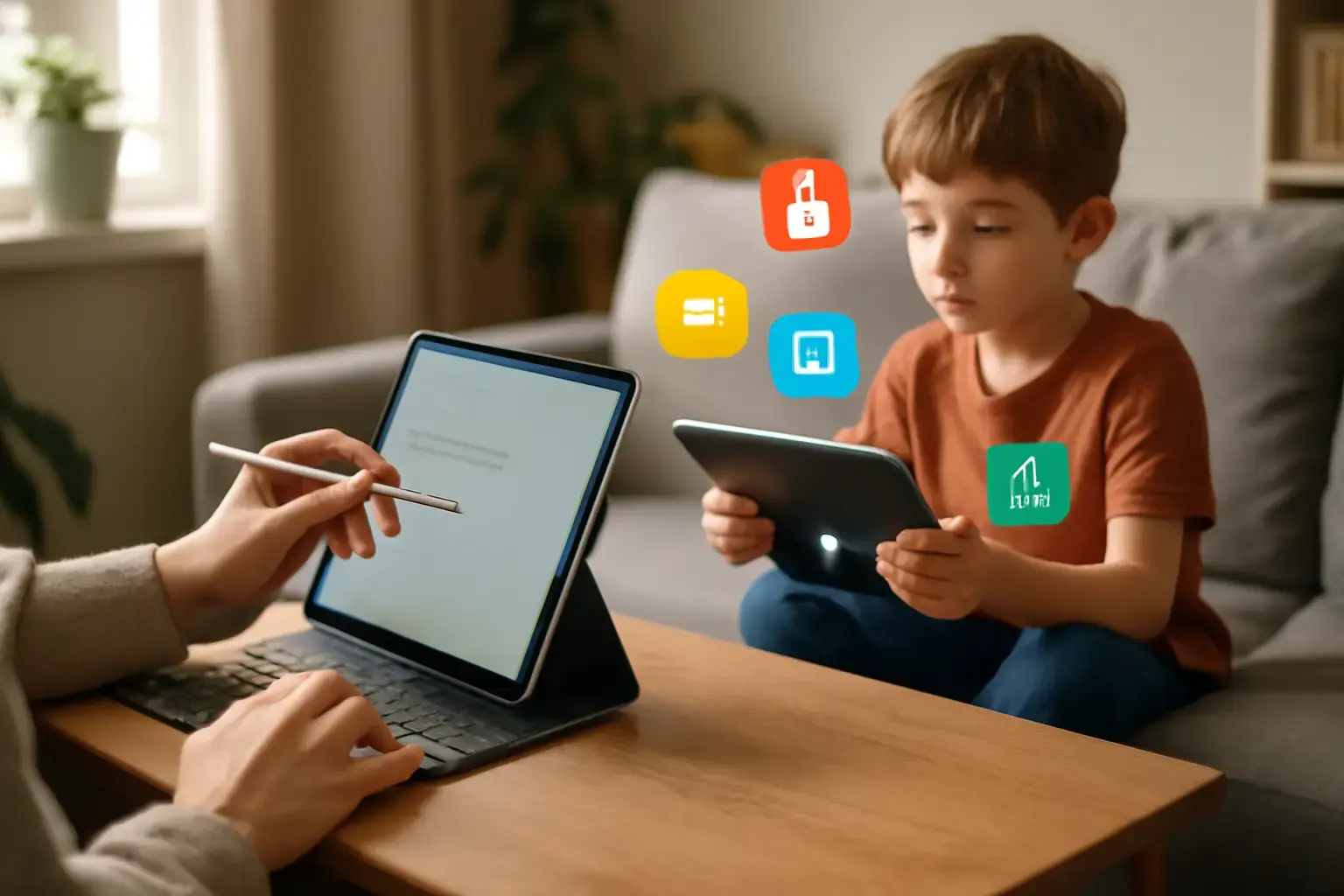
Why Budget Tablets for Kids Need More Than Just Low Price
If you're buying a tablet for your child in 2026, choosing the cheapest option can quickly lead to slow performance, limited app access, and weak parental controls that create more problems than solutions.
When shopping for a tablet for kids in 2026, going for the cheapest option often leads to frustration for parents and children alike. Many budget tablets skimp on software updates, have weak parental controls, or lack access to quality educational apps. To make a smart purchase, you need to prioritize devices that combine current-generation hardware (2025–2026) with robust parental control ecosystems and vibrant app stores tailored for learning. This protects your investment and ensures the tablet grows with your child.
Budget tablets for kids must excel in three critical areas: parental control features, educational app support, and durability combined with acceptable performance. Focusing on price alone risks ending up with a device that your child outgrows quickly or that leaves you constantly managing safety settings through third-party workarounds.
Related reading: Best Budget Tablets Under $300 for Students and Casual Use in 2026: What Actually Works
Quick Recommendation: Best Tablet Types for Kids in 2026
For younger kids (under 10), Amazon Fire Kids tablets remain the easiest option thanks to built-in parental controls and curated content.
For families wanting more flexibility and access to educational apps, modern Android tablets like the Samsung Galaxy Tab A9 series offer a better balance.
For long-term performance, updates, and the best app experience, the latest iPad models remain the strongest overall investment.
Top Parental Control Systems in Current Tablets
Parental control is not just about limiting screen time. It includes content filtering, app usage monitoring, purchase approvals, and more. In 2026, leading budget tablets split primarily between Amazon’s Fire OS, Google’s Android ecosystem, and Apple’s iPadOS. Here’s how their controls compare in real-world use:
- Amazon Fire Tablets: Fire OS offers Amazon Kids+, a mature parental control hub with detailed time limits, educational goals, and age-based content filters. The interface is kid-friendly and easy to manage. However, it limits access to the full Google Play Store.
- Android Tablets (Samsung Galaxy Tab A9 / A9+ Kids setups): Android’s Family Link provides strong control over screen time, app approvals, and usage tracking. Combined with Google Play, it gives access to a wide range of educational apps, though performance depends on the hardware quality.
- Apple iPads (11th Gen 2025 models): iPadOS offers the most advanced parental controls through Screen Time, with detailed restrictions and long-term software support. The Apple App Store provides the best quality educational apps.
Educational App Ecosystems and Compatibility
Even strong hardware becomes useless if the right educational apps are missing or perform poorly. Platform choice directly affects what your child can learn and access.
See also: Best Tablets for Artists and Designers in 2026: Pressure Sensitivity and App Support Compared
- Amazon Kids+: Includes curated content such as games, books, and videos for younger children. However, the ecosystem is more limited compared to Android and iPad.
- Google Play Store: Android tablets support a wide range of educational apps including Khan Academy Kids, Duolingo ABC, and STEM-focused tools. Performance depends on having a capable processor and display.
- Apple App Store: Offers the most optimized and highest-quality educational apps. Many apps perform better on iPads due to stronger hardware and better developer support.
Performance and Durability Trade-Offs in Budget Tablets
Kids are not gentle with devices, so durability and long-term usability matter just as much as performance.
- Build Quality: Amazon Fire Kids Pro tablets include protective cases by default. Samsung tablets often require buying a separate case, but offer better overall hardware. Cheap generic tablets lack durability and often fail early.
- Display and Battery Life: Bright, high-resolution displays improve learning and engagement. Better Android tablets and iPads offer noticeably sharper visuals. Aim for at least 8–10 hours of real-world battery life.
- Processor and Storage: Choose tablets with at least 32GB storage and a modern multi-core processor. Avoid older low-end chips that cause lag in educational apps.
Common Mistakes When Buying Budget Tablets for Kids
- Ignoring Software Ecosystem: Some buyers pick cheap tablets without checking app compatibility or parental control quality.
- Overemphasis on Price Alone: The cheapest tablets often deliver poor performance and short lifespan.
- Neglecting Future Proofing: Older models may stop receiving updates, limiting app compatibility over time.
- Skipping Protective Cases: Even durable tablets benefit from extra protection in daily use.
Practical Recommendations for 2026 Budget Tablets for Kids
- Amazon Fire HD 10 Kids Pro (Latest Gen 2025): Best for younger kids with strong parental controls, durable design, and good value.
- Samsung Galaxy Tab A9 / A9+: Best Android option with access to Google Play and better long-term flexibility.
- Apple iPad (11th Gen 2025): Best overall experience with top-tier app ecosystem and long software support.
For a family balancing budget with customization and app flexibility, modern Android or Fire OS tablets often provide the best immediate value. If long-term performance and app quality are priorities, investing in an iPad is the better decision.
You may also like: Best Tablets for Travelers in 2026: How to Choose Lightweight Devices with Long Battery Life and Offline Power
Choosing the right tablet also depends on your child’s age, interests, and how much control you want over their digital environment. For broader comparisons, check out our Best Tablets Under $400 for Students Balancing School and Entertainment in 2026 guide.
For reading-focused kids, our E-Reader Tablet Guide provides more tailored recommendations.
Understanding these trade-offs upfront saves money and frustration. The best budget tablet for kids in 2026 isn’t the cheapest — it’s the one that delivers the right mix of parental controls, app support, performance, and durability for real daily use.
FAQ: Budget Tablets for Kids in 2026
What is the best budget tablet for kids?
Amazon Fire Kids tablets are best for younger children, while Android tablets and iPads are better for older kids needing flexibility.
Are cheap tablets worth it for kids?
Very cheap tablets often lead to poor performance and limited app support, making them a weak long-term investment.
Do kids need parental controls?
Yes, parental controls are essential to manage screen time, content access, and safety.
How much should I spend on a kids tablet?
Most families should expect to spend between $150 and $400 depending on features and long-term needs.