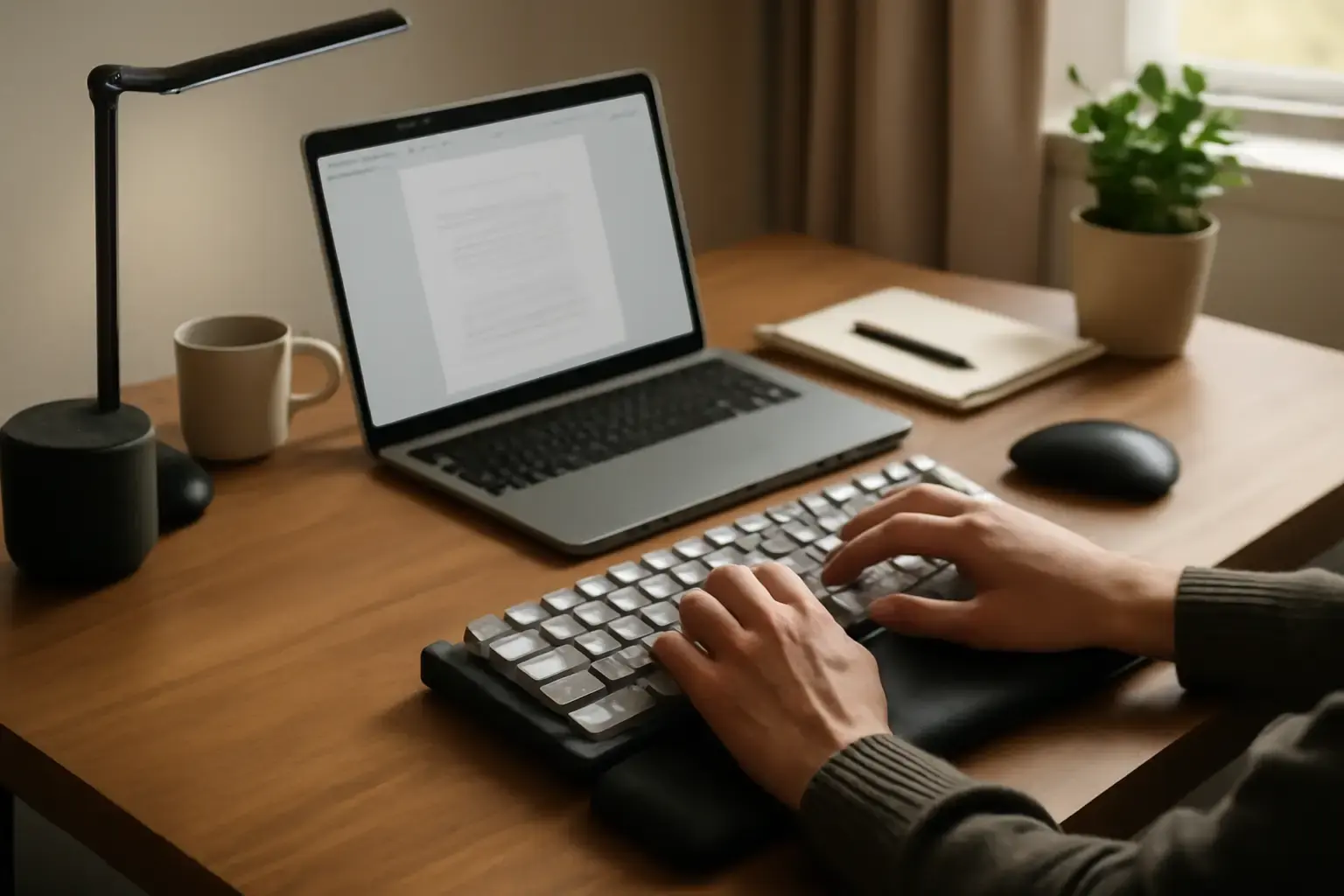
Writers working in small home offices often struggle with cramped desk space and wrist fatigue after long typing sessions. Choosing the right compact mechanical keyboard can transform your writing experience, enhancing comfort and reducing pain. But not all compact mechanical keyboards are created equal when it comes to wrist health and typing ergonomics. This article clarifies how to pick a compact mechanical keyboard that genuinely lowers wrist strain while fitting neatly on your desk.
Why Compact Mechanical Keyboards Matter for Writers in Small Spaces
Traditional full-size keyboards can be bulky and cause awkward arm positioning, increasing wrist stress. Writers who spend hours typing need a keyboard setup that supports neutral wrist posture and keeps hands relaxed. Compact mechanical keyboards—usually 60% to 75% layouts—remove unnecessary keys like the numeric keypad and navigation clusters, saving precious desk area. But smaller size alone doesn't guarantee comfort. The best compact models incorporate thoughtful ergonomic features that prevent wrist fatigue.
For small home offices, a compact mechanical keyboard that reduces wrist strain is essential because:
- Desk space is limited: Compact keyboards free up room for wrist rests, notebooks, or other writing tools.
- Typing posture improves: Smaller keyboards allow you to position your mouse closer and keep elbows tucked, reducing shoulder and wrist tension.
- Long typing sessions require comfort: Writers need tactile feedback and low fatigue to maintain productivity without pain.
Finding a balance between mechanical keyboard features and ergonomic design is the key challenge.
Key Ergonomic Features to Look for in Compact Mechanical Keyboards
When narrowing down compact mechanical keyboards for wrist comfort, focus on these critical design elements:
Related reading: Best Budget Ergonomic Keyboards for Students Battling Finger Fatigue in Long Typing Sessions
- Keyboard layout and size: Choose 65% or 75% layouts if you need arrow keys and some navigation keys; 60% layouts save the most space but can reduce function key accessibility and require layers.
- Keyboard angle and tenting: A flat keyboard can increase wrist stress. Look for models with adjustable feet or tenting options to customize the typing angle for a neutral wrist position.
- Keycap shape and profile: Sculpted keycaps with a comfortable profile (like OEM or Cherry) can reduce finger strain and promote natural finger movement.
- Switch type and actuation force: Low-to-moderate actuation force switches (like Cherry MX Brown, Gateron Clears, or Topre) minimize finger fatigue without sacrificing tactile feedback.
- Compact without sacrificing support: Some compact keyboards come bundled or pair well with separate ergonomic wrist rests designed to keep wrists level and cushioned.
- Programmability and layers: Efficient key remapping reduces reaching for awkward keys, which helps prevent wrist twists and extension.
This combination of hardware and software ergonomics is what truly reduces wrist fatigue during marathon typing sessions.
Switch Types That Help Reduce Wrist and Finger Fatigue
Switch selection matters far more than most writers realize. Mechanical switches vary in tactile feel, noise, and required finger force. Here’s what to consider for wrist and finger comfort:
- Light tactile switches: Switches like Cherry MX Browns, Zealios 65g, or Kailh Box Whites offer tactile feedback without heavy actuation force, balancing typing accuracy and reduced strain.
- Linear light switches: For users who prefer smooth keypresses, Cherry MX Red or Gateron Clear switches have low resistance, minimizing finger fatigue but may increase errors if you bottom out frequently.
- Topre and electrostatic capacitive switches: These combine smoothness with tactile feedback and cushioned bottoming, prized by writers for comfort despite higher price points.
- Low-profile mechanical switches: Generally require less finger travel, easing stress, but can feel less satisfying for some typists.
Most writers should avoid heavy switches like Cherry MX Clears or Greens unless you have strong fingers and need intentional keypresses (e.g., programmers or gamers). Heavier switches increase wrist and finger fatigue, especially during all-day typing.
Practical Tips to Maximize Wrist Comfort with a Compact Mechanical Keyboard
Besides picking the right keyboard, optimizing your typing setup is critical:
- Use a quality wrist rest: A cushioned wrist rest placed flush with the keyboard’s front edge supports neutral wrist alignment.
- Position keyboard correctly: Keep the keyboard at elbow height and directly in front of you to avoid twisting wrists.
- Utilize adjustable keyboard feet: Experiment with tilt angles to find a slope that keeps wrists straight instead of bent backward.
- Take regular breaks: Frequent microbreaks and wrist stretches help avoid cumulative strain.
- Remap keys for efficiency: Use software to reduce unnecessary hand movement and awkward finger stretches on compact layouts.
Small home offices often lack ergonomic furniture, making these keyboard-focused adjustments even more important.
Common Mistakes Writers Make When Choosing Compact Mechanical Keyboards
Many writers waste money or end up with more pain by overlooking key factors:
- Choosing 60% keyboards without considering workflow impact: If you frequently use arrow keys or function keys, a pure 60% layout might slow you down and cause awkward key combos that increase wrist strain.
- Ignoring switch feel and actuation force: Buying a compact keyboard with overly stiff switches or clicky switches can fatigue fingers and cause wrist pain faster.
- Skipping wrist rests on tight desks: Without wrist support, even the best keyboard won’t prevent strain when wrists hover in the air or press on hard surfaces.
- Overlooking keyboard angle adjustment: A fixed high tilt can force wrist extension, exacerbating discomfort.
- Buying solely for aesthetics or brand: Popular compact keyboards might lack ergonomic considerations and lead to long-term discomfort.
Focus on ergonomics and real typing comfort over trendy designs or flashy RGB lighting. Your wrists will thank you.
Top Compact Mechanical Keyboards to Consider in 2026 for Writers
Here are some current-generation compact mechanical keyboards that balance ergonomics, typing feel, and size for small home offices:
- Keychron Q2 Pro 65%: Sturdy build, hot-swappable switches, adjustable feet, and compatibility with ergonomic wrist rests. Offers solid low-profile switch options.
- Leopold FC660M: Classic 65% layout with excellent keycaps and Cherry MX silent or tactile switches. Compact and quiet for writing.
- Varmilo VA68M: Reliable 65% layout with premium PBT keycaps, tactile switch options, and adjustable tilt feet.
- Logitech G Pro X Mechanical Keyboard: 75% layout with swappable switches and modest tilt. Good for writers needing arrow keys and function keys.
- Drop ALT Low-Profile 65%: Low-profile switches reduce finger travel, excellent build quality, and adjustable feet for wrist alignment.
Pair these with a separate ergonomic wrist rest such as the recommended options for wrist support to complete your setup.
For more budget-focused picks that still support wrist health, check out our budget ergonomic keyboard guide.
Conclusion: Prioritize Ergonomics Over Size Alone to Protect Your Wrists
Compact mechanical keyboards promise smaller footprints but not all are wrist-friendly for writers. Focus on layouts that balance key accessibility, customizable tilt, and switch type to reduce wrist and finger fatigue. Integrate wrist rests and maintain good typing posture to maximize comfort in small home offices. Avoid common pitfalls like picking the smallest layout without considering ergonomics or choosing heavy switches. When done right, a compact mechanical keyboard can be your best typing companion for long writing days without wrist pain.
To explore more ergonomic keyboard options tailored to your budget and specific needs, visit our detailed ergonomic keyboard guides for 2026.